Overseas Multi-Language H5 Demo Platform Setup: 8 Languages + PayPal Integration Notes
Overseas Multi-Language H5 Demo Platform Setup: 8 Languages + PayPal Integration Notes
Disclaimer: This article is for technical education and demonstration only. It is not professional or financial advice. Any real-world deployment must comply with applicable laws and regulations.
I recently helped a friend who runs an overseas casual platform deploy an H5 multi-language demo system — the kind that supports 8 languages and comes with a full admin backend. It took me a couple of days and I hit plenty of pitfalls along the way, so I’m writing down the whole process to save anyone else some time.

First, an Overview of the System
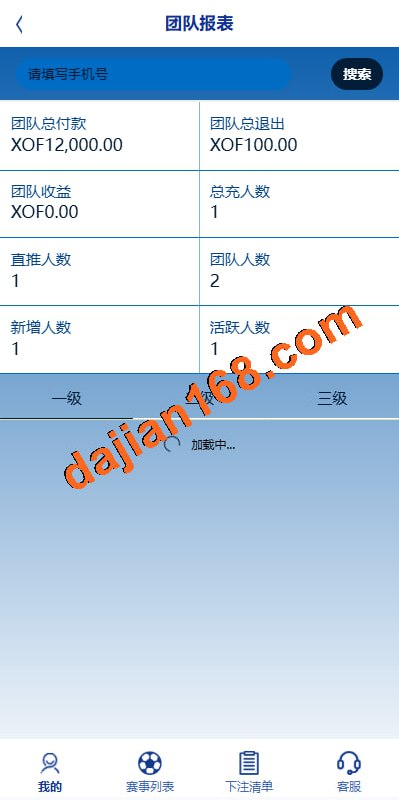
The source code is PHP + MySQL, with a responsive H5 front end — you open it directly in a mobile browser, no app install needed. The backend uses the usual admin entry point; the interface is plain, but all the expected features are there. The overall code structure isn’t messy, and secondary development difficulty is moderate — far friendlier than some encrypted codebases I’ve worked with before.
Core Features
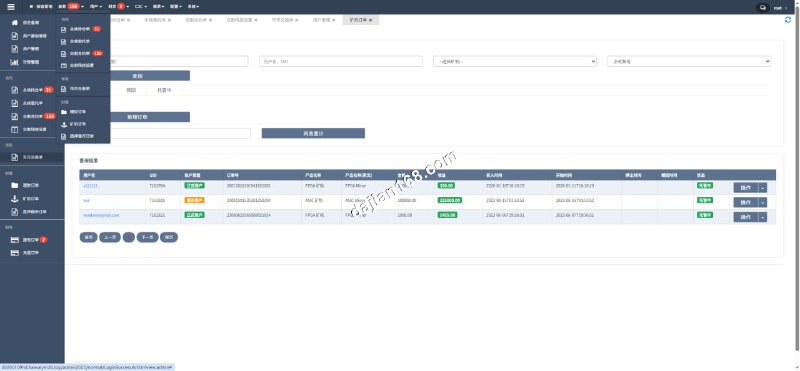
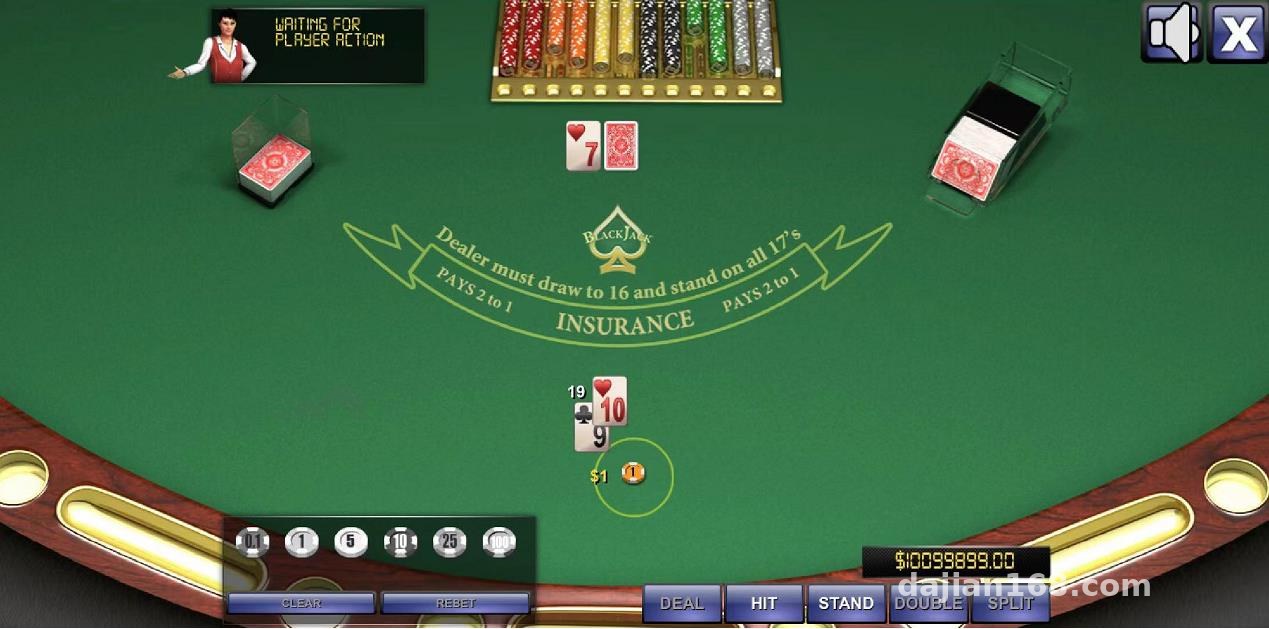
The backend controls quite a lot: reward ratio settings, a per-round maximum win cap, and minimum/maximum demo point ranges — all adjustable directly in the admin panel, taking effect immediately after saving. The risk-control module is fairly detailed, which suits operators running compliant demo scenarios who want to fine-tune it themselves.
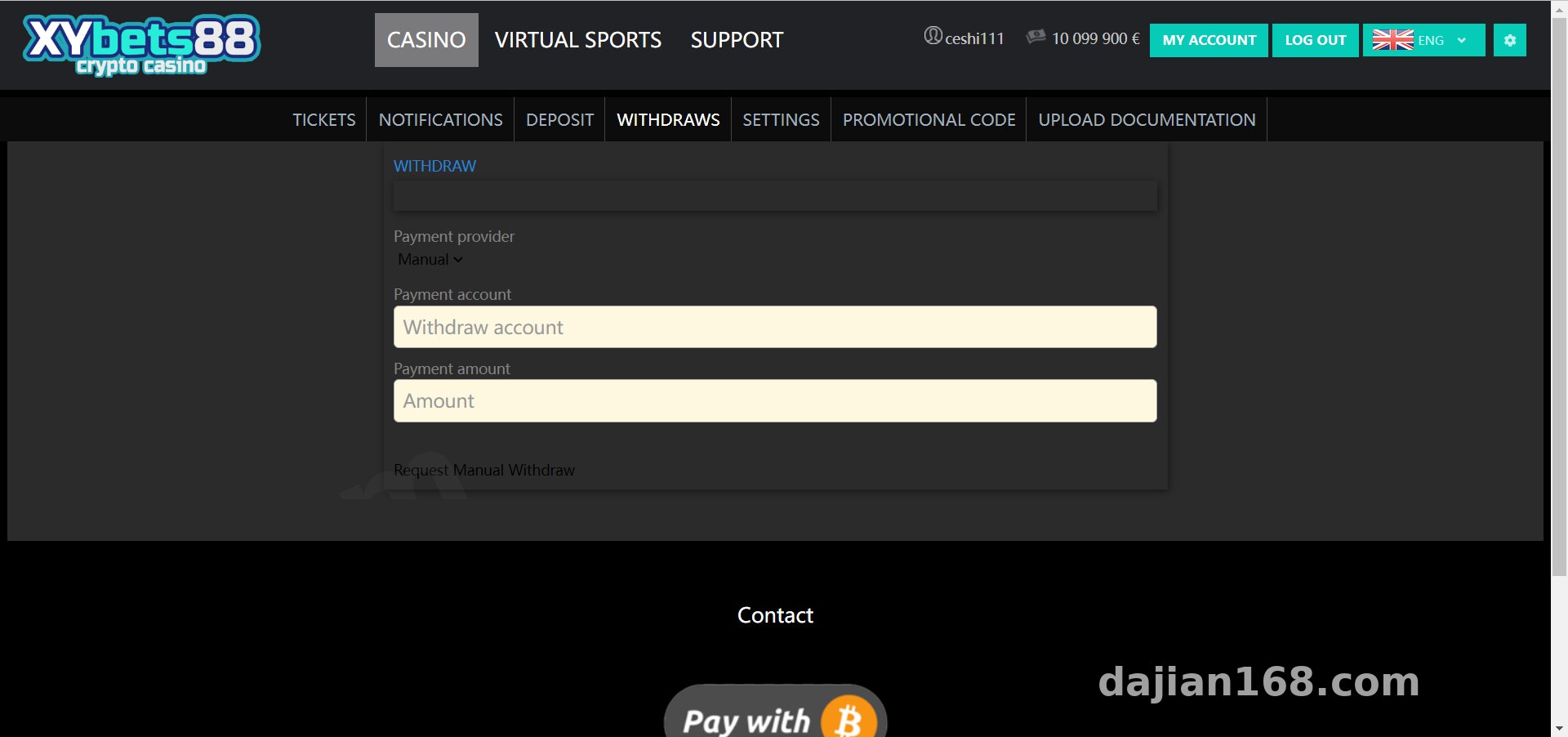
On the payment side, three options are supported: PayPal, manual top-up, and BTC. The PayPal interface is ready-made — just fill in the merchant ID and secret key and the sandbox test runs through. The BTC side uses block-confirmation callbacks; in my testing, funds arrived with a 10–20 minute delay, which is normal.
Deployment Essentials — Read This Part Carefully
Environment Requirements
PHP 7.4 is recommended — don’t go with 8.x, some legacy functions will throw errors. MySQL 5.6 or above; after installation, import the database first, then edit the config file. The rewrite rules must be configured, otherwise H5 page routing returns 404s — that one tripped me up for half an hour.
Pitfalls in Multi-Language Switching
The 8 language packs are standalone JSON files in the lang directory. English and Traditional Chinese are fine, but Thai and Vietnamese have missing glyphs in the default font, so the front end shows squares. The fix is to pull in Google Fonts’ Noto Sans family via CDN — a few lines of code and you’re done.
Payment Integration Notes
The PayPal callback URL must be identical in both the admin panel and the PayPal merchant dashboard, otherwise payments succeed but points never arrive. The manual top-up feature works well for the early stage — the backend manually reviews and adds points; simple logic, but practical.
Before going live, review every language pack carefully — especially the payment prompt copy in less common languages. Translation errors directly hurt overseas users’ trust.
Backend Feature Testing
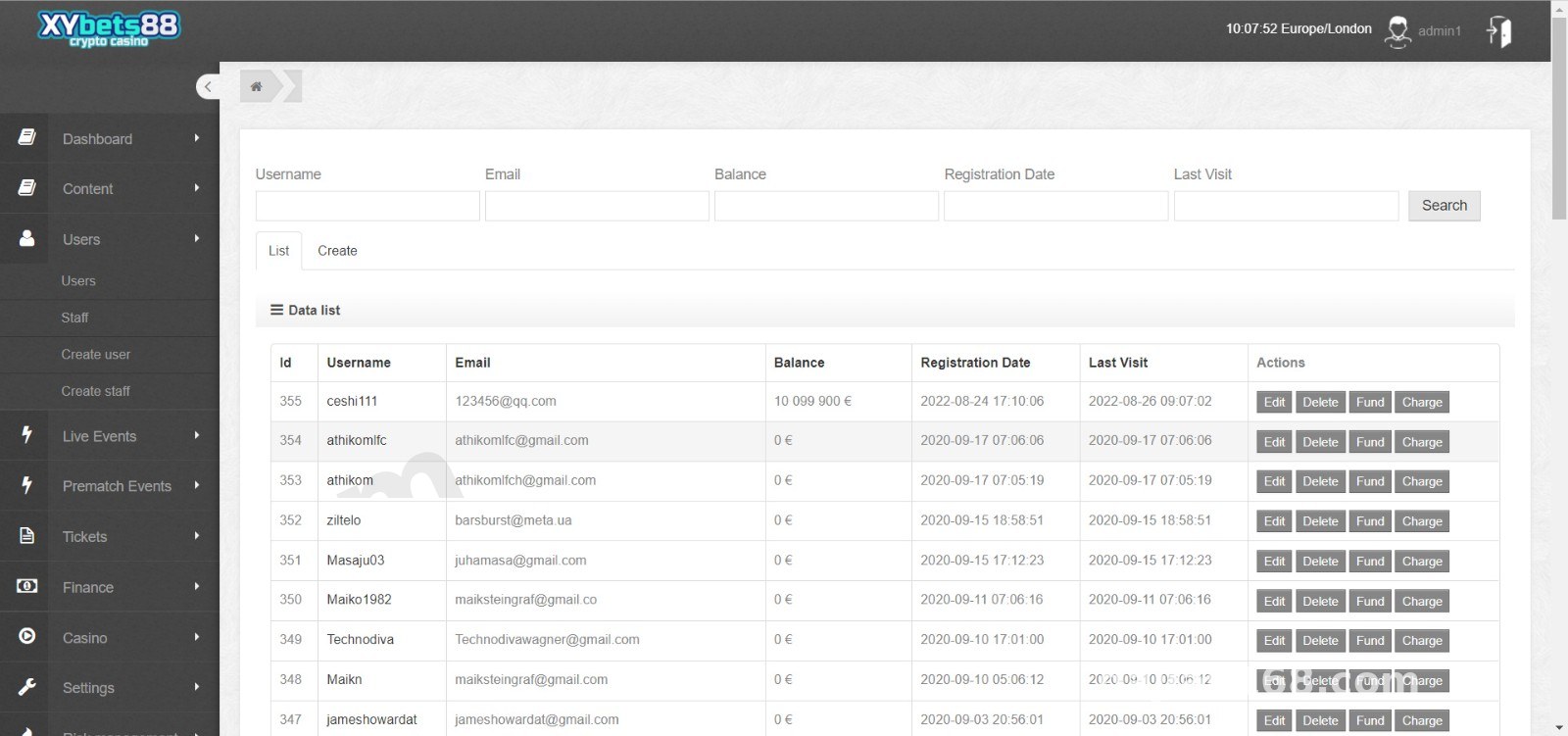
I tested the user management, point ledger, top-up records, and statistics modules one by one. The demo point upper/lower limits are very flexible and can be configured per game. Statistics include daily and monthly reports, with Excel export for easy reconciliation.
Admin permissions can be tiered: support accounts can only view user data, while operations accounts can modify reward parameters. That design works nicely for team collaboration.
Secondary Development Suggestions
If you want to add a new game module, start by reading the unified interface spec in the game directory. Each game is an independent controller — copy the template and modify the logic. The front end is a compiled Vue bundle, so to change the UI you can only edit the compiled files or rebuild the package, which isn’t very friendly. If budget allows, hire an experienced developer for that.
Who Is This For
Operations teams with an existing overseas user base, tech enthusiasts who want to build a multi-language casual demo platform, and outsourcing projects that need a complete admin system up fast. Complete beginners shouldn’t jump straight in — at least some basic PHP operations knowledge is needed.
FAQ
Q: What are the server requirements?
A: 2 cores and 4GB RAM to start, with 5Mbps+ bandwidth recommended. If most users are overseas, pick a Hong Kong or Singapore node — latency feels much better.
Q: Can I add a 9th language myself?
A: Yes. Copy an existing JSON file, translate the key-value pairs, and add one line of config to the language list in the backend — not difficult.
Q: What if BTC payments arrive slowly?
A: The default block confirmation count is 2; you can lower it to 1 in the config to speed things up, at the cost of some security — weigh it yourself. You can also push PayPal and manual top-up as the main options.
Q: Is the source code encrypted?
A: Some core files are encrypted, but the business logic layer is mostly plain text. Routine secondary development is no problem — enough for modifying payments and backend features.
One last note: this system makes a good practice project for learning multi-language architecture and payment integration workflows. When deploying and using it, be sure to comply with all applicable laws and regulations; any unlawful use is prohibited.
Disclaimer: This article is for technical education and demonstration only. It is not professional or financial advice. Any real-world deployment must comply with applicable laws and regulations.
#source code setup #H5 system #multi-language #payment integration #deployment notes
-
 Alipay QR Code Scan
-
 WeChat Scan Pay