Wanghu Secondary Development Board Game Simulation Demo Platform Setup: Server Deployment and Admin Panel Essentials
Wanghu Secondary Development Board Game Simulation Demo Platform Setup: Server Deployment and Admin Panel Essentials
Disclaimer: This article is for technical education and demonstration only. It is not professional or financial advice. Any real-world deployment must comply with applicable laws and regulations.
I recently helped a client working on a game demo project deploy a Wanghu secondary development board game simulation demo platform. It was advertised as a 1:1 replica, with probability simulation, card simulation demo, random number demo, and several other modules, plus an agent promotion system and admin panel. After more than two days of tinkering, I’ve written down every pitfall I hit to save some time for anyone who wants to build this themselves.
First, What’s Actually in This Package
Before anything else, take inventory of the components. This package is fairly complete in structure:
Server: the core logic program, runs on Windows, depends on a database; Clients: both Android and iOS — Android can be packaged directly as an APK, while iOS requires re-signing or enterprise certificate distribution; Frontend + Admin Panel: the user site and management site are deployed separately; Agent Promotion System: a multi-level agent structure for promotion data statistics and commission demos; Top-up Interface Program: a simulated top-up channel for demo purposes — real payment integration requires your own modifications; Database: the full table structure with complete initialization scripts.
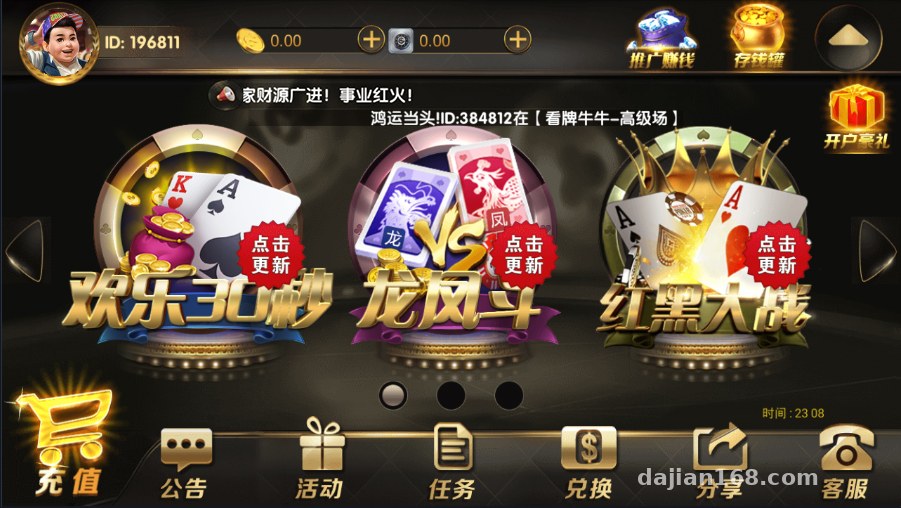
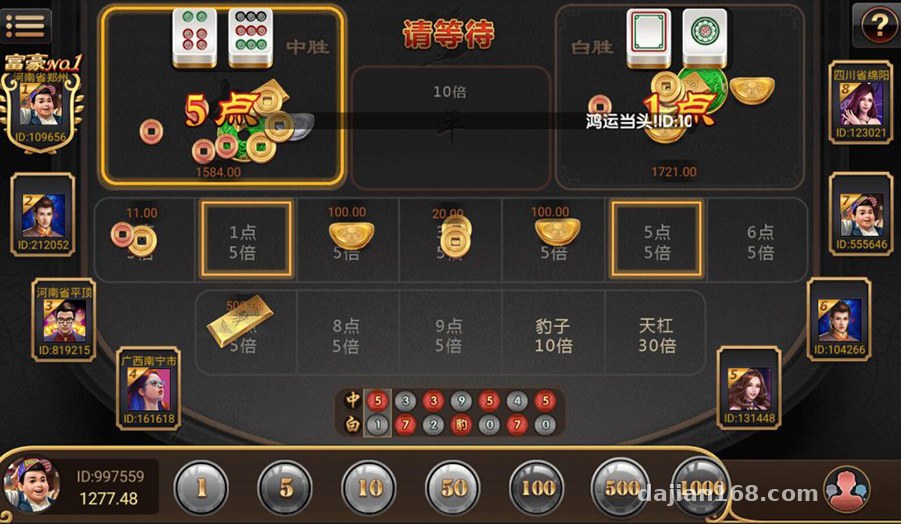
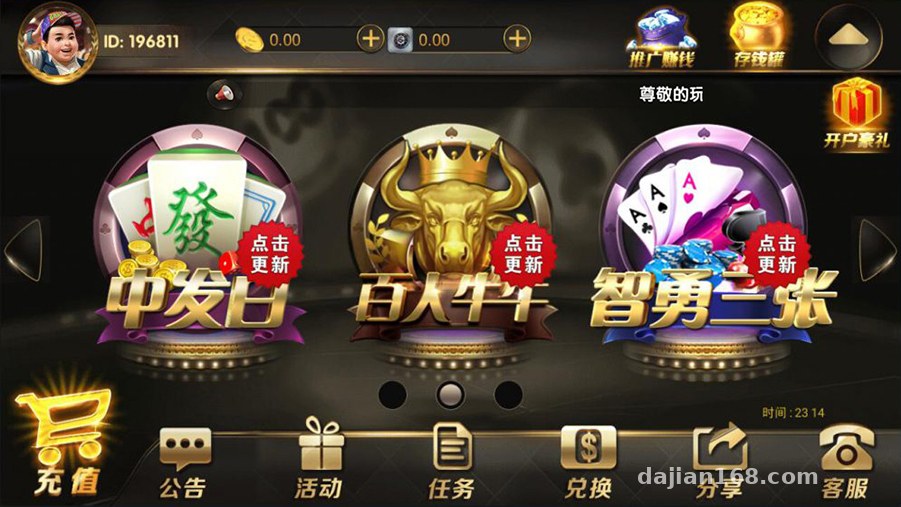
As for game modules, it ships with several probability simulation demos: baccarat probability demo, multi-player Niu Niu simulation, card simulation demo, red-black data demo, dragon-phoenix demo, Niu Niu simulation, and a three-card demo. In short, they’re all demo modules driven by random number algorithms, suitable for algorithm research or UI showcase purposes.
Deployment Essentials — Where Things Get Stuck Most Often
1. Server Environment
I recommend Windows Server 2012 R2 or above, with SQL Server 2008 R2 for the database. Don’t upgrade versions arbitrarily — the first time I tried 2016, the initialization script threw compatibility errors and I had to roll back to get it running. The database connection string and port in the server config file must match the admin panel settings, and after making changes, remember to restart the service process — hot edits don’t take effect.
2. Client Packaging
For Android, just change the package name and icon, then re-sign. Make sure the server address points to a public IP or domain. iOS is more troublesome — without a developer account, your only option is enterprise signing, with a 7-day or one-year validity depending on the certificate type. My client ultimately went with the super-signature approach, which costs a bit more but is more stable.
3. Admin Panel Logic
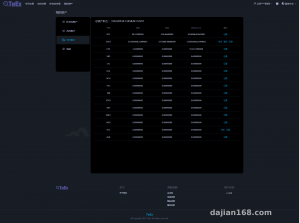
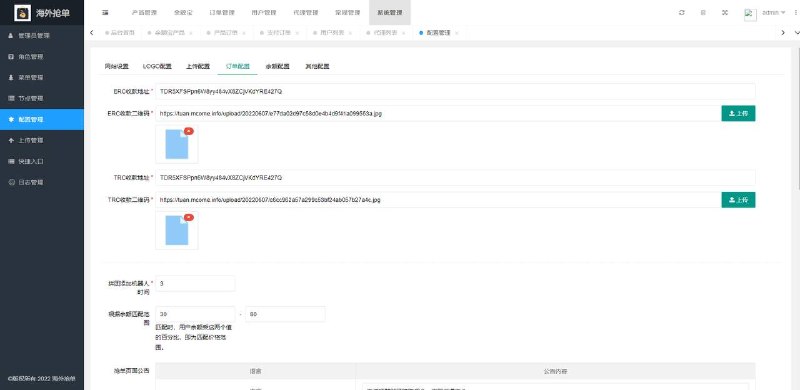
The admin panel is the core selling point of this program. You can configure parameters for each demo module, user data, agent tiers, and promotion statistics. My advice: change the default admin path and initial password. This source code circulates widely online, and leaving default credentials in place is like leaving the door wide open. Also, the admin panel has an operation log table — keep it when doing secondary development, it’s very useful for troubleshooting.
4. Top-up Interface
The interface bundled with the source code is a demo-grade simulated channel. If you want to integrate real payments, you’ll need to rewrite the signature and callback verification yourself, and always validate amounts and order numbers to prevent replay attacks. For demo environments, I suggest simply disabling the top-up entry point and keeping only the simulated data display.
Hands-On Testing Impressions
Once running, the server handled several hundred simulated connections without breaking a sweat on a 4-core, 8GB machine. The agent promotion system’s tiered statistics are fairly detailed — subordinate data, promotion links, and commission ratios can all be adjusted from the admin panel. The UI is the classic old-school Wanghu style; changing the skin means touching frontend resource files, which is a decent chunk of work.
On secondary development: the server logic ships as compiled modules, so modifying algorithms requires the corresponding project source code — doing it as a pure black box is painful. I recommend confirming upfront which parts come with full project source and which are finished binaries only. Ask about this clearly when negotiating the price.
Highlight tip: the most valuable part of this program is the complete agent promotion + admin panel system. The structure is clear and the table design is well-organized. Even if you don’t use it for game demos, extracting the agent distribution module and reworking it into an e-commerce promotion system works quite smoothly.
Who Is This For
First, developers doing probability algorithm demos or random number research — a ready-made framework saves the time of building a server from scratch. Second, technical folks who want to study the Wanghu-family architecture — the communication protocols and data structures in this codebase make an excellent learning sample. Third, teams building gamified marketing systems — the distribution logic in the agent promotion module can be reused directly. Complete beginners should stay away: without Windows server administration experience, the environment setup alone will be a struggle.

FAQ
Q: Without an Apple developer account, can the iOS app be published?
A: Passing the standard App Store review with this kind of demo app is basically a no-go. The common approach is enterprise signing or super-signature distribution — set up your own distribution page and keep an eye on certificate renewals.
Q: The server fails to start with a database connection error — what should I do?
A: Nine times out of ten it’s a wrong instance name in the connection string. SQL Server default instances and named instances are written differently. Also check port 1433 and your firewall rules.
Q: Can this program be used commercially in a legitimate way?
A: It can only be used for legitimate purposes such as technical learning and algorithm demos. Deployment and usage must comply with applicable laws and regulations, and any unlawful use is prohibited. Be sure to verify this yourself before going live.
Q: How hard is it to add multi-language support?
A: Most client-side text lives in resource files, so you can extract it into language packs. Server-side response messages are scattered across configuration tables — the bulk of the work is organizing the translations.
Overall, this source code is fairly polished and suits people with Windows server administration experience and some secondary development skills. If your budget and time are limited, get the server + admin panel running first, then gradually tune the clients and agent system. Feel free to share questions in the comments.
Disclaimer: This article is for technical education and demonstration only. It is not professional or financial advice. Any real-world deployment must comply with applicable laws and regulations.
#source code setup #Wanghu secondary development #board game simulation #agent promotion system #deployment notes
-
 Alipay QR Code Scan
-
 WeChat Scan Pay