H5 Board Game Simulation Platform Source Code Setup: Frontend Deployment and Admin Panel Testing Notes
H5 Board Game Simulation Platform Source Code Setup: Frontend Deployment and Admin Panel Testing Notes
Disclaimer: This article is for technical education and demonstration only. It is not professional or financial advice. Any real-world deployment must comply with applicable laws and regulations.
I recently helped a client deploy an H5 board game simulation platform with a Chaoshan-style theme and fully open-source code. It took me over two days, and I hit plenty of pitfalls along the way, so I’m putting together these deployment notes while it’s fresh to save some time for anyone planning to build their own. The entire codebase comes with no licensing restrictions and can be freely modified, which is a big deal for studio clients.
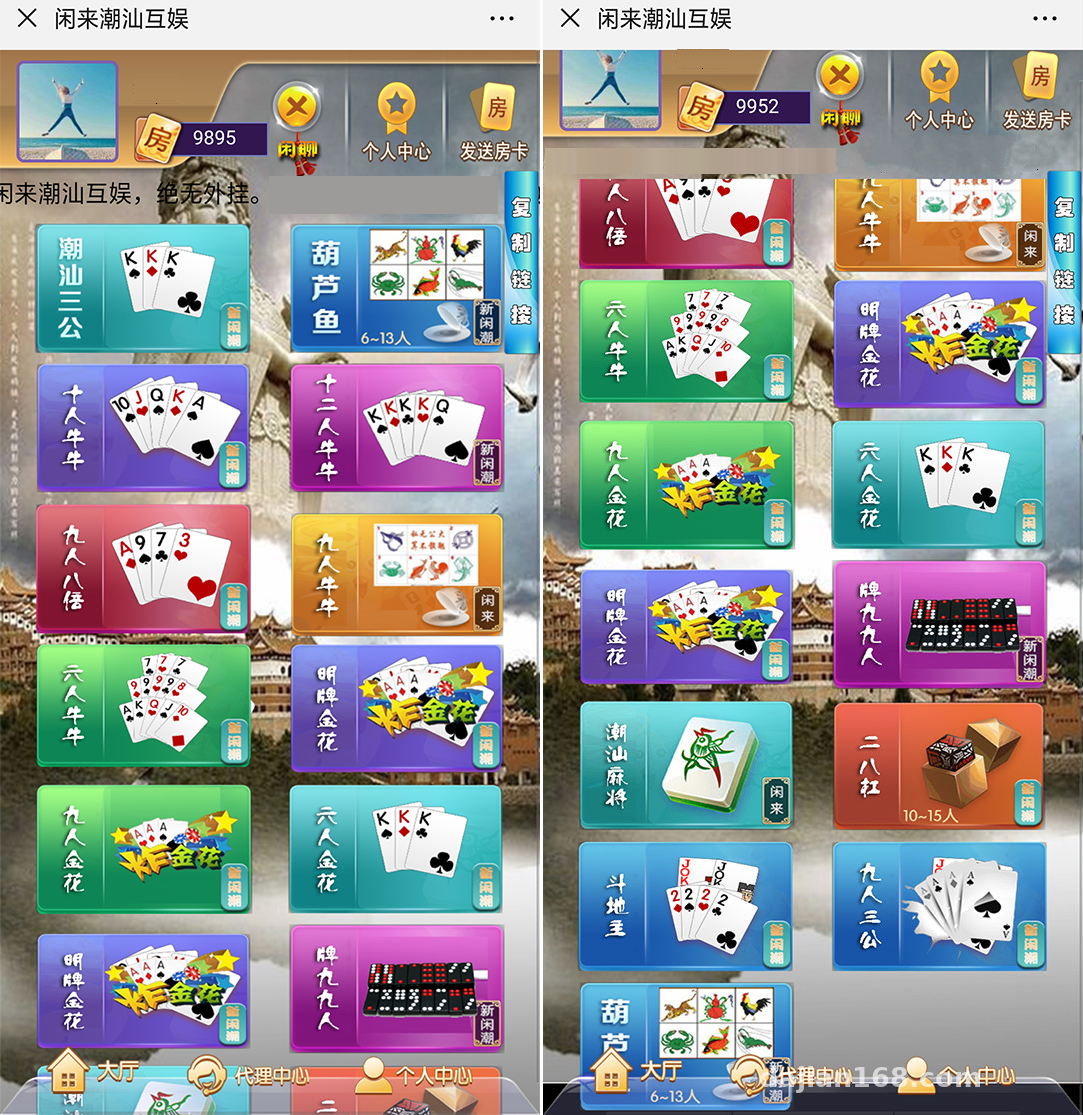
Feature Testing: What This Source Code Can Actually Do
Bottom line up front: the feature completeness exceeded my expectations. The frontend is standard H5 — it runs directly in a mobile browser with no app installation needed, and embedding it in WeChat works fine too. The backend is the classic PHP + MySQL combo; the version I received was built on the ThinkPHP framework, with a reasonably clean directory structure.
Game Core
The board game simulation uses random-number demo logic, with table-style gameplay running on a probability simulation engine. The source code includes a win-rate parameter configuration module, which the vendor describes as an operations-side numerical tuning tool. During my testing, I treated this module as a demo parameter panel — after changing the config values, the frontend numbers did update accordingly, confirming the frontend-backend linkage works. One reminder here: features like this should only be used for educational demos and algorithm testing, and must comply with all applicable laws and regulations.
Admin Panel
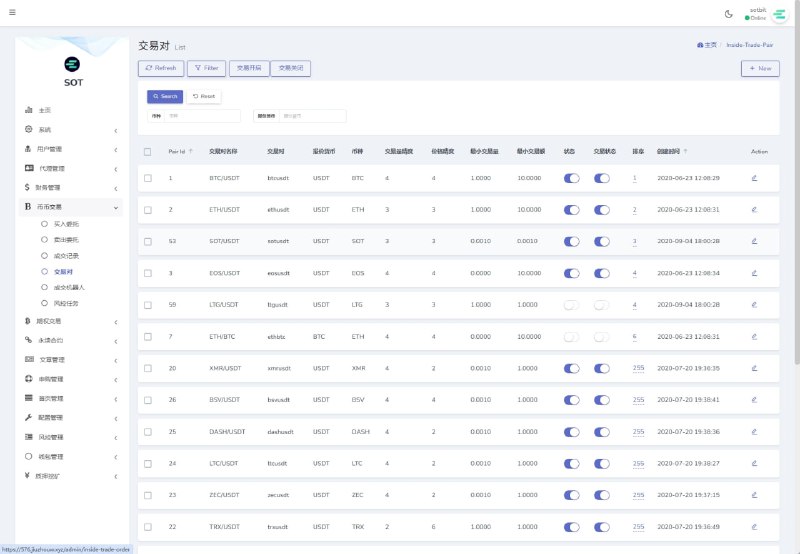
The admin backend has quite a few features, and I clicked through all of them:
– Member management: registration, login, banning, and balance adjustments all included
– Game room configuration: room capacity, base score parameters, and table count are adjustable
– Data dashboard: online user counts and transaction statistics charts, built with ECharts
– Permission tiers: admin sub-accounts can be restricted to specific menus
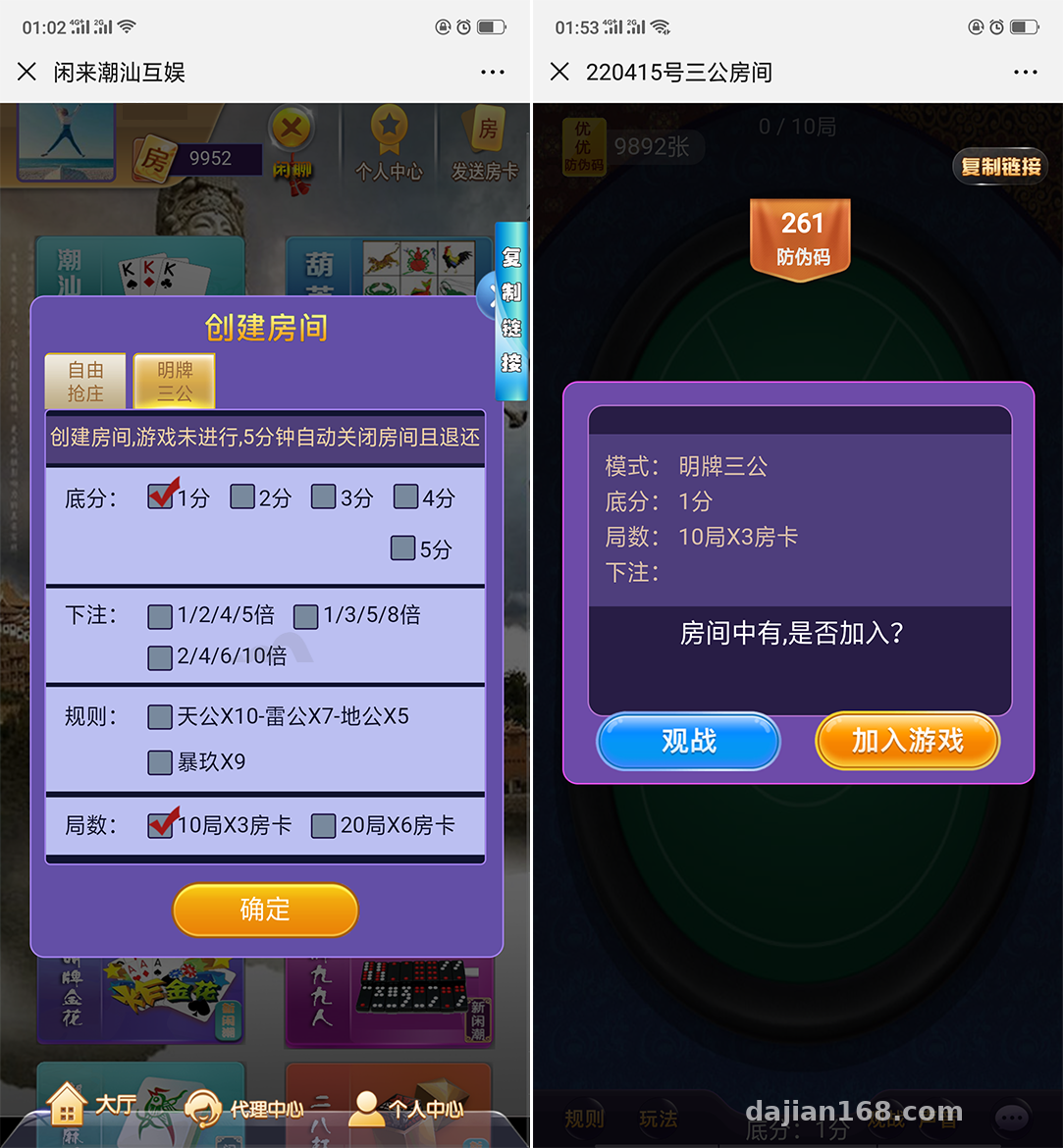
Deployment Essentials: Environment and Technical Details
Let me walk through my actual deployment process. The server is a 2-core 4GB cloud host running CentOS 7.9, with the environment set up via the BaoTa panel.
Environment Requirements
PHP 7.4 is recommended — don’t go with 8.x, since some older coding patterns in this codebase will throw errors on PHP 8. Use MySQL 5.7, and when importing the database, remember to change the charset declaration in the SQL file. My first import turned all Chinese text into question marks; switching to utf8mb4 fixed it. Redis is required, as the game’s state push system depends on it.
Frontend Configuration
The H5 frontend is a compiled static package — just deploy it to the public directory. You’ll need to update the API endpoint address in the config file to point to your own API domain. Here’s a gotcha: the config file is encrypted, so you have to process it with the decryption tool bundled in the source code before you can edit it. The tool is in the docs directory, so don’t go hunting everywhere for it.
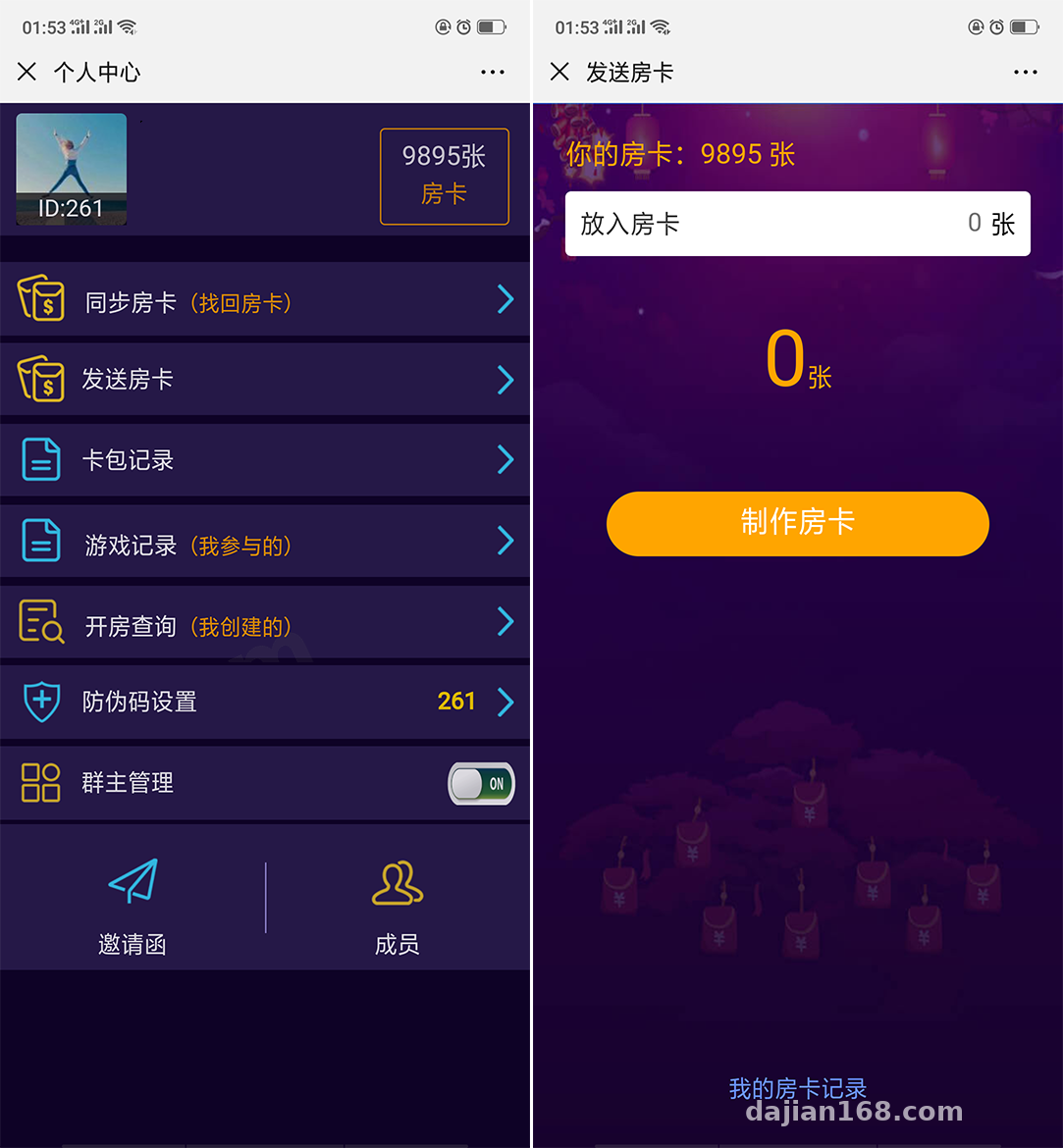
Payment Interface
The source code reserves an integration reel simulation for third-party payment interfaces — fill in the merchant parameters in the config file and the callback flow will work. My client isn’t using real payments for now, so I set up a simulated callback for testing. The order status flow worked correctly: order creation, payment, callback, and crediting — the whole chain ran without errors. Before going live, make sure to double-check the signature verification logic on the callback address.
Room for Secondary Development
Being fully open-source is the biggest selling point. I went through the code — the controllers and model layers have fairly complete comments. Some comments use pinyin abbreviations, which take a bit of effort to parse, but the overall logic is followable. To change the UI, the frontend templates are in the view directory; just edit the HTML directly. To add new gameplay modes, the game logic lives in a separate service layer with low coupling, so extending it isn’t painful.
For multilingual support, the source code has a built-in language pack mechanism, defaulting to Simplified Chinese. To add Traditional Chinese or English, just add your own language files — the framework uses ThinkPHP’s native lang function.
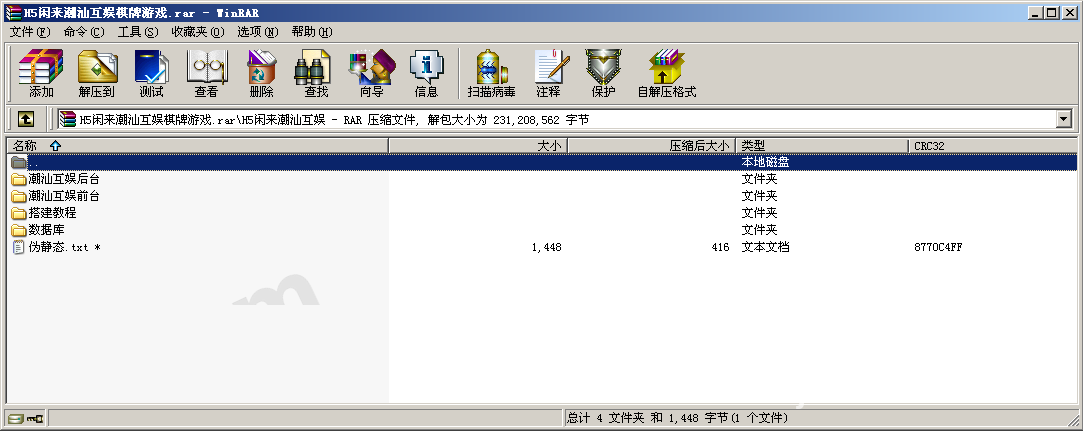
Highlight: This source code is best suited for technical learning and feature demonstrations. The core code — the win-rate parameter module, the random number engine, and more — is all readable plaintext, making it far more valuable for studying game numerical design and H5 long-connection push architecture than many semi-open-source templates.
Who This Is For
– Developers who want to learn H5 game backend architecture — the WebSocket push implementation is decently written
– Educational institutions or studios needing a board game simulation demo project
– Webmasters with PHP basics who take freelance gigs and need fast delivery — with this codebase, a reskin can be done in two days
Not recommended for complete beginners. While BaoTa deployment isn’t hard, hitting errors with no one to guide you can be brutal.
FAQ
Q: Does the source code require a license key?
A: No. It’s fully open-source with no encryption restrictions — deploy it and it runs, and secondary development is unrestricted.
Q: The game won’t open on mobile — what should I do?
A: Nine times out of ten, the API domain isn’t configured correctly, or there’s an HTTPS certificate issue. H5 pages must load over HTTPS when opened in WeChat, so apply for a free certificate and configure it properly.
Q: Can the win-rate control feature be used freely?
A: This module involves operations-side numerical tuning and may only be used in compliant demo and testing scenarios. You must comply with all applicable laws and regulations, and confirm local policies yourself before any commercial use.
Q: What’s the minimum server configuration?
A: 2 cores and 2GB will run it, but Redis will struggle once online user counts grow. At least 2 cores and 4GB is recommended, with 5Mbps bandwidth as a starting point.
Overall, this source code offers solid value for money — complete features and open code, well suited for learning and quickly delivering demo projects. If you run into deployment issues, feel free to discuss in the comments; I’ll reply when I see them.
Disclaimer: This article is for technical education and demonstration only. It is not professional or financial advice. Any real-world deployment must comply with applicable laws and regulations.
#Source Code Setup #H5 Games #Deployment Notes #Secondary Development #Board Game Simulation
-
 Alipay QR Code Scan
-
 WeChat Scan Pay