Smart Customer Service & Ticketing System Setup Guide: Auto-Reply Bot Development and Deployment Notes
Smart Customer Service & Ticketing System Setup Guide: Auto-Reply Bot Development and Deployment Notes
Disclaimer: This article is for technical education and demonstration only. It is not professional or financial advice. Any real-world deployment must comply with applicable laws and regulations.
I recently helped a client deploy a smart customer service and ticketing system (the 4.0 upgrade with a brand-new UI). It took about three days of fiddling, I hit plenty of pitfalls along the way, and figured I’d write up my notes. At its core, this is a task distribution and automated response framework, with a full set of components: server side, sub-modules, bot module, Android and iOS clients, update packages, environment setup tooling, and the web application. I used the older version before; the 4.0 release mainly redoes the UI and improves service component stability, and it also fixed a few intermittent process crashes from before.
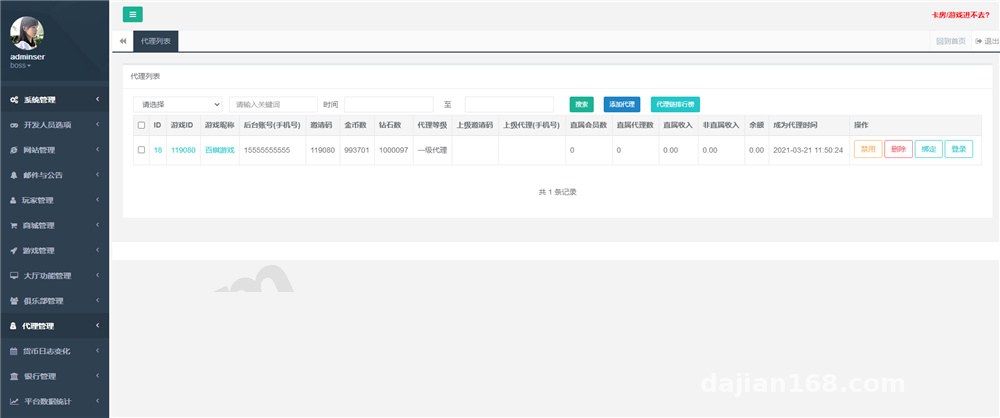
Hands-On Testing: Bot Responses and Manual Agent Takeover
Let’s start with the bot module. The FAQ knowledge base is maintained directly in the admin panel and supports two modes: keyword matching and intent classification. In my testing, keyword matching hit around 85% accuracy, while intent classification needs training data fed in first — during the cold-start phase, I’d recommend keyword matching as the fallback.
A Few Auto-Reply Details
1. Timeout-to-human handoff: if a user misses the FAQ twice in a row, a transfer-to-agent button pops up automatically; the threshold is adjustable in the backend;
2. Automatic ticket creation: anything the bot can’t resolve gets turned into a ticket with an email notification pushed to the agent;
3. Full conversation logging to the database, which makes later quality-inspection analysis easy.
The manual takeover is pretty smooth. The agent side has unread alerts and conversation queuing, and one agent can handle multiple sessions at once. My client ran 5 concurrent agents for a week without a single disconnect.
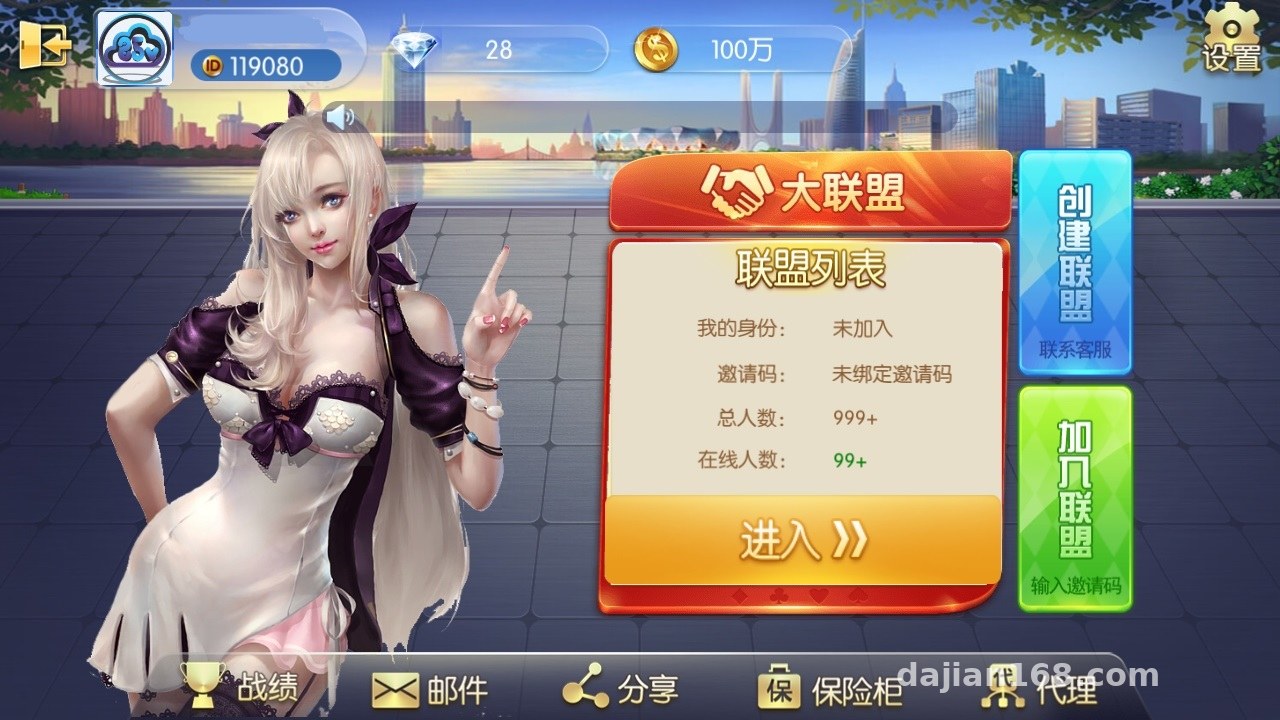
Deployment Essentials: Environment and Service Components
The environment setup tool installs dependencies in one click, but I still recommend verifying manually — the PHP version it installs by default has compatibility issues with some sub-modules. I pinned 7.4 manually this time and it went through in one pass.
Server Configuration Checklist
– MySQL 5.7+, ideally on a separate instance since the ticket tables grow fast;
– Redis for session caching; the bot’s hit-rate stats also go through Redis;
– WebSocket for push notifications — remember to open the port in your security group;
– The bot module runs as an independent process, supervised by supervisor, which auto-restarts it if it crashes.
I hit a snag with the app packaging: the Android client’s update package URL is hardcoded in the config file. After swapping in your own CDN address, you need to clear the cache and repackage, otherwise the client-side validation fails. The iOS side uses enterprise-signature distribution, and test devices require manually trusting the certificate.

Admin Panel Features and Customization Potential
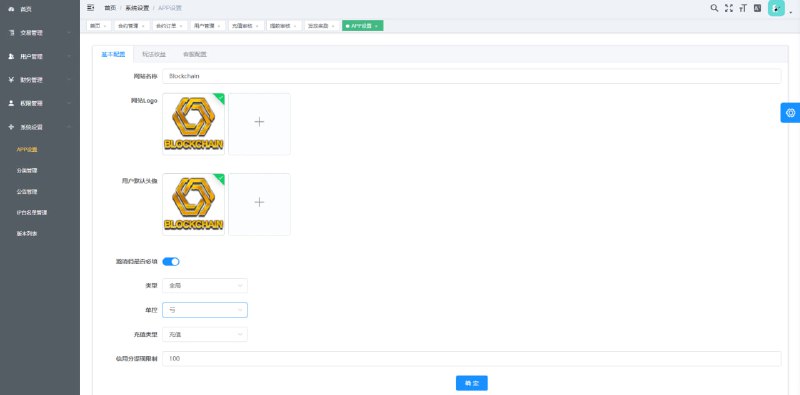
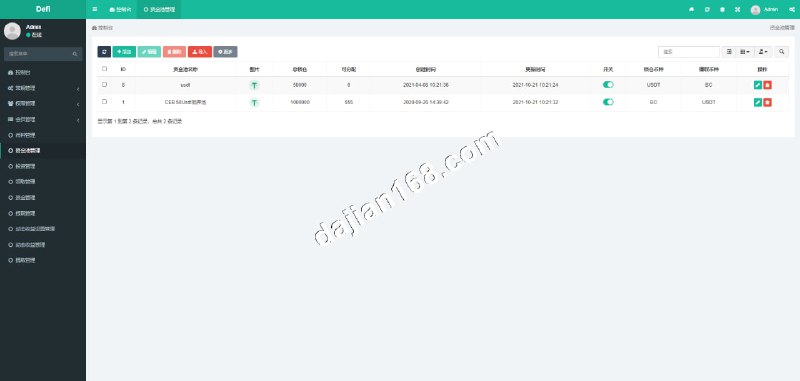
The admin panel is more complete than I expected: agent grouping, skill-based routing, FAQ category management, ticket SLA reminders, and multi-language switching (Chinese and English by default; language packs live in the lang directory — adding a language is just copying a file and translating it). The dashboard covers three core metrics: conversation volume, response time, and bot-only resolution rate. Good enough for most needs.
Customization Suggestions
The code layering is reasonably clean — controllers and services are separated, and the bot response logic is encapsulated in its own bot directory. If you want to hook up your own messaging channels (like WeCom or DingTalk), just write an adapter and plug it into the message gateway; the official interfaces are there. The payment integration area has a callback placeholder reserved, so if you’re building a SaaS billing model, you can wire it up directly.

Pitfall warning: always deploy the bot module and the main service as separate processes. I initially ran them in the same container to save effort, and under high concurrency the bot response latency spiked to 3 seconds. After splitting them, it stabilized under 200ms.
Who This Is For
This source code suits three groups: teams doing outsourced customer service who can tweak it and deliver directly; studios with customization skills taking on client work for tailored service systems; and developers who want to study ticketing system architecture — the message gateway and bot scheduling code are worth reading. Complete beginners who want to launch it as-is should brush up on Linux basics first.
FAQ
Q: What’s the minimum server spec?
A: 2 cores and 4GB RAM will run it, but I’d suggest keeping the bot module and database separate. For production I recommend starting at 4 cores and 8GB — 50 concurrent sessions run without pressure.
Q: Does it support multiple languages?
A: Yes, one-click switching in the admin panel. Language packs live in the lang directory — I added Traditional Chinese for a client in half an hour.
Q: Can I repackage the mobile apps myself?
A: Yes. For Android, just change the package name and icon in Android Studio. The iOS side requires re-signing with your own developer account, and remember to update the update-package URL in the config.
Q: What if the bot responses aren’t accurate?
A: Fill out the FAQ keyword library first, then gradually enable intent classification training. Don’t go fully automated right away — keeping a human fallback is the safest approach.
Disclaimer: This article is for technical education only, sharing deployment experience. All features are demonstrated for legitimate customer service and ticketing scenarios. When using the source code, please comply with applicable laws and regulations, and never use it for any unlawful purposes.
Disclaimer: This article is for technical education and demonstration only. It is not professional or financial advice. Any real-world deployment must comply with applicable laws and regulations.
#Smart Customer Service #Ticketing System #Auto-Reply Bot #Source Code Setup #Deployment Notes
-
 Alipay QR Code Scan
-
 WeChat Scan Pay