Probability Simulation Demo System Setup Guide: Random Number Generation + API Integration
Probability Simulation Demo System Setup Guide: Random Number Generation + API Integration
Disclaimer: This article is for technical education and demonstration only. It is not professional or financial advice. Any real-world deployment must comply with applicable laws and regulations.
Recently helped a client deploy a probability simulation demo system, primarily used to demonstrate random number generation algorithms and probability distribution models. This source code comes with third-party API integration functionality, and the backend allows adjusting probability parameters, making it suitable for mathematical modeling demonstrations or educational purposes. It took two days from obtaining the source code to going live with testing. Here I’ve organized the key steps and pitfalls encountered.

System Functionality Testing
The core of this system is the random number generation module, supporting multiple probability distribution algorithms. The backend allows setting different parameter combinations, with the frontend displaying generation results in real-time. After testing, I found several highlight features:
Random Number Generation Engine
The system has a built-in pseudo-random number generator supporting various modes including uniform distribution, normal distribution, and Poisson distribution. The backend can adjust seed values and distribution parameters, with generation results recorded in the database for statistical analysis. I ran 10,000 test iterations using a Python script, and the distribution curves basically matched theoretical expectations.
Third-Party API Integration
The source code includes a reserved API integration module that can connect to external data sources or third-party services. This time I integrated a random number API. After configuring the secret key and callback address, the system automatically syncs externally generated random sequences. The API documentation was fairly clear, and I didn’t encounter major issues during integration.
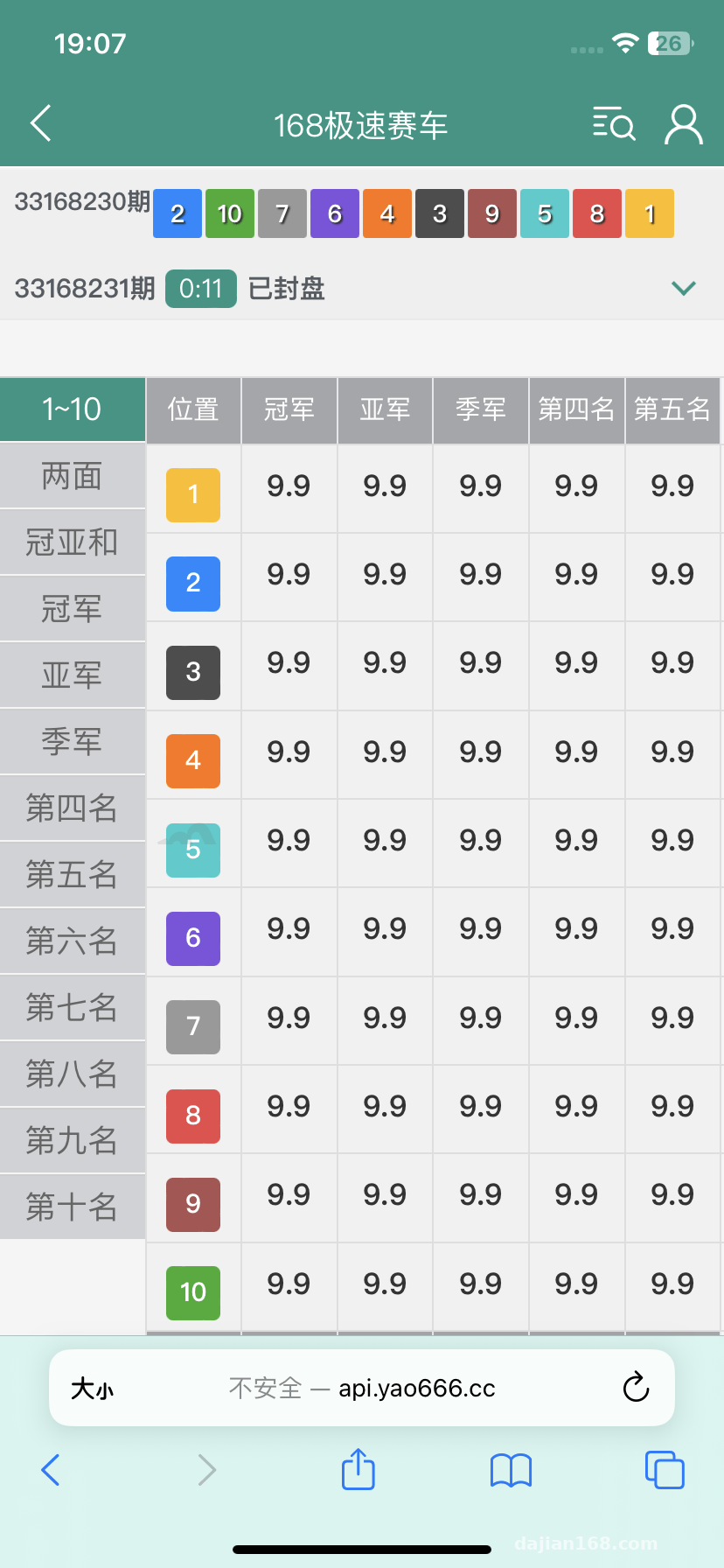
Backend Control Panel
The admin backend is fairly comprehensive, allowing real-time viewing of generation records, adjusting probability parameters, and exporting statistical reports. I specifically tested the parameter adjustment functionality – after modifying probability weights, the frontend took effect immediately with fast response times. Additionally, there are user management and permission assignment modules, allowing different roles to be set with different operational permissions.
Highlight tip: The system supports custom probability algorithms, and you can modify random number generation logic through configuration files. If you understand algorithm basics, you can implement many interesting demonstration effects.
Deployment Key Points
Environment Setup
I used Ubuntu 20.04 for the server, PHP version requires 7.2 or above, and MySQL 5.7 for the database. After installing BT-Panel, I directly created a site and uploaded the source code to the website root directory for extraction. Remember to set 777 permissions for the runtime and uploads directories, otherwise the backend will report errors when uploading files.
Database Configuration
Before importing the SQL file, check the character set first. The first time I imported using latin1, all Chinese characters were garbled. Only after changing to utf8mb4 did it work properly. The database configuration file is in application/database.php. After updating the database name, username, and password, accessing the homepage will automatically redirect to the installation wizard.
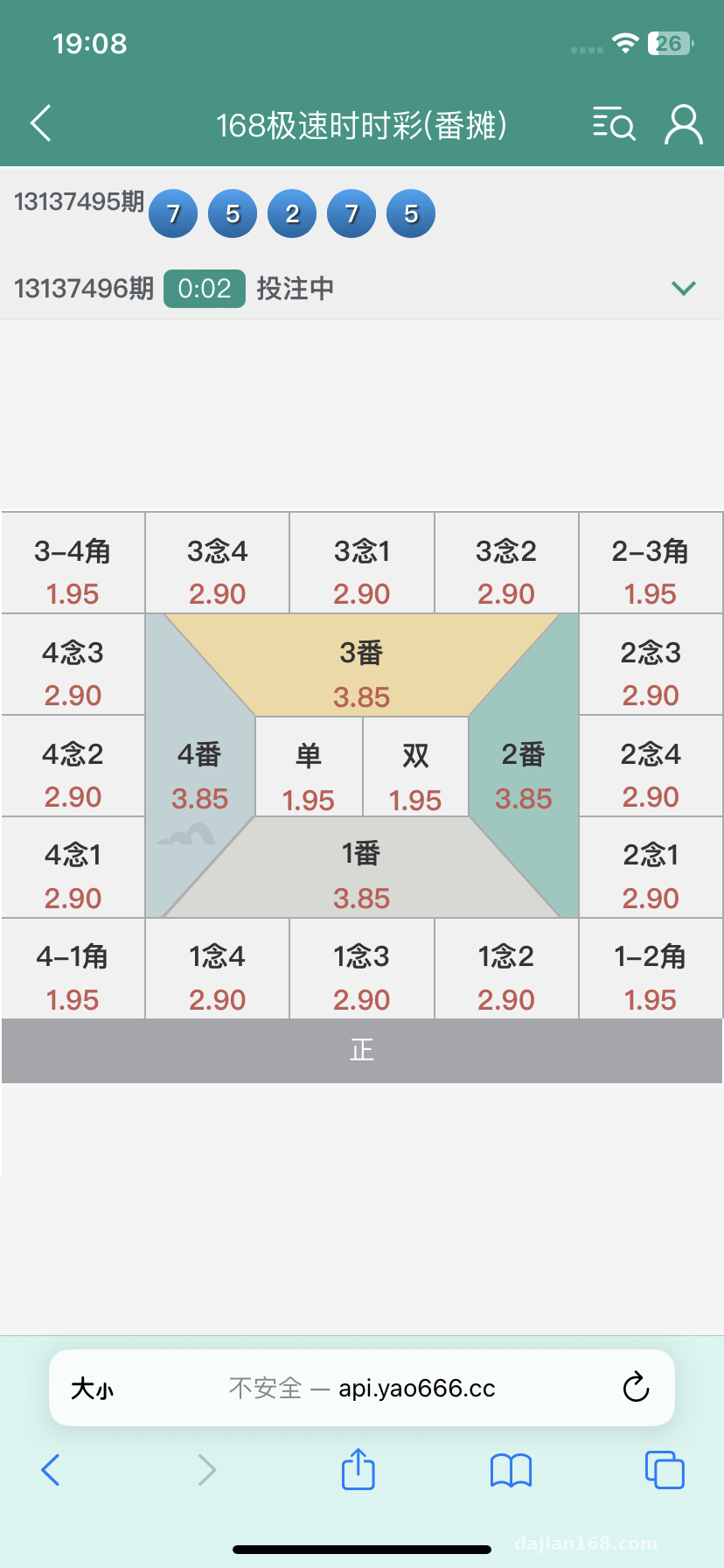
API Integration Configuration
Third-party API configuration is in the backend’s system settings, requiring API address, secret key, and callback URL. The API I integrated this time required signature verification. Following the documentation, I wrote the signature algorithm into config.php. During testing, you can first use Postman to simulate requests, confirm the API is working, then integrate it into the system.
Performance Optimization
With default configuration, high concurrency causes lag. I made several optimizations: enabled Redis caching to reduce database queries, enabled CDN acceleration for static resources, and enabled PHP opcache to cache script compilation results. After optimization, I tested with Apache Bench and QPS improved from around 200 to 800.

Suitable Use Cases
This system is particularly suitable for several types of uses: university instructors doing probability theory teaching demonstrations can let students visually see random distribution patterns; data analysts doing algorithm verification can quickly test simulation results under different parameters; technical teams doing product prototype demonstrations can showcase functional logic related to random number generation.
If you need secondary development, the code structure is fairly clear, using the ThinkPHP framework. If you have PHP basics, modifying it isn’t difficult. The frontend uses jQuery + Bootstrap, making it convenient to adjust interface styles. This time I added a data export function for the client, and from code modification to testing and going live only took half a day.
Common Questions
Q: What random number generation algorithms does the system support?
A: By default it supports pseudo-random algorithms like Linear Congruential and Mersenne Twister, and can also connect to external true random number sources. The backend can switch between different algorithm engines. The parameter configuration for each algorithm varies, so it’s recommended to read the documentation first to understand each algorithm’s characteristics.
Q: What technical foundation is needed for third-party API integration?
A: Mainly HTTP requests and JSON data parsing – if you understand some PHP you can handle it. The system includes example API code that you can modify by following along and changing parameters. If the API requires complex signature verification, you might need to spend some time studying their signature algorithm.
Q: Can multiple different probability models be deployed simultaneously?
A: Yes, the backend supports creating multiple model configurations, with each model using different parameters. The frontend display can switch between models and can also compare generation results from multiple models simultaneously. The database design includes isolation, so data from different models won’t mix.
Overall this system has fairly comprehensive functionality, suitable for probability simulation and random number demonstrations. The code quality is decent and secondary development difficulty is manageable. If you need a similar demonstration system, this source code can serve as a starting point to quickly build a prototype. Remember to run it in a test environment first before deployment to ensure all functions are working properly before going live.
Disclaimer: This system is for technical education and legitimate demonstration purposes only. Users must comply with local laws and regulations, and any illegal usage is prohibited.
Disclaimer: This article is for technical education and demonstration only. It is not professional or financial advice. Any real-world deployment must comply with applicable laws and regulations.
#Probability Simulation #Random Number System #Source Code Deployment #API Development #PHP Project
-
 Alipay QR Code Scan
-
 WeChat Scan Pay