Board Game Simulation Demo System Deployment Notes: Room Vouchers, Coin Rooms & Club Setup
Board Game Simulation Demo System Deployment Notes: Room Vouchers, Coin Rooms & Club Setup
Disclaimer: This article is for technical education and demonstration only. It is not professional or financial advice. Any real-world deployment must comply with applicable laws and regulations.
I recently helped a client deploy a complete board game simulation demo platform with a full operations build. The server side is JAVA, the app frontend is Unity3D, the website frontend and admin panel are PHP, and it ships with batch scripts and a toolkit. It took me a bit over two days of tinkering, so I’m writing down the process and the pitfalls I hit — hopefully it saves someone else some detours.
Feature Review: What You Actually Get
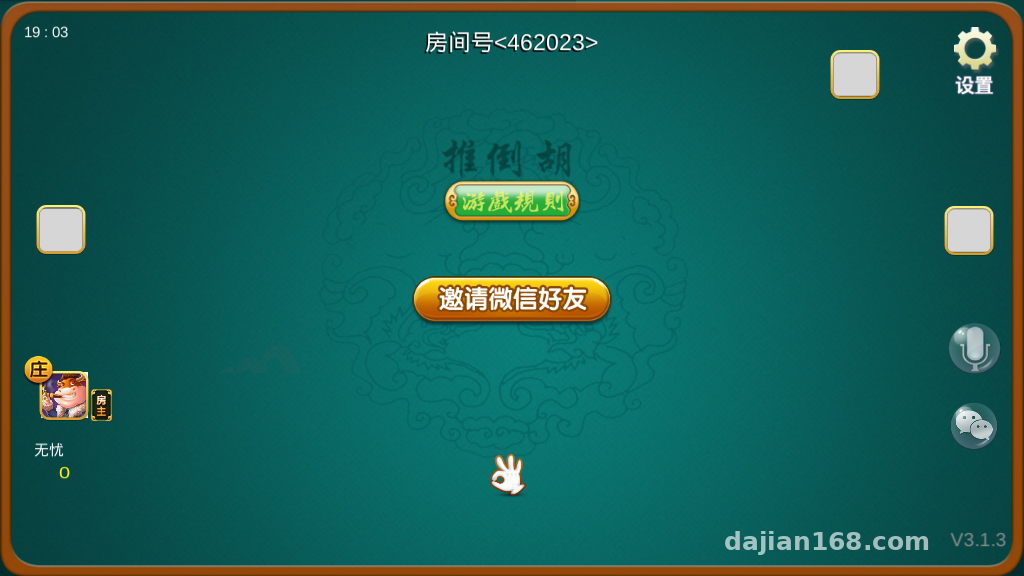
Bottom line first: in terms of feature completeness, this sits in the upper-middle range among similar demo systems I’ve deployed. The core is three modes — room voucher rooms, coin rooms, plus a club-based social system.
Game Module Inventory
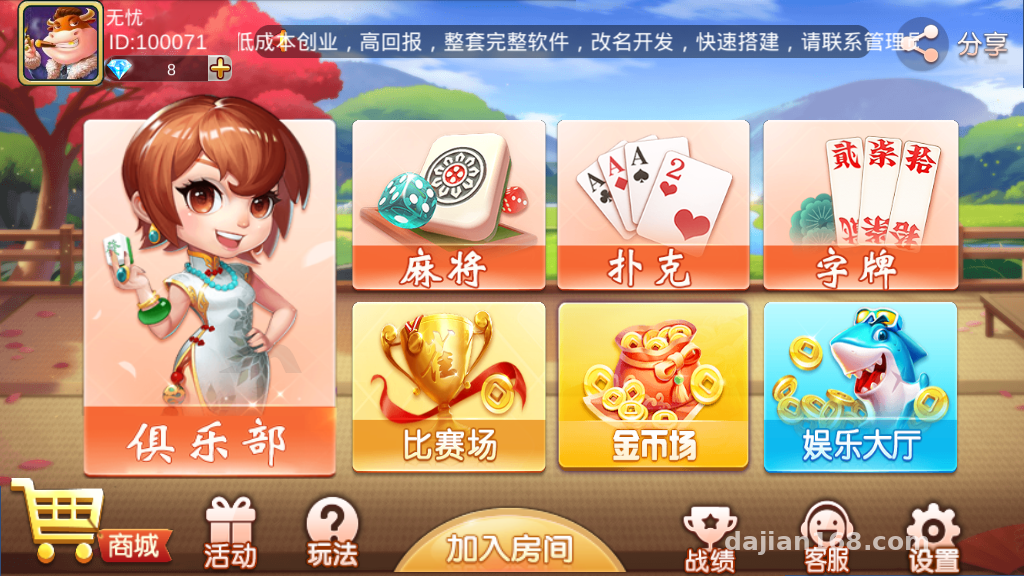
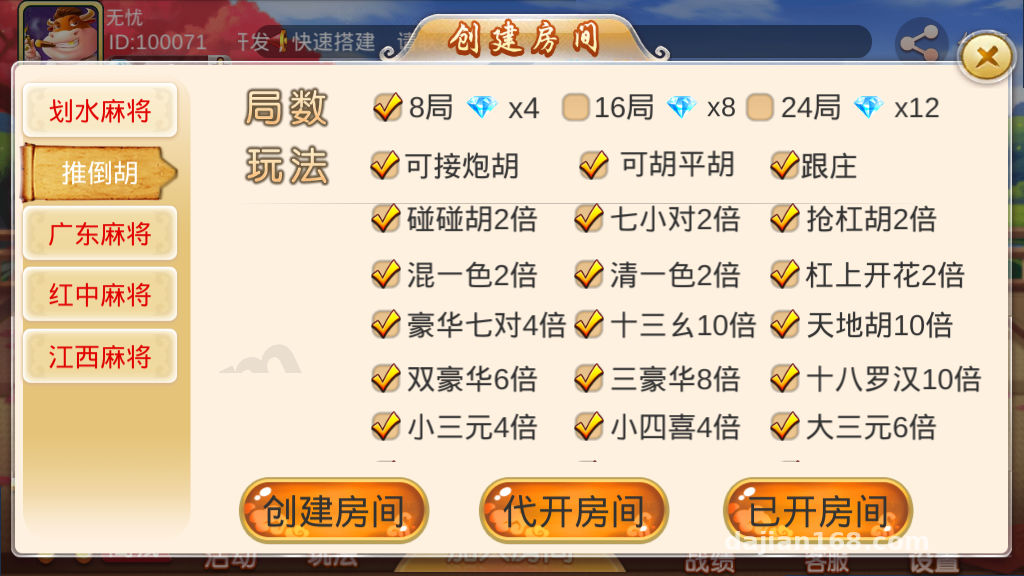
The platform ships with a dozen-plus card simulation modules: splash-style card games, discard-and-win style, Guangdong/Jiangxi/red-middle card simulations, JH-style demo, grab-the-bank N-style demo, thousand-point NN, card simulations, Texas Hold’em rules demo, Da P Jiu, 28-bar, small Pai Jiu, plus room voucher fishing and card simulation simulations. Note that all of these are simulation-oriented gameplay logic. When I deployed it, I positioned the whole thing as a random-number demo platform, and I rewrote the admin panel copy to state that it’s for demonstration purposes.
Admin Panel Controls
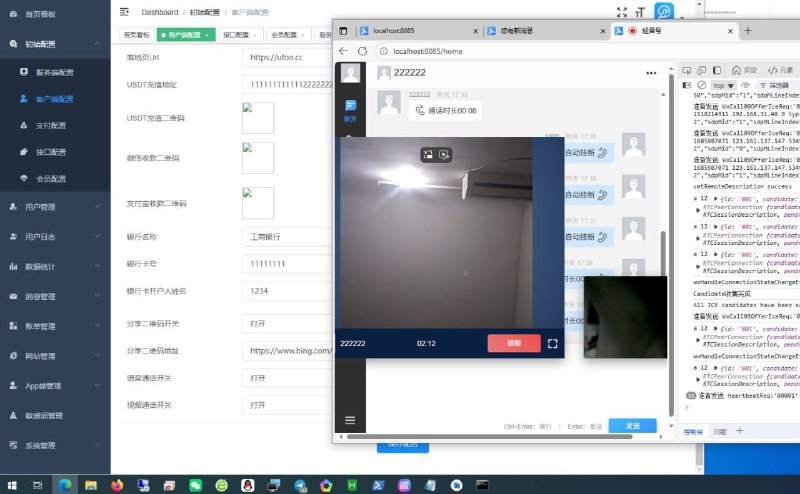
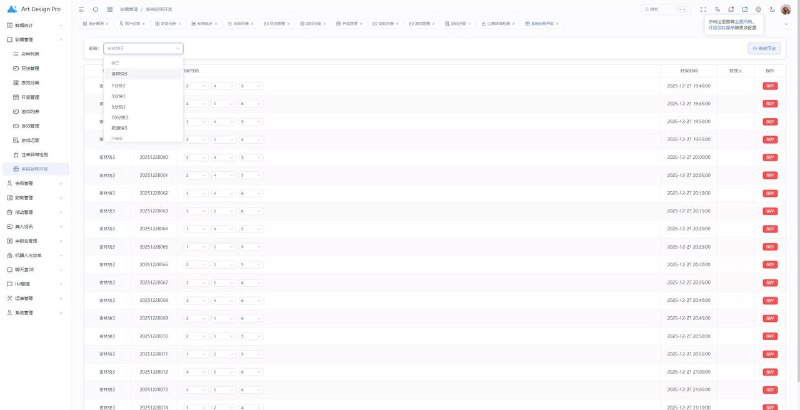
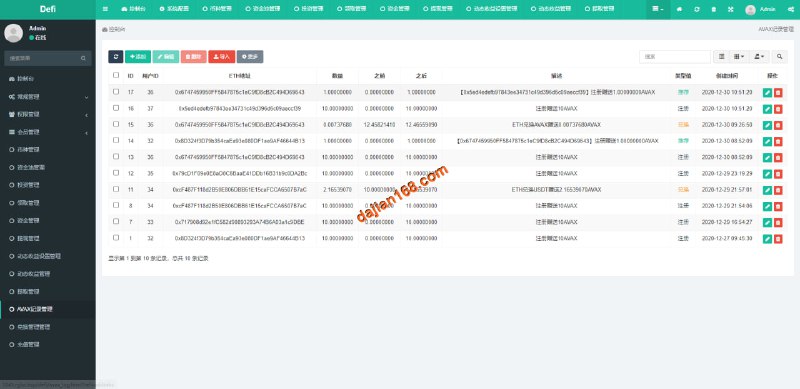
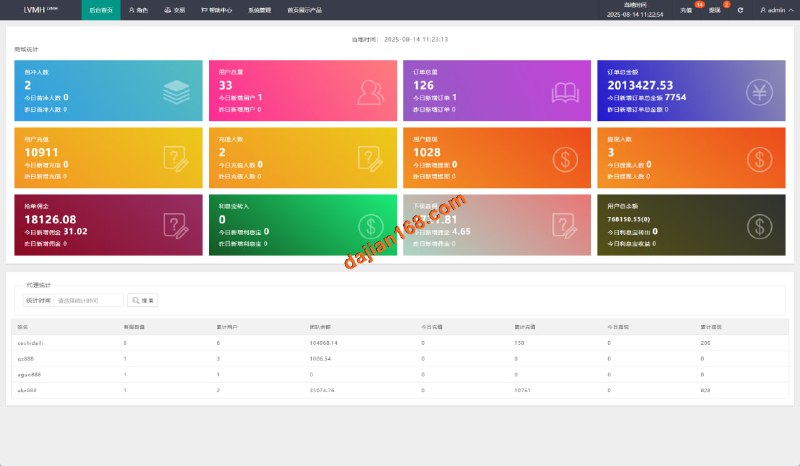
The admin panel is written in PHP, and the features are pretty practical:
1. Room voucher on/off switches, which can be toggled per room type;
2. Daily check-in rewards with room vouchers, with configurable rules (amount, time windows, streak bonuses);
3. Club backend for creating groups, assigning admins, and posting announcements;
4. A standalone toggle for the frontend free card-selection feature, which made flow testing much easier.
Deployment Essentials: Environment & Pitfall Log
Environment Setup
For the JAVA server I used JDK8 on CentOS7, MySQL 5.7 for the database. Redis is mandatory — room state and sessions all depend on it. The Unity3D frontend requires building the APK yourself; make sure the server address in the client config file is changed to your IP, and align the ports with the gateway started by the batch scripts.
Three Pitfalls I Hit
Pitfall one: the auth keys between the PHP admin panel and the JAVA server were out of sync, so room voucher configs pushed from the backend had no effect. I spent two hours comparing config files; once the keys matched, it worked instantly.
Pitfall two: after building the Unity package, the Android client couldn’t connect — the gateway port wasn’t open in the firewall. My advice: list all ports up front and open them in one go before deploying.
Pitfall three: the daily check-in voucher feature is disabled by default. You have to enable it manually in the admin panel — don’t assume the feature is missing.
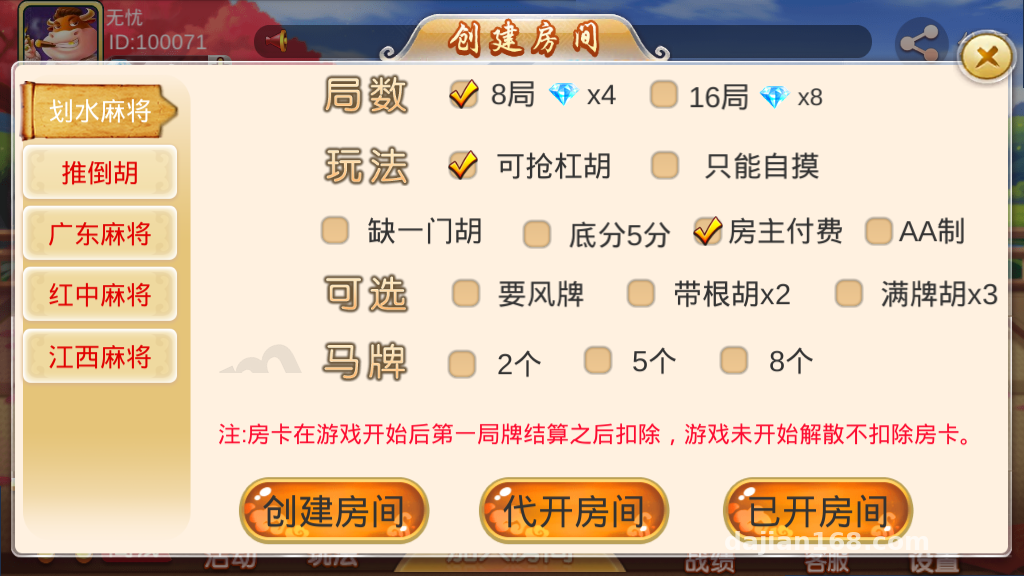
Highlight: this source code comes with complete batch scripts that start all server modules with one click, far more convenient than launching each manually. I recommend running the scripts once to confirm every process is up before packaging the frontend.
Secondary Development & Payment Integration Notes
If you want to integrate payments, the source code reserves an interface layer — you’d need to connect your own third-party payment channel and apply for the required qualifications per platform rules. For a demo scenario, I suggest keeping the payment module off at first, running the full flow with the backend’s test voucher-issuing feature, and only then thinking about commercialization.
On secondary development: the JAVA server modules are cleanly separated, with card game logic packaged independently, so tweaking gameplay parameters doesn’t require major surgery. The Unity frontend UI assets live in the Asset directory, so reskinning isn’t expensive. As for localization, the frontend string tables are centrally managed, so adding a language pack isn’t much work.
Who Should Deploy This
First, teams building board game rules demos or random-number simulation teaching platforms — the gameplay logic is complete and saves you from writing rules from scratch. Second, technical people with operations experience who want to study the room voucher + club operations system. Third, studios taking custom development orders — when clients want many game categories, this covers everything in one shot.
I don’t recommend it for total beginners. Coordinating three ends — JAVA server, Unity frontend, PHP admin panel — without any foundation will be painful.
FAQ
Q: What server specs are needed?
A: For testing, 2 cores and 4GB RAM is enough. With clubs and multiplayer rooms, start at 4 cores and 8GB. Bandwidth depends on concurrency — 10M for 50 concurrent users is a safe baseline.
Q: Can the daily check-in voucher rules be changed?
A: Yes. The admin panel has a dedicated config page — issuance amounts, claim time windows, and streak-based tiered rewards are all adjustable. Changes take effect immediately, no server restart needed.
Q: What does frontend free card selection mean?
A: It lets players choose their own hand in the demo scenario for rules verification. It’s mainly for flow testing and teaching demos, and there’s a master switch in the admin panel to turn it off.
Q: Can I add new game modes through secondary development?
A: Yes. The server-side game modes are modular — write new logic following the existing card module interfaces, and add a matching set of UI resources on the frontend.
Q: How long does deployment take?
A: If you’re familiar with this architecture, environment setup plus integration can be done in a day. For a first-timer, three days is more realistic — most of the time goes into aligning configs across the three ends.
One final reminder: this system is for technical education only. Deployment and use must comply with applicable laws and regulations, and any unlawful use is prohibited.
Disclaimer: This article is for technical education and demonstration only. It is not professional or financial advice. Any real-world deployment must comply with applicable laws and regulations.
#Source Code Setup #Deployment Log #Board Game Simulation #Unity3D #Server Operations
-
 Alipay QR Code Scan
-
 WeChat Scan Pay

![? ? [Anti-Ban Guide] E-Commerce Order Architecture Breakdown with 100% Survival Rate](https://xz.dajian168.com/wp-content/uploads/2025/08/telegram-img-2025-08-14-689e778db813c.jpg)