Liangtui 4 Star Alliance Board Game Simulation Platform Source Code Deployment Guide: Server Setup and Admin Panel Notes
Liangtui 4 Star Alliance Board Game Simulation Platform Source Code Deployment Guide: Server Setup and Admin Panel Notes
Disclaimer: This article is for technical education and demonstration only. It is not professional or financial advice. Any real-world deployment must comply with applicable laws and regulations.
I recently helped a client deploy a Liangtui 4 Star Alliance board game simulation demo platform. It took two days of fiddling, and I hit plenty of pitfalls. While it’s still fresh in my memory, I’m writing down the whole process and the key parameters, hoping to save some time for anyone else setting up this source code.
This is the newest version in the Liangtui series. The interface differs quite a bit from previous generations — the UI was completely redone — but the underlying component core is largely carried over, so if you’ve deployed Liangtui 3 before, much of the configuration logic can be reused directly. It runs in demo room ticket mode, suitable for technical showcases and product demos.
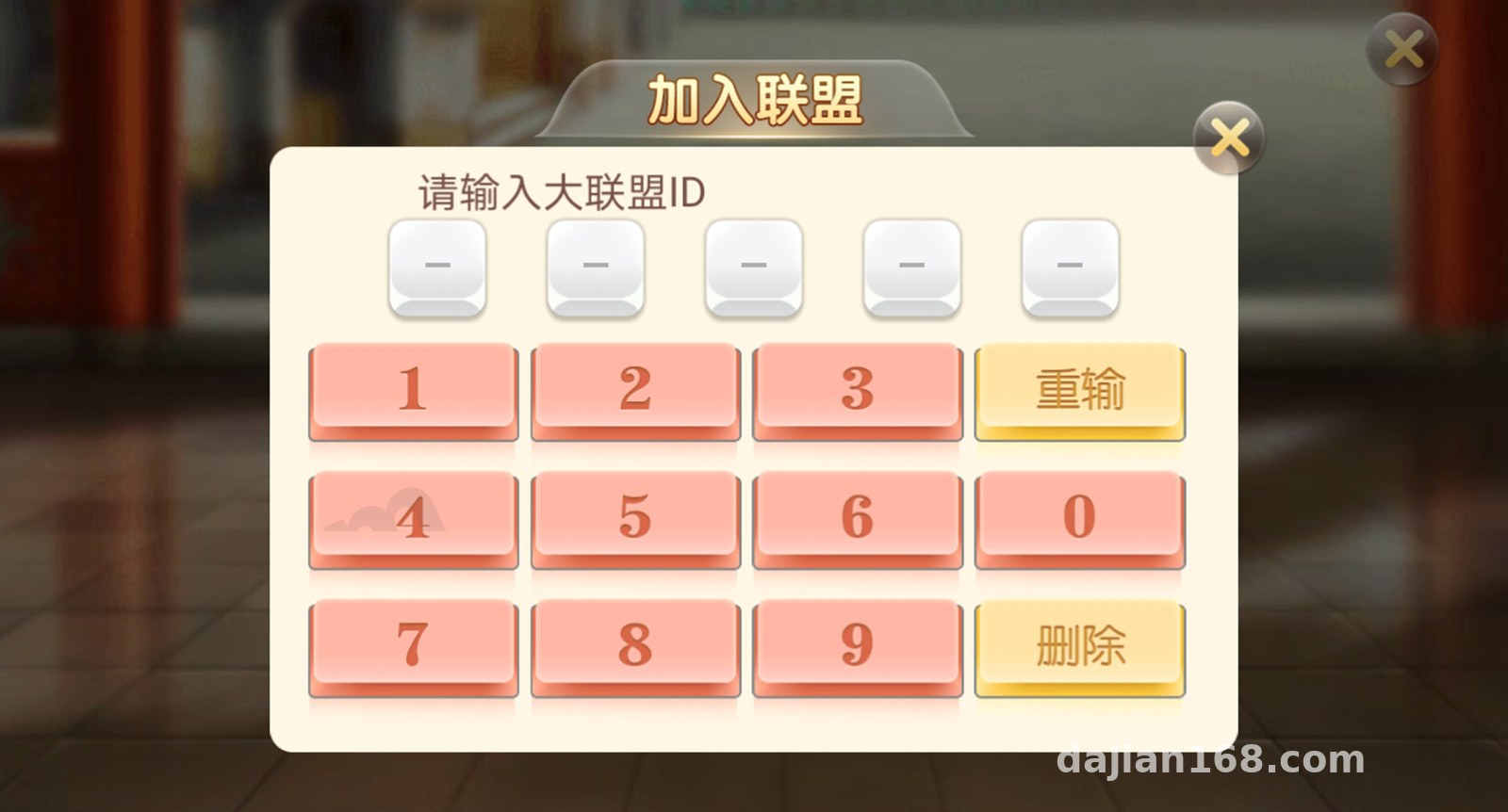
Feature Review: What This Source Code Actually Offers
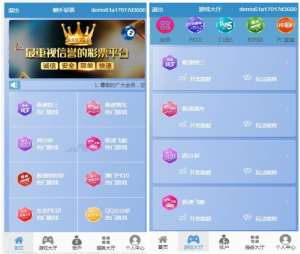
Let’s start with the game modules. The platform includes multiple board game simulations: Fuzhou card simulation, Thirteen Waters, Niu Niu, card simulation, Golden Flower, 4-player card simulation simulation, Fenggang, Texas Hold’em, and more. All of them are simulation demos — card data is generated by random numbers, with no real money involved. Each room supports ticket mode, where players use demo tickets to join and leave tables. This design is quite friendly for feature demonstrations.
Player Circles and Alliance Clubs
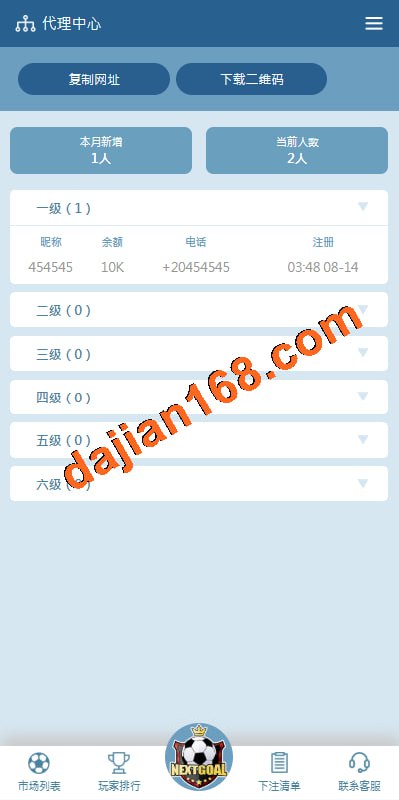
This is the flagship feature of version 4. The player circle works like a social aggregation hub where you can create groups and invite members; the alliance club supports multi-level alliance structures, and the admin panel lets you set alliance revenue-sharing ratios (demo data). In my testing, creating an alliance took about three steps: create a new alliance in the admin panel → generate an invite code → members bind to it. The logic is clear, with few detours.
Admin Panel
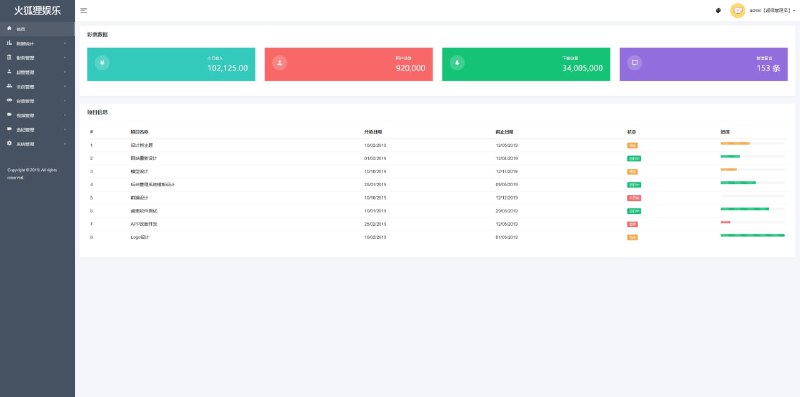
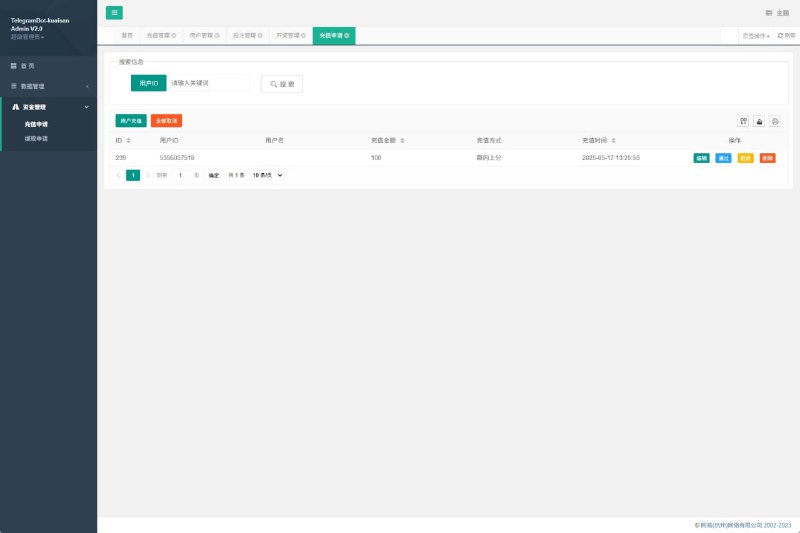
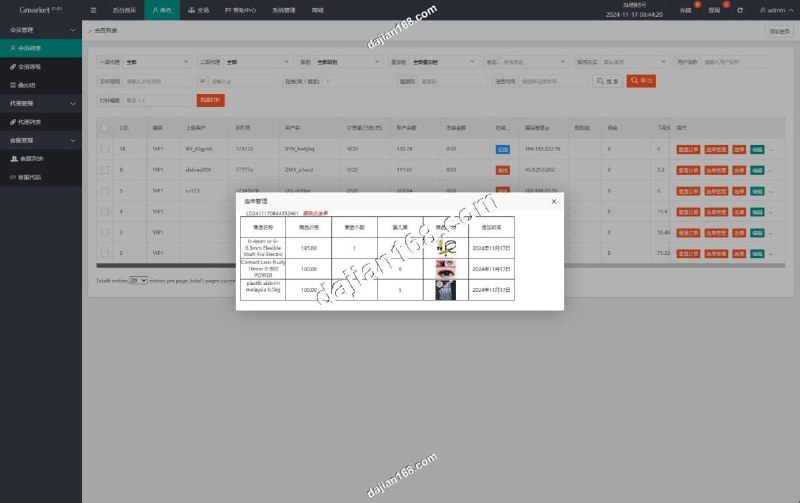
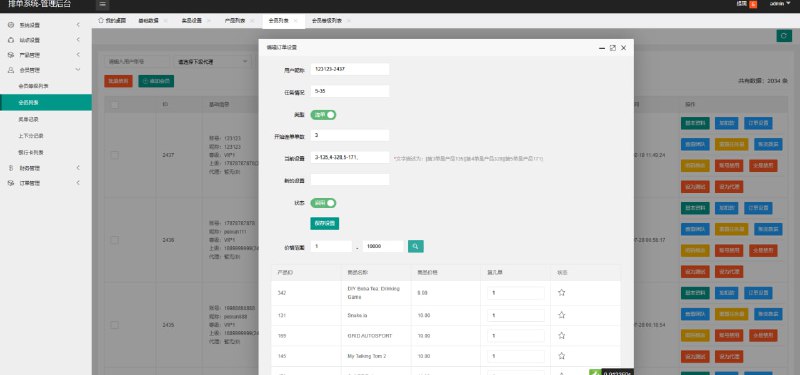
The admin panel is fairly complete: room management, ticket pool configuration, user management, data statistics, and announcement push are all there. I focused on a few points:
1. Ticket pool control: you can set initial ticket amounts and replenishment rules per room, with good parameterization.
2. Data statistics: daily active users and room occupancy are shown in charts, with data granularity down to the hour.
3. Permission tiers: admin, operations, and support — three levels you can build on when doing secondary development.

Deployment Essentials: Environment Setup and Pitfall Log
This source code isn’t overly demanding about the environment, but there are several details you must watch out for.
Recommended Server Configuration
For testing I used a cloud server with 4 cores, 8GB RAM, and 5M bandwidth, running CentOS 7.9. It handles the demo fine, but if you open multiple rooms at once, I’d recommend bumping RAM to 16GB. It runs on PHP 7.4 + MySQL 5.7, and Redis is mandatory — all card-state caching depends on it. Without Redis, it simply won’t start.
The Database Import Pitfall
The SQL file in the source package is over 400MB, and importing it directly through phpMyAdmin will time out. I imported it via the command line:
mysql -u root -p dbname < init.sql
Before importing, remember to set max_allowed_packet to 512M, or the import will break midway. I got stuck on this for over an hour — it left a deep impression.

Ports and Firewall
The WebSocket service port must be opened in the security group. Don't just modify the firewall and forget the cloud platform's security group — that's exactly why I couldn't connect on my first night of testing. Also, I recommend running the communication port over SSL, and sorting out certificate issues early when integrating clients.
Secondary Development and Customization Potential
The code structure is reasonably tidy. The frontend uses a hybrid development framework, so UI changes mainly involve the template directory; the backend logic layer is modularized, so adding a new game mode is mostly a matter of copying an existing card simulation module and modifying the logic. For localization, language packs are standalone files — building an English version only requires translating the language pack and some image assets, so the workload is manageable.
As for the payment interface, the demo version reserves an interface layer. Connecting third-party channels requires writing your own adapter, and the code has comments marking the mounting points — quite friendly for secondary developers.
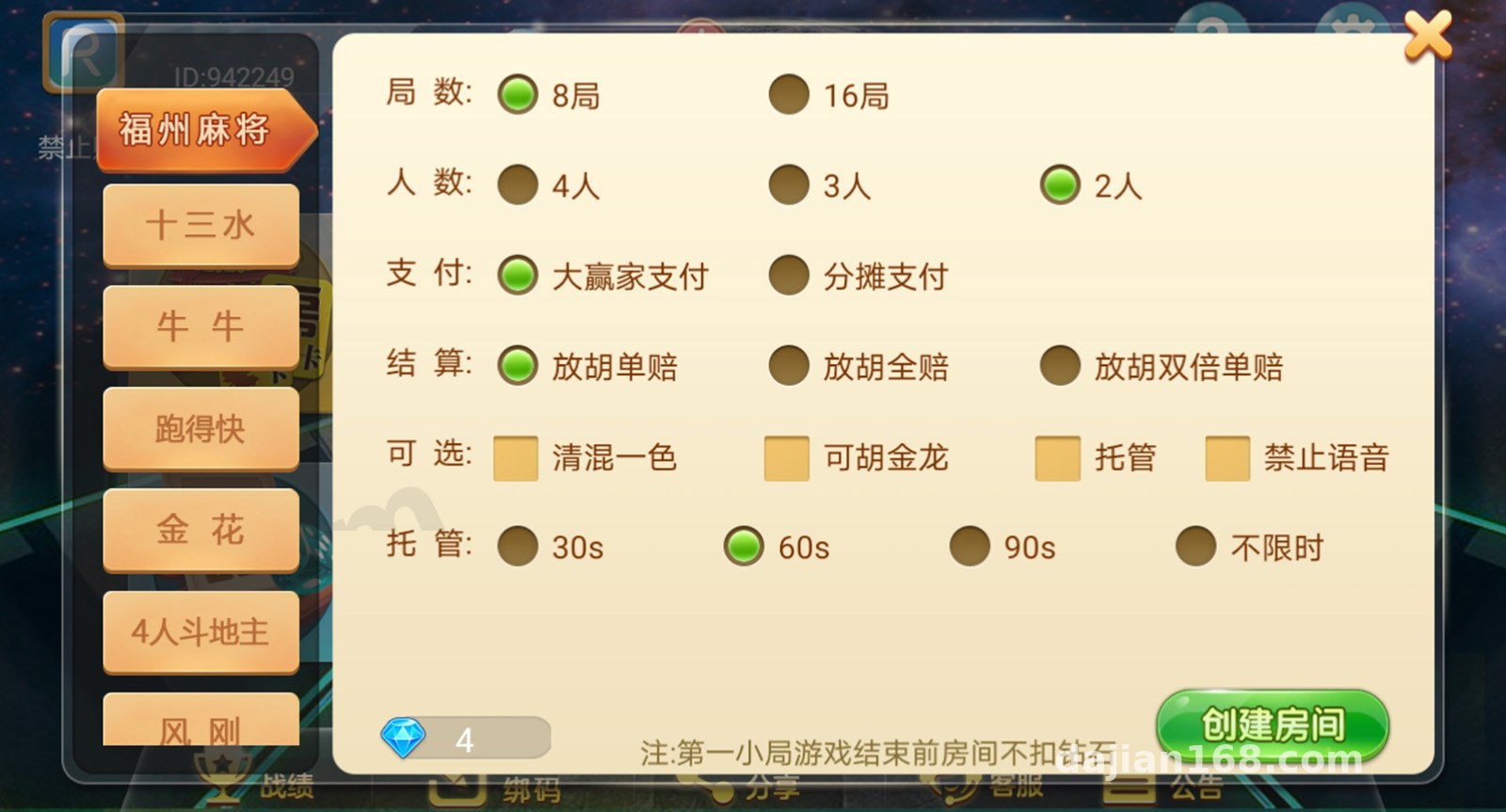
A reminder: this is a demo version of the source code. All card data is generated by random simulation, and tickets are virtual demo tickets. After deployment, use it strictly for feature demonstrations and technical learning, comply with applicable laws and regulations, and never use it for any unlawful purposes.
Who It's For
1. Developers who want to study the architecture of board game simulation systems — the card logic and room scheduling are written fairly clearly.
2. Teams that need to run product demos for clients — ticket mode works out of the box.
3. Product managers validating prototypes for social entertainment apps — the player circle + alliance social structure is worth referencing.
FAQ
Q: Can it run on minimum server specs?
A: 2 cores and 4GB RAM will get it started, but it struggles with more than two rooms open. I'd recommend at least 4 cores and 8GB, with 512MB of memory dedicated to Redis.
Q: Does it support a mini-program client?
A: The source package includes the H5 client and App packaging project. The mini-program client needs to be adapted from the H5 code — the official package doesn't include a ready-made mini-program project.
Q: Rooms won't open after setup — how do I troubleshoot?
A: Nine times out of ten it's the WebSocket port not being reachable. Check the security group first, then use netstat -tlnp to confirm the service process is listening, and finally verify that the client connection address matches your domain.
Q: What if demo tickets run out?
A: You can top up tickets for specific users directly in the admin panel's ticket pool management, or adjust the global replenishment rules. For testing, I suggest raising the replenishment threshold so you don't have to add tickets manually over and over.
Overall, this Liangtui 4 source code is fairly polished, with medium deployment difficulty — the main pitfalls are the database import and port configuration. Follow the parameters above and you can get it running within half a day. If you run into deployment issues, feel free to discuss in the comments.
Disclaimer: This article is for technical education and demonstration only. It is not professional or financial advice. Any real-world deployment must comply with applicable laws and regulations.
#source code deployment #board game simulation #Liangtui 4 #deployment notes #admin panel
-
 Alipay QR Code Scan
-
 WeChat Scan Pay