![February 2026 [Latest Contact Information]](https://dajian168.net/wp-content/uploads/2026/07/dajian168_thumb-300x200.jpg)
Contact Information: To prevent loss, please remember this website: dajian168.com Telegram: @dajian168 Telegram Channel: @dajian168168 WhatsApp: +852 Line ID: dajian168 Skype: [email protected] Email: [email protected] [email protected] USDT-TRC20 Address: USDT-TRC20 Address 2: Avatar/Profile:...
- About Us
- 2024-06-29
- 1993
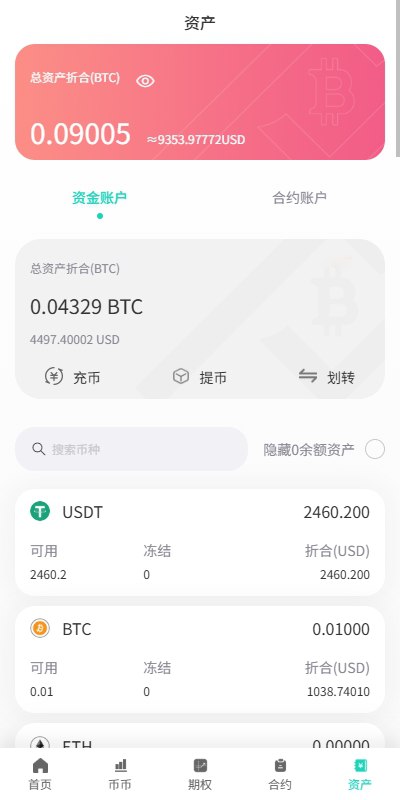
This exchange system is positioned as a compliant digital asset trading platform for overseas operations, suitable for enterprises or projects looking to build their own cryptocurrency trading ecosystem. Its “second development” feature gives the platform high customization capability, especially suitable for: Integration of digital asset trading modules into cross-border financial platformsDeployment of localized country/region exchangesConstruction of digital currency derivatives trading platforms (options, contracts)Multi-language international market expansion#SpotTrading #FuturesTrading #MultiLanguageExchange...
- Development Case Studies
- 2026-08-05
- 256
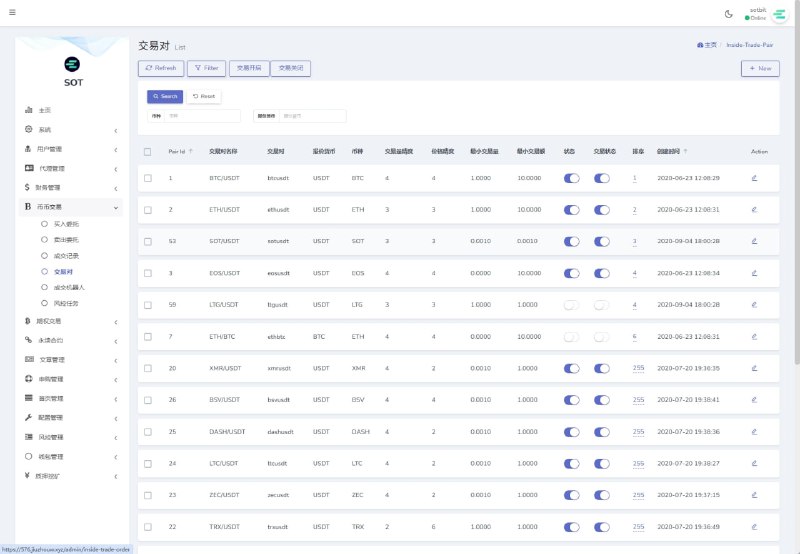
Operational Version Overseas Exchange / Options Trading / Futures Trading / Multi-language Subscription ExchangeThis system is a pure standalone version. The frontend is built with uniapp and Vue, and the backend is developed with Laravel, both of which support secondary development.Platform Features: 1. Platform Overview (real-time market data, advanced candlestick charts, BI data analytics, cryptocurrency statistics, user statistics, trading statistics, abnormal user detection) 2. User Management (user password modification, real-name authentication management, bank information management) 3. Wallet Management (user wallet management, fund adjustments, wallet logs, deposit and withdrawal records) 4. Cryptocurrency Management (currency configuration, withdrawal account management, visibility settings, trading pair management) 5. Platform Settings (image management, news, email configuration, master account settings) 6. Backend Management (platform data management, administrator permissions, log details, system parameter settings) 7. Agent Management (new agent backend features)#Build #Exchange #Options #SecondaryDev...
- Development Case Studies
- 2026-08-05
- 270
Single Bet: (Odds 2x) (Betting command: game type + amount) Example: Single 100 Small: Total points 4 to 10 Big: Total points 11 to 17 Odd: Total points 5, 7, 9, 11, 13, 15, 17 Even: Total points 4, 6, 8, 10, 12, 14, 16 (Triplets are not counted, max bet limit 5000u)Point Prediction Game: The sum of the three dice is the point prediction number (Betting command: point + prediction + amount) Example: 15 prediction 100 4, 17 points (odds 50x) 5, 16 points (odds 25x) 6, 15 points (odds 12x) 7, 14 points (odds 12x) 8, 13 points (odds 8x) 9, 10 points (odds 6x) 11, 12 points (odds 6x) (Bet limit 10-500U) Point Prediction Triplet Game: (Betting command: point + triplet + amount) Example: 1 triplet 100, 2 triplet 100 Each point 1/2/3/4/5/6 (odds 125x) (Bet limit 10-100U)#gambling...
- Development Case Studies
- 2026-08-05
- 296
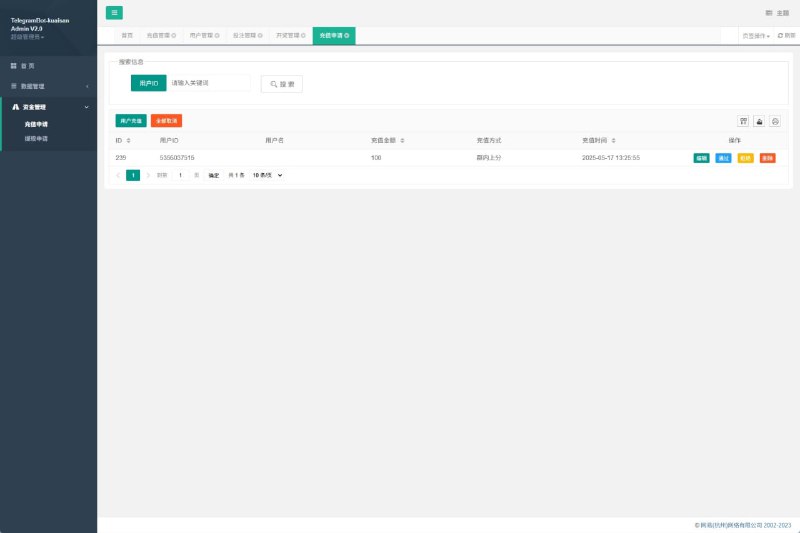
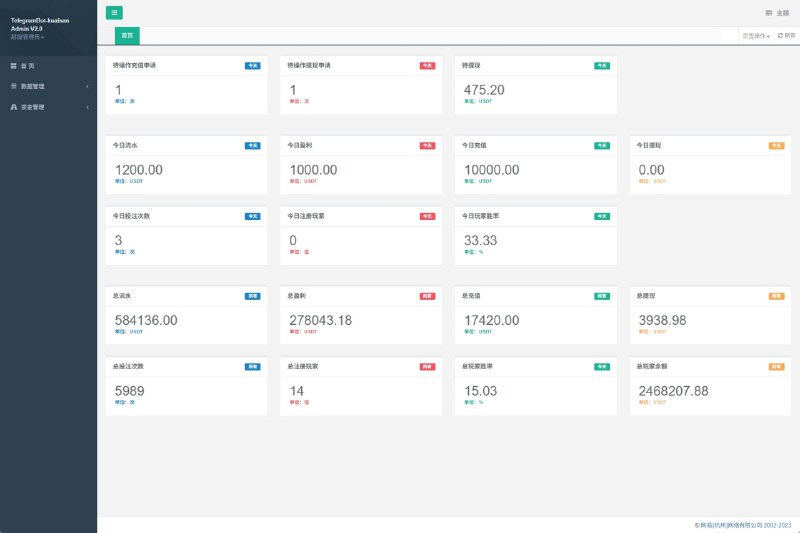
Admin Dashboard#AdminDashboard...
- Development Case Studies
- 2026-08-05
- 414
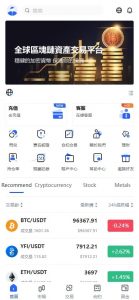
A hands-on walkthrough of deploying a multi-language Java digital asset demo platform, covering simulated pair trading, demo contracts, options simulation, instant swap, and yield demo modules, with VUE frontend customization pitfalls included....
- Development Case Studies
- 2026-08-04
- 306
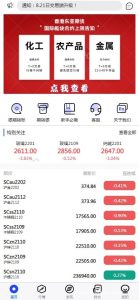
Sharing hands-on deployment experience with a market data visualization demo system built on uniapp, Vue, and PHP. Covers multi-symbol data simulation, admin backend, and multi-language configuration for data display and teaching demos....
- Development Case Studies
- 2026-08-04
- 306
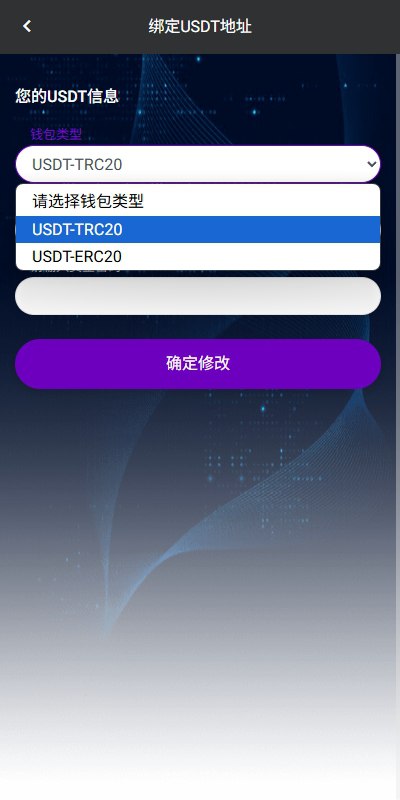
Overseas airline order-snatching system / injection / withdrawal restrictions / multi-language orders#E-commerce Order System #Order Snatching System #Multi-language Orders...
- Development Case Studies
- 2026-08-04
- 268
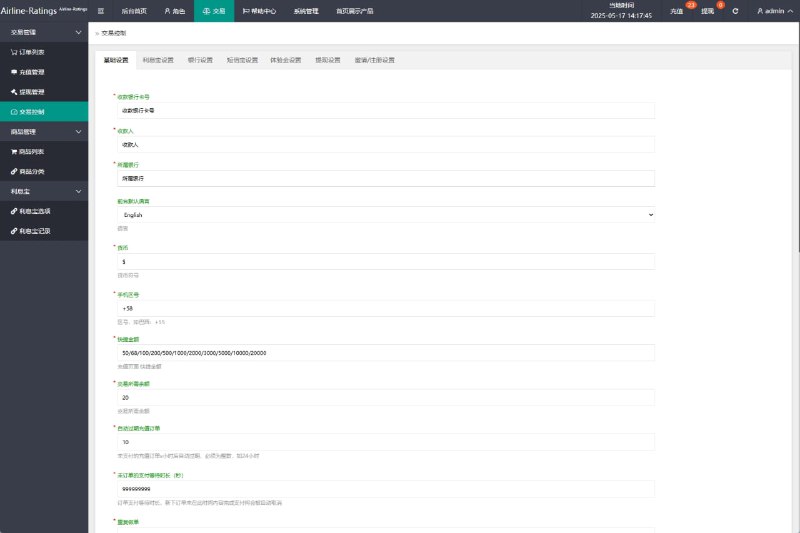
Multilingual Aviation Order Grabbing System, supports injections, stacking groups, withdrawal restrictions and more features #OrderGrabbingSystem #OrderGrabbing #Aviation...
- Development Case Studies
- 2026-08-04
- 290
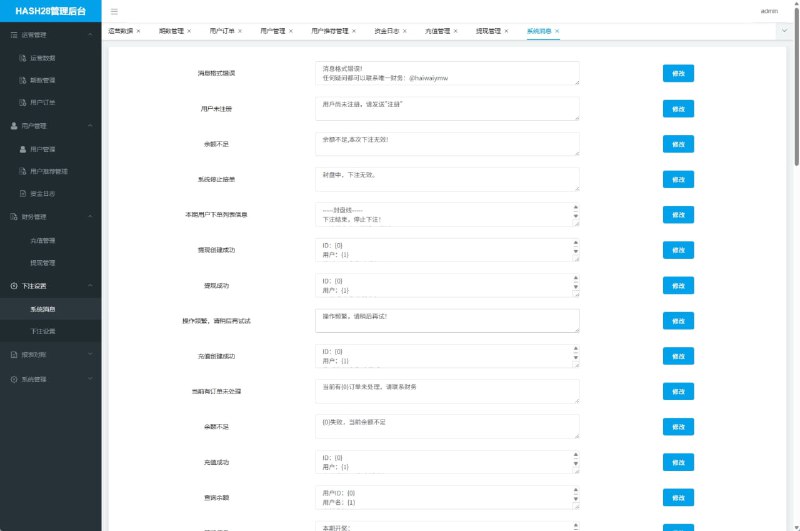
Telegram Betting Robot, Clear and Intuitive BackendSystem developed in JAVA, Backend in VUE#Setup #SetupSystem...
- Development Case Studies
- 2026-08-04
- 302
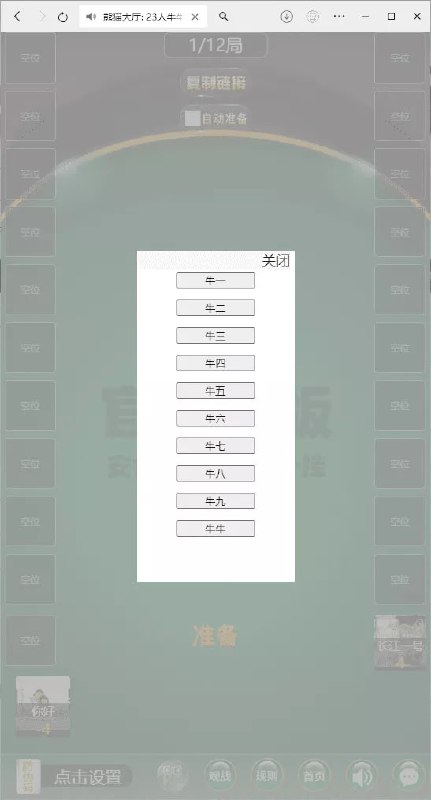
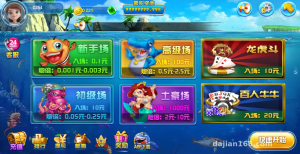
Latest Version H5 Card Games — Bajie Room Card Lobby featuring Niu Niu, Pai Gow, Fried Golden Flowers, Mahjong, Dou Dizhu, and Fish Shrimp CrabBajie Lobby — personally tested and fully deployable for smooth operation, supports migration to WeChat Cloud Hosting, no domain required, bypasses WeChat blocking.Rigging control is normal, gameplay is standard, ready for perfect operation.Supports WeChat login with normal account registration and login. #NiuNiu #PaiGow #FriedGoldenFlowers #Mahjong #DouDizhu #FishShrimpCrab #CardGames #RoomCard #H5...
- Development Case Studies
- 2026-08-04
- 308