Screen Sharing Meeting System Source Code Setup: uniapp Frontend + PHP Backend Deployment Notes
Screen Sharing Meeting System Source Code Setup: uniapp Frontend + PHP Backend Deployment Notes
Disclaimer: This article is for technical education and demonstration only. It is not professional or financial advice. Any real-world deployment must comply with applicable laws and regulations.
I recently helped a client in the online education space deploy a screen sharing meeting app built from source code — uniapp on the frontend, PHP on the backend, with Tencent Cloud handling the meeting SDK. It took about two days of back-and-forth, so I’m writing down all the pitfalls I hit to save anyone else some time.
Feature Testing: What This Source Code Can Actually Do
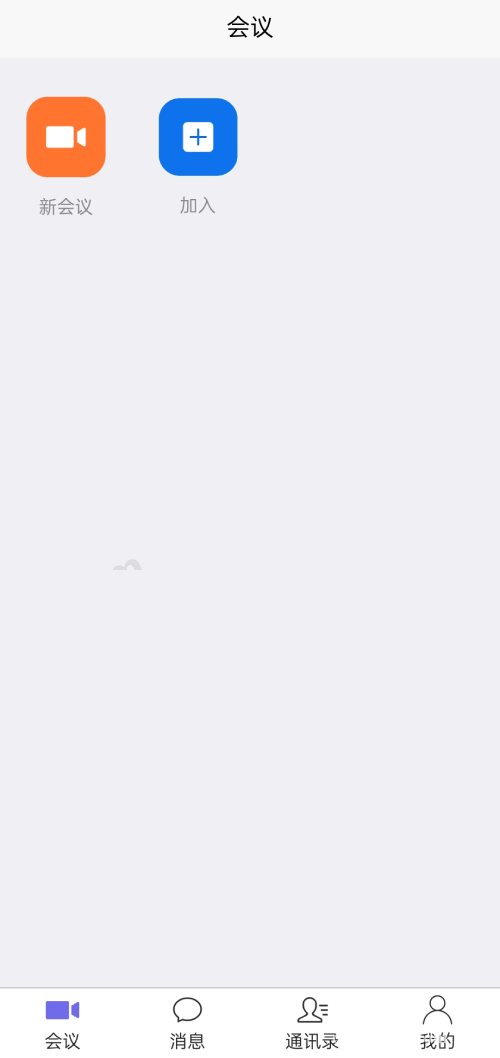
Bottom line up front: the core audio and video meeting features work. Here’s what I tested:
Screen Sharing
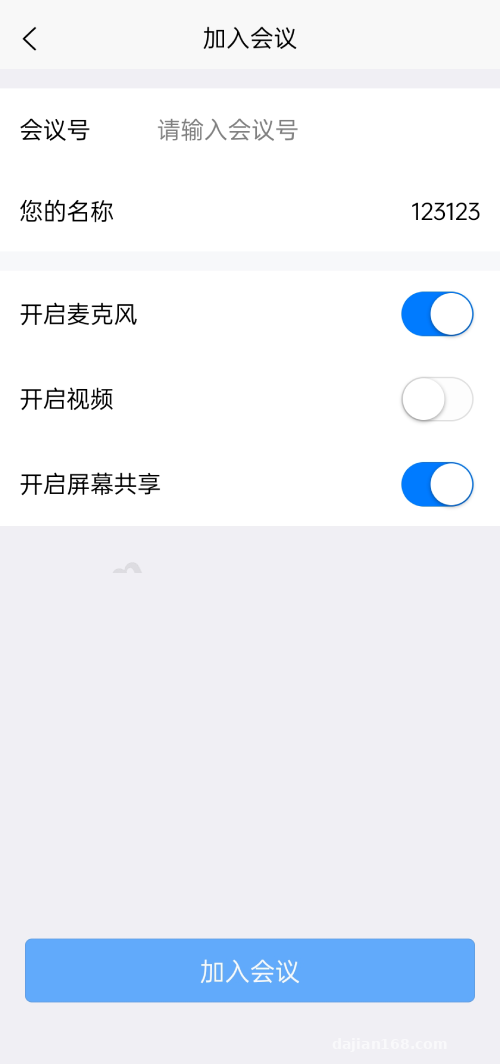
Once a meeting starts from the app, you can share your screen directly. On Android the experience is reasonably smooth — at 1080P the latency stayed under about 300 milliseconds. On iOS, due to system permission restrictions, screen sharing has to go through the ReplayKit broadcast extension. Make sure you compile that extension into the package — I missed it the first time, and the share button did absolutely nothing when tapped.
License Code Mechanism
This is the license code edition. The backend generates license codes bound to a domain and a device count. After the client buys it outright, they generate codes and distribute them to student accounts, and the backend shows each code’s activation status and expiration date. That design works nicely for training institutions and corporate internal training scenarios.
Admin Backend
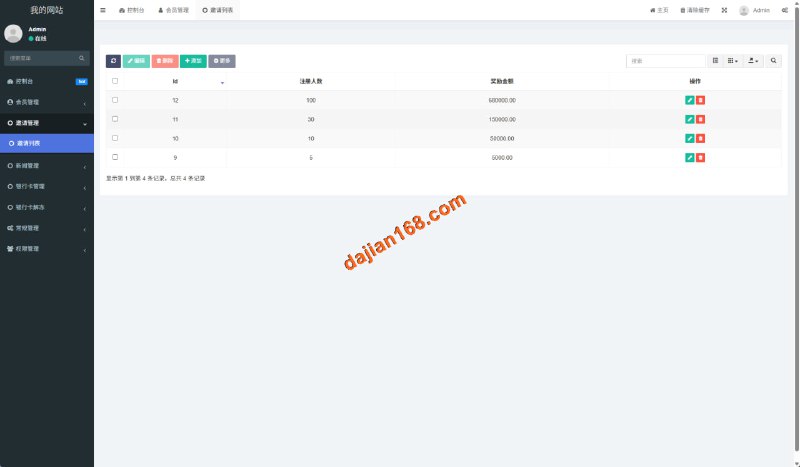
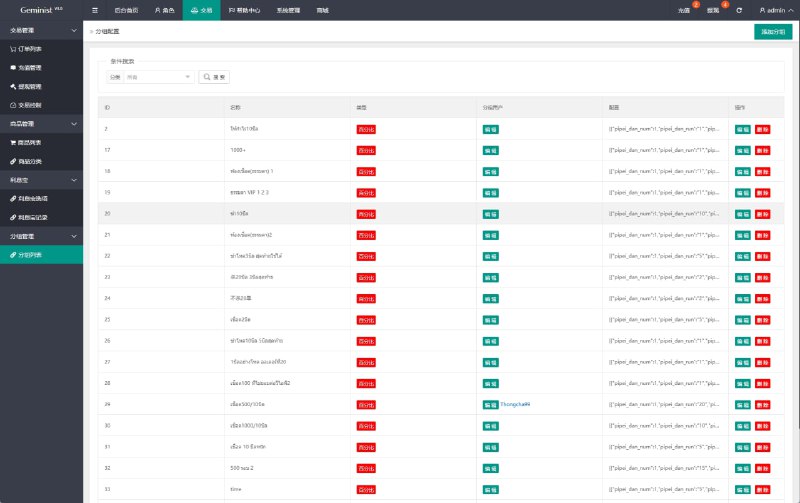
The PHP backend is fairly complete: meeting records, user management, license code management, and plan configuration are all there. Meeting rooms support passwords, host permissions, muting, and kicking participants — the usual controls. The UI is Bootstrap-based, not pretty, but everything works.
Deployment Essentials: Environment Configuration Pitfalls
Server Environment
The backend requires PHP 7.4 and MySQL 5.7. I installed them via the BaoTa panel. Note that PHP needs the fileinfo and redis extensions enabled, or the backend login will throw errors. For URL rewriting, the default ThinkPHP rules work fine.
Tencent Cloud SDK Configuration
This is the big one. You need to enable two services in the Tencent Cloud console — TRTC (real-time audio/video) and IM (instant messaging) — then grab the SDKAppID and secret key and fill them into the backend system settings. The IM and TRTC SDKAppIDs must belong to the same account with interoperability enabled, otherwise you can enter the meeting room but messages never arrive. I got stuck here for two hours before realizing the IM interoperability switch was off.
uniapp Packaging
The frontend is packaged with HBuilderX — update the appid in the manifest and the backend URL. On Android you need to declare the Tencent Cloud audio/video permissions; on iOS remember to configure VoIP push. For quick testing, start with the H5 build — uniapp runs one codebase across three platforms, so getting H5 working first before building the native packages saves a lot of hassle.
Tip: Tencent Cloud TRTC has a free tier of 10,000 minutes per month, which is plenty for the testing phase. Before going live, do the math on your usage — an overage on the pay-as-you-go bill stings.
Customization Suggestions and Who This Suits
The code structure is reasonably clean. The uniapp pages are decently componentized, and the backend follows a standard MVC pattern. If you want to add features — say, hooking up your own payment interface to sell membership plans, or adding language packs for an international version — the changes are manageable. The source code reserves an interface reel simulation for payments, so integrating WeChat Pay and Alipay’s official APIs is straightforward.
Who it suits: online education institutions, companies that need a self-hosted internal meeting tool, and teams looking to build a SaaS meeting product. If you’re just an individual tinkering, weigh the Tencent Cloud costs carefully.
FAQ
Q: Can I set this up without my own server?
A: No — this must be self-deployed. The Tencent Cloud SDK keys are also tied to your own account; don’t use someone else’s, since figuring out whose bill it lands on is a headache.
Q: Is there a concurrency limit?
A: It depends on the Tencent Cloud plan you buy — the source code itself doesn’t restrict it. For small meetings under 50 participants, the standard TRTC plan is more than enough.
Q: Can I do secondary development to add features?
A: Yes. The code isn’t encrypted — the uniapp frontend and PHP backend are both plain source. Before modifying anything, I’d suggest getting the default version running locally first.
Q: It’s a license code edition — could there be a backdoor?
A: Before deploying, I searched the whole codebase for suspicious external links and callback addresses and found nothing unusual. To be safe, change all default backend passwords before going live and tighten directory permissions.
Disclaimer: This article is for technical education only, sharing deployment experience. All feature demonstrations must comply with applicable laws and regulations, and any unlawful use is prohibited.
Disclaimer: This article is for technical education and demonstration only. It is not professional or financial advice. Any real-world deployment must comply with applicable laws and regulations.
#source code setup #meeting system #uniapp #Tencent Cloud #PHP deployment
-
 Alipay QR Code Scan
-
 WeChat Scan Pay