Cross-Border E-Commerce Mall System Source Code Setup: Multi-Language Switching, One-Click Product Listing, Payment & Logistics Integration
Cross-Border E-Commerce Mall System Source Code Setup: Multi-Language Switching, One-Click Product Listing, Payment & Logistics Integration
Disclaimer: This article is for technical education and demonstration only. It is not professional or financial advice. Any real-world deployment must comply with applicable laws and regulations.
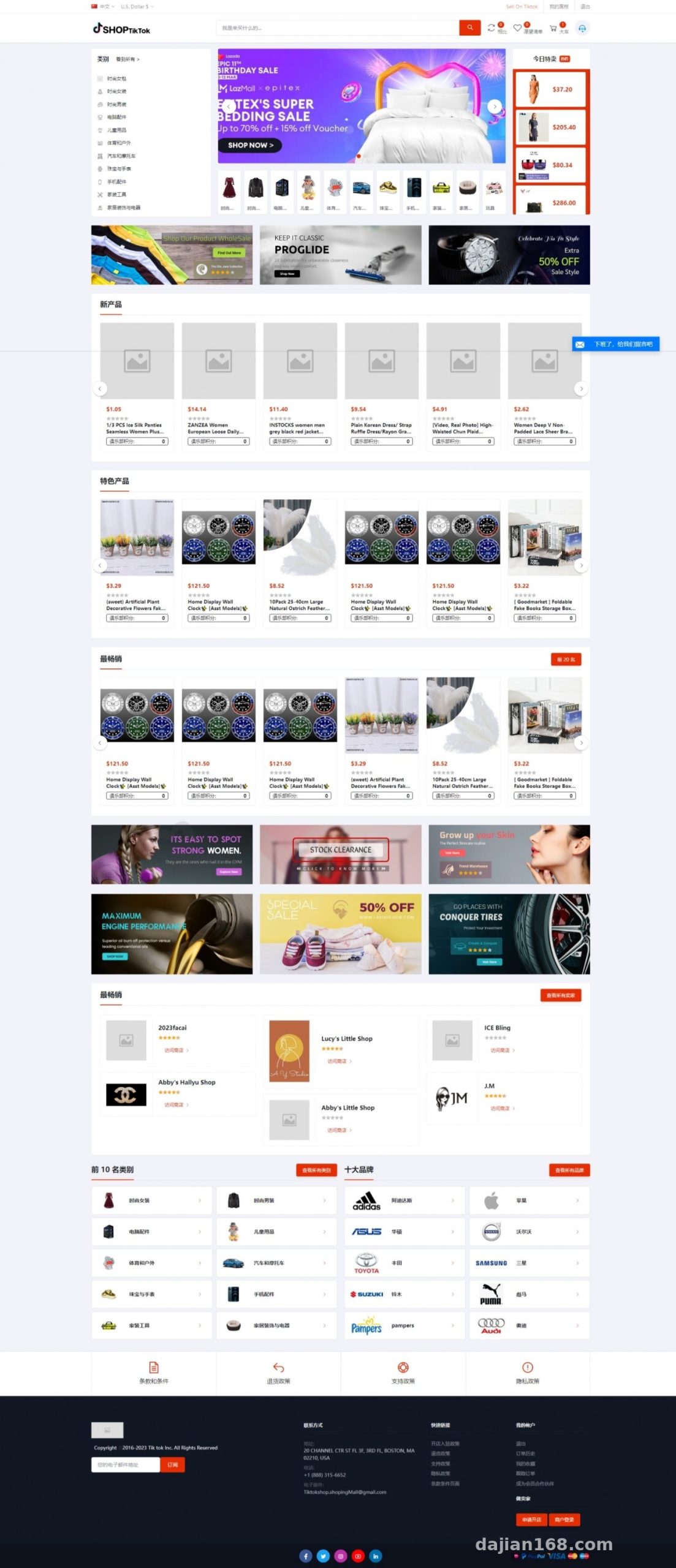
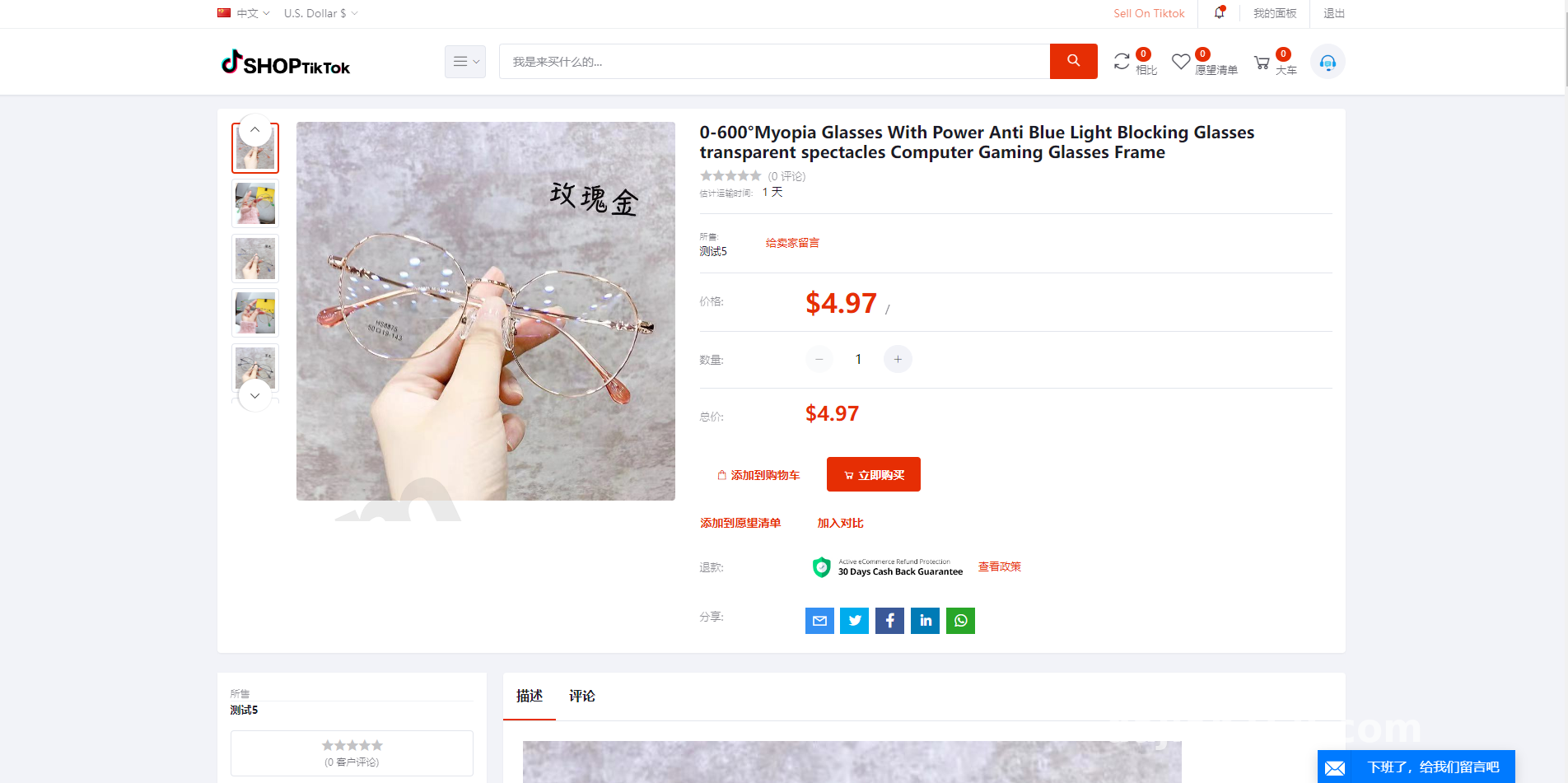
I recently helped a client running an overseas warehouse deploy a Laravel-based multi-language cross-border e-commerce mall system. Honestly, I’ve worked with more than ten sets of source code like this, and this one is among the cleanest in structure. The front-end and back-end separation is sensible, the code comments are sufficient, and secondary development isn’t hard. Below I’ll walk through the whole setup process and the pitfalls I hit, for anyone who needs a reference.
Core Features Tested
Let’s start with the highlights — this system’s selling points are mainly in three areas.
Multi-Language System
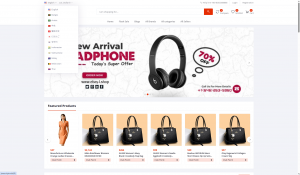
The front end supports free switching between multiple languages, and language packs can be added directly from the admin panel without touching core code. I tested adding a Thai language pack; translation entries are stored in the database, and switching latency is basically imperceptible. Loading speed has been optimized too — the homepage first screen took about 1.2 seconds, and after adding Redis caching it dropped to under 800 milliseconds.
One-Click Collection and Listing
The product collection and listing library is the soul of this system. Merchants select products in the admin panel, list them in bulk with one click, and order numbers are matched automatically. I tested a bulk import of 500 SKUs — it finished in about 40 seconds with no errors. For cross-border sellers running a listing-heavy model, this efficiency is critical.
Merchant and Commission System
The admin panel lets you set commission rates per merchant, down to the exact percentage. Merchant withdrawals, transaction details, and commission details all have separate modules, which makes reconciliation easy. Opening a store requires admin approval, and product listings go through a review process — this design keeps junk stores from flooding in.
Deployment Essentials and Pitfall Log
My environment was LNMP: PHP 8.1 + MySQL 5.7 + Nginx. A few things to watch during installation:
First, composer dependency installation tends to time out on domestic mirrors, so I’d recommend switching to the Aliyun mirror. Second, the storage and bootstrap/cache directories must have 777 permissions, or the admin panel will show a blank screen. Third, the rewrite rules need to be set to Laravel’s — I forgot this at first and every front-end route returned 404, which took half an hour to troubleshoot.
As for payments, the system has built-in quick payment interfaces, and integrating Stripe and PayPal went smoothly — the callback verification logic is well written. On the logistics side, I integrated 17track’s tracking API, and the overseas cloud warehouse module is standalone, so inventory and shipping orders can be managed separately.
Secondary Development Tips
If you want to change the front-end styling, note that template files live under resources/views, and theme configuration is handled visually through the admin panel, so most of the time you won’t need to touch code. If you want to add custom promotional slots, I’d suggest extending the banner module directly rather than building something from scratch.
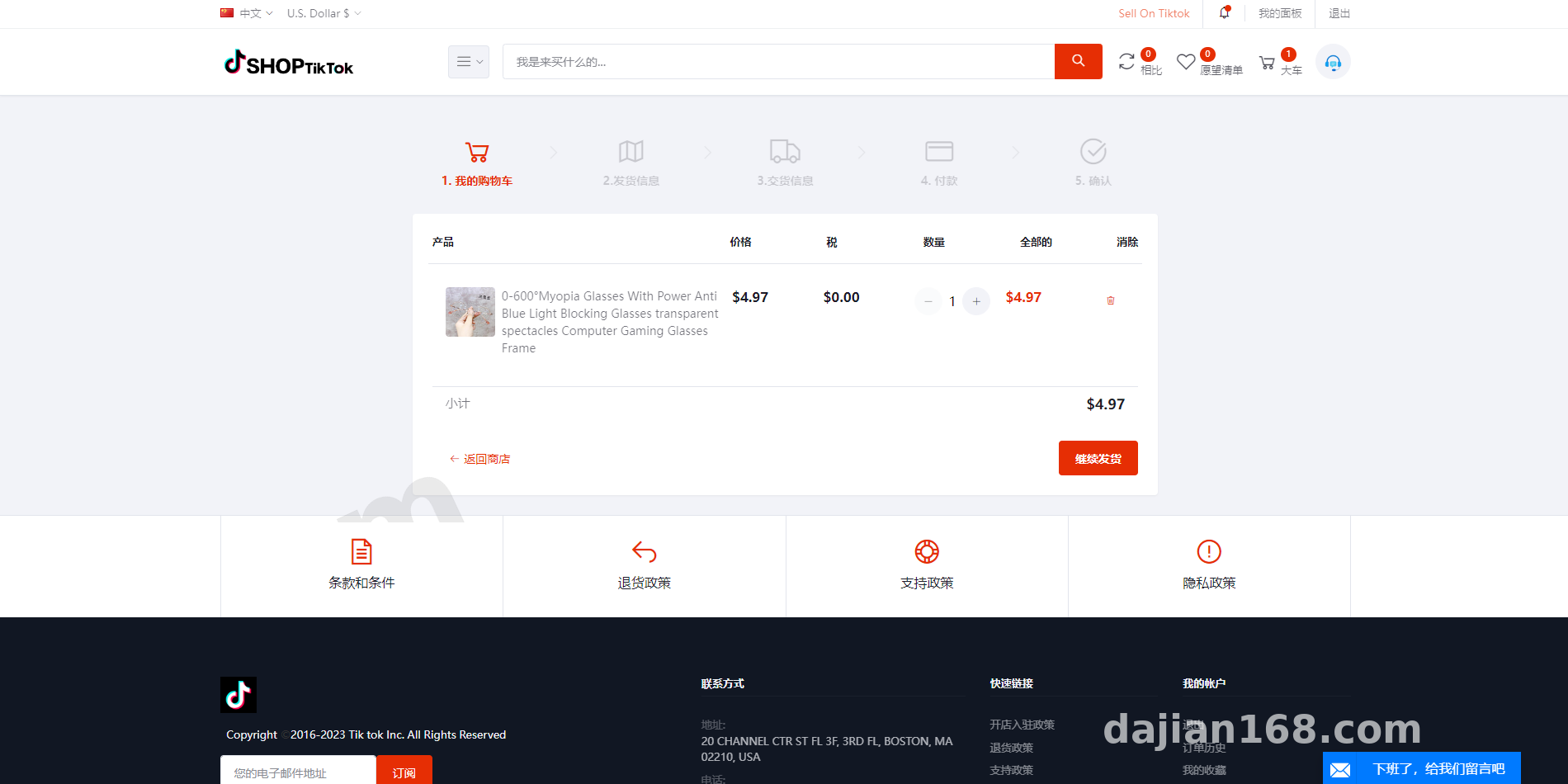
Highlight tip: This system comes with interest-based shopping recommendations and a product wishlist feature. User profile data is stored directly in the database, which makes email marketing and second-touch campaigns very convenient — it saves you the cost of a CRM.
Who Is It For
It’s a good fit for small and mid-sized sellers doing cross-border bulk listing, teams that want to run their own overseas warehouse mall, and developers taking on foreign-trade mall outsourcing projects. The multi-admin permission management is quite granular — operations, customer service, and finance can each get accounts with separate permissions, so team collaboration is no problem.
One thing to note: although multi-brand addition is supported, the search index needs rebuilding once you have many brands. I’d recommend pairing it with Elasticsearch for product search optimization, otherwise search slows down noticeably once you pass 10,000 SKUs.
FAQ
Q: What server specs are needed?
A: For under 1,000 daily orders, 2 cores and 4GB RAM is plenty. If you have over 10,000 SKUs or high concurrency, go with 4 cores and 8GB plus Redis caching — the difference in experience is significant.
Q: Do I have to enter multi-language translations one by one?
A: No. The admin panel supports bulk importing language packs in CSV format. Ready-made e-commerce glossaries are available online for major languages; after importing, just manually proofread the core pages.
Q: Is the payment interface easy to integrate? Is there a technical barrier?
A: The system has a standard payment gateway layer. For mainstream international channels like Stripe and PayPal, you just configure the keys per the documentation and it works. In the test environment, I’d recommend validating callbacks through the sandbox first.
Q: Can I do secondary development to add custom features?
A: Yes. The code follows standard Laravel conventions, with clear separation of routes, controllers, and models, so developers with a PHP background can get up to speed quickly.
Disclaimer: This article is for technical education only, sharing hands-on setup experience. System deployment and use must comply with applicable laws and regulations, and may not be used for any unlawful purposes.
Disclaimer: This article is for technical education and demonstration only. It is not professional or financial advice. Any real-world deployment must comply with applicable laws and regulations.
#cross-border e-commerce #source code setup #Laravel #multi-language mall #overseas warehouse
-
 Alipay QR Code Scan
-
 WeChat Scan Pay