Multi-Language E-Commerce System Deployment Guide: Building a Multi-Vendor Mall with Uniapp and ThinkPHP
Multi-Language E-Commerce System Deployment Guide: Building a Multi-Vendor Mall with Uniapp and ThinkPHP
Disclaimer: This article is for technical education and demonstration only. It is not professional or financial advice. Any real-world deployment must comply with applicable laws and regulations.
Last week, I helped a friend running an independent foreign trade store deploy a brand-new multi-language cross-border e-commerce system. His old site relied on traditional mixed PHP templates, which not only loaded slowly on mobile devices but also suffered from frequent inventory sync bugs across multiple vendors. This time, we upgraded him to a completely decoupled architecture: the PC storefront and master admin panel are built with Vue, the mobile end is developed using Uniapp, and the underlying API runs on the ThinkPHP framework. It took me two days to get the entire environment up and running smoothly. Here are my notes on the deployment process and core module testing.
System Architecture and Core Feature Testing
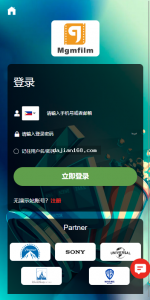
After getting the source code package, I first inspected the directory structure. The code separation is remarkably clean. This application focuses on a “platform + multi-vendor onboarding” supply chain model, making it a great fit for overseas vertical B2B2C marketplaces. In my local test environment, I focused on running through the following core workflows:
1. Supply Chain and One-Click Product Distribution
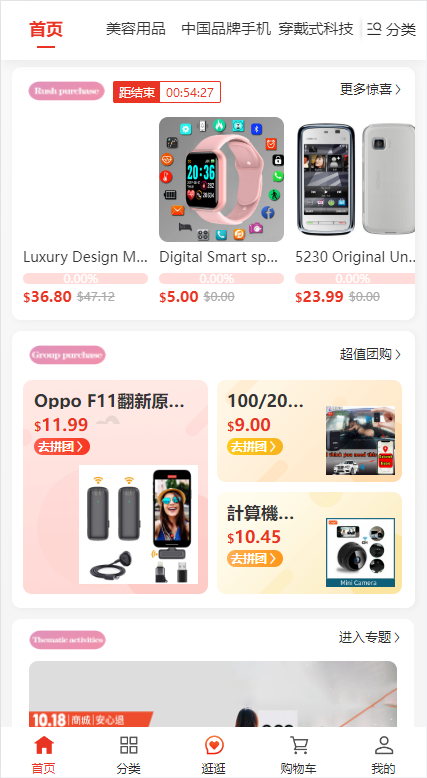
The biggest headache when launching a cross-border mall is that early merchants often lack product sources. This system comes with a built-in platform supply chain product pool. Once a merchant applies for onboarding, passes qualification review, and sets up their store deposit, they don’t need to upload products one by one. Instead, they can go directly to the “Supply Center” in their dashboard, select platform items, and distribute them to their own storefront with a single click. The system automatically calculates the wholesale price margin. When a buyer places an order, the master admin backend handles unified platform dropshipping, leaving the merchant free to focus purely on frontend store operations and traffic generation.
2. Multi-Language Switching and Cross-Border Settlement Integration
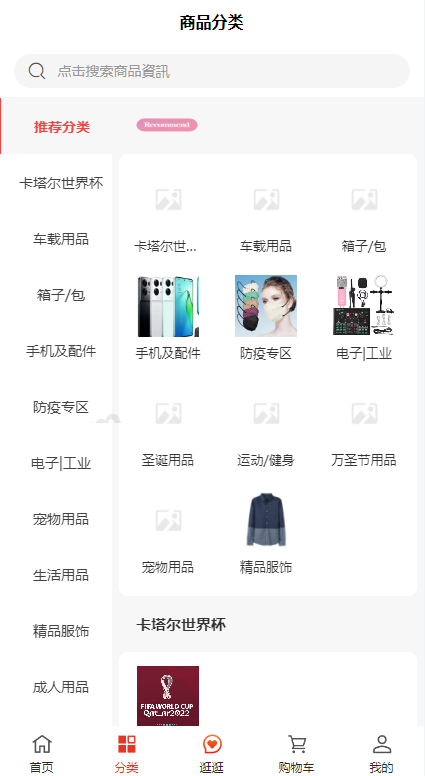
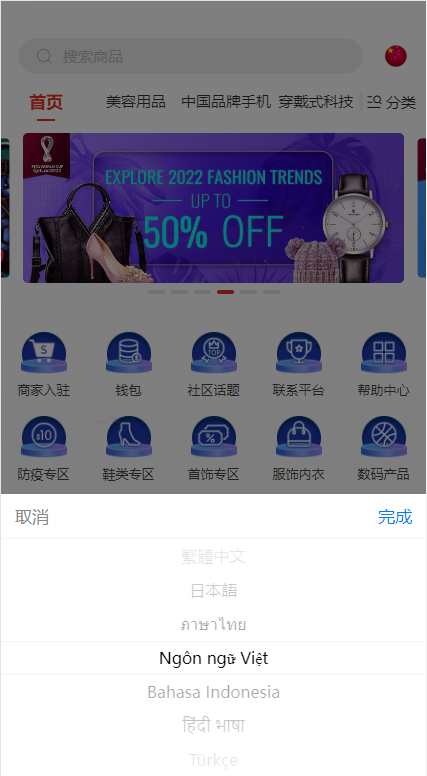
Since the platform targets overseas markets, internationalization support is a hard requirement. Both the Uniapp and Vue frontends have pre-extracted i18n language packs, shipping with English, Japanese, Korean, Spanish, and several other common languages by default. You can directly modify the corresponding JSON key-value pairs right from the admin panel. For the settlement module, alongside standard payment gateway interfaces, the system also integrates mainstream digital asset gateways (such as USDT API configurations), which makes cross-border settlement testing much easier in regions lacking local card payment channels.
3. Operational Stress Testing and Logistics Tracking Modules
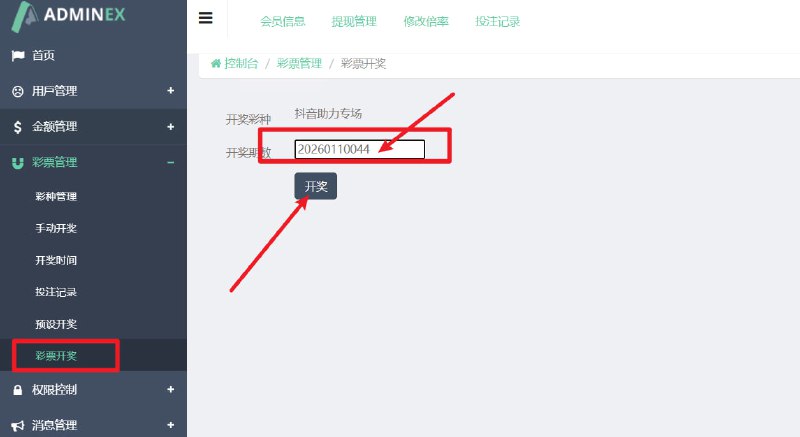
Before taking a new system live, high-concurrency and page load capacity testing are essential. Inside the master admin panel of this source code, the developers included a comprehensive suite of sandbox testing tools. For instance, administrators can batch-generate test accounts with one click, simulate scheduled multi-user orders and concurrent bulk purchasing, and even configure simulated visitors, store followers, and cart additions for test shops. This makes it easy to observe frontend rendering performance and check for database table locking issues. Furthermore, the logistics module supports custom tracking trajectory templates, allowing flexible integration with third-party cross-border dedicated line APIs or manual maintenance of in-house logistics data.
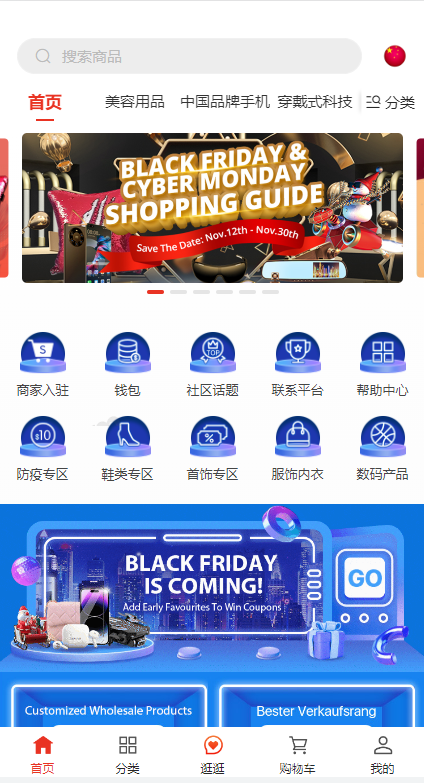
Webmaster Deployment Tip: The PC storefront and admin dashboard of this system won’t run if you simply upload the uncompiled source files directly to your server. If you don’t need to customize the UI right away, I recommend running the pre-compiled static JS and HTML files included in the package alongside the PHP API. This saves you the hassle of configuring a Node environment on the production server and keeps memory usage much lower.
Server Environment Configuration and Troubleshooting
For the live deployment phase, I picked a 4-Core 8GB cloud server located in a Hong Kong data center, running CentOS 7.9 with the aaPanel (BaoTa) control panel. Here are the exact production environment parameters I used:
- Web Server: Nginx 1.20 (handles concurrency much more reliably than Apache)
- Database: MySQL 5.7 (make sure to remove ONLY_FULL_GROUP_BY from sql_mode, otherwise some statistical reports will throw errors)
- PHP Version: PHP 7.3 or 7.4 (you must install the Redis and fileinfo extensions, and remove disabled functions like putenv)
- Caching Service: Redis 6.2 (used for handling product queues and session caching)
Fixing URL Rewrites and CORS Issues
Because this is a decoupled frontend-backend architecture, I bound the API domain and the frontend H5/PC domains separately. The very first hurdle I hit during deployment was the frontend throwing CORS (Cross-Origin Resource Sharing) errors when requesting the API. The fix was adding cross-origin allow headers inside ThinkPHP’s entry file or global middleware, while also configuring Nginx to return a 204 status code directly for OPTIONS preflight requests.
Additionally, refreshing pages on the compiled Vue frontend project resulted in 404 errors. To fix this, you need to go into the site configuration in your control panel and add a Vue router-specific try_files rewrite rule to redirect all unmatched paths back to index.html.
Configuring Scheduled Crontab Tasks
Automated delivery confirmation, test task distribution, logistics status updates, and exchange rate synchronization all rely heavily on backend Crontab scripts. Inside the control panel’s “Scheduled Tasks” section, you need to add a few Shell scripts to periodically hit ThinkPHP’s command-line interface. Remember to set the execution interval to once every minute, and double-check that the runtime directory has proper www user permissions—otherwise, log writing will fail and cause the background tasks to hang.
Who Should Consider This System for Custom Development?
Looking through the entire codebase, there is no malicious encryption or obfuscation, and the ThinkPHP backend controller logic is written quite cleanly. This system is a great fit for foreign trade startup teams with some technical background, cross-border logistics companies transitioning into e-commerce, or development agencies taking on custom overseas marketplace projects. Since the full Uniapp project files are provided for the frontend, packaging it into native Android and iOS apps later on, or publishing it as an overseas mini-program, is very straightforward.
Frequently Asked Questions
Q: After compiling the Uniapp frontend into H5, why are the image assets failing to load?
A: In most cases, the static asset path is misconfigured. Go to the “Storage Configuration” under system settings in the admin panel and change the local storage domain to your actual bound API backend domain. Also, check that your HTTPS certificates match across domains, as browsers will block mixed HTTP content by default.
Q: How does the product scraping feature work? Do I need to write my own crawler rules?
A: The system comes with built-in API parsing rules for mainstream cross-border platforms. Generally, you just paste the target product link or configure a third-party scraping API key to directly fetch titles, gallery images, and SKU attributes. If a target website updates its layout, you can easily tweak the regex matching rules inside the backend collection controller.
Q: What are the minimum server specifications required to run this?
A: If you are just setting it up for local testing or running a demo site, a 2-Core 4GB machine is plenty. However, if you are running a live multi-vendor business with Redis queues and scheduled tasks running constantly in the background, I recommend starting with at least a 4-Core 8GB server and 5Mbps+ bandwidth to ensure snappy image loading speeds for overseas nodes.
Disclaimer: This article is a technical architecture analysis and local environment deployment log for e-commerce system source code. It is intended solely for developer technical exchange and system testing reference. Please strictly adhere to local laws and regulations and use technical source code responsibly.
Disclaimer: This article is for technical education and demonstration only. It is not professional or financial advice. Any real-world deployment must comply with applicable laws and regulations.
#Cross-Border E-Commerce Source Code #Multi-Language Mall #Uniapp Development #ThinkPHP #Deployment Guide
-
 Alipay QR Code Scan
-
 WeChat Scan Pay

![? ? [Order-Boom Must-Have] Multilingual E-commerce Order System 3.0 Is Live!](https://xz.dajian168.com/wp-content/uploads/2025/08/telegram-img-2025-08-14-689ddcc480995.jpg)