FastAdmin Social Messaging & Content Distribution System Deployment: Mobile H5 Architecture and Multi-Language Frontend
FastAdmin Social Messaging & Content Distribution System Deployment: Mobile H5 Architecture and Multi-Language Frontend
Disclaimer: This article is for technical education and demonstration only. It is not professional or financial advice. Any real-world deployment must comply with applicable laws and regulations.
Last week, I helped a friend who runs overseas online communities deploy a lightweight social messaging and short-video content distribution system. His requirements were crystal clear: skip the bloated desktop interface and focus entirely on a smooth, mobile-only H5 view paired with an official landing page for app downloads. He also insisted on using the FastAdmin framework for the backend so his in-house PHP developers could easily handle secondary development down the road. It took me the better part of a day to get the entire environment up and running, so I put together these notes to share the deployment details and a few troubleshooting tips.
Core Features and Architecture Testing
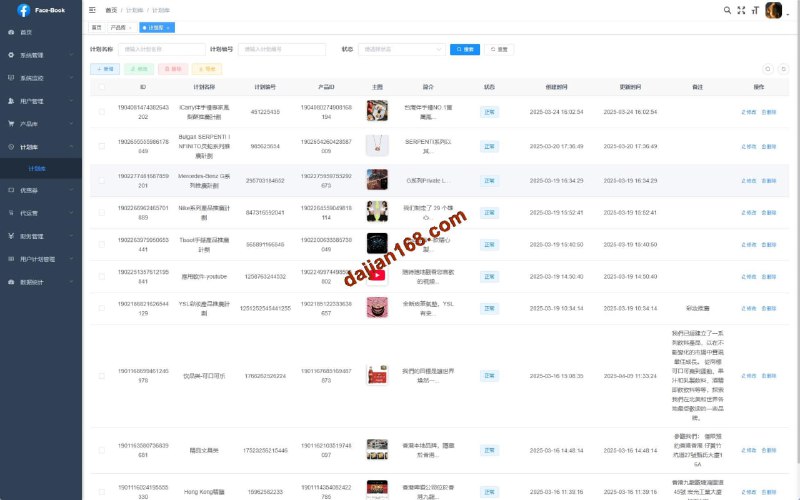
After unzipping the source code package, I found a very clean directory structure. The project is split into three main parts: an admin dashboard powered by ThinkPHP and FastAdmin, a pre-compiled mobile frontend package, and a standalone static landing page. I spun the system up on a test server and focused my testing on a few key modules:
1. Responsive Mobile View and App Download Landing Page
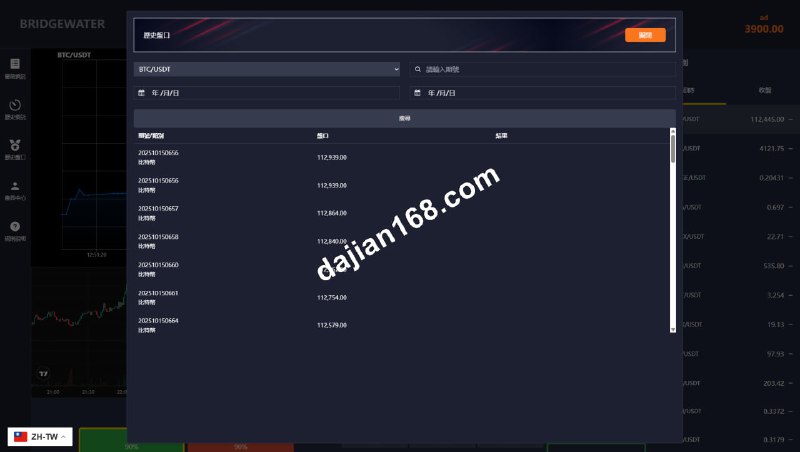
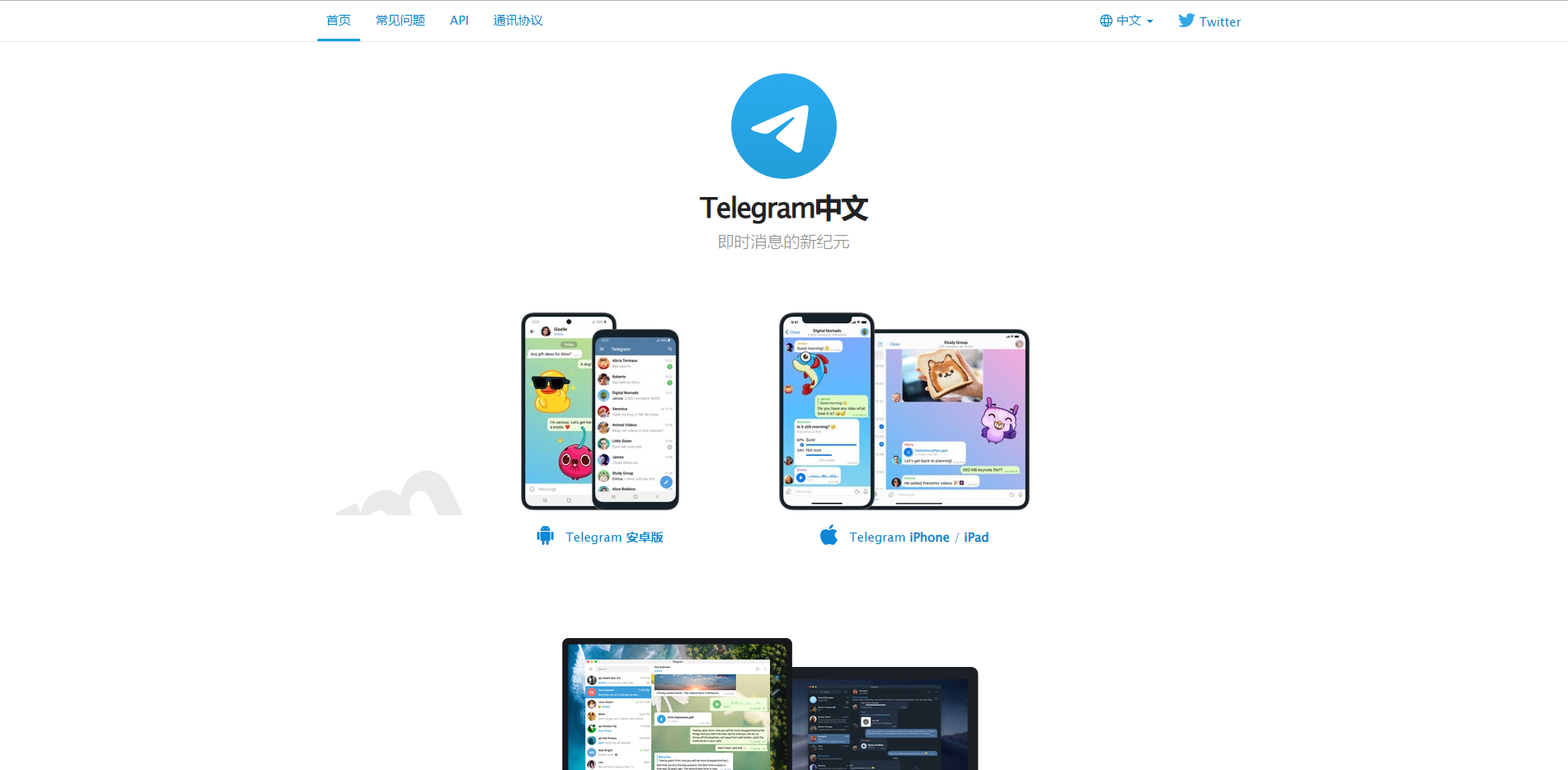
The frontend is a dedicated single-view interface optimized specifically for mobile screens. Its UI leans into a minimalist instant-messaging style. Switching between community feeds, short-video streams, and the user profile via the bottom navigation bar feels remarkably smooth—none of that clunky page-refresh lag you get with traditional web apps. The accompanying landing page comes with built-in device detection logic. When Android or iOS users visit, it automatically serves the matching app package or WebClip configuration link, saving you the trouble of building a separate distribution page from scratch.
2. Waterfall Recommendation Feed and Multi-Language Dictionary
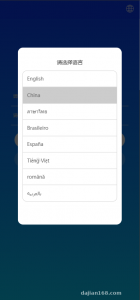
When you are distributing content to international communities, multi-language support is an absolute must. This system extracts its frontend text into standalone JSON language packs. Out of the box, it includes both Chinese and English, and adding new languages is as simple as duplicating a dictionary file and translating the strings. For the content feed, the backend uses a foundational weighted recommendation algorithm. It dynamically adjusts the display order of short videos and image posts based on popularity scores, publish timestamps, and tag relevance configured in the admin panel.
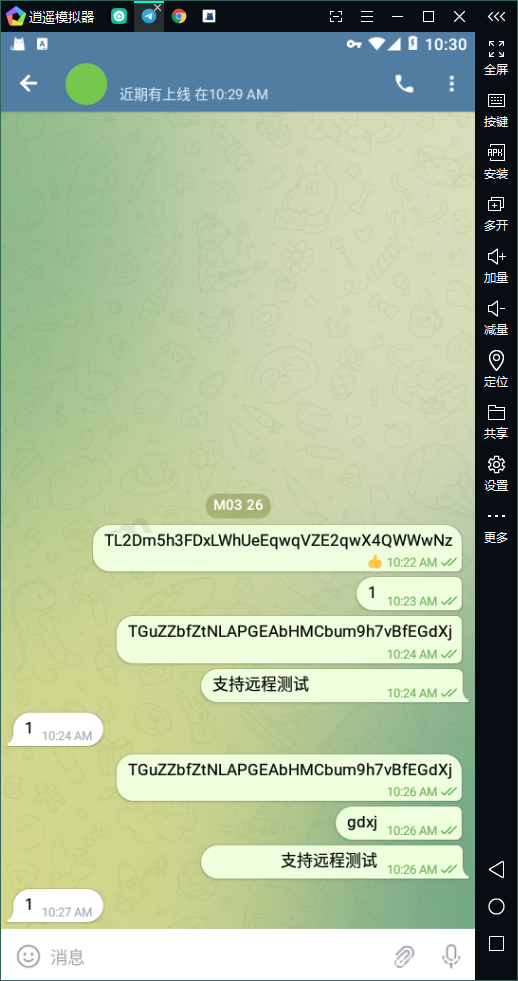
3. Member Accounts and Decentralized Identifier Binding
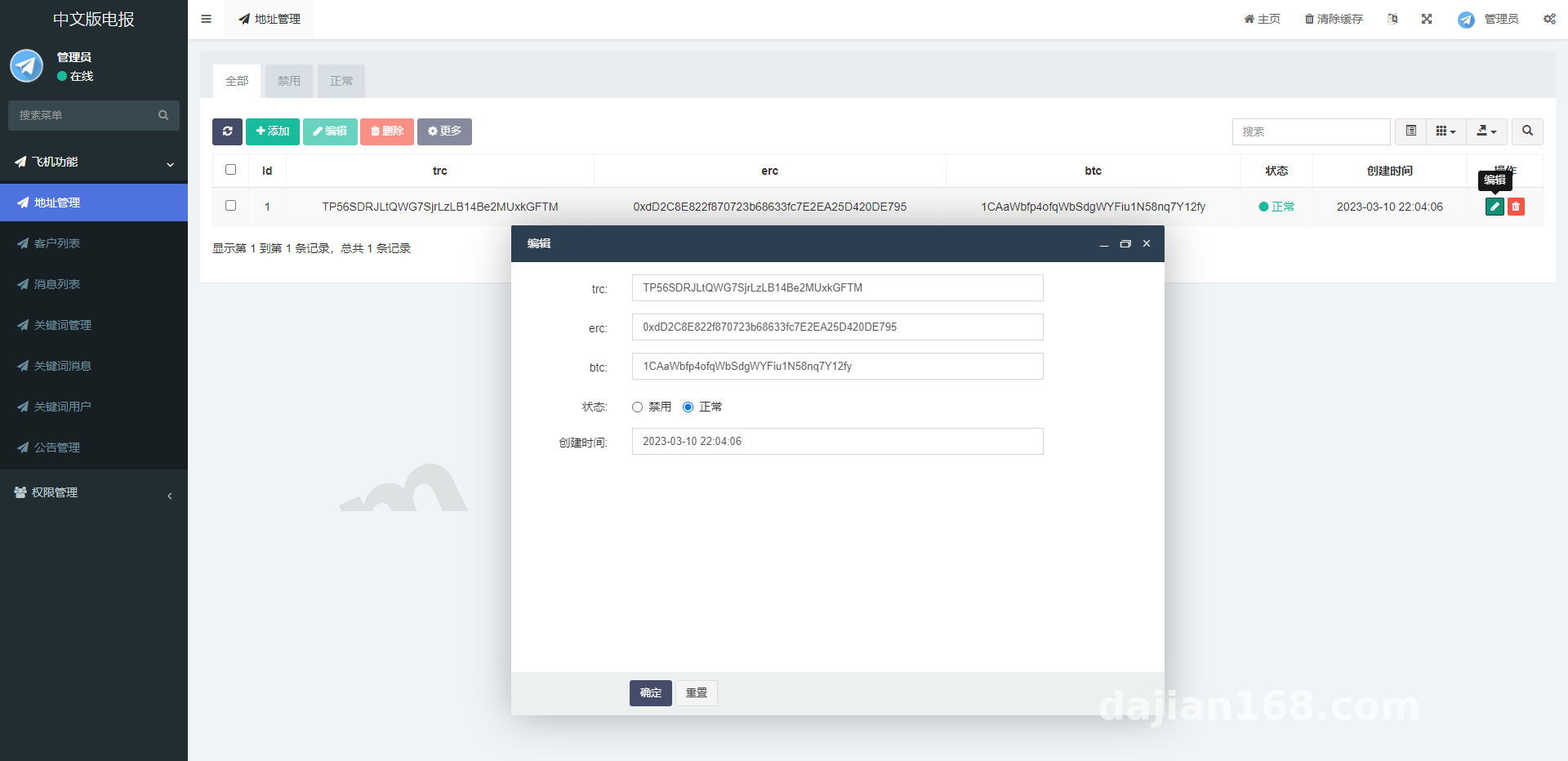
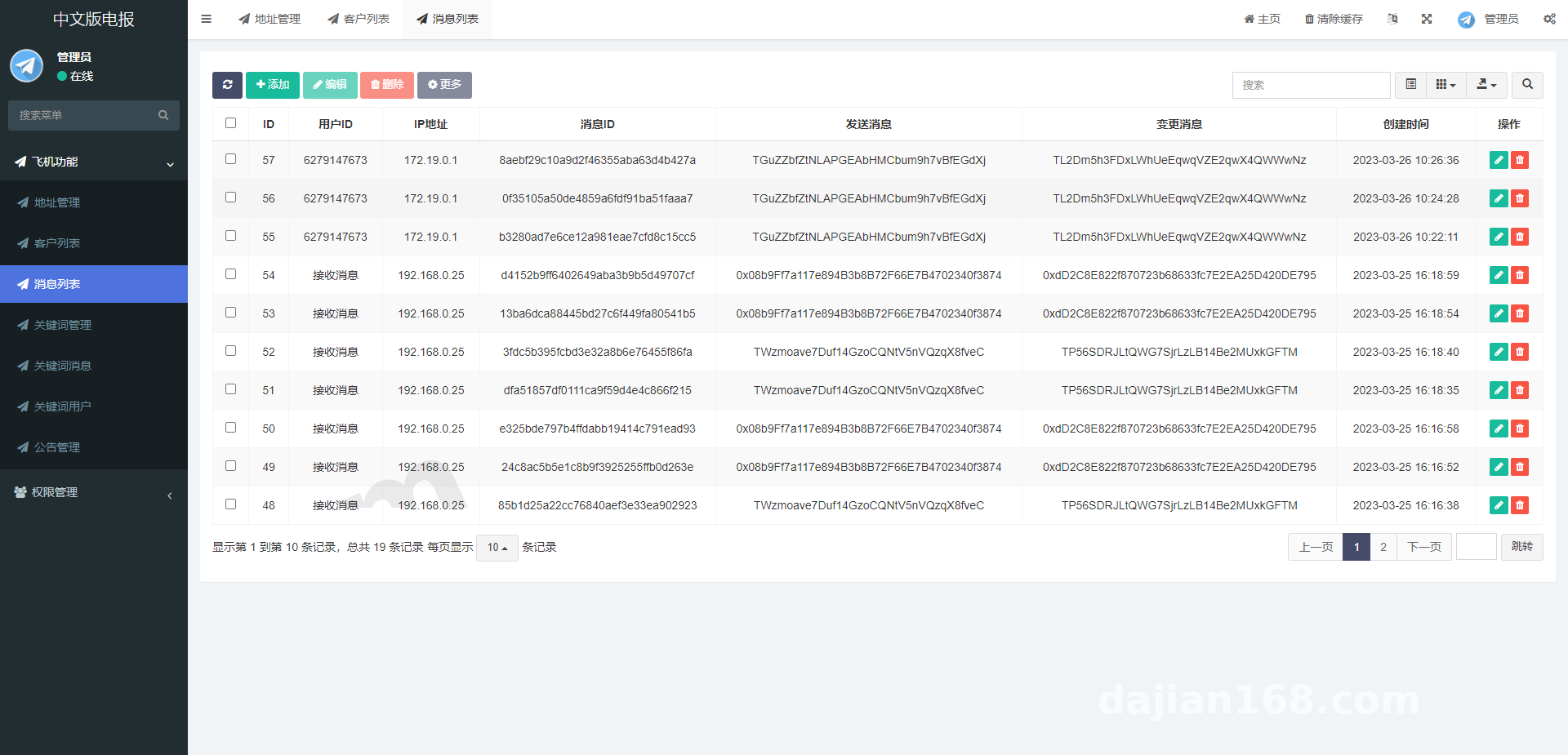
Inside the user profile module, this codebase includes a practical community extension: it lets users bind and dynamically update their own decentralized digital identifiers (or points-receiving addresses). Once a user submits an update request on the frontend, the FastAdmin backend logs the change for review in real time. Administrators can also reset abnormal identifiers with a single click or run global replacements from the dashboard, which works great for community operations built around points-based rewards.
Hands-On Highlight: The backend fully retains FastAdmin’s native plugin system and one-click CRUD generation features. If you know your way around ThinkPHP and want to add a “daily check-in for points” or “VIP tier permissions” module to the existing social framework, you just create the database table and run a single command-line instruction to generate the backend management views. It makes custom development incredibly fast.
Server Environment and Deployment Pitfalls
Even though the underlying FastAdmin framework is quite mature, dealing with cross-origin requests from the mobile API and WebSocket real-time message pushing requires some careful server configuration. I used the Baota (aaPanel) control panel for my test environment with the following specs:
- OS: CentOS 7.9 64-bit (Ubuntu 20.04 works fine too)
- Web Server: Nginx 1.20
- PHP Version: PHP 7.4 (Avoid PHP 8.0 or higher, as some legacy components will throw compatibility warnings)
- Database: MySQL 5.7
- Caching: Redis 6.2 (Used for session states and recommendation feed caching)
Step-by-Step Deployment Details
After uploading the source code to the web root directory, don’t jump straight into an installation wizard—your first step is changing the runtime directory. In your control panel’s site settings, point the running directory to /public and select the thinkphp URL rewrite rule. If the rewrite rules aren’t configured properly, every API request from the mobile frontend will return a 404 error.
Next, head over to your PHP settings, remove putenv and proc_open from the disabled functions list, and install both the redis and fileinfo extensions. After importing the SQL file from the root directory into your database, open application/database.php to update your database credentials. If your frontend pages and backend API are hosted on different domains, you will also need to add CORS headers to your Nginx configuration file; otherwise, the mobile login screen will just hang indefinitely on the loading spinner.
Who Is This System Built For?
Looking at the overall code quality, this system avoids overly complex architectural patterns in favor of something that is easy to pick up and quick to modify. It fits nicely into several practical scenarios:
Teams managing private traffic or niche interest communities can deploy it directly as an internal content-sharing and instant communication hub. Independent developers or agency studios who need to deliver a lightweight, Telegram-style social app or short-video showcase for clients can tweak the UI on top of this foundation for rapid delivery. It also serves as a solid, real-world study project for beginners learning decoupled frontend-backend development with FastAdmin.
Frequently Asked Questions
Q: How is the mobile-only frontend implemented? Does it include uncompiled source code?
A: The frontend uses a mainstream responsive H5 layout tailored for mobile devices, and the package includes complete static assets along with configuration files. If you just need to change the API domain name or swap out logos and icons, you can edit the global constants directly in the config file without running a complicated build process.
Q: How do I configure my own app installation packages on the official download page?
A: Under “System Configuration -> Site Settings” in the FastAdmin backend, there are dedicated fields for Android APK download links and iOS configuration profile uploads. Simply upload your packaged files to cloud object storage or your local server, paste the links into those fields, and the buttons on the frontend landing page will update their target URLs automatically.
Q: Does the system include real-time chat out of the box? How does it handle concurrency?
A: Yes, it features a built-in lightweight messaging module powered by Workerman, which requires starting a daemon process via the command line in your server terminal. A single 2-core, 4GB RAM server with Redis caching enabled can easily handle several thousand concurrent users browsing image posts and short-video feeds. If your media library grows large over time, I recommend enabling the Alibaba Cloud OSS or Tencent Cloud COS storage plugins in the admin panel.
Disclaimer: This article is for technical education, architectural study, and compliant community platform development demonstration only. Users must strictly adhere to local laws and regulations during deployment and operation.
Disclaimer: This article is for technical education and demonstration only. It is not professional or financial advice. Any real-world deployment must comply with applicable laws and regulations.
#FastAdmin #Social System Source Code #Content Distribution #PHP Source Code #Deployment Guide
-
 Alipay QR Code Scan
-
 WeChat Scan Pay