New Cross-Border E-Commerce System: Complete Deployment Guide for Multilingual Storefronts, Merchant Onboarding, and One-Click Product Listing
New Cross-Border E-Commerce System | Complete Deployment Guide: Multilingual Storefront + Merchant Onboarding + One-Click Product Listing
Honestly, the first time I deployed this cross-border e-commerce system, its architectural complexity completely threw me off. The customer app, merchant app, registration portal, and admin panel are all built with VUE, while the server side uses JAVA. This combination really does pack a punch. After spending some time getting to grips with it, I’m going to walk you through the complete deployment process and the core features today.
I. System Architecture and Core Modules
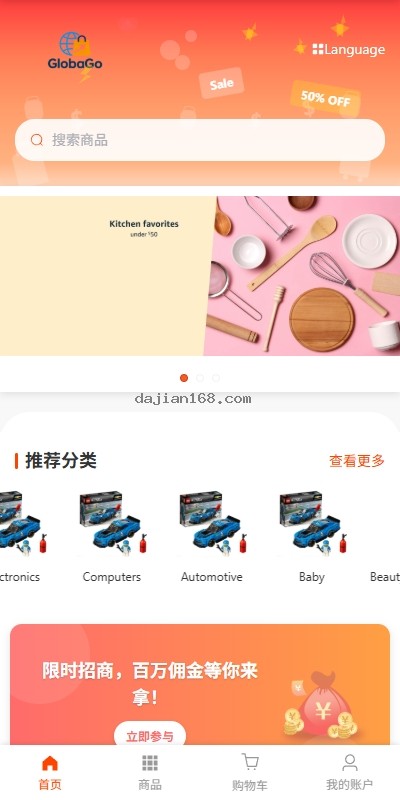
This cross-border e-commerce system uses a standard architecture that separates the front end from the back end. The front end is handled entirely by VUE across four applications: the customer app, merchant app, registration portal, and admin panel. The back end is powered by JAVA, and the full source code is open source and ready for further development. The system supports language switching out of the box, offers a straightforward and efficient merchant onboarding process, and includes one-click product listing to significantly reduce merchants’ operating costs—an excellent choice for cross-border e-commerce projects.
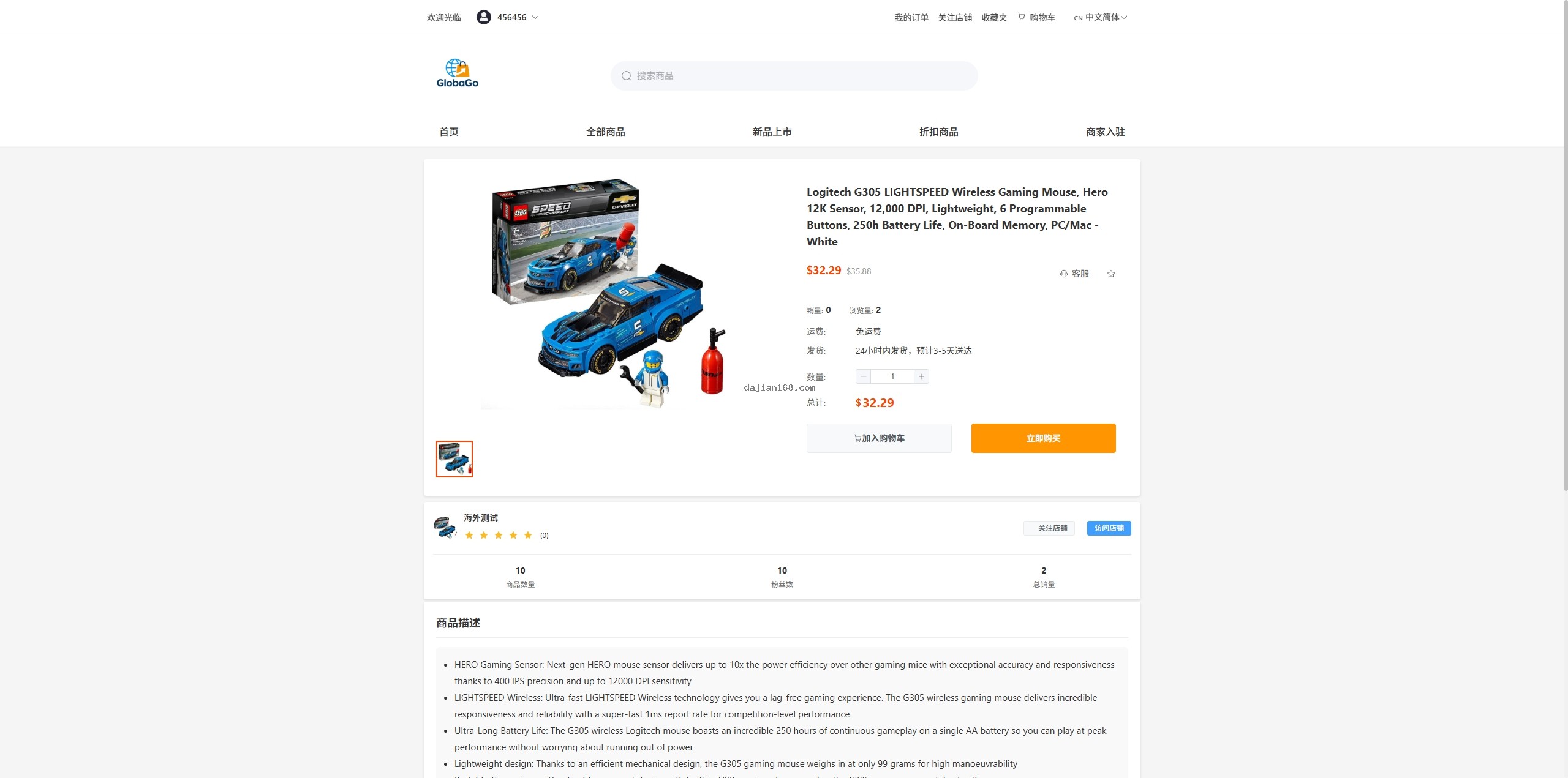
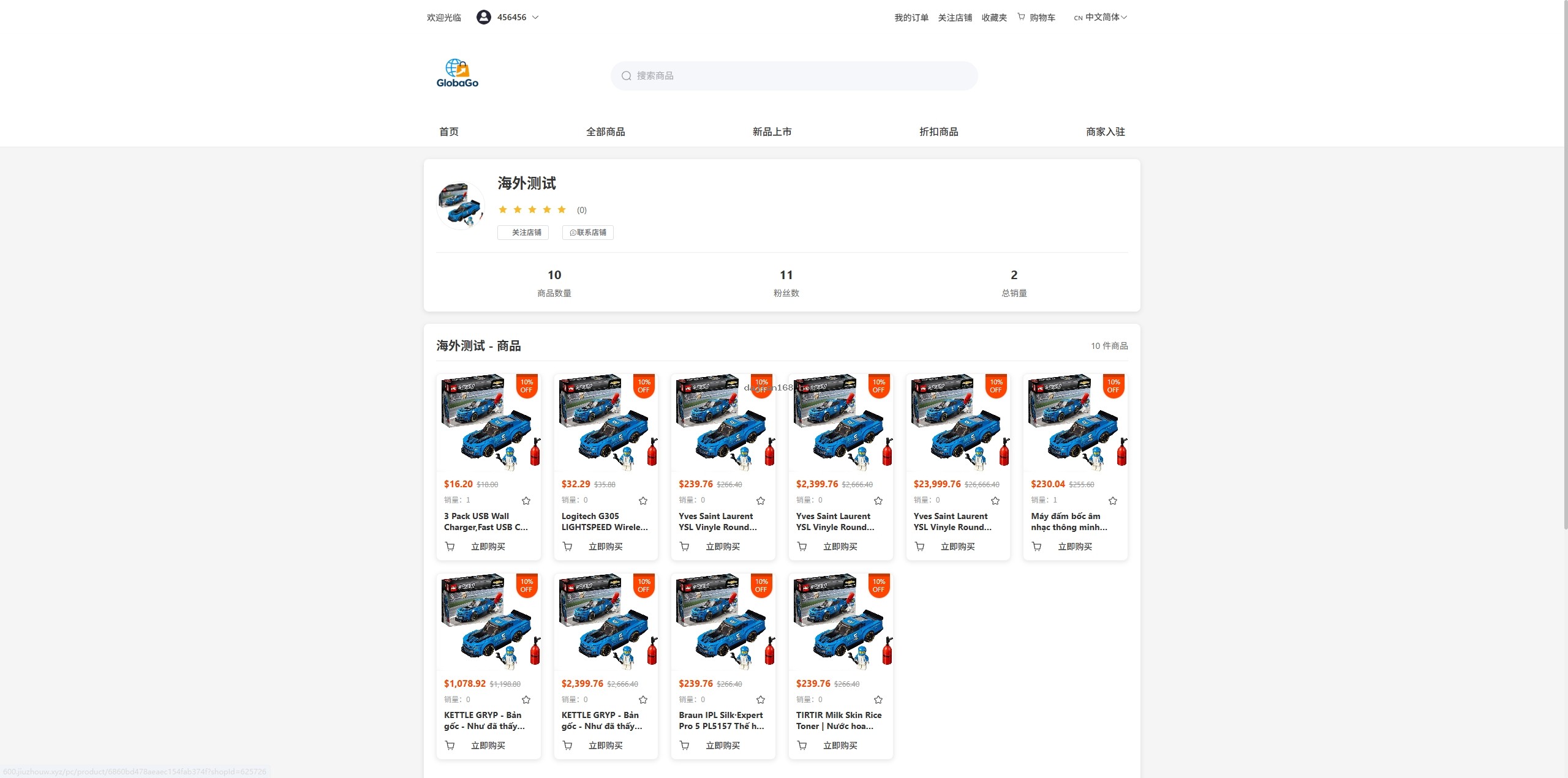
- Multilingual Storefront System: Supports language switching out of the box. All front-end interface text is fully internationalized, allowing rapid adaptation to the language needs of multiple countries and regions worldwide.
- Merchant Onboarding System: Provides a complete merchant onboarding process, including credential verification, contract signing, and store setup, with customizable onboarding requirements and review rules.
- One-Click Product Listing: Lets merchants quickly list products on the platform. Batch operations greatly improve the efficiency of adding products to the store.
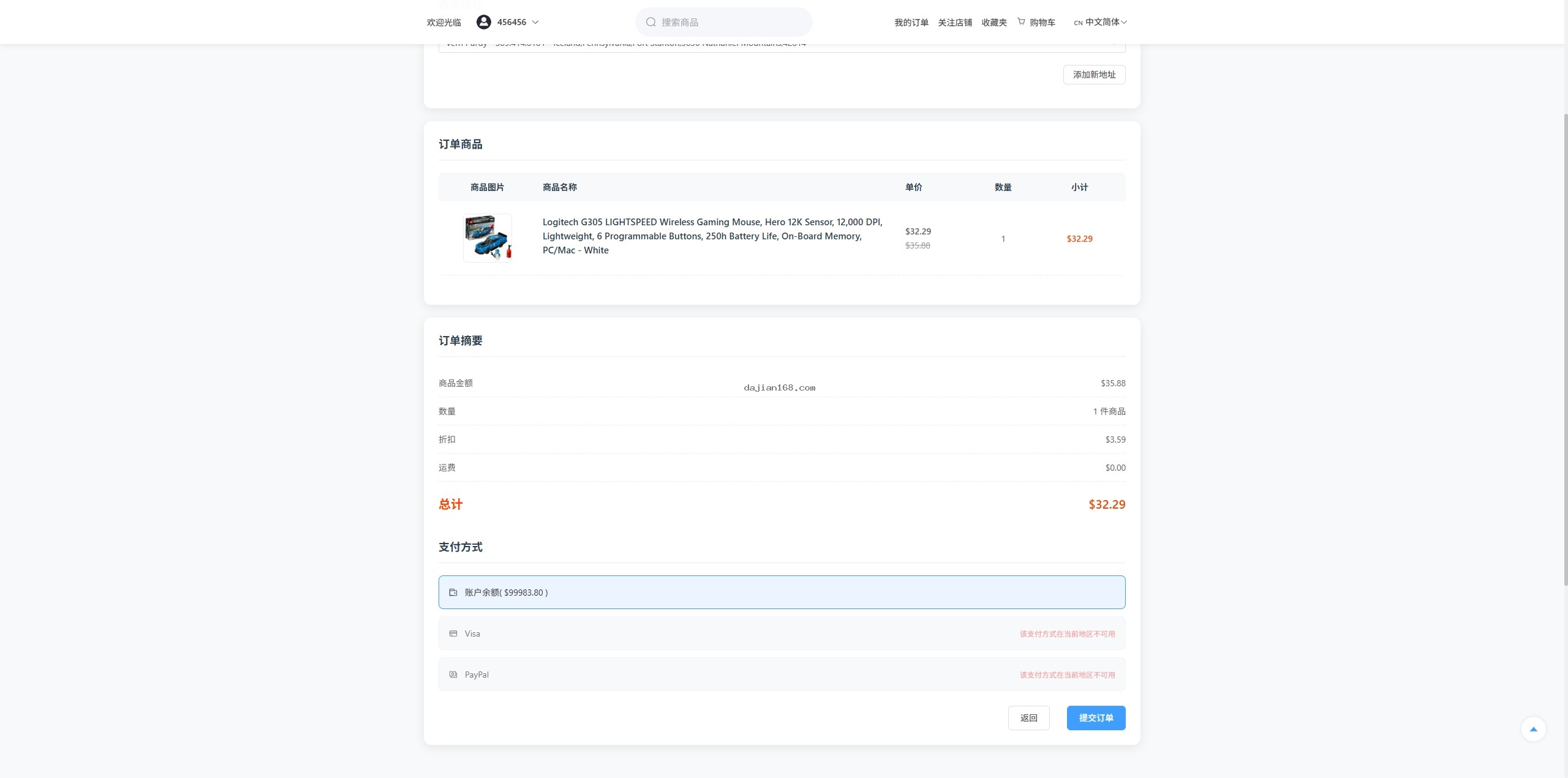
- Manual Order Creation in the Admin Panel: Supports creating orders manually in the admin panel for virtual products, testing scenarios, or special customer service needs.
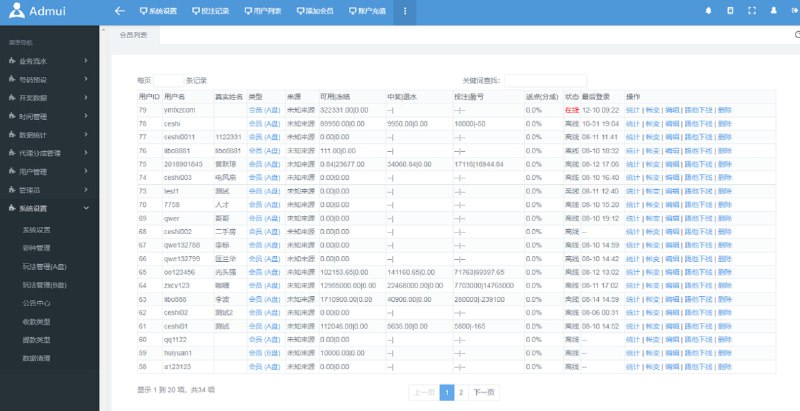
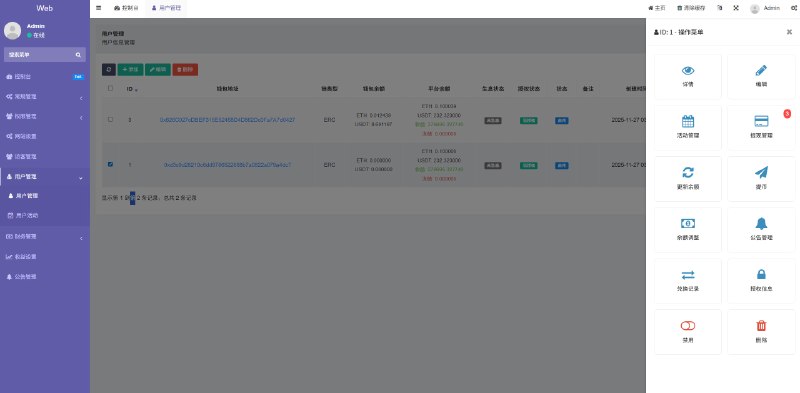
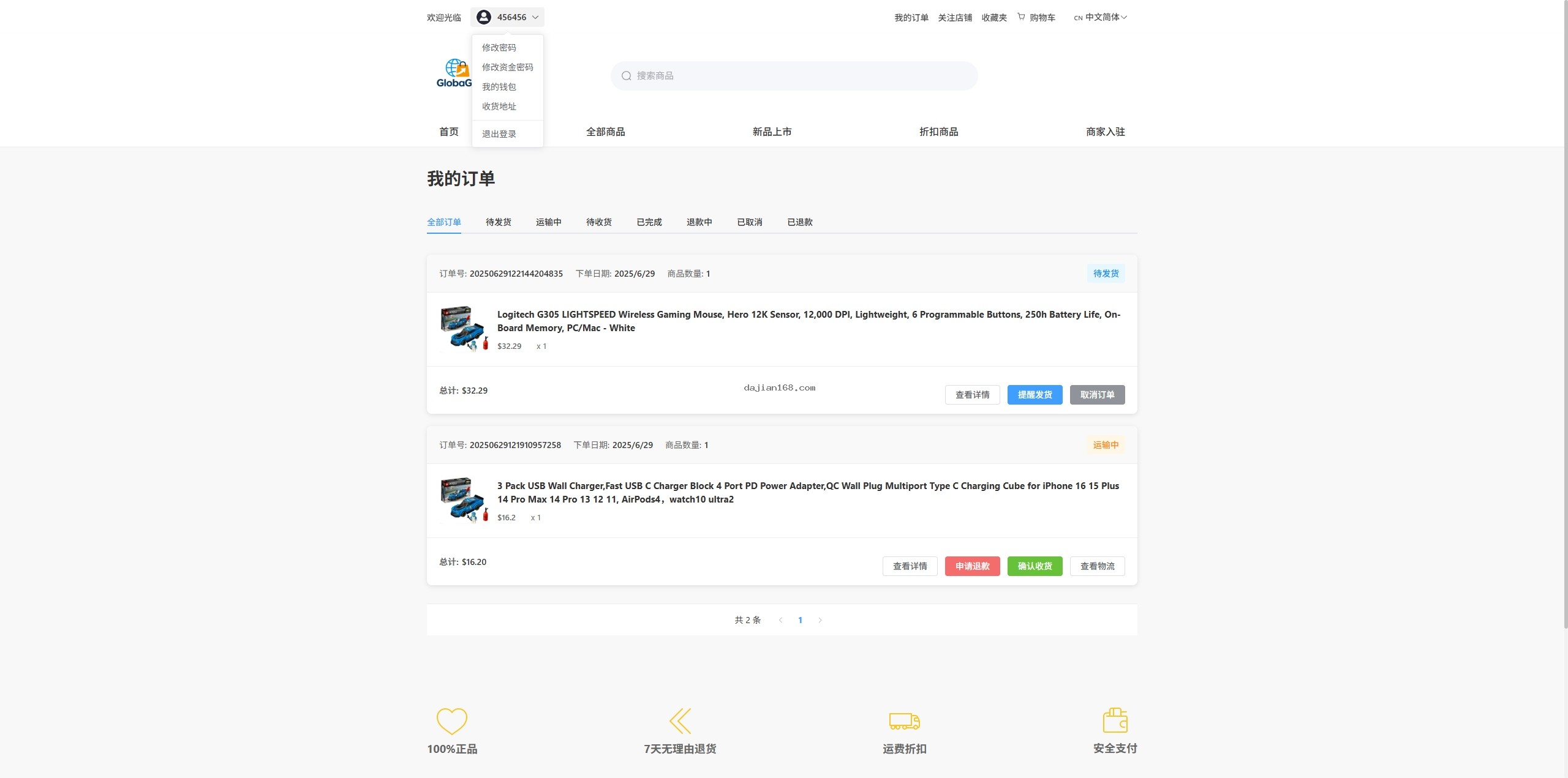
- Merchant Data Management: Supports configuring key metrics such as merchant traffic, reputation scores, and follower counts, all of which can be managed through the admin panel.
II. Deployment Preparation and Environment Requirements
- Server: A 4-core, 8 GB configuration is recommended as a starting point; use CentOS 7.x or Ubuntu 20.04 LTS. For cross-border operations, an overseas server is recommended.
- JDK Version: JDK 1.8 or JDK 11, with JAVA_HOME configured.
- Database: MySQL 5.7 or later; enabling binlog for data synchronization is recommended.
- Cache: Redis 6.0 or later for session caching and queue processing.
- Message Queue: RabbitMQ for asynchronous order processing.
- Node.js: Version 14.x or 16.x for building the VUE front-end project.
- Nginx: For hosting front-end static assets and reverse proxying.
- SSL Certificate: A free Let’s Encrypt certificate or a commercial certificate.
- Storage: Alibaba Cloud OSS or MinIO object storage for product images and attachments.
III. Common Issues and Solutions
1. Language Switching Does Not Work
Check the language configuration: Make sure the language pack files are in the /src/locales/ directory and that their filenames correspond to the language codes, such as zh-CN.js and en.js. Then check that the Vue-i18n plugin has been mounted correctly; the import order in main.js is important.
2. Merchant Onboarding Review Fails
Merchant onboarding review errors are usually caused by failed uploads of credential images or unsupported file formats. The system supports JPG, PNG, and WebP files, with a size limit of 10 MB per file. Check that the OSS configuration is correct and that the callback URL is reachable.
3. One-Click Product Listing Does Not Work
The system does not include any preloaded product data. Merchants must add their own products before they can use one-click product listing. If product listing fails, check that the product categories have been set correctly and that sufficient stock is available.
4. Manual Order Creation in the Admin Panel Fails
Manual order creation requires selecting a product, a buyer, and a shipping address—all three are required. If the order cannot be created, check whether the order service is running properly and whether sufficient stock is available. Once an order is created, it is sent to the message queue for asynchronous processing, so check the status of the consumer service.
IV. Further Development and Customization Guide
The back end uses the Spring Boot + MyBatis Plus framework, with a clear code structure and comprehensive comments. The VUE front end is built with Vue3 + Vite and is highly component-based. Before making any changes, familiarize yourself with the project structure: customer-facing code is in /src/views/user/, merchant code is in /src/views/merchant/, and admin code is in /src/views/admin/. When adding new features, follow the existing directory structure and naming conventions.
The most common customization requirement for a cross-border e-commerce system is payment gateway integration. The system already includes Alipay and WeChat Pay SDKs. To add other payment channels, such as PayPal or Stripe, simply create an adapter for the relevant channel in the /src/payment/ directory.
💡 Important Note: Because this cross-border e-commerce system handles international transactions and payments, make sure before deployment that your business qualifications cover the relevant permits, especially those related to cross-border payments and foreign exchange settlement. Consult a qualified legal advisor to ensure that your business model complies with the laws and regulations of China and your target markets.
V. Frequently Asked Questions
Q1: Which languages does the system support?
A1: The system natively supports Simplified Chinese, Traditional Chinese, English, Japanese, and Korean. To add other languages, simply add a language pack file under the /src/locales/ directory and register it in the language configuration file.
Q2: What qualifications are required for merchants to join?
A2: The system supports custom merchant onboarding requirements. By default, merchants must provide a business license, the legal representative’s ID, and bank account information. To add other qualification requirements, configure them under Backend > Merchant Onboarding Settings.
Q3: Does one-click product listing support bulk operations?
A3: Yes. Merchants can select multiple products and list them to their stores with one click. They can also set automatic listing rules so that new products are automatically synchronized to designated stores when they go live.
Q4: How can orders placed manually through the admin panel be traced?
A4: Manually created orders are tagged “Manually Created via Admin Panel.” The order details show who created the order and when, making it easier to track business operations and reconcile accounts.
Q5: How is the merchant credit score calculated?
A5: The system automatically calculates the merchant credit score based on metrics such as order completion rate, refund rate, and positive review rate. Backend administrators can also manually adjust the score, which directly affects the merchant’s display weighting on the platform.
#Cross-border E-commerce #Multilingual Mall #Merchant Onboarding System #One-Click Product Listing #Java E-commerce
⚠️ Compliance Notice: Cross-border e-commerce systems involve sensitive features such as cross-border transactions and payment settlement. When deploying and using the system, strictly comply with the E-Commerce Law of the People’s Republic of China, the Personal Information Protection Law of the People’s Republic of China, and the laws and regulations of the target markets to ensure lawful and compliant operations.
-
 Alipay QR Code Scan
-
 WeChat Scan Pay