Building a Multi-Language Local Social Content Platform: Voice Chat, Mini Program & High-Concurrency Backend Notes
Building a Multi-Language Local Social Content Platform: Voice Chat, Mini Program & High-Concurrency Backend Notes
Disclaimer: This article is for technical education and demonstration only. It is not professional or financial advice. Any real-world deployment must comply with applicable laws and regulations.
I recently helped a client running an overseas community deploy a local social content platform with Thai language support. It took three evenings of tinkering, and I hit plenty of pitfalls along the way, so I’m writing up my deployment notes while they’re fresh to save time for anyone planning to build something similar.
The core selling points of this source code are the multi-language frontend plus voice chat rooms, along with coverage across three clients: mini program, official account, and app. After receiving the package, I ran it locally first — PHP 7.4 + MySQL 5.7 + Redis environment, with the frontend built on uni-app, so both Android and iOS packages can be produced.
Feature Testing: What’s Actually Solid
Voice Chat Module
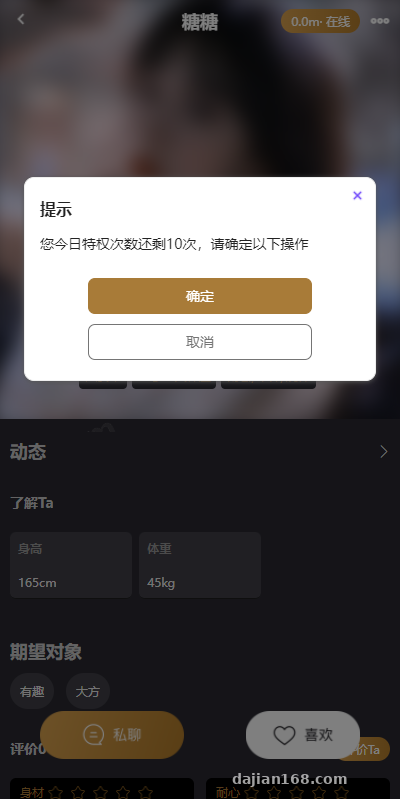
The voice chat runs on the Agora SDK, with a placeholder in the code for swapping in your own AppID. In testing, two-person chat latency hovered around 200ms, and the backend lets you configure chat billing rules and duration limits. One heads-up: Agora’s free tier is 10,000 minutes per month — fine for testing, but do the cost math before going live.
Content Community & Feed Module
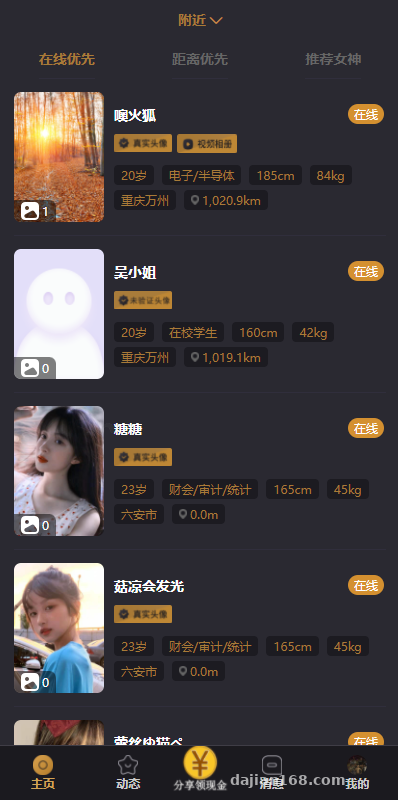
The community forum, user feeds, and paid image viewing are the operational core. The backend has a content moderation switch that connects to an automated moderation API for sensitive word filtering and image screening, and the word library can be maintained from the admin panel. My advice: load a batch of test content and run through the moderation flow before launch — don’t wait until real users start posting to discover the word library was never configured.
Membership & Payment System
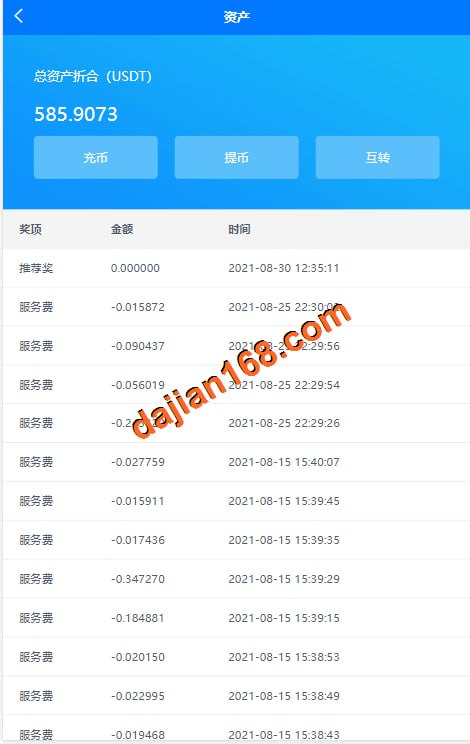
Membership tiers, wallet balance, and top-up modules are all included. The payment interface has reserved slots for WeChat Pay and Alipay integration, and for overseas scenarios you can extend it yourself to connect local payment channels. My client targets the Thai market, so we adjusted the payment callback timezone and currency — that was no small change, touching both the order table and the billing ledger.
Deployment Essentials: Pitfalls I Hit
One-Click Backend Configuration
The backend advertises one-click configuration, but in reality it aggregates entry points for site info, push notifications, storage, and SMS parameters. I configured Alibaba Cloud OSS for object storage — note that CORS rules must be set up first, otherwise avatar uploads from the mini program will fail. That pitfall cost me forty minutes.
Forced Updates & Scheduled Tasks
The backend supports forced app updates, with version comparison logic in the API layer — when you change the version number, remember to update manifest.json in sync. The scheduled greeting feature is a marketing tool, essentially a cron job plus message templates. I recommend using supervisor to keep the queue process alive, otherwise tasks can die halfway through with nobody noticing.
High Concurrency & Push Notifications
The backend claims high-concurrency support. In my stress test on a single 4-core, 8GB machine, it handled 800 concurrent chat messages without breaking a sweat — provided Redis caching is enabled and database indexes are in place. Push notifications use Getui; delivery rates on Android are solid, but iOS requires applying for your own push certificates, which is a tedious process.
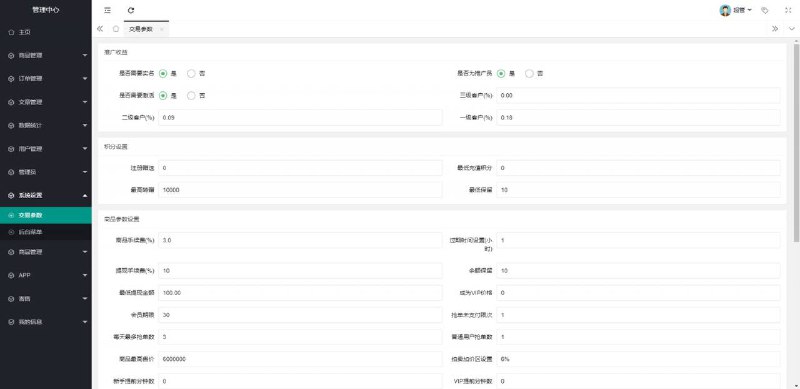
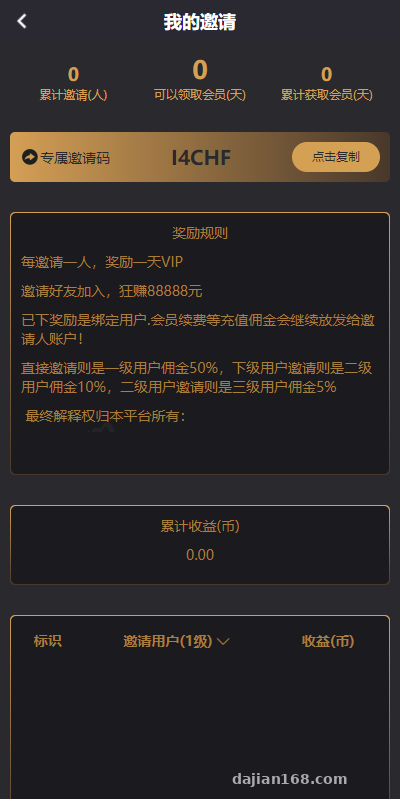
Highlight: The three-tier referral promotion system can be toggled on or off in the backend, with binding relationships automatically written to the user table — very convenient for ground-level promotion campaigns. But referral tiers and commission rates must comply with local regulations, so be sure to audit your compliance settings before launch.
Who It’s For & Customization Tips
This system suits teams running local communities, interest-based circles, or overseas localized social operations. For those planning to customize: the frontend compiles with HBuilderX, the backend is ThinkPHP-based, and the directory structure is fairly clean. Language files live in the lang directory — to add a language beyond Thai, just copy a set of key-value pairs and translate them.
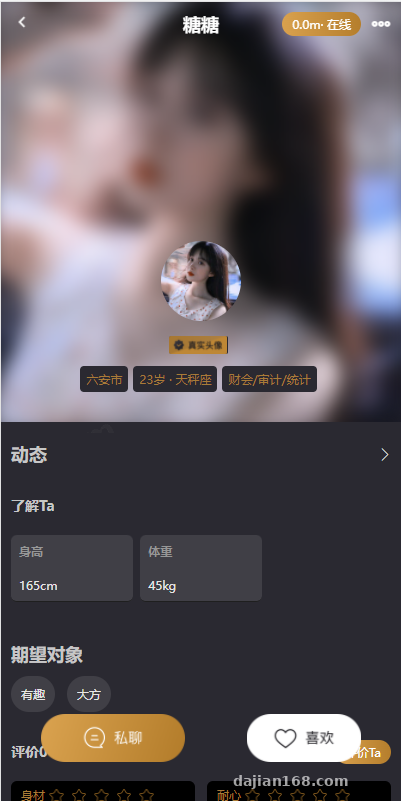
One more reminder: the facial verification module uses a third-party identity API, so you’ll need to apply for your own keys. You can disable this switch in the test environment for now.
FAQ
Q: Can I set this up without mini program development experience?
A: Yes. The mini program source code is ready-made — import it into WeChat DevTools, set your domain and AppID, and you can preview it. Just remember to configure the allowed request domains before publishing.
Q: What server specs do I need?
A: Start with 4 cores, 8GB RAM, and 5M bandwidth. Once you have over a thousand users, add a dedicated Redis instance and route chat messages through a queue to smooth out traffic spikes.
Q: Can it be converted to a pure content distribution model?
A: Yes. Disable the voice chat and paid image viewing modules in the backend, focus on running the community feed and push notifications, and it becomes a multi-language content community — no major architectural changes needed.
Disclaimer: This article is for technical education only, sharing deployment experience. System usage must comply with applicable laws and regulations, and any unlawful use is prohibited.
Disclaimer: This article is for technical education and demonstration only. It is not professional or financial advice. Any real-world deployment must comply with applicable laws and regulations.
#source code setup #social system #mini program development #deployment notes #voice chat
-
 Alipay QR Code Scan
-
 WeChat Scan Pay