DApp Staking System Build: Multi-Asset Pools, LP Token Locking & Flash Swap Deployment
DApp Staking System Build: Multi-Asset Pools, LP Token Locking & Flash Swap Deployment
Disclaimer: This article is for technical education and demonstration only. It is not professional or financial advice. Any real-world deployment must comply with applicable laws and regulations.
Recently I helped a client deploy a BSC-based DeFi demo system. The core is multi-asset staking pools, LP token lockups, and flash-swap matching. From contract compilation to frontend release, the whole process took about three days of debugging. This post keeps the key steps so I can replicate the setup next time.
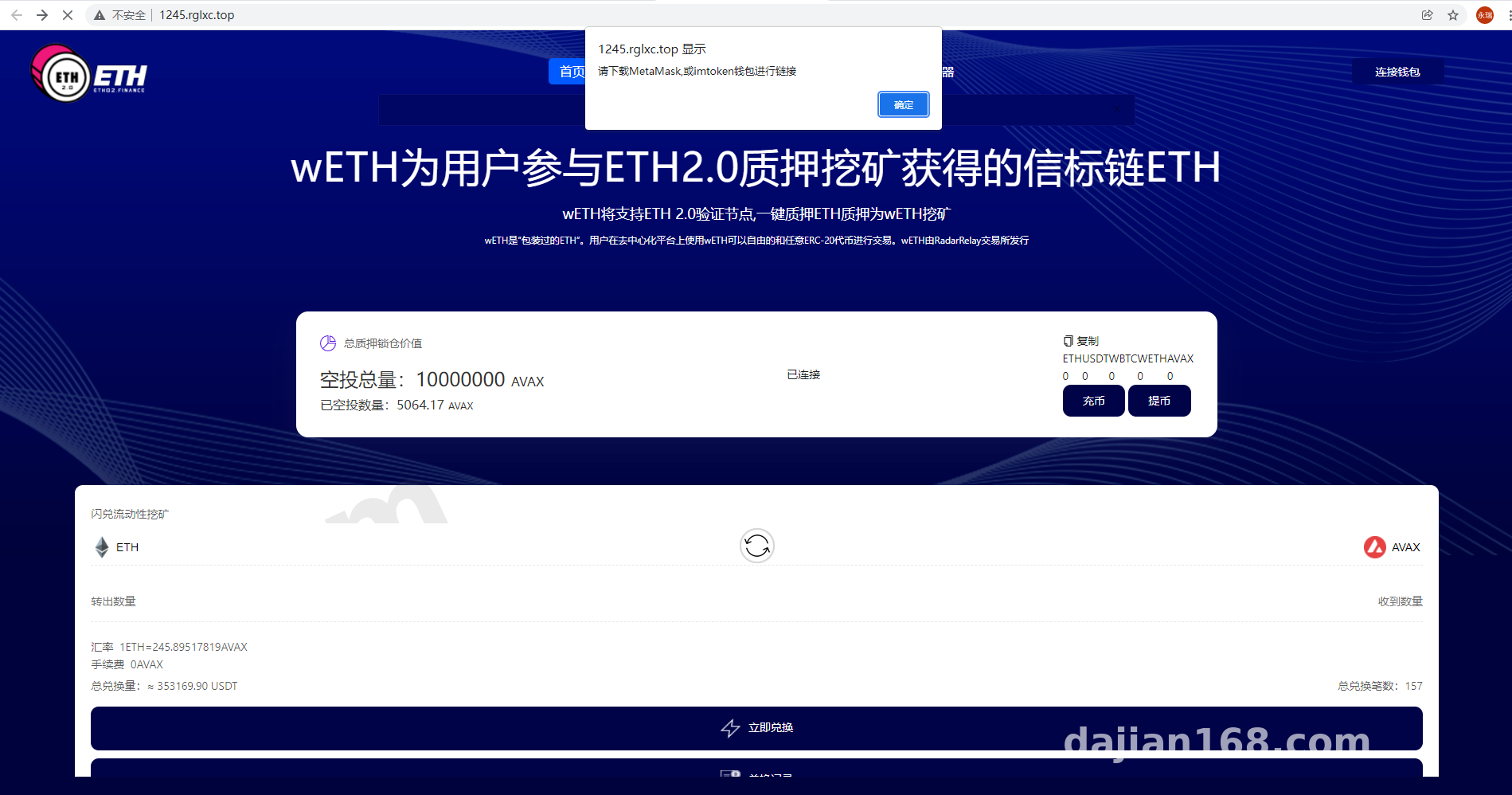
Frontend Walkthrough: How the Interaction Actually Works
When users land on the DApp, they connect MetaMask first. The home page lists several staking pools with different amounts, such as 0.5 BNB, 1 BNB, and 5 BNB. Taking the 1 BNB pool as an example, the first interaction requires two approvals:
1.1 Token Approval and Staking
Click the “Select” button and MetaMask pops up asking for an approve. Note: if the contract grants unlimited allowance, that is fine on a testnet, but for production you should switch to a fixed amount to reduce security risk. Once approved, click “Select” again to confirm staking. After three to five seconds of on-chain confirmation, the frontend shows “Staking Successful”.
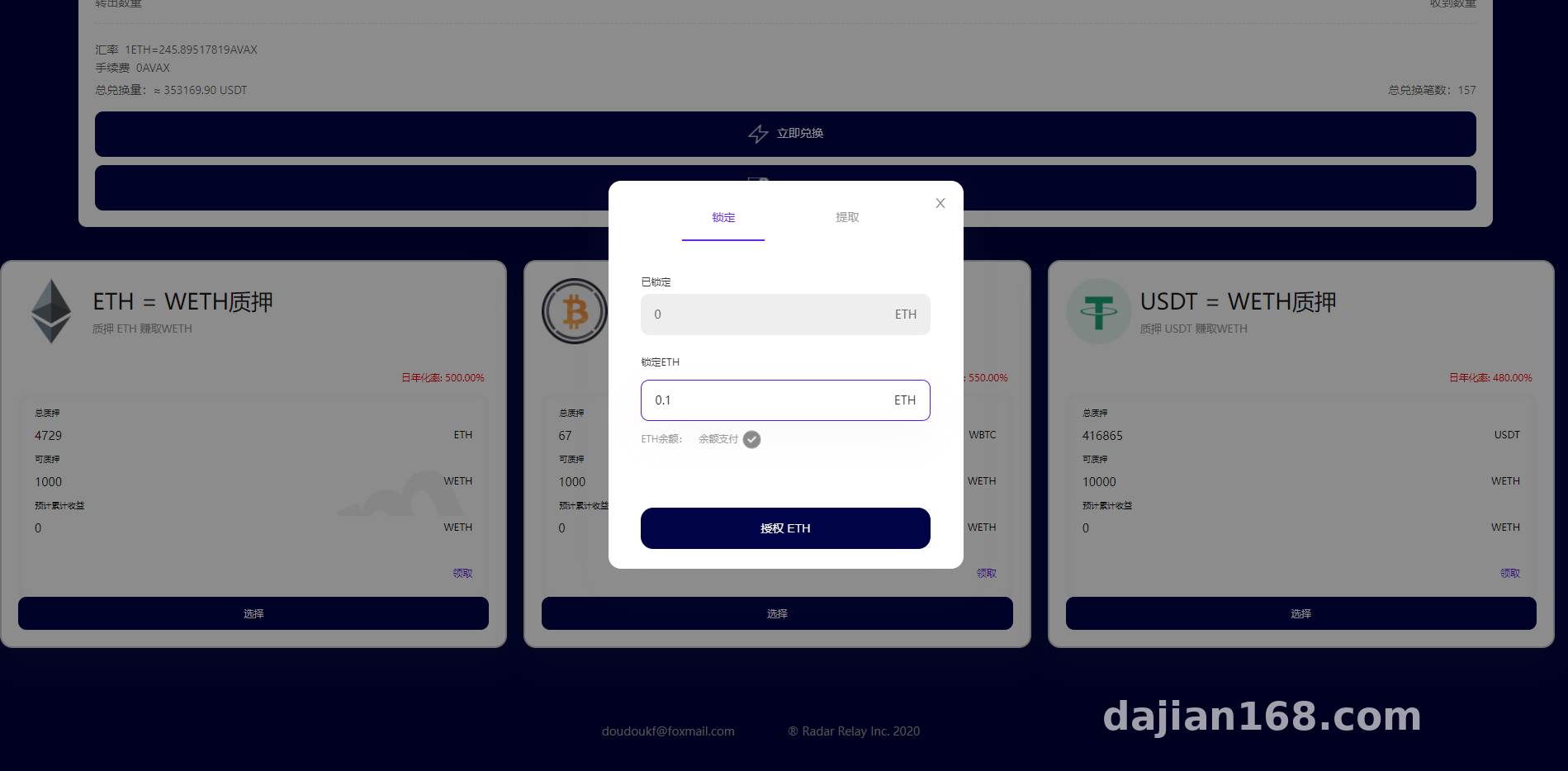
1.2 LP Token Staking and Flash Swap
Aside from single-asset pools, the system also supports LP token staking. The user pairs two tokens into a liquidity position, receives the LP token, and then stakes it in the pool. The admin panel can set each pool’s weight, lock-up period, and reward multiplier. The flash-swap module combines local price quotes with an on-chain swap simulation. In practice, it calls the PancakeSwap router interface, displays the exchange rate in the frontend, and the user then confirms a real on-chain transaction.
Highlights: Multi-asset staking pools, LP token lockups, flash-swap quoting, referral rewards, and airdrop claims are all controlled by a single admin panel, which makes it convenient for demos.
Deployment Notes: From Contracts to Frontend
2.1 Contract Side
I deployed with Hardhat. The main contracts are the staking master contract, LP mining contract, flash-swap routing proxy, and referral reward distribution contract. I ran everything on the testnet first to verify rewardPerBlock calculation and withdrawal logic. I used Solidity 0.8.17 and pulled the OpenZeppelin libraries directly from npm.
One pitfall: the LP pool reward distribution uses block timestamps, so you must sync the server time with the block time before going live. Otherwise the displayed rewards will jump around.
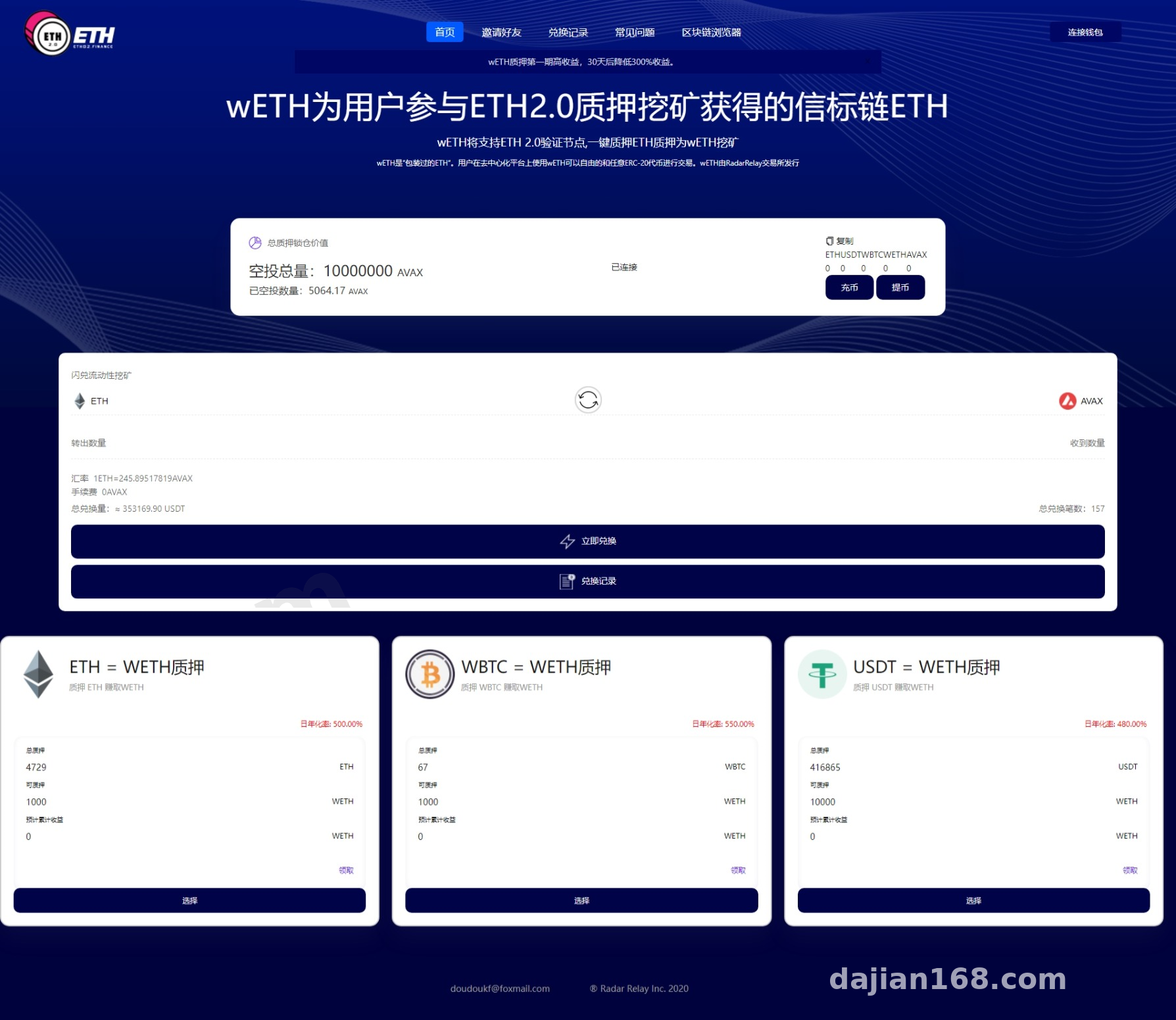
2.2 Frontend and Admin Panel
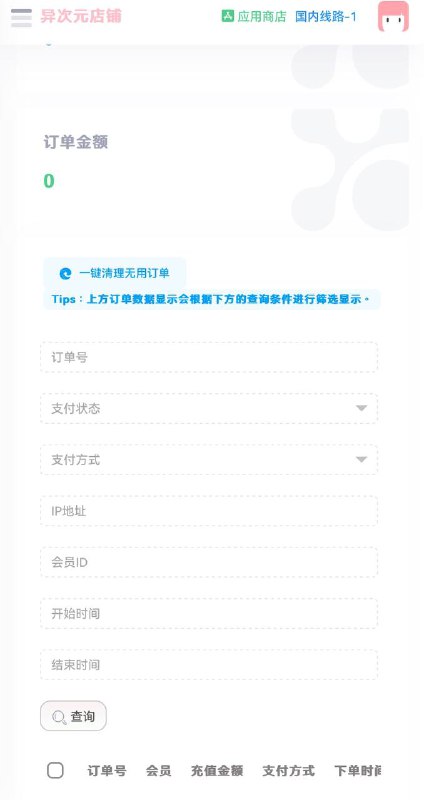
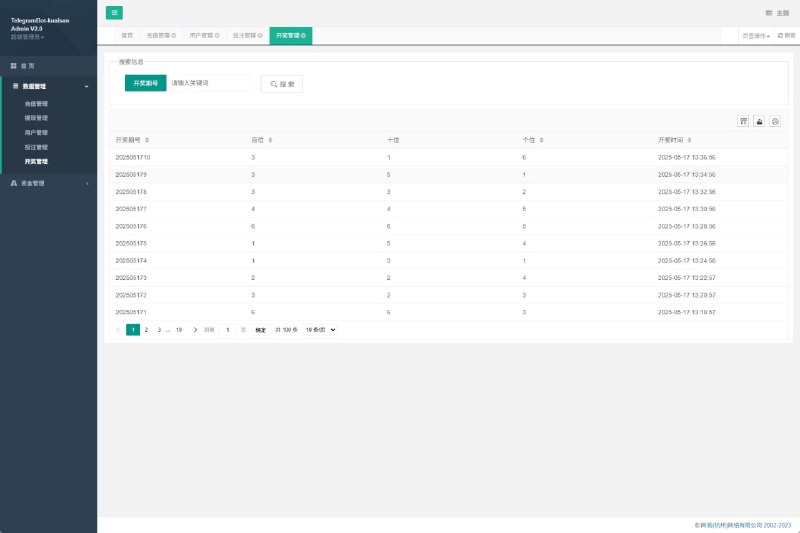
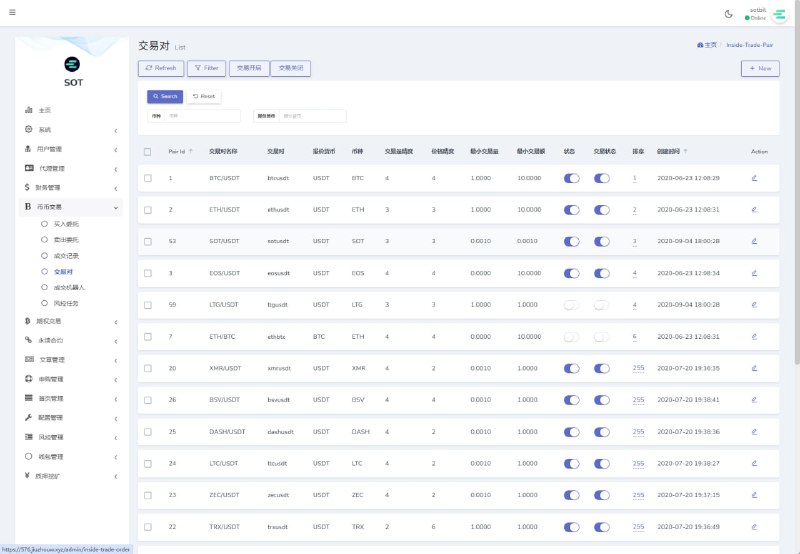
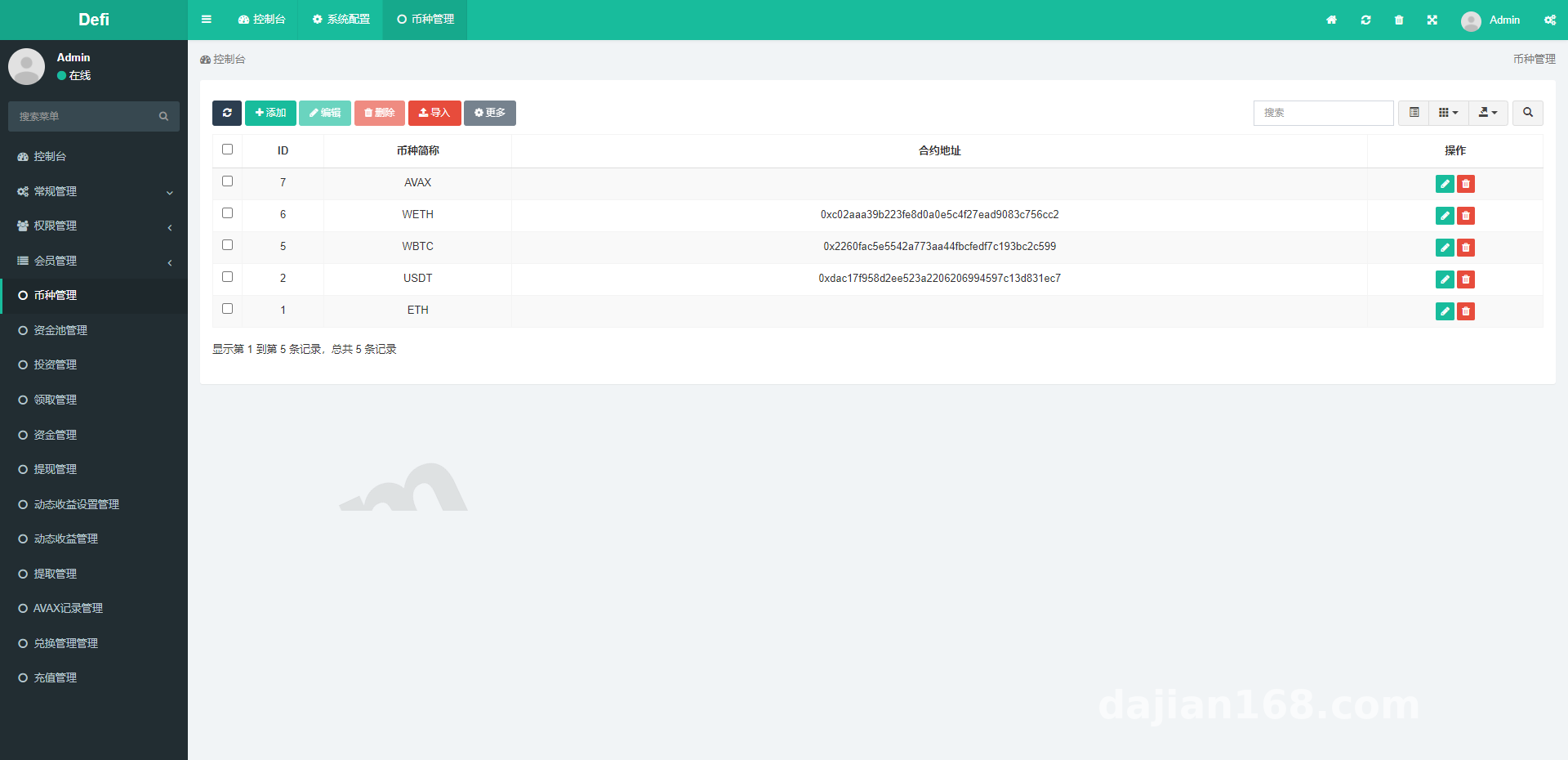
The frontend is React plus Web3.js, with English and Chinese language files stored under public/locales. The admin backend uses Node and MySQL to manage the user list, staking orders, reward logs, airdrop config, and referral relationships.
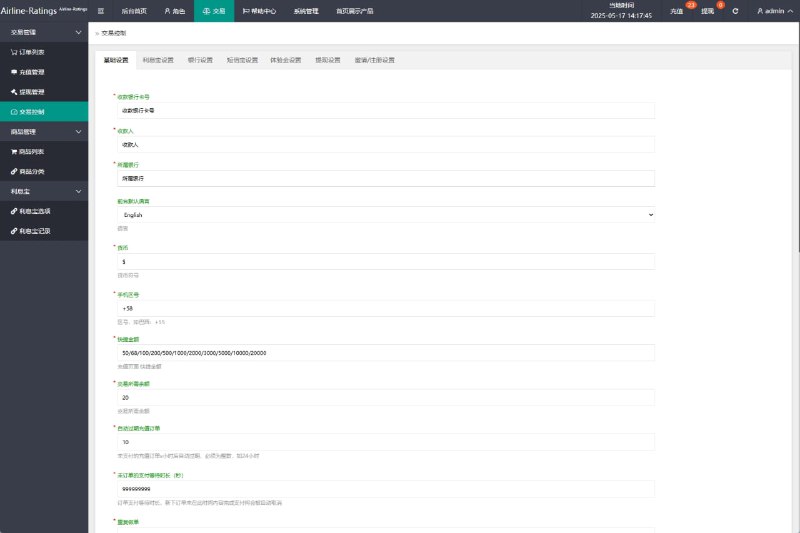
The admin panel can update the total pool cap, single-user staking limit, daily reward rate, and referral commission ratio in real time. The frontend pulls the new config automatically, so no redeployment is needed. Caching can be annoying, so I recommend adding nginx no-cache headers or clearing the CDN each time the backend is saved.
2.3 Payment Gateway and Customization
By default the system handles native chain tokens and ERC20 tokens. If you need fiat on-ramps, you have to integrate a third-party payment gateway separately; the code already reserves a callback interface. For custom development, keep the contracts behind upgradeable proxies and split the business layer into modules so that changing one feature does not break the whole site.
Who This System Is For
It is suitable for DeFi teaching demos, blockchain course labs, and digital asset simulation platforms. It is not a production-grade DeFi product. Contract audits, risk controls, and compliance KYC need to be added separately. Beginners should not deploy it directly to mainnet.
FAQ
Q: How long after staking can I see rewards?
A: It depends on the block reward interval set in the admin panel. In the test environment a block is produced every 3-5 seconds, and refreshing the page shows the accumulated rewards.
Q: What is the difference between an LP token pool and a single-asset pool?
A: A single-asset pool stakes only one token. An LP pool requires adding tokens to a liquidity pair first, receiving the LP token, and then staking it. The reward multiplier is usually higher, but impermanent loss risk is also greater.
Q: Why do flash swaps fail?
A: Most failures come from slippage set too low, insufficient liquidity, or an allowance that is too small. Increase slippage to 1%-3% and re-approve; that usually fixes it.
Q: Can it be migrated to other chains?
A: Yes. Just update the RPC configuration, chain ID, contract addresses, and block explorer links. I have tested it on BSC, Polygon, and Arbitrum testnets.
Disclaimer: This article is for technical education only. Please comply with all applicable laws and regulations, and do not use the system for any illegal purposes. Be sure to complete a security audit before deploying any contract.
Disclaimer: This article is for technical education and demonstration only. It is not professional or financial advice. Any real-world deployment must comply with applicable laws and regulations.
#DApp #Staking System #DeFi #LP Staking #Deployment Notes
-
 Alipay QR Code Scan
-
 WeChat Scan Pay