Payment Gateway Integration & Checkout System Setup: Multi-Channel Payment Gateway Deployment Notes
Payment Gateway Integration & Checkout System Setup: Multi-Channel Payment Gateway Deployment Notes
Disclaimer: This article is for technical education and demonstration only. It is not professional or financial advice. Any real-world deployment must comply with applicable laws and regulations.
I recently helped a client running an e-commerce SaaS deploy a multi-channel aggregated checkout system. It took three days of back-and-forth, and I hit plenty of pitfalls along the way. While the memory is still fresh, I’m writing down the whole process to save some time for anyone planning to deploy this kind of architecture.
Some background first: the client needed Alipay, WeChat Pay, and UnionPay QuickPass channels unified into a single backend for consolidated reconciliation and merchant settlement management. The server was a 2-core 4GB lightweight cloud instance running CentOS 7.9, with PHP 7.4 + MySQL 5.7 + Nginx 1.20. There are plenty of tutorials online for this stack, but once you actually run it, all the problems hide in the details.
How to Actually Set Up the Environment: Don’t Trust Default Configs
After unzipping the source package, it’s a typical ThinkPHP structure with an admin directory for the management panel. My first step is usually running composer install, but it failed immediately — the source author had pinned extension versions for PHP 7.4.21, while my server had 7.4.8, and the gd library versions didn’t match. I had to downgrade and reinstall before it would pass. A word of advice: check the ext-gd requirements in composer.lock before deploying, so you don’t end up installing and uninstalling like I did.
For the database, I imported the SQL file bundled with the source code — about 180MB, taking 11 minutes to import. Note that two CREATE TABLE statements in the SQL file used the utf8mb4_0900_ai_ci collation, which MySQL 5.7 doesn’t support, and the import aborted right there. I manually changed both to utf8mb4_general_ci to get it through. Kinds of pitfalls like this are never documented; you can only run into them yourself.
Payment API Integration: The Sandbox Environment Is Key
How to Fill In Channel Configuration
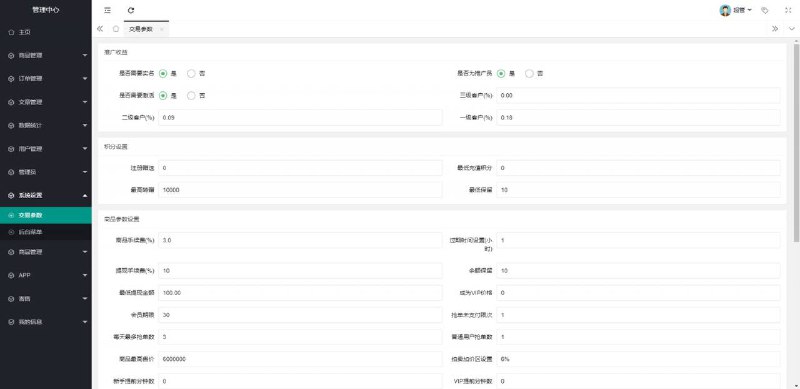
In the backend’s “Channel Management” section, each channel requires three items: merchant ID, app ID, and secret key. During testing, I strongly recommend going through the sandbox environment entirely — the Alipay sandbox gateway URL has to be switched manually in the config, because the default config file points to the production gateway, and calling it directly throws a confusing “ISV permission denied” error. After I changed the gateway parameter to the sandbox address, signature verification passed on the first try, taking about 20 minutes.
Pitfalls with Callback URLs
I stumbled twice on asynchronous notifications. The first time, Nginx wasn’t allowing the notify route, so callbacks never arrived — the logs only showed synchronous redirect records. The second time, the callback URL used https but with a self-signed certificate, and the third-party service rejected it outright. The correct approach: the callback URL must be a publicly accessible, validly certified https domain, and don’t put any redirects on the notify path in your Nginx location config. After fixing this, the callback success rate went from 0 straight to 100%.
Backend Features and Customization Notes
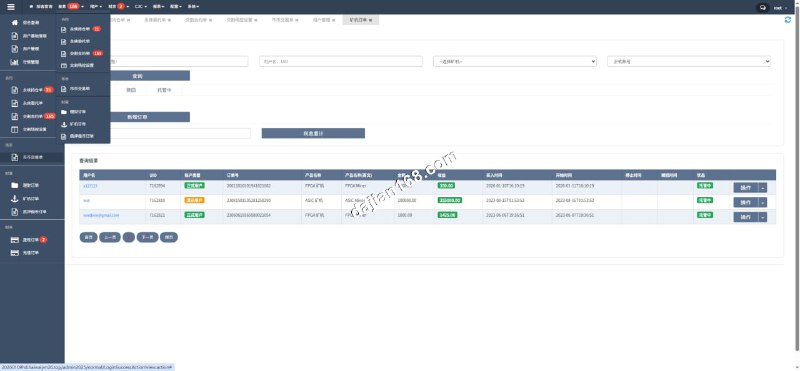
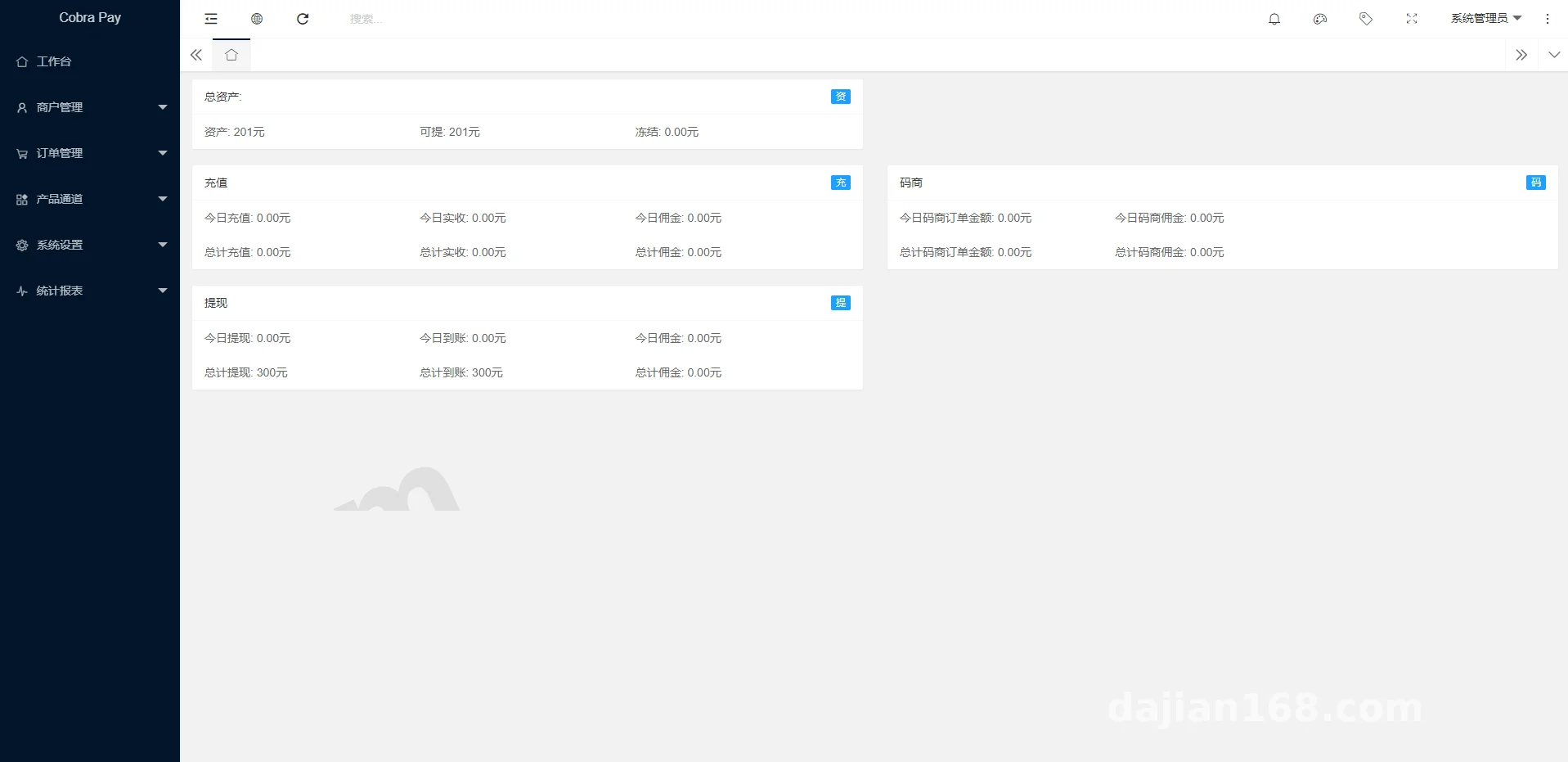
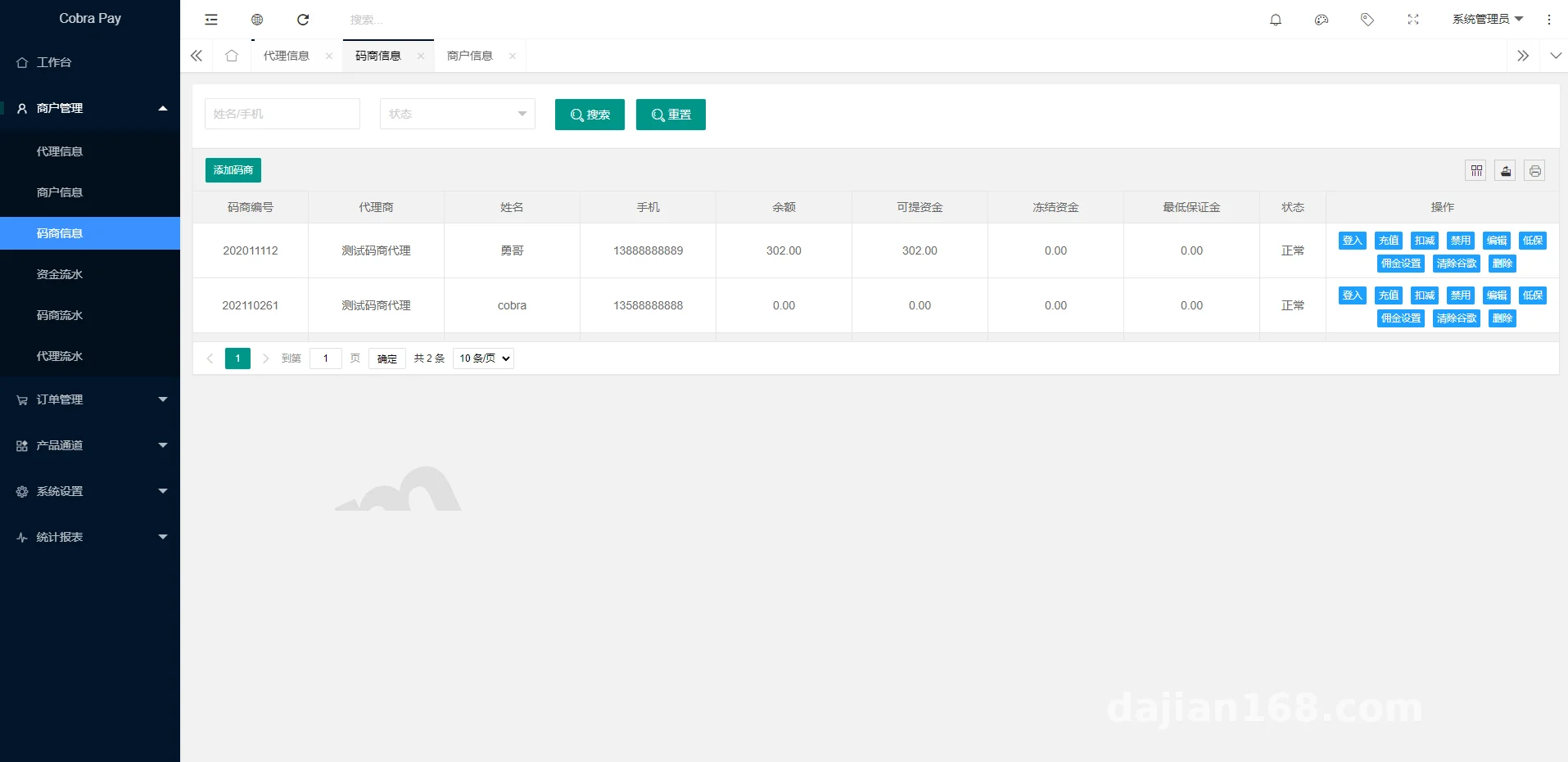
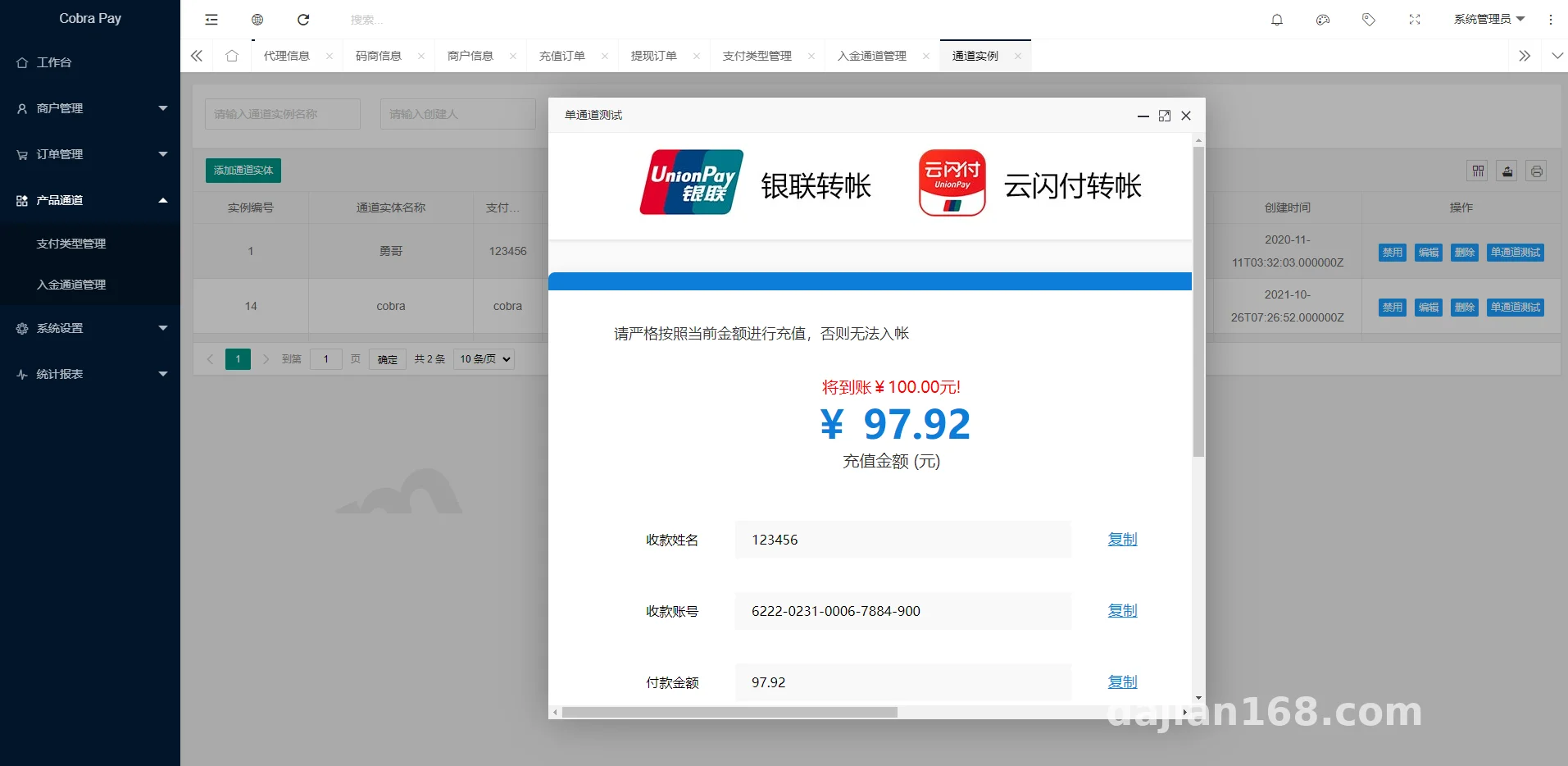
The admin panel had more features than I expected: merchant management, channel routing weights, order logs, and reconciliation reports were all there. For localization, it ships with both Chinese and English language packs — the en directory lives under application/lang. The client wanted Japanese added, so I copied an existing language pack following the same format; after clearing the cache it took effect immediately. This part of customization isn’t hard.
One detail worth mentioning: channel routing supports splitting traffic by amount range — for example, amounts under 500 go through Channel A, above through Channel B. This logic sits in RouteService. When customizing, I added a condition to route by merchant tier, roughly 40 lines of code changed, and half a day of testing turned up no side effects. If you plan to customize, I’d suggest first fully understanding the order state machine table — the status field has 7 possible values, the docs don’t cover them all, and I had to dig through the code to map them out one by one.
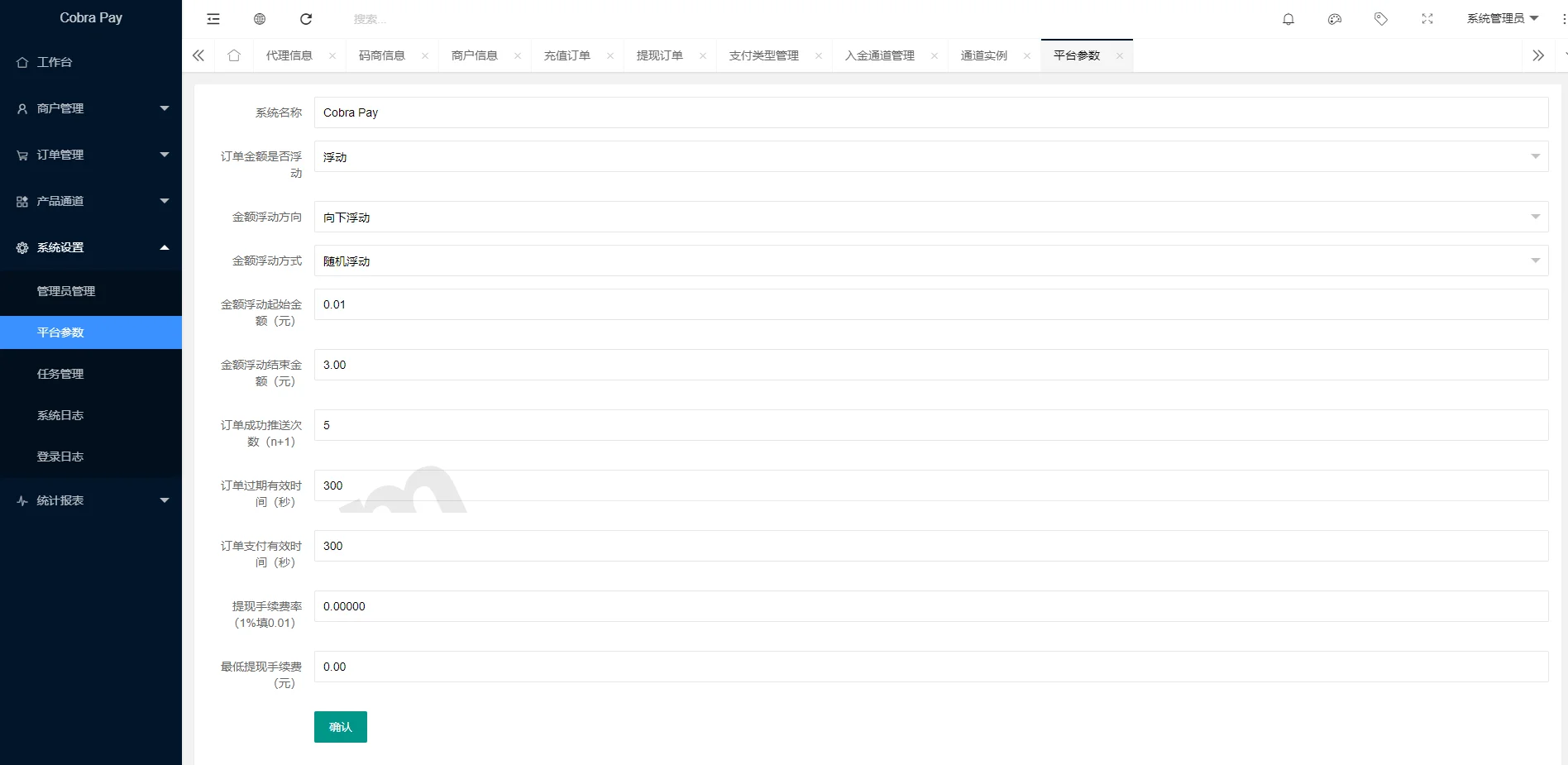
Highlight: after deployment, a single-machine load test handled 1200+ TPS of checkout requests (Jmeter at 500 concurrent users) — plenty for small and mid-sized e-commerce. Remember to partition the orders table by month, otherwise log queries will noticeably slow down after three months.
FAQ
Q: After sandbox testing passes, what should I watch out for when switching to production?
A: Three things need to change in sync: the gateway URL, the key pair, and the callback domain. The easiest one to miss is replacing the sandbox verification public key — otherwise every production callback will fail signature verification.
Q: Can this system run without official merchant credentials?
A: API integration must use merchant credentials you’ve legally applied for and the official sandbox environment. This source code is only suitable for learning technical architecture and demonstrating checkout system development. Be sure to comply with all applicable laws and regulations; any unlawful use is prohibited.
Q: What if the reconciliation report numbers don’t match?
A: Check the time zone first. The server runs on UTC while the backend displays in UTC+8, so orders spanning midnight get split across different dates. After I forced date_default_timezone_set(‘PRC’) in the config, everything reconciled.
All in all, the code quality of this architecture is above average. The customization docs are lacking, but the inline comments are reasonably friendly. If you run into deployment issues, feel free to discuss in the comments — I’ll reply when I see them.
Disclaimer: This article is for technical education and demonstration only. It is not professional or financial advice. Any real-world deployment must comply with applicable laws and regulations.
#Payment System #Source Code Setup #PHP Development #API Integration #Deployment Notes
-
 Alipay QR Code Scan
-
 WeChat Scan Pay