Cross-Border E-Commerce Multi-Language Mall System Source Code Setup: Payment Integration + Points Mall + Earnings Demo Module
Cross-Border E-Commerce Multi-Language Mall System Source Code Setup: Payment Integration + Points Mall + Earnings Demo Module
Disclaimer: This article is for technical education and demonstration only. It is not professional or financial advice. Any real-world deployment must comply with applicable laws and regulations.
I recently helped a client in cross-border retail deploy a mall system with a fairly deep level of customization. Beyond the usual product and order modules, it also shipped with a points mall, daily check-ins, a tiered referral structure, and an earnings demo module. It took two days of tinkering to get everything running, so I’m writing down the process and the pitfalls for anyone who might need it.

Feature Testing: What This System Actually Offers
Short version: this source code was customized with real care — it’s not one of those half-finished builds. Let me go through the modules one by one.
Products and Multi-Language Module
Product management supports multiple variants, multiple images, and unlimited category levels, and switching language packs in the admin panel is smooth. The client mainly targets the Southeast Asian market, so I tested Simplified Chinese, English, and Thai language packs — front-end switching was basically instant. One detail to watch: currency symbols and tax-rate wording in the language packs are maintained separately, so don’t change just one of them.
Points Mall and Check-In System
The points mall is the highlight of this customization. Users earn points from placing orders, checking in daily, and completing tasks, and points can be applied as discounts or exchanged for products. The admin panel lets you configure point rules and exchange rates. In my testing, after changing the exchange rate the front-end cache needed a manual refresh — a small gotcha.
Earnings Demo Module
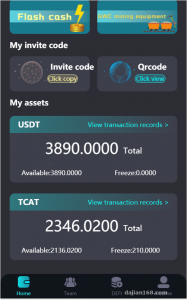
The system includes a built-in earnings calculation demo module. It’s essentially an educational feature that shows users how earnings are computed, with demo parameters and cycles configurable in the admin panel. I made a point of confirming that this module only does simulated data display and involves no real fund transfers. When deploying, I’d recommend adding a clearly visible “demo data” label on the page — it makes compliance much easier.

Deployment Essentials: Environment Setup and Pitfall Log
For the environment I used BaoTa panel with Nginx 1.22 + PHP 7.4 + MySQL 5.7. Don’t go with PHP 8 — some legacy functions will throw errors. For the rewrite rules, just pick the ThinkPHP preset.
Payment API Integration
The payment side supports WeChat, Alipay, and an extension reel simulation for aggregated payment plugins. I hit a snag integrating cross-border collection: the callback signature algorithm didn’t match the documentation. The actual code uses MD5 with sorted parameter concatenation, not the RSA described in the docs. It only worked after I adjusted the config against the source code. My advice: read the callback classes under the pay directory first — don’t trust the docs.
Admin Permissions and Referral Structure
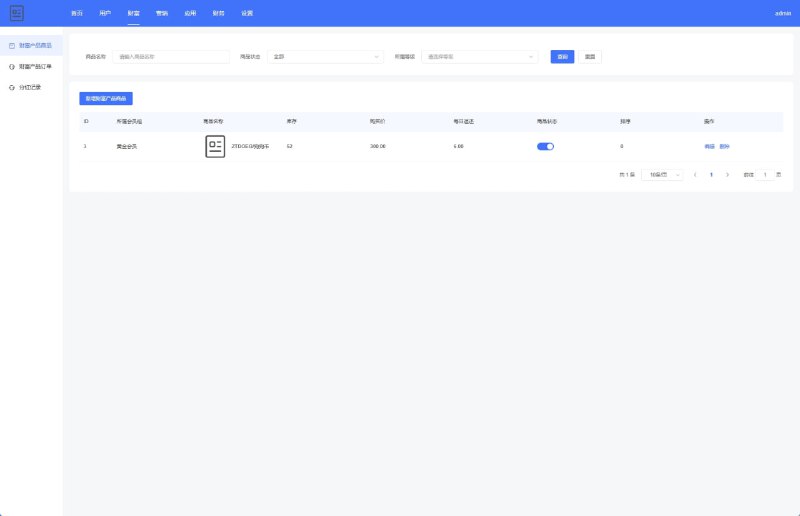
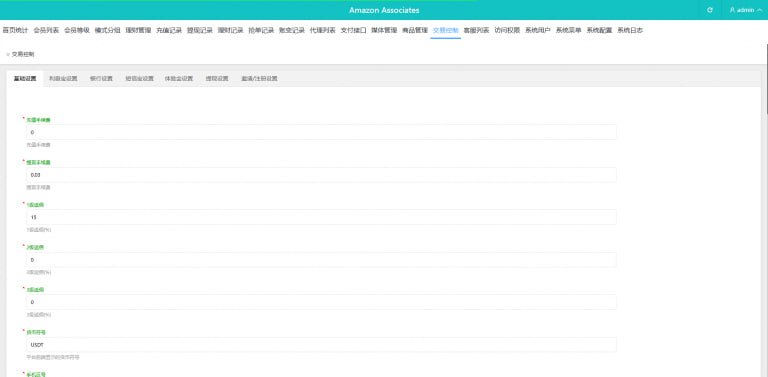
The admin permission grouping is fairly granular — modules can be assigned to sub-administrators individually. The referral system is a three-level structure, with commission rates set level by level in the admin panel, and settlement handled through manual review plus batch payouts. The client wanted automatic settlement, so I added a scheduled task to run commission reviews — not a big change.
Performance Tuning
I ran a load test: at 500 concurrent users, the order placement endpoint responded in around 300ms, with MySQL as the bottleneck. Adding composite indexes to the orders table and the points ledger table improved QPS by roughly 40%. Also, force images to go through OSS or Qiniu — local storage will fill up your disk fast.

Before going live, always change the default admin path and default admin account. This source code’s default admin path is far too common — leave it unchanged and scanners will find it instantly. Also remember to turn off app_debug. I forgot on my first deployment, and the error page exposed the server path directly.
Customization Suggestions: What’s Worth Changing
If you plan to use this long-term, here are my recommendations:
First, add a stock lock to the points mall’s exchange endpoint — the original code over-redeems under high concurrency. Second, build your own language pack management interface; right now language packs are edited directly as files, which is a hurdle for non-technical operators. Third, make the earnings demo module’s parameter configuration read-only to prevent operators from misconfiguring it and producing misleading data.

Who This Is For
This source code suits three groups: teams running cross-border e-commerce or multi-language independent sites, who can use the product and payment modules as-is; developers learning how to customize mall-style projects, since the code structure is clean and the comments are reasonably complete; and clients who need a points-based operations system — the check-in plus points mall combo would take at least a month or two to build from scratch.
I wouldn’t recommend it for complete beginners, though. You should at least know basic Linux operations and how to debug PHP errors, or you’ll get stuck at the callback integration step.
FAQ
Q: What’s the minimum server configuration?
A: 2 cores and 4GB RAM to start, with 5M+ bandwidth recommended. A test environment can run on 1 core and 2GB, but MySQL becomes the bottleneck under load testing — don’t skimp on this for production.
Q: Can I add my own languages to the language packs?
A: Yes. Language packs are standard PHP array files — just copy the English pack and edit the strings. Note that the product multi-language fields in the database need to be filled in as well, or product names will show up blank in the new language.
Q: Can the earnings demo module be turned into a real feature?
A: Technically possible, but strongly discouraged. The module is designed purely as an earnings simulation demo. Features involving real funds face strict regulatory requirements in many regions, so when deploying you must comply with all applicable laws and regulations and never use it for anything unlawful. Keeping it as a demo is the safest approach.
Q: Can points and cash be converted into each other?
A: By default, points can offset part of a cash payment, with the ratio configurable in the admin panel. Two-way conversion requires custom development and touches financial ledgers — make sure your reconciliation logic is solid before making any changes.
Overall, this source code is fairly complete and leaves plenty of room for customization. If you run into issues during deployment, feel free to ask in the comments — I reply to everything I see.
Disclaimer: This article is for technical education and demonstration only. It is not professional or financial advice. Any real-world deployment must comply with applicable laws and regulations.
#cross-border e-commerce #mall source code #multi-language #points mall #deployment walkthrough
-
 Alipay QR Code Scan
-
 WeChat Scan Pay