IM Instant Messaging Source Code Deployment Notes: Four-Platform Setup and Payment Sandbox API Integration
IM Instant Messaging Source Code Deployment Notes: Four-Platform Setup and Payment Sandbox API Integration
Disclaimer: This article is for technical education and demonstration only. It is not professional or financial advice. Any real-world deployment must comply with applicable laws and regulations.
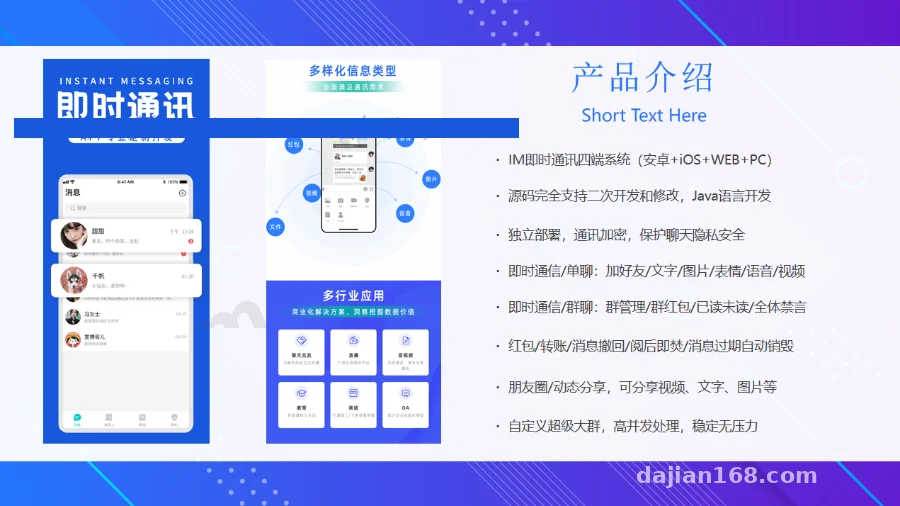
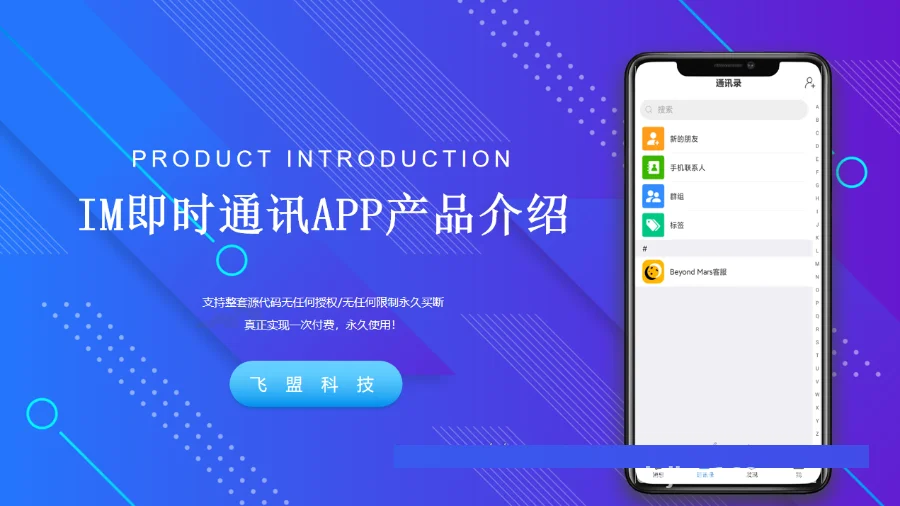
I recently helped a client deploy an IM instant messaging system. Android, iOS, Web, and PC — all four platforms had to be up and running, plus a payment sandbox integration for demoing the red packet and transfer features. It took four days of back-and-forth, so I’m writing the whole process down to save anyone tackling this later some time.
How to Set Up the Environment: Don’t Pick Versions Randomly
The server runs CentOS 7.9, 4 cores and 8GB of RAM at minimum. The backend is written in Java, and don’t just install any JDK — the source code requires 1.8. I accidentally installed 17 at first and the build immediately threw an UnsupportedClassVersionError; rolling back to 1.8 fixed it. For the database, MongoDB 4.4.28 was the most stable in my testing. Versions above 5.0 have driver compatibility pitfalls.
A few key commands worth noting: start MongoDB with mongod –dbpath /data/mongo –port 27017 –fork, and remember to add -Xms2g -Xmx2g when launching the server jar. The default heap is too small — it OOMs outright under load testing.
Ports and Firewall: Pitfall Number One
This system needs quite a few ports open: 27017, the HTTP interface on 8080, plus the persistent connection port. After my first deployment the clients simply refused to connect, and after a long investigation it turned out the cloud server’s security group hadn’t allowed the persistent connection port. I’d guess half the people doing this have tripped over the same thing.
Payment Sandbox Integration: Testing the Red Packet and Transfer Features
The source code ships with red packet and transfer modules. Hooking them straight into production APIs is out of the question, so I ran everything through the sandbox environment for the demo. Swap the payment gateway keys for sandbox keys, point the callback URL at a test domain, and the checkout flow runs fine locally.
The most annoying part of the integration was callback signature verification — it kept returning verification failures. After some digging I found that the certificate version used for sandbox async notifications didn’t match the documentation, and switching to the matching public key finally made it work. The whole integration took half a day, and the transaction records for all three flows — sending red packets, transfers, and refunds — reconciled correctly.
One reminder: always get payment-related features working in the sandbox first, keep keys and certificates managed separately, and validate callback URLs against a whitelist. That’s the baseline.
Building All Four Platforms: iOS Is the Biggest Headache
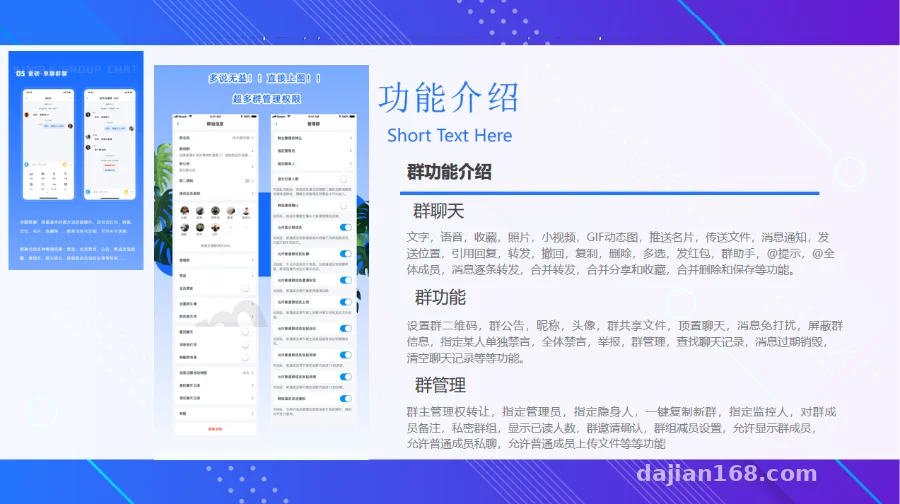
For Android, use Android Studio with Gradle locked at 7.2 and the matching AGP 4.1.x — don’t upgrade carelessly. iOS needs Xcode 13 or newer, and have your physical device certificates ready in advance. What stalled me the longest was push notifications: the APNs certificate was misconfigured, so offline messages never arrived. Regenerating the p8 file solved it.
The Web side is just static files behind nginx — ten minutes, done. The PC client is an Electron shell, and it packaged successfully on the first try.
Where to Modify for Secondary Development, and How to Add Languages
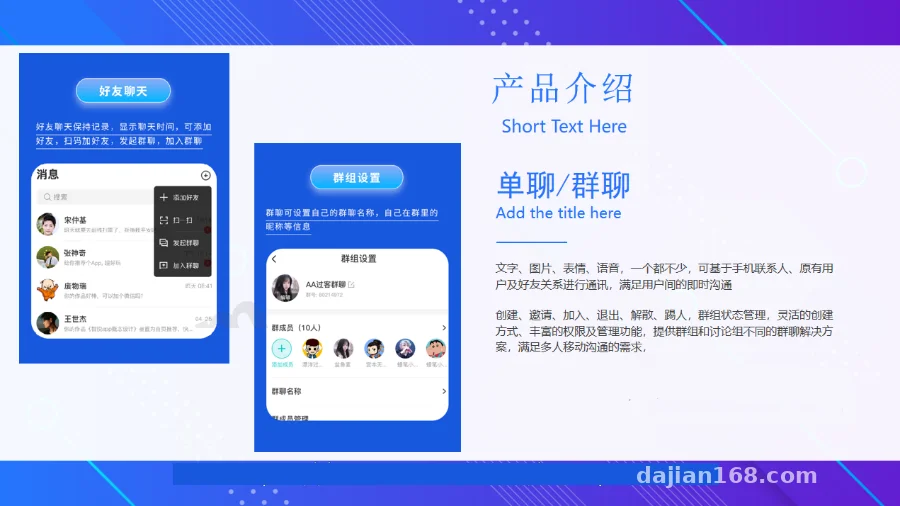
The client wanted changes to the message recall window and the group join approval logic. The backend message service is modular — find the message-related service layer and adjust the config. Android UI resources all live in the res directory, so swapping icons and color values is easy. Multiple languages are supported too: add a language file set in strings.xml and you can switch.
Load Test Results: Here Are the Numbers
On a single 8GB machine, JMeter simulated online users and it held a steady 8,000 concurrent connections with message latency under 200 milliseconds. The official spec claims 10,000 concurrent users per server, but I’d recommend a cluster for production: MongoDB as a replica set, with the persistent connection gateway split onto its own nodes.
Common Questions
Q: Can I test iOS without an Apple developer account?
A: The simulator handles most features, but push notifications and audio/video calls require a physical device. Get an individual developer account first — don’t cut corners here.
Q: Does MongoDB slow down as the data grows?
A: When my test database hit 40GB, queries still ran in tens of milliseconds after indexing the timestamp field on the message collection. Archive regularly — don’t let a single collection grow without bound.
Q: What skill level does secondary development require?
A: Java for the backend, Objective-C for iOS, Java for Android — and at least one person who can read the backend code. With documentation available, an experienced developer can start modifying business logic within a week or two.
Q: What should I watch out for before the payment features go live?
A: Apply for merchant credentials through official channels, pass sandbox verification before switching to production, and follow all applicable laws and regulations at every step. This article is for technical education only.
Overall, this source code is more complete than I expected — all four platforms are covered, and there’s plenty of freedom for secondary development. If the budget is tight, launch Web plus Android first and add iOS and PC later. When problems come up, work through the troubleshooting steps above; most of the pitfalls trace back to environment setup and certificates.
Disclaimer: This article is for technical education and demonstration only. It is not professional or financial advice. Any real-world deployment must comply with applicable laws and regulations.
#IM instant messaging #source code deployment #payment sandbox #MongoDB #self-hosted deployment
-
 Alipay QR Code Scan
-
 WeChat Scan Pay