=Operational JAVA Stock System / New Share Subscription / Block Trading / VIP Priority – Source Code Deployment and Operations Guide
Operational JAVA Stock System / New Share Subscription / Block Trading / VIP Priority – Source Code Deployment and Operations Guide
Honestly, deploying this operational JAVA stock system for a client was quite a journey. The client needed New Share Subscription plus VIP Priority plus Block Trading all in one platform – sounds overwhelming, right? But in the end it ran smoothly, so I am documenting the entire setup process for anyone facing similar requirements.
1. Core System Features
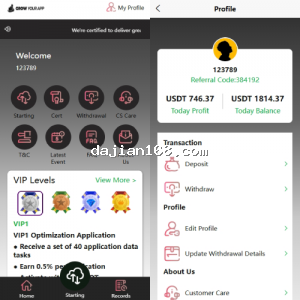
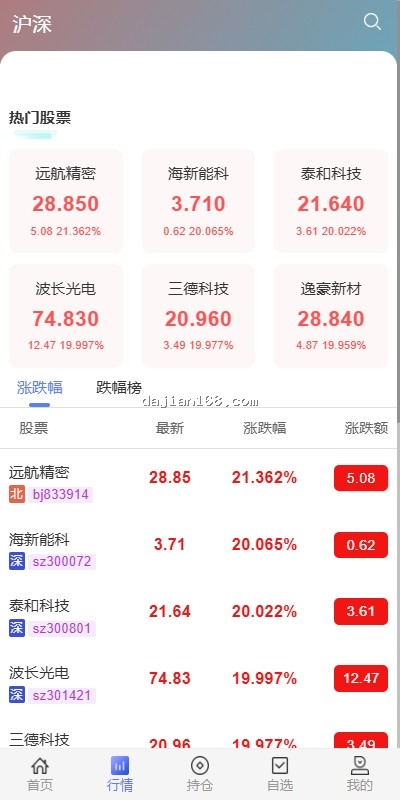
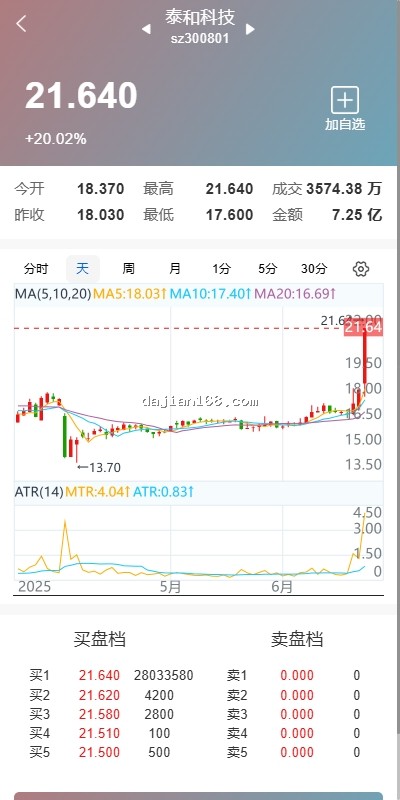
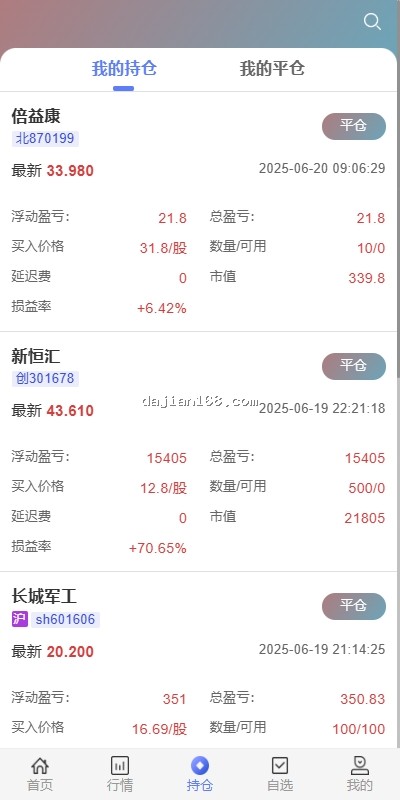
This JAVA stock system uses a frontend-backend separated architecture: VUE frontend, VUE admin panel, and JAVA API backend with complete source code for easy secondary development. Main functional modules include:
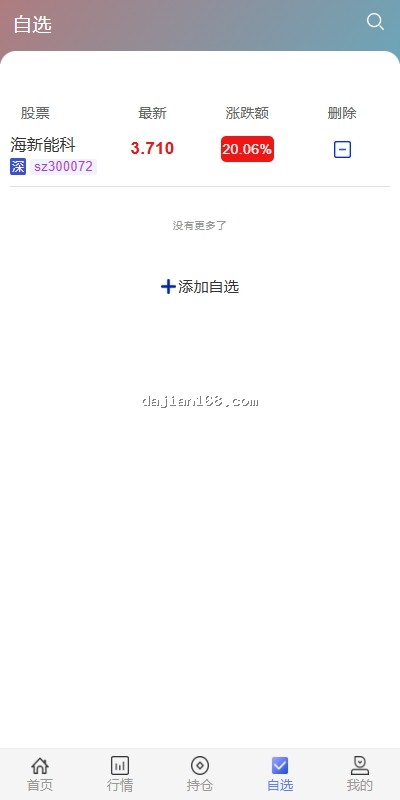
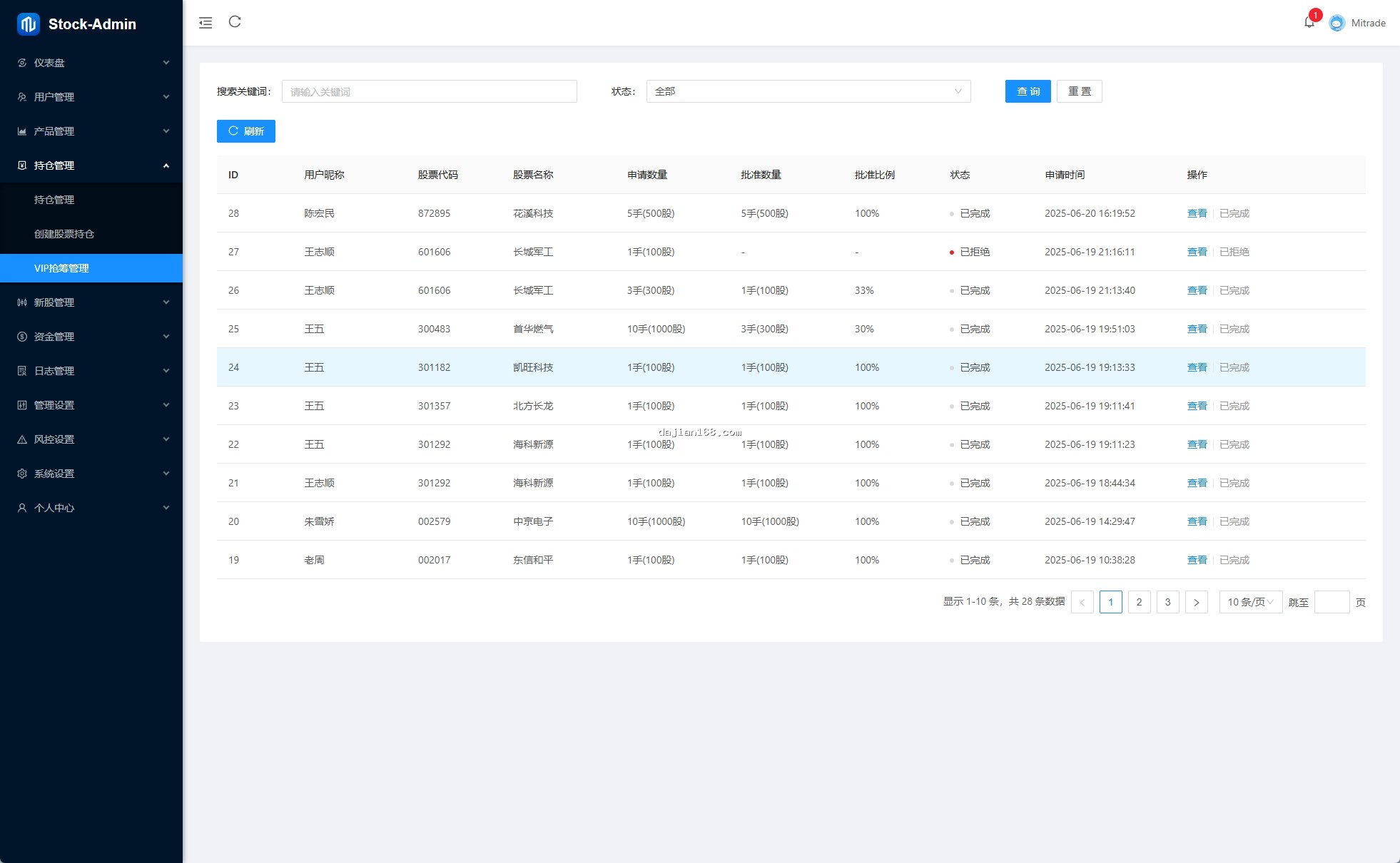
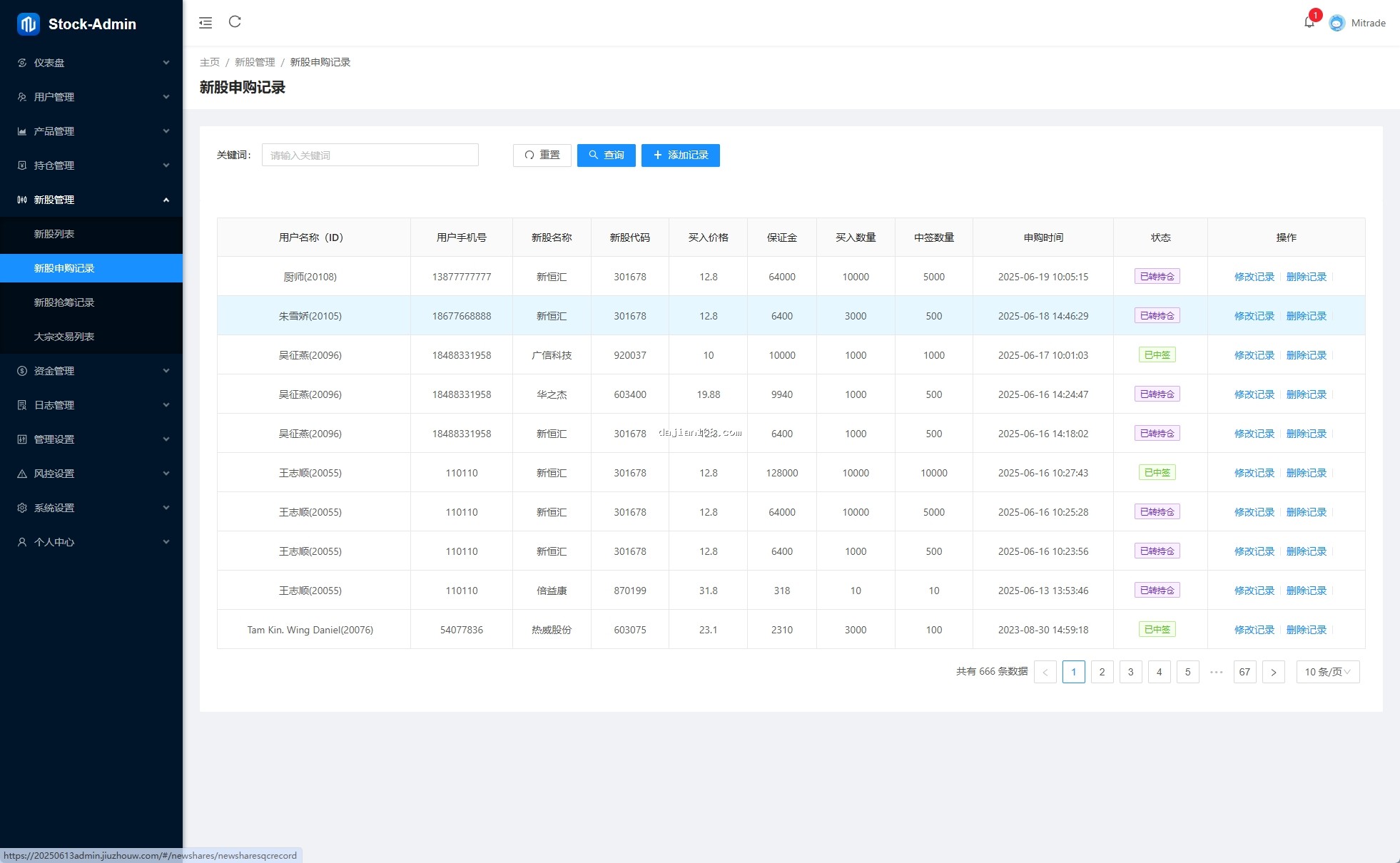
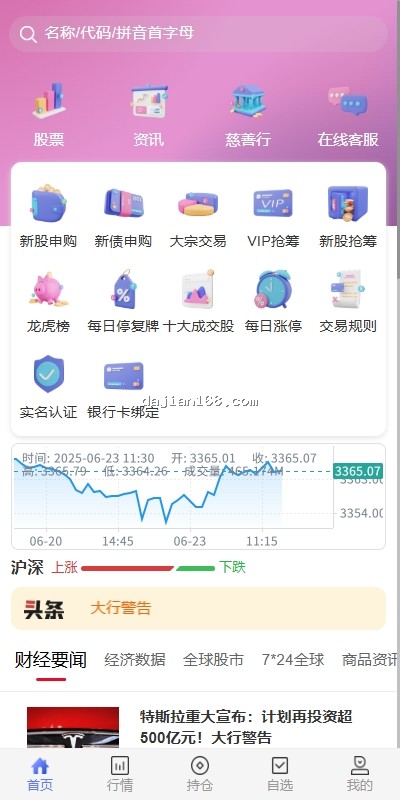
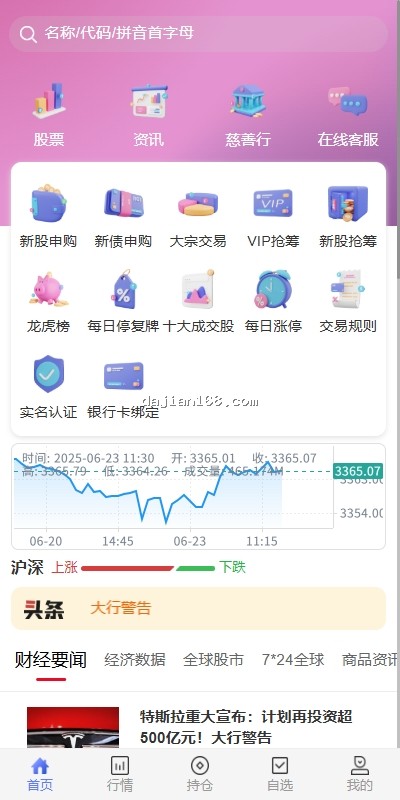
- New Share Subscription: Supports limit-up buy settings (max 1000), admin can manually approve quantities (100-900 range), supports leverage configuration
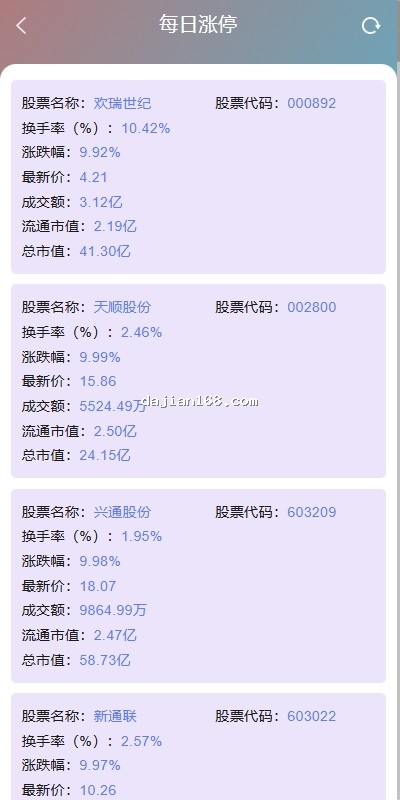
- Block Trading Module: Supports large-volume buy/sell orders with input/output risk control settings
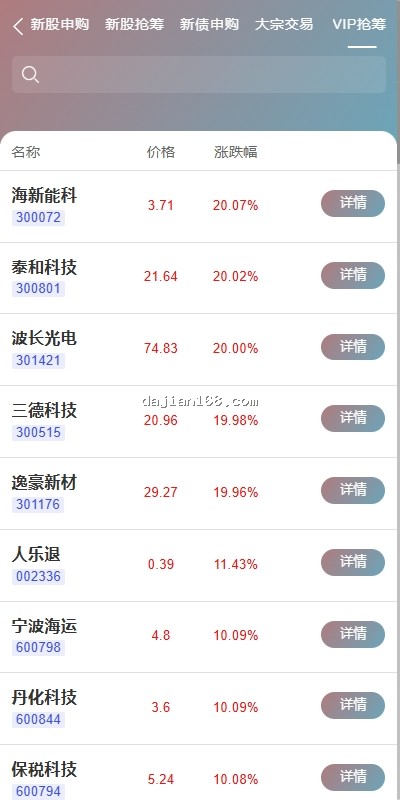
- VIP Priority Trading Channel: Priority execution for high-net-worth clients, configurable priority levels
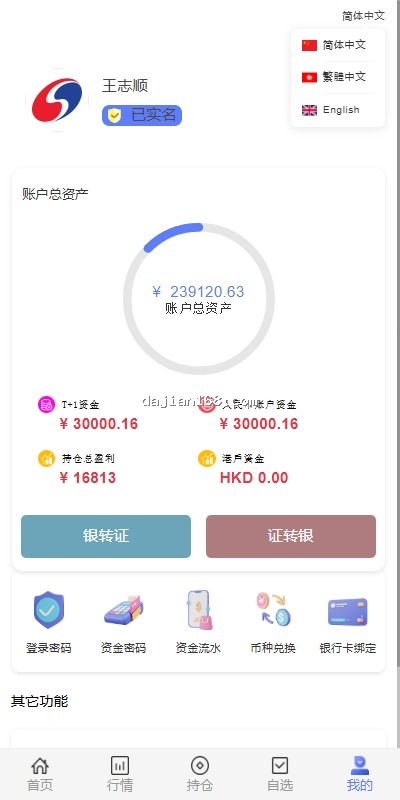
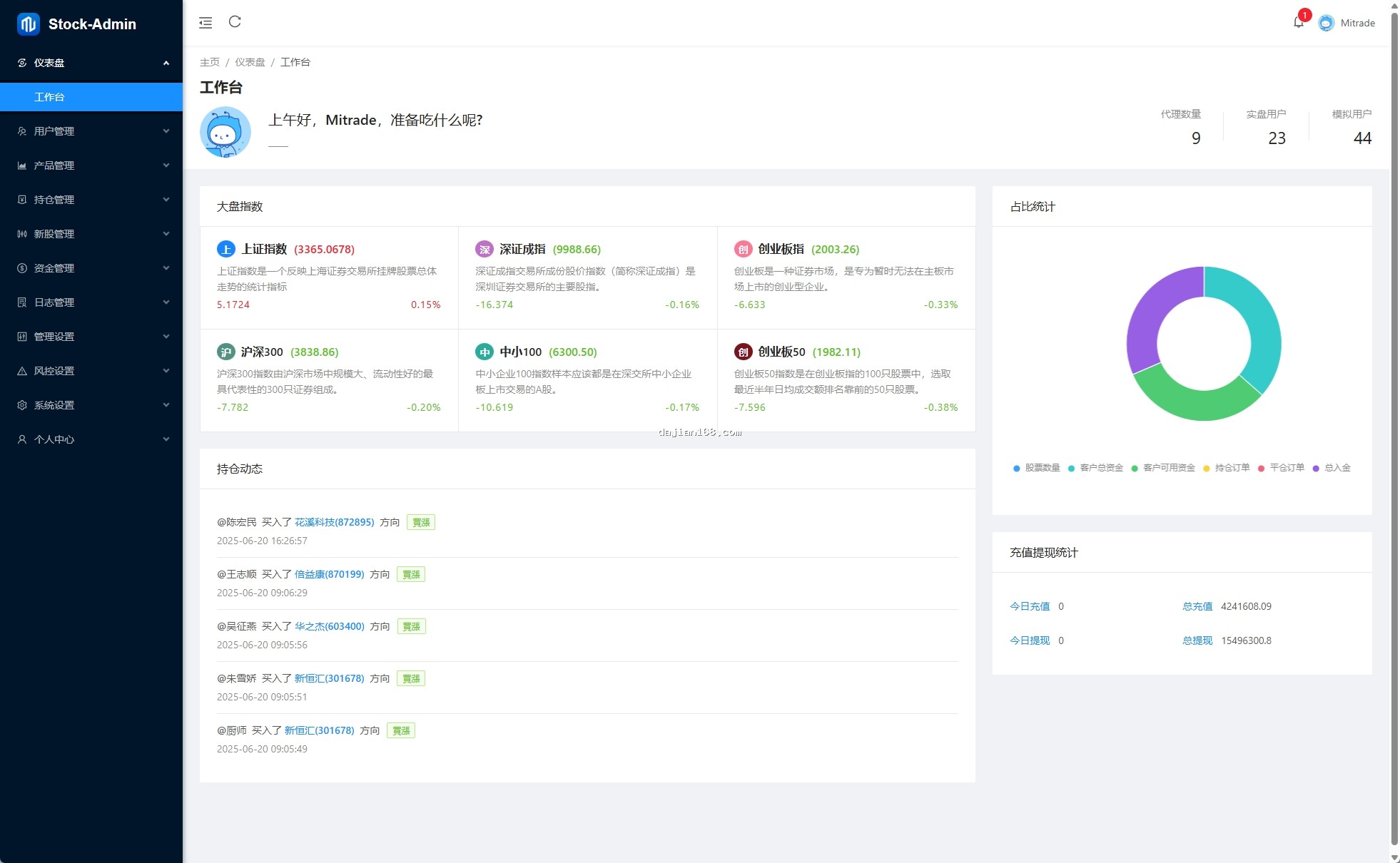
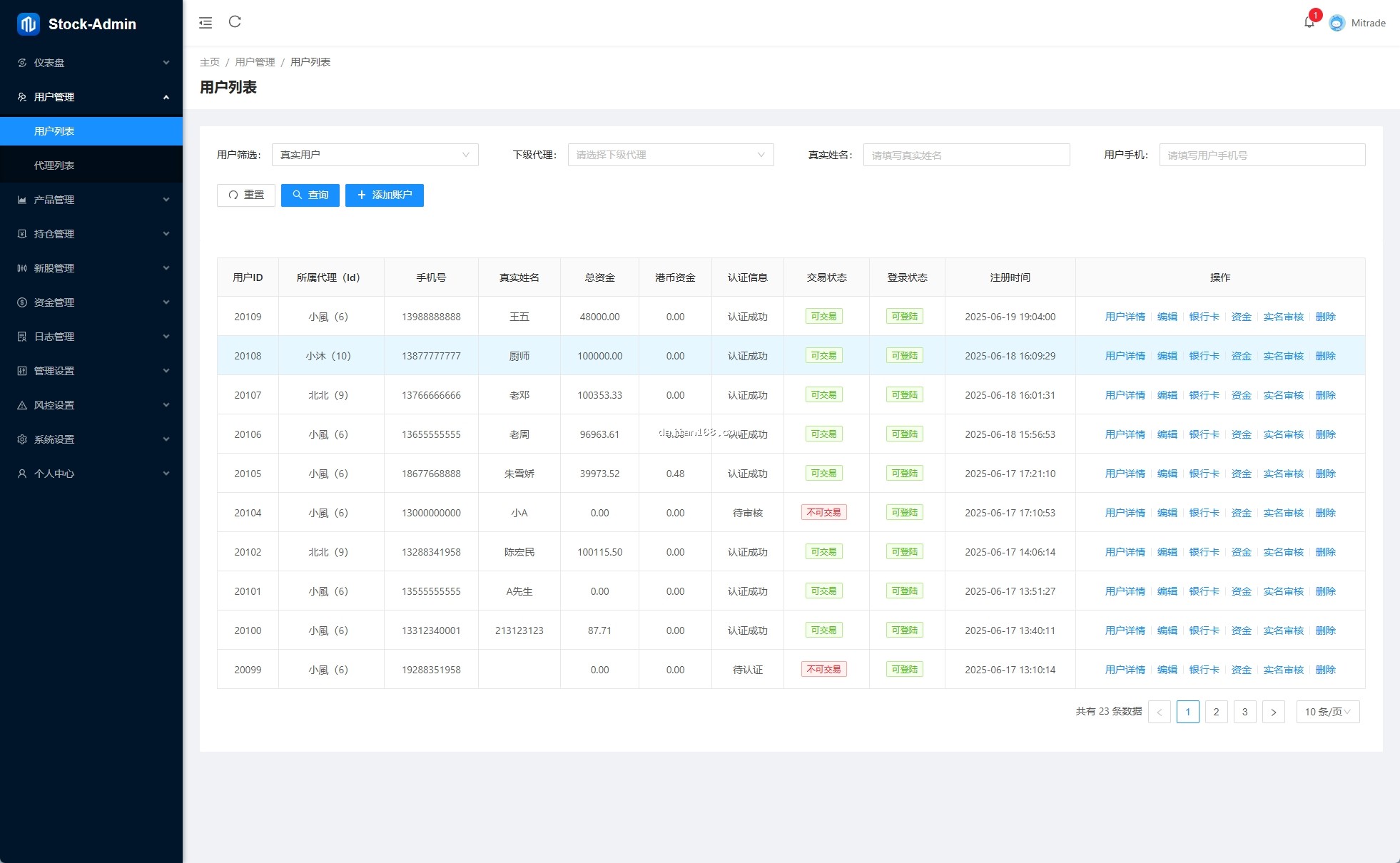
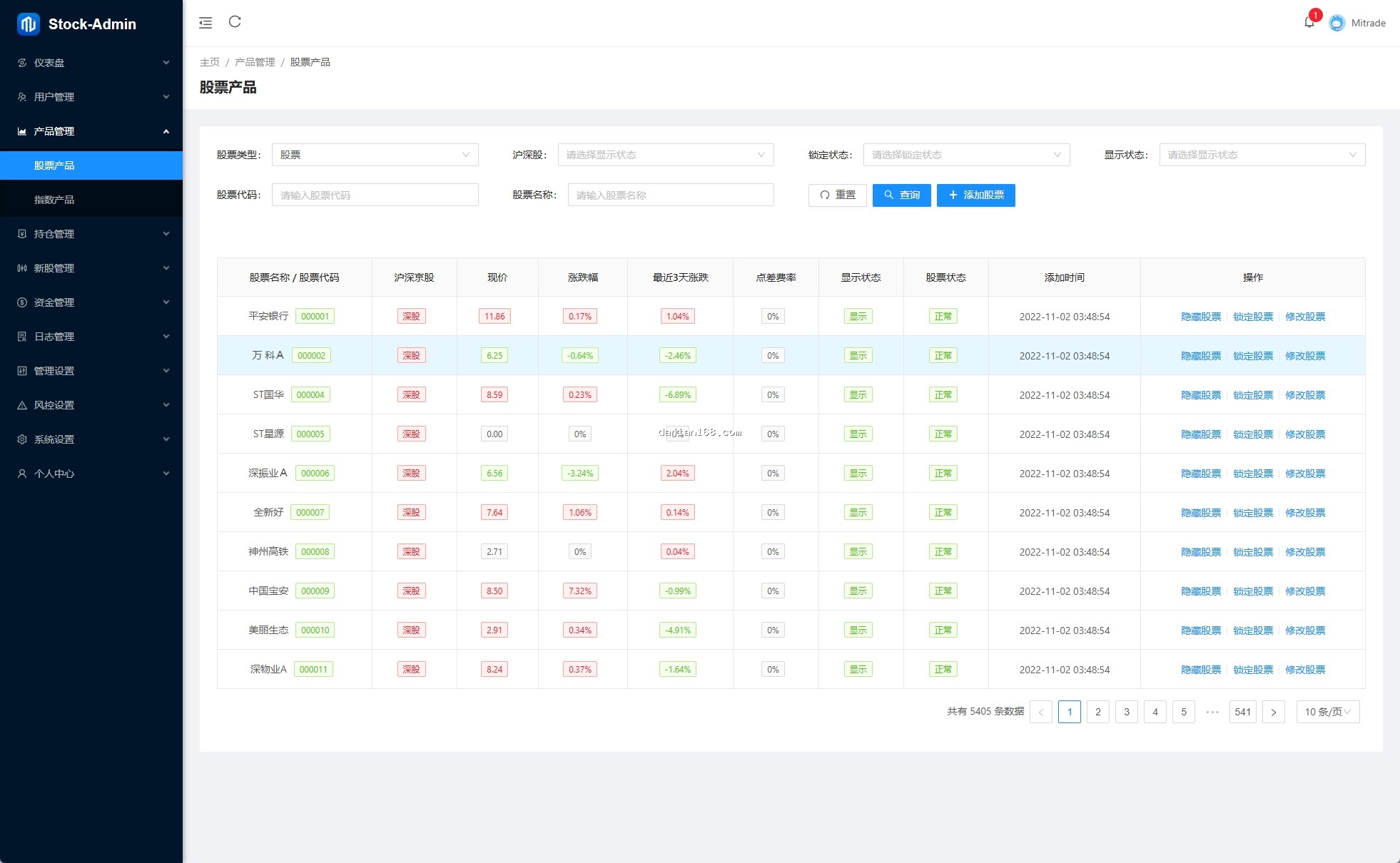
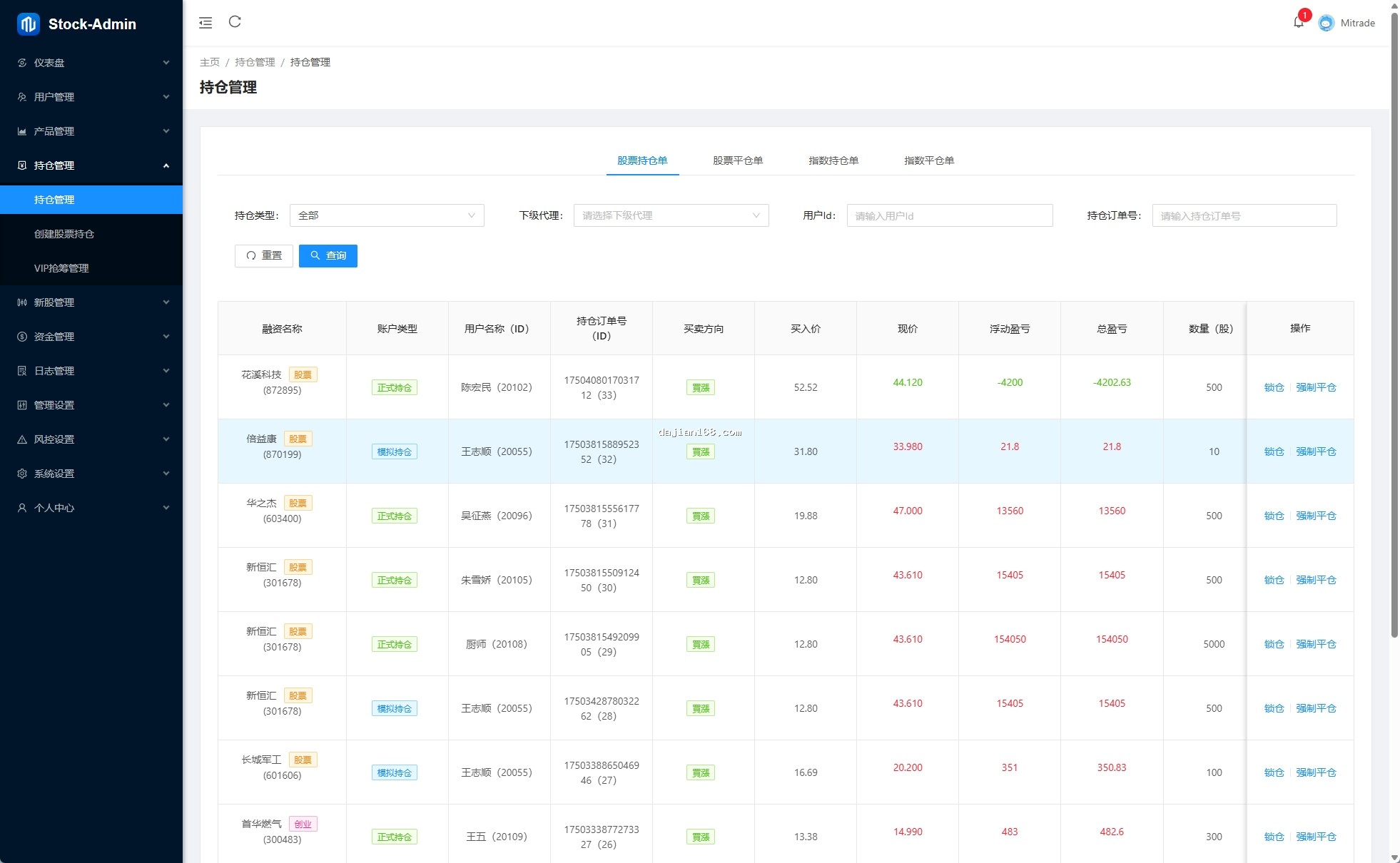
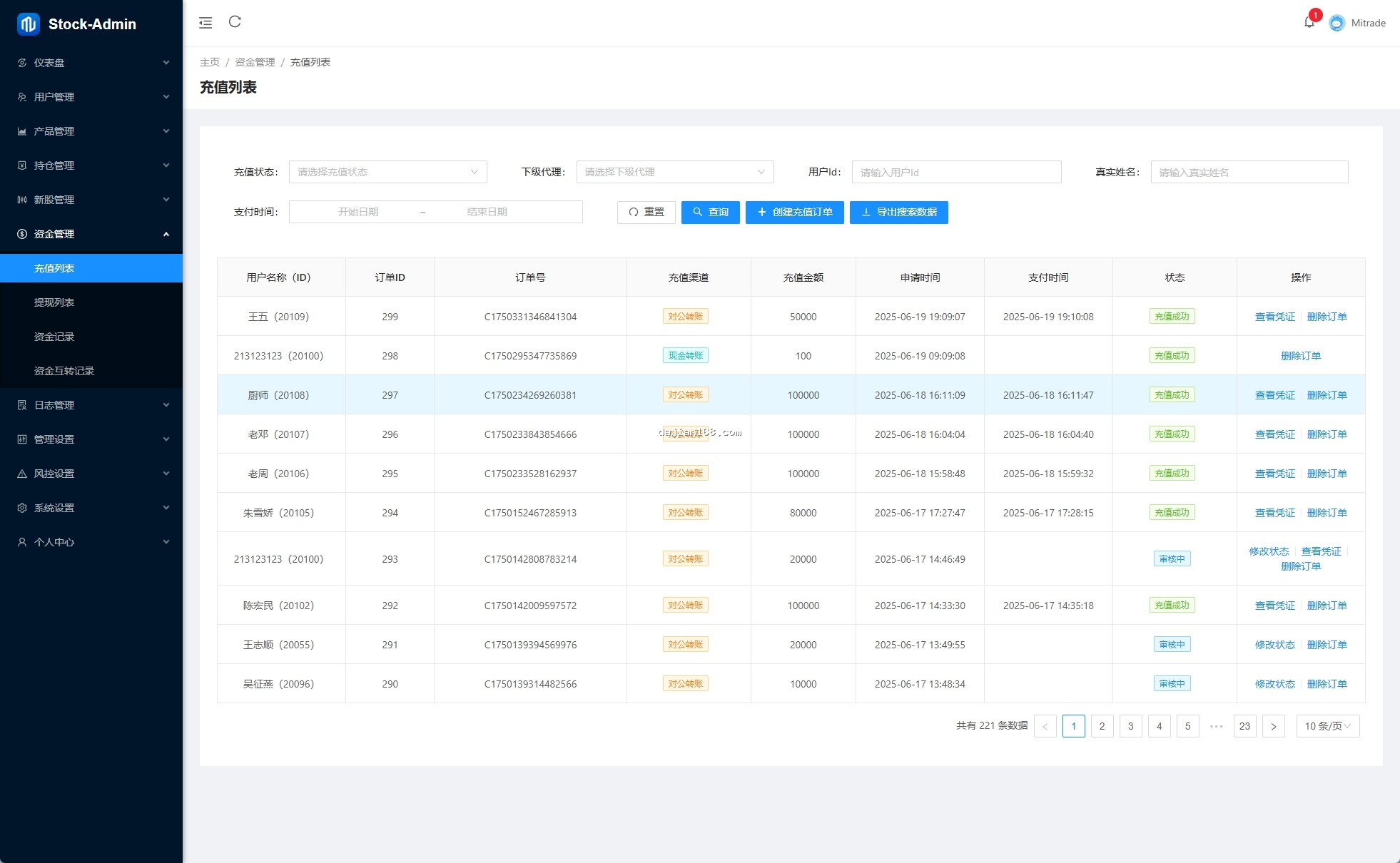
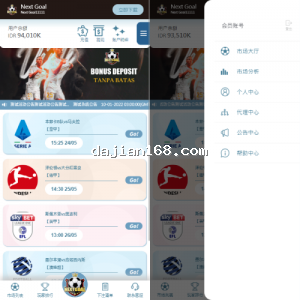
- Complete Admin Panel: User management, trading management, permission management, data statistics
- Full Source Code: VUE frontend plus JAVA backend API, clean code structure for easy development
2. Pre-Setup Preparation
Before deployment, confirm server environment and configurations:
- Server Specs: Recommended 4-core 8GB plus, JDK 11 plus, MySQL 8.0, Redis cache
- Domain Resolution: Main domain and API subdomain needed, SSL certificate mandatory
- JAVA Environment: Install JDK 11 or higher, configure JAVA_HOME
- Database Creation: Create new MySQL database, import provided SQL file, charset utf8mb4
- Source Code Compilation: Compile frontend and backend separately, API needs Maven packaging
⚠️ Important Note: This system involves financial trading functions. Before deployment, confirm the client has relevant qualifications. Server security must be configured including firewall, login restrictions, trading risk control, etc.
3. Common Issues and Solutions
3.1 New Share Subscription Permission Configuration
Many clients report new share subscription not working after deployment. The issue is usually permission configuration. Go to admin panel “Trading Permission Management”, individually enable new share subscription permission for users and set maximum single-order quantity.
3.2 Block Trading Risk Control Triggering
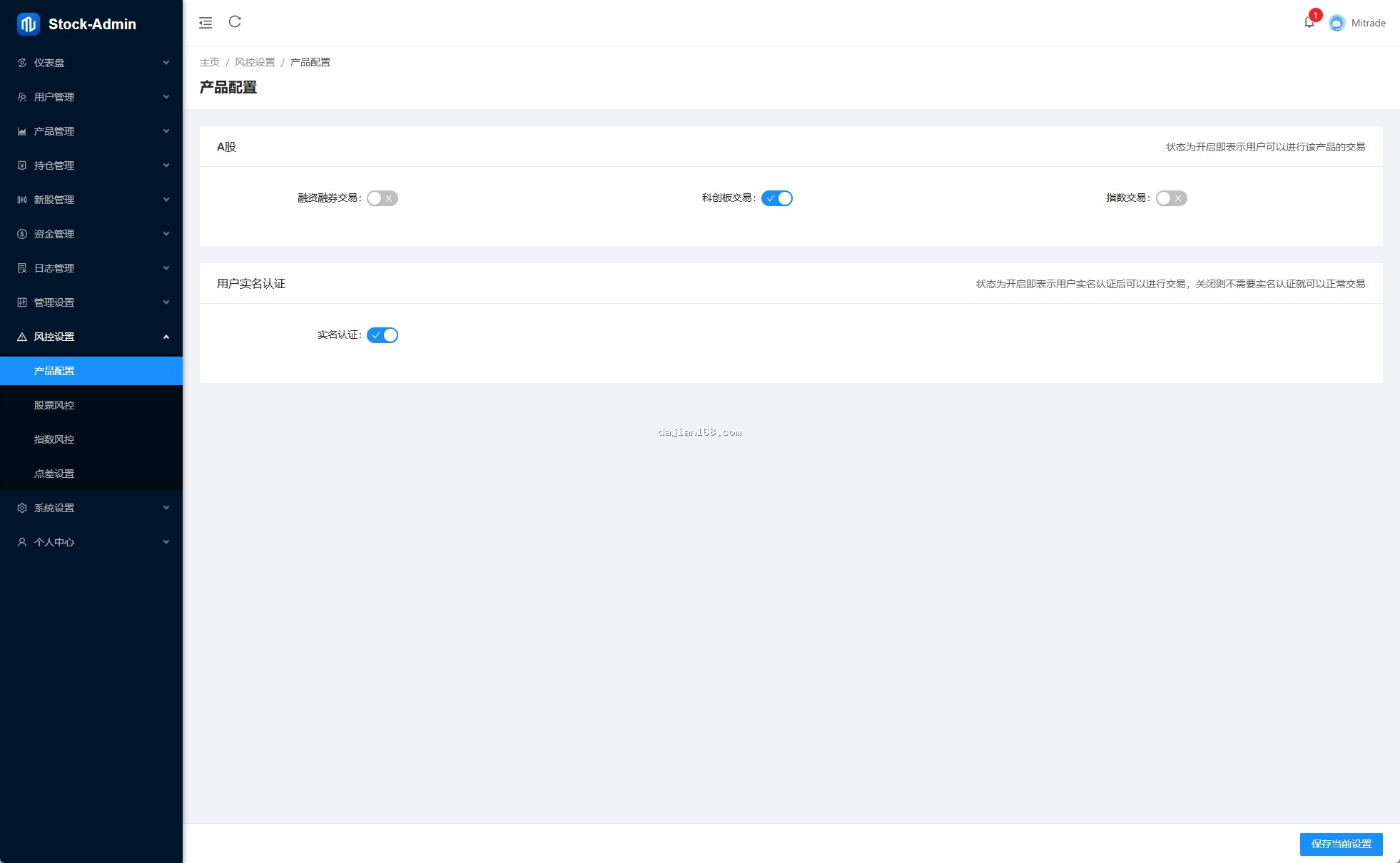
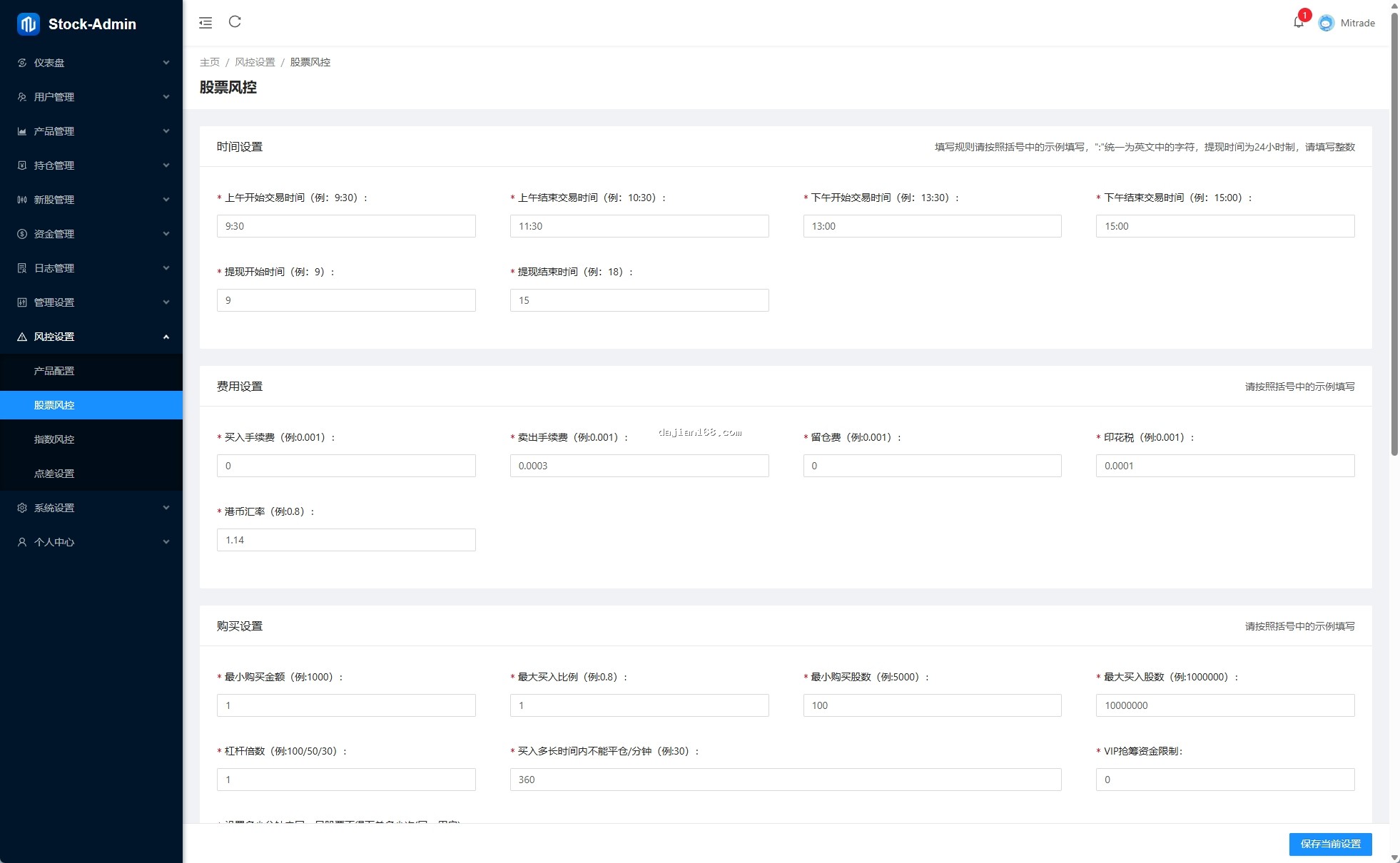
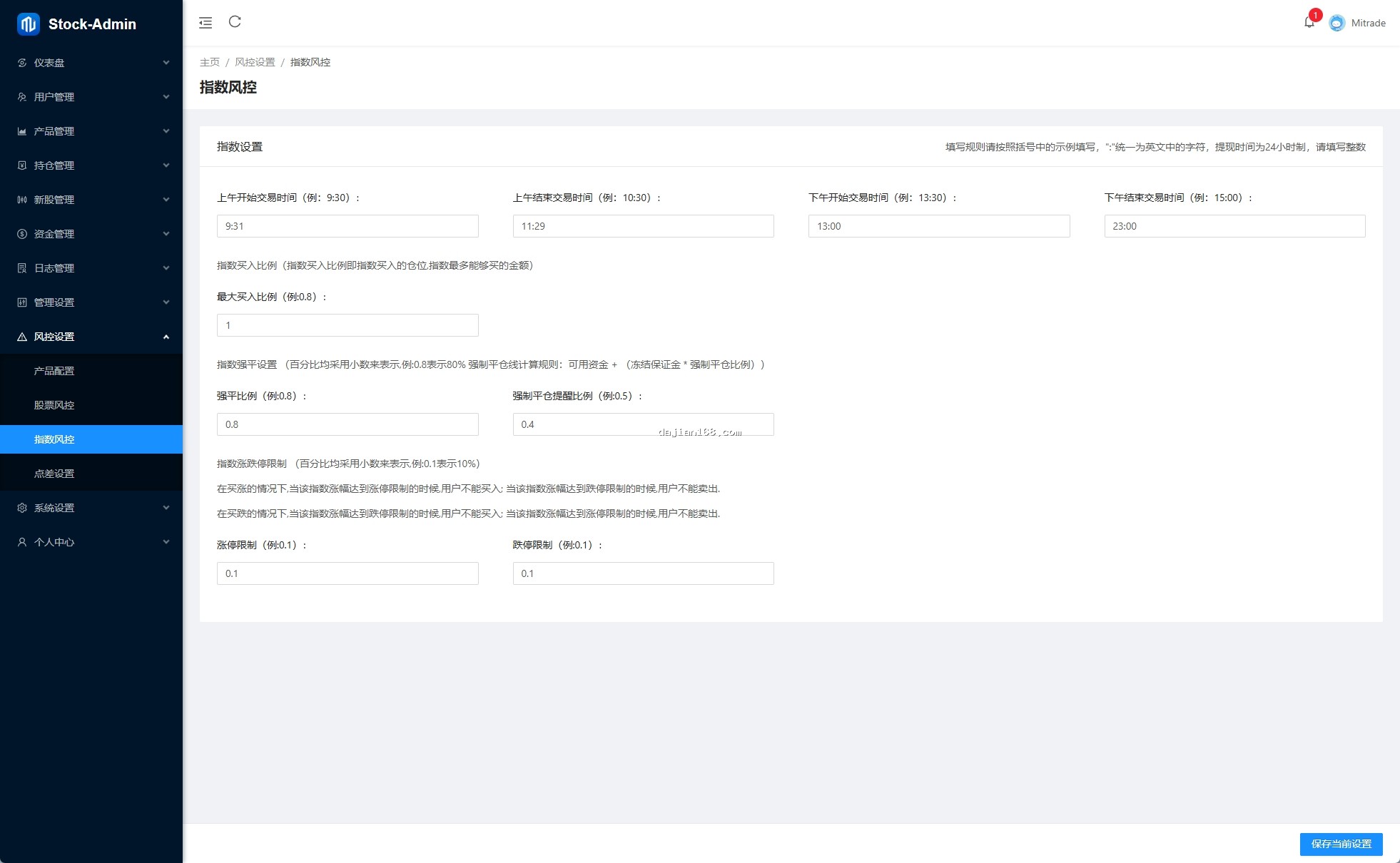
If risk control triggers during trading, check parameter settings in “Risk Control Rules”: maximum single order amount, daily maximum trading volume, maximum position per instrument. Recommend setting relaxed parameters initially, then tighten gradually after system stabilizes.
3.3 VIP Channel Priority Not Working
VIP priority execution requires two conditions: user must be a VIP member AND the instrument must support VIP priority. Check user VIP level and expiry date in “VIP Management” in admin panel.
4. Custom Development and Extension Options
The system supports various extensions: integrate third-party quote interfaces (like East Money, Tonghuashun), add SMS verification code login (Alibaba Cloud, Tencent Cloud), integrate payment gateways (WeChat Pay, Alipay, Bank cards), develop mobile APP (Flutter/React Native).
5. FAQ
Q1: How many concurrent trades does the system support?
A1: Standard version supports 500-1000 concurrency, actual depends on server specs. Cluster deployment theoretically has no upper limit.
Q2: Does data support automatic backup?
A2: Yes, supports MySQL auto backup and Redis persistence. Recommend at least one backup per day.
Q3: Can it integrate with existing CRM systems?
A3: Yes, JAVA API provides standard REST interfaces, can integrate with any HTTP-supported system.
#JAVAStockSystem #NewShareSubscription #BlockTrading #VIPTrading #SourceCodeDeployment
\n\n



-
 Alipay QR Code Scan
-
 WeChat Scan Pay