Short Video Content Distribution Platform Setup: Task Scheduling + Queue Control + Multi-Language Deployment
Short Video Content Distribution Platform Setup: Task Scheduling + Queue Control + Multi-Language Deployment
Disclaimer: This article is for technical education and demonstration only. It is not professional or financial advice. Any real-world deployment must comply with applicable laws and regulations.
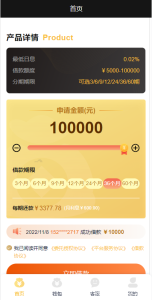
Recently I helped a friend who runs overseas short-video promotion deploy a multi-language content distribution platform. His requirements were pretty typical: run content promotion tasks across several countries, manage groups and scheduling from the admin panel, see real-time metrics, and let users switch languages on the frontend. The stack is Vue on the frontend and ThinkPHP on the backend. It took me about two evenings to go from source code to a working live environment. These notes are for anyone who wants to build a similar short-video distribution or task scheduling platform.
1. What This Platform Can Do: A Hands-On Feature Walkthrough
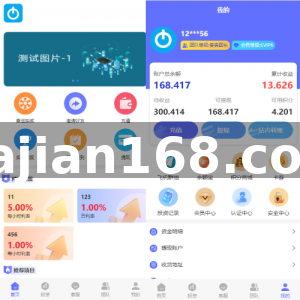
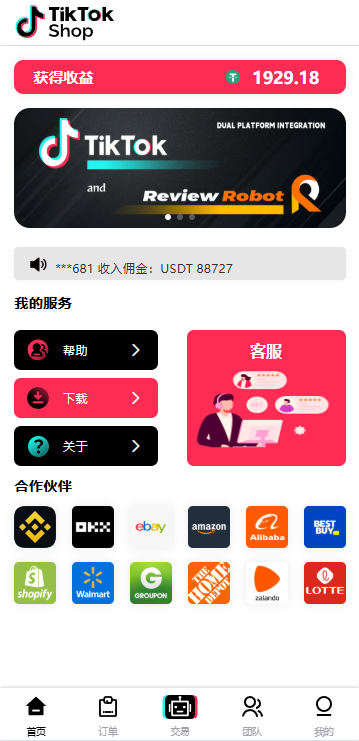
After I got it running, I explored the admin panel first. The core functions fall into three areas: content task dispatch, group management, and queue scheduling. The task dispatch module can push tasks in batches by type, region, and priority. The admin panel lets you set eligibility rules, completion criteria, and reward rules for each task. Group management tags executor accounts or worker nodes by country, weight, or capability level, so you can send tasks to the right group later.
The queue scheduling part caught my attention. The system supports priority ordering and concurrency control for task queues. You can set the maximum number of tasks running at the same time. That matters under high concurrency, because it keeps the server from being overwhelmed by a sudden burst of requests. I ran a stress test with 500 concurrent tasks, and the ThinkPHP backend plus Redis queue held up well.
1.1 Spike Smoothing and Parameterized Traffic Distribution
The source code has a feature labeled ‘data jitter.’ I read it as spike smoothing: it prevents task data from clustering in predictable patterns that might look robotic to target platforms. In the admin panel you can configure random time offsets, randomized completion distributions, and similar parameters. In real business this is just a risk-control helper, not a tool to bypass platform rules. Always follow the terms of service and local regulations when using it.
1.2 Multi-Language Frontend Switching
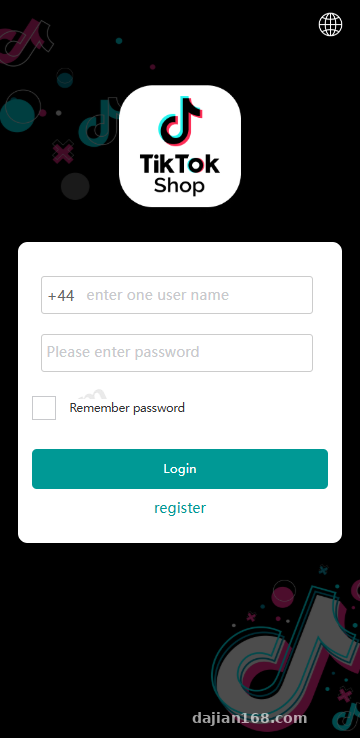
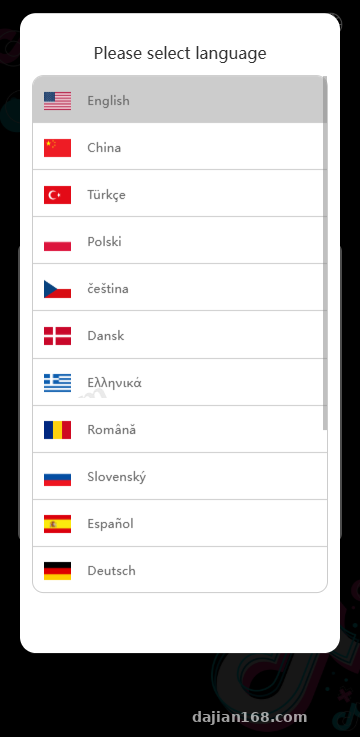
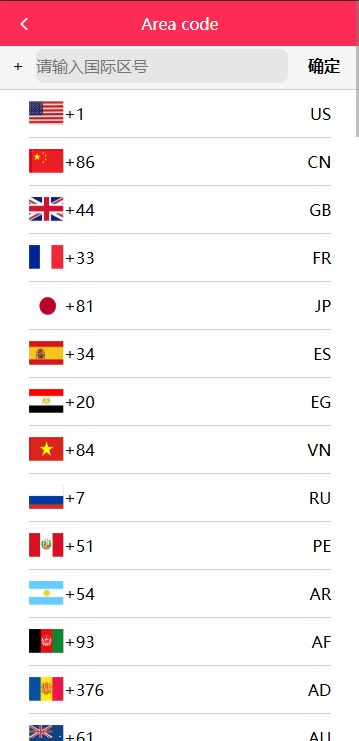
The Vue frontend uses vue-i18n. It ships with Chinese and English by default, and the language packs live in /src/lang. I added Thai and Vietnamese JSON files for the client, and the menus and prompts switched automatically. Make sure the language keys match exactly across files, or you will see blank labels or console errors when switching.
2. Deployment Notes: From Source Code to Live Environment
My environment was PHP 7.4 + MySQL 5.7 + Nginx + Redis. The project runs on ThinkPHP 5.1 or 6.0, but check composer.json in the root first to confirm the version. The database config is at /application/database.php. After updating credentials, clear the runtime cache or the new settings will not take effect.
2.1 URL Rewrite and Routing
You must configure Nginx rewrite rules, otherwise refreshing a Vue frontend route returns a 404. ThinkPHP’s entry point is public/index.php, so I always point the site root to the public directory. After adding the rewrite rules, restart Nginx and use curl to test a few API paths.
Pro tip: For a decoupled ThinkPHP + Vue project, set Nginx’s root to the public folder and add a fallback so that history-mode frontend routes fall back to index.html. If you skip this, every page refresh will break.
2.2 Admin Accounts and Delegated Permissions
The admin panel supports delegated permissions and multi-level administrators. Super admins see all data and system settings, while regional admins only see the groups assigned to them. This is useful when splitting work across a team, but it is easy to forget to change the default admin password. My routine is: change the admin password first, then disable any test accounts.
2.3 Payout and Settlement Webhook Stub
The source code reserves webhook endpoints for payout callbacks and task settlement. When connecting your own payout channel, pay attention to signature verification and IP whitelisting. I recommend testing in sandbox mode before switching to production. The callback URL must be reachable from the public internet. For local testing you can use an intranet-penetration tool, but switch to the official domain before going live.
3. Customization Tips and Who This Suits
This platform is a good technical base for people running overseas short-video promotion, content distribution, or crowdsourced task businesses. There is plenty of room for customization: the Vue frontend is component-based, and the backend API is fairly standardized. If you want to connect your own task sources, focus on the controllers under /application/task. If you want to change the dispatch algorithm, the /task/dispatch and queue-related files are the core.
3.1 Performance Tuning
Under heavy task volume, optimize the database queries, especially for the task list. I added an index for a client, and the dispatch response time dropped from about 800 ms to 120 ms. Also configure Redis persistence properly, or losing queued data will be painful.
Frequently Asked Questions
Q: What server specs do I need?
A: For testing, 2 CPU cores and 4 GB RAM is enough. For production, it depends on concurrency. Up to roughly 10,000 tasks per day, I suggest 4 cores, 8 GB RAM, and 5 Mbps bandwidth plus Redis and CDN. If the volume is higher, separate the queue workers from the web server.
Q: Which languages does the frontend support?
A: Chinese and English are included by default, and you can extend them. The language packs are JSON files named by ISO 639-1 codes, such as vi.json and th.json. After adding a pack, register it in the Vue i18n config, and add the matching backend fields too.
Q: Is spike smoothing compliant with platform rules?
A: This is a technical feature that randomizes intervals and distributions to mimic natural traffic patterns. Whether it is compliant depends on how you use it. Always obey the target platform’s rules and applicable laws, and never use it for any illegal or improper purpose.
Q: Can I upgrade the ThinkPHP backend to 6.0?
A: Yes, but you will need to change quite a few things. TP6 has a different directory structure and some renamed functions, such as how the Request class is accessed and where config files live. If you are not comfortable with ThinkPHP, run the original version first and migrate later.
One last reminder: source code is just a tool. The direction of the business determines how it is used. When building a content distribution platform, always clarify the compliance boundary. Every feature should only be used in a lawful and compliant way. This system is intended solely for technical education and lawful task-distribution demonstrations; any illegal or improper use is prohibited.
Disclaimer: This article is for technical education and demonstration only. It is not professional or financial advice. Any real-world deployment must comply with applicable laws and regulations.
#short video content distribution #ThinkPHP deployment #Vue multi-language #task scheduling #queue control
-
 Alipay QR Code Scan
-
 WeChat Scan Pay




![[Resolved as of 2025.11.18 22:55] Cloudflare Experiences Widespread Outage](https://dajian168.net/wp-content/themes/2019bk/skin/img/default.jpg)