FastAdmin + UniApp Financial Data Simulation System Setup Guide: K-Line Charts, Multi-Language, Fully Open Source
FastAdmin + UniApp Financial Data Simulation System Setup Guide: K-Line Charts, Multi-Language, Fully Open Source
Disclaimer: This article is for technical education and demonstration only. It is not professional or financial advice. Any real-world deployment must comply with applicable laws and regulations.
Last month I took on a project where the client wanted a financial data simulation platform that could display real-time market data and render K-line charts. The frontend needed to be cross-platform (iOS, Android, and H5), while the backend had to support flexible configuration of trading pairs and settlement rules. After browsing GitHub and open-source marketplaces, I settled on this solution using FastAdmin for the admin backend and UniApp for the frontend. The code is fully open source with no encryption restrictions, ready for customization right out of the box.
System Architecture and Technology Stack Testing
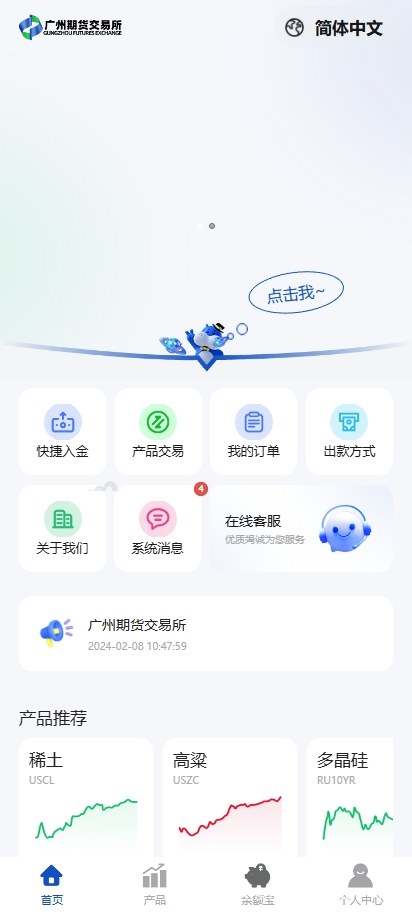
The backend runs on the FastAdmin framework with PHP 7.2 + MySQL 5.7 environment. The admin UI is built on a customized LayUI, which makes it easy to get started. The frontend is written in UniApp using Vue2 syntax, and compiles once to deploy across WeChat Mini Programs, native apps, and H5 platforms, saving significant development time from code duplication.
Core Functional Modules
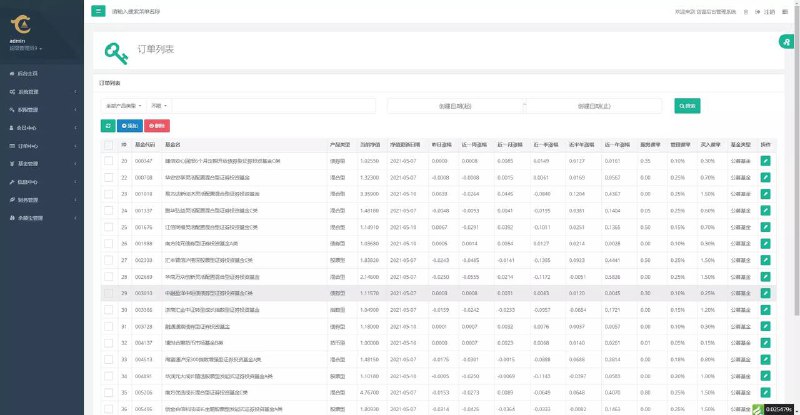
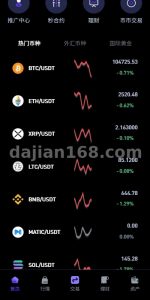
Data Simulation Engine: The backend allows configuration of multiple trading pairs (precious metals, forex, indices, etc.), with each pair having independent price fluctuation ranges and settlement cycles. K-line charts use ECharts, smoothly switching between 1-minute, 5-minute, and daily K-lines, with data refresh latency controlled within 500ms.
Multi-Language Support: The backend includes five built-in language packs: Simplified Chinese, English, Traditional Chinese, Vietnamese, and Thai. The frontend automatically switches based on the user’s phone language settings. Language files are in JSON format, so adding new languages is simply a matter of copying a file and translating it.
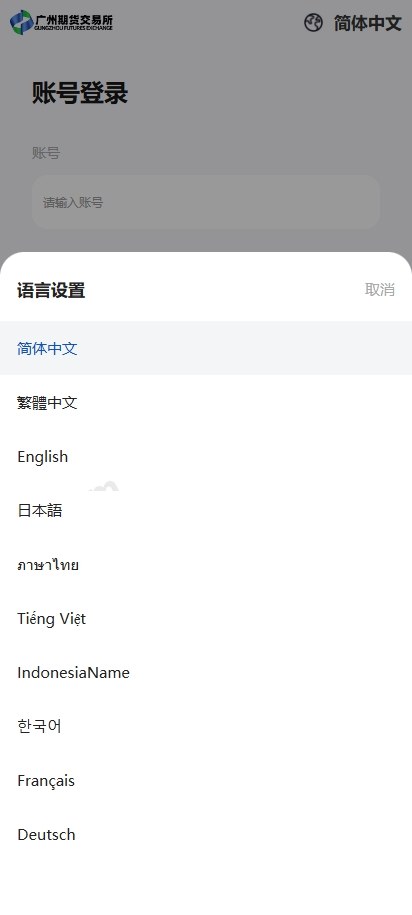
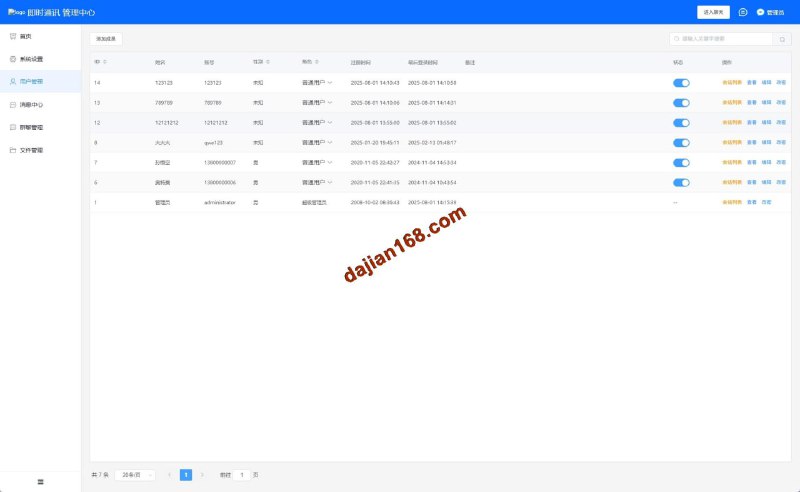
User Management and Permissions: Three user roles are available: regular users, agents, and administrators. Agents can view operation records and statistics of their downstream users, while administrators can control all trading pair switches and settlement parameters. The backend provides real-time online user statistics with activity curves for each time period.
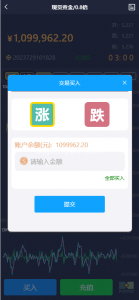
Highlight: Frontend K-line charts are fully customizable. You can adjust colors, indicator lines (MA, BOLL, MACD are all included), and even connect to real market data APIs as data sources, making it suitable for financial data visualization projects.
Deployment Troubleshooting Log
Environment Setup
I used a server with BT Panel, PHP 7.3 + MySQL 5.7 + Nginx. Remember to enable the Redis extension as it’s needed for K-line data caching. After importing the SQL file, modify the database configuration in application/database.php, then set the public directory as the website root directory.
For the frontend, open the uni-app project in HBuilderX, modify the API interface address in utils/config.js (change it to your backend domain), then run it in a browser to test the H5 version first. Mini Programs and Apps require separate configuration of appid and certificates. Before packaging, remember to change the application name and icon in manifest.json.
Function Debugging Key Points
K-Line Data Not Displaying: Check if the backend scheduled task is running. FastAdmin requires adding a cron job on the server to execute php think run every minute. If it still doesn’t work, verify that Redis is running properly. K-line historical data is stored in Redis with a 24-hour expiration time.
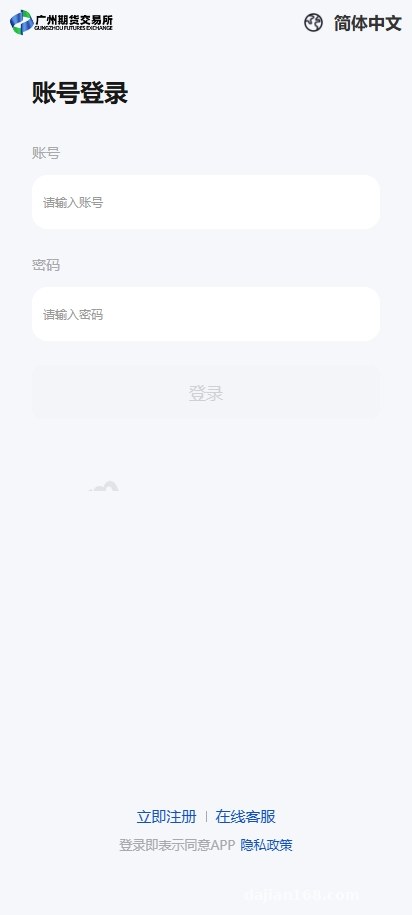
Multi-Language Switching Fails: Frontend language files are located in the /lang/ directory. Confirm that the key names are consistent across all JSON files. Backend language packs are in the application/admin/lang/ directory. After making changes, clear the cache (there’s a clear button in the top right corner of the admin panel).
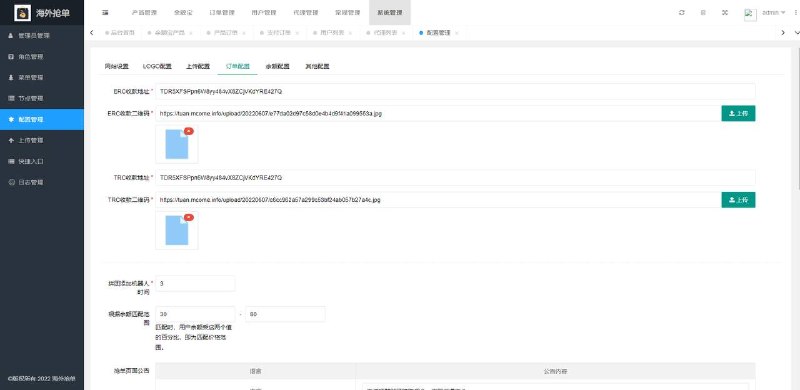
Payment Interface Integration: The system has reserved interface positions for three deposit methods: Alipay, WeChat, and bank card in the addon/payment/ directory. Configure the merchant ID and secret key according to the documentation. The withdrawal function requires manual review with an admin approval list that supports batch operations.
Suitable Scenarios and Target Users
This system is suitable for three types of use cases: first, schools or training institutions conducting financial data visualization teaching demonstrations where students can practice reading K-lines and placing simulated orders without involving real funds; second, technical teams wanting to quickly build a market data display platform and perform secondary development by connecting third-party data sources; third, businesses with international needs, where multi-language and cross-platform support can save substantial development costs.
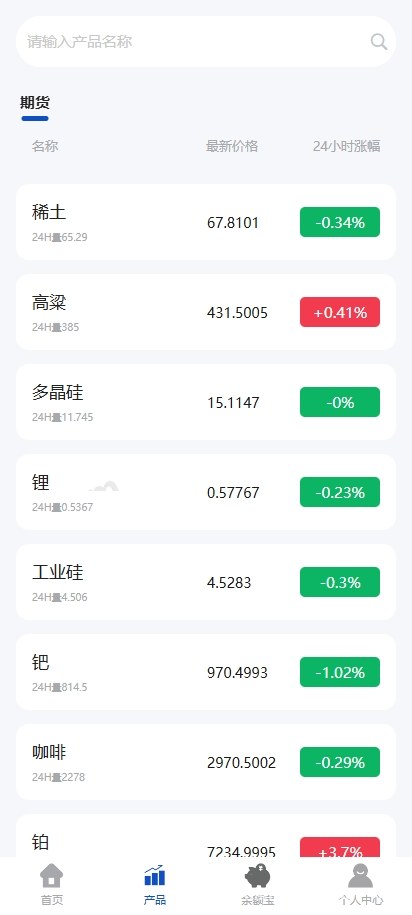
The source code is fully open, with both frontend and backend code accessible, suitable for developers with basic PHP and Vue knowledge. If you just want to launch quickly without modifying code, following the documentation to configure the environment and parameters can get you deployed in half a day. For deep UI customization or adding new features (such as social copy trading or smart alerts), I recommend familiarizing yourself with FastAdmin’s MVC structure and UniApp’s component syntax first.
Frequently Asked Questions
Q: Can the frontend be compiled only as an App, without Mini Program and H5?
A: Yes, in HBuilderX select Release – Native App Cloud Packaging, and only check Android and iOS. However, I recommend keeping the H5 version as a backend management entry point since opening it directly in a mobile browser is more convenient than installing an app.
Q: Can K-line data connect to real market data interfaces, such as Sina Finance or third-party data providers?
A: Yes, the backend has a DataService.php file specifically for handling market data sources. By default it generates random simulated data, but you can modify it to make CURL requests to external APIs. Just map the returned JSON format according to the system’s required fields. Be sure to control request frequency to avoid rate limiting.
Q: Can I add my own language packs like Arabic or Spanish?
A: Yes, copy an existing language file (such as en.json), rename it to es.json, translate the English content to Spanish, then add the corresponding language code in the backend language settings. The frontend also needs a synchronized lang/es.js file with consistent key names.
Compliance Notice
This system is positioned as a financial data simulation demonstration and learning tool. It is strictly prohibited for use in real securities market simulation, futures investment, or any scenarios involving actual financial returns. When deploying and using this system, please comply with local laws and regulations, and prohibit any illegal or non-compliant purposes. All data and operations are for technical demonstration only and do not constitute investment advice.
Disclaimer: This article is for technical education and demonstration only. It is not professional or financial advice. Any real-world deployment must comply with applicable laws and regulations.
#FastAdmin #UniApp #Open Source System #Data Visualization #Cross-Platform Development
-
 Alipay QR Code Scan
-
 WeChat Scan Pay