2026 newly developed Telegram (TG) proxy lines; use TG in China without a VPN; can bind channels to drive traffic
Site form: single-machine Docker setup (MTProto proxy cluster + FastAPI admin panel + Telegram access-control bot)
Baseline architecture
Public network
├── :443 mtproto-proxy (nineseconds/mtg:2, FakeTLS, disguised domain
cloudflare.com)
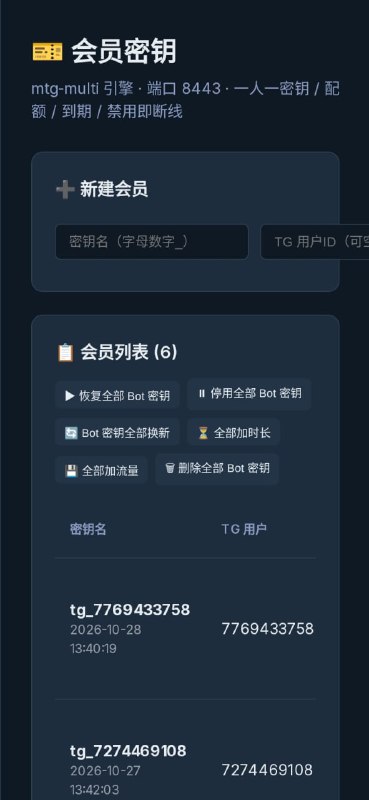
├── :8443 mtg-member (
ghcr.io/mhsanaei/mtg-multi:latest, member multi-key engine)
│ └── :9090 (only
127.0.0.1) admin API + bearer token
├── :8080 mtproto-webui (python:3.11-slim, FastAPI 0.109.0 + uvicorn 0.27.0 + Jinja2 3.1.3)
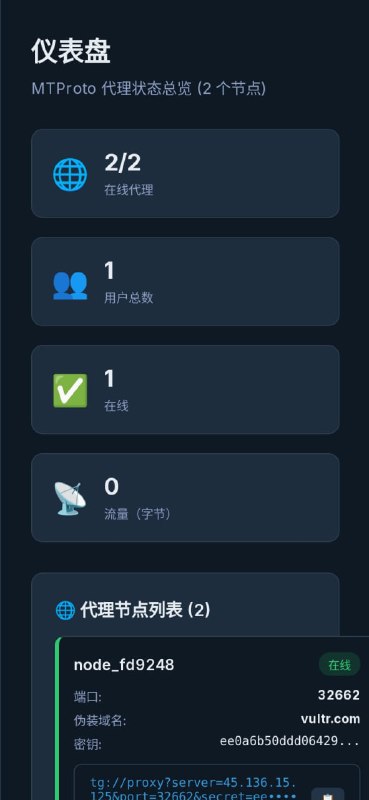
├── :32662 mtproto-proxy-node_fd9248 (mtg:2, disguised domain
vultr.com) ← panel registration
├── :21691 mtproto-proxy-node_2ee68c (mtg:2, disguised domain
digitalocean.com) ← panel registration
└── host systemd: mtg-bot.service (python3 /opt/mtg-bot/
bot.py,
@laosha689bot)
Container orchestration: /opt/mtprotoserver/docker-compose.yml (compose v3.8; the host only has the standalone docker-compose v1 binary, no compose plugin).
All sources of truth for data are files/embedded databases; no MySQL / no redis:
Overview: A Telegram acceleration channel for mobile phones (commonly called a proxy/circumvention line), plus a web backend for administrators (create accounts, view traffic, view server status). There is also a Telegram bot; users must first join our channel before they can ask the bot for a line of their own.
What it can do now
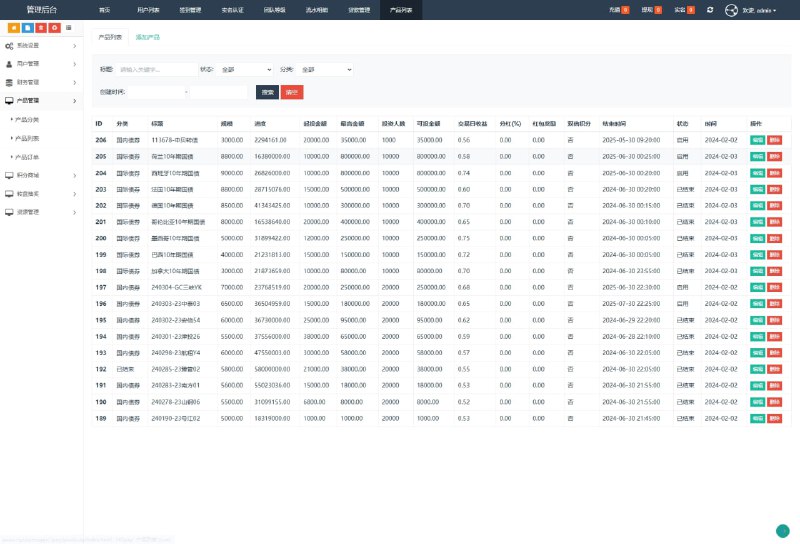
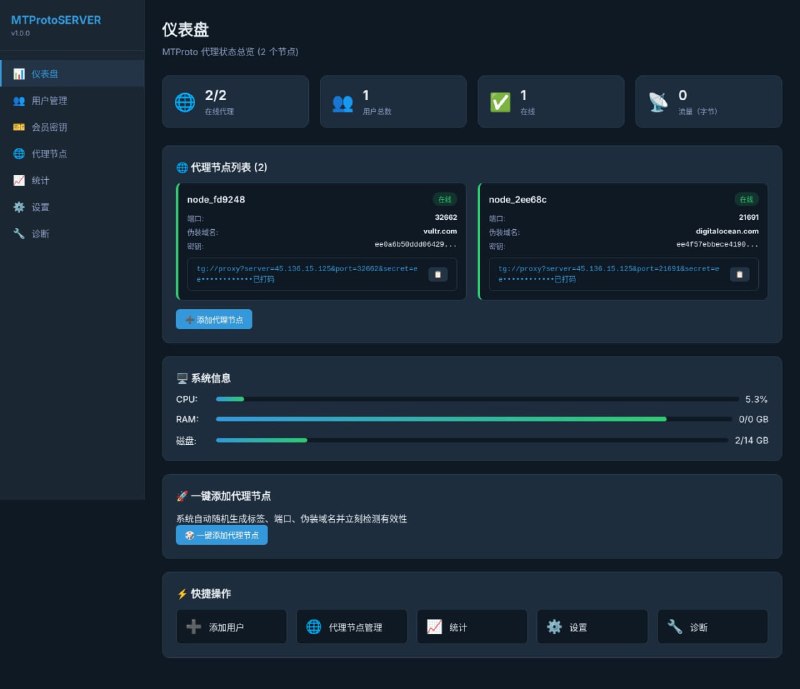
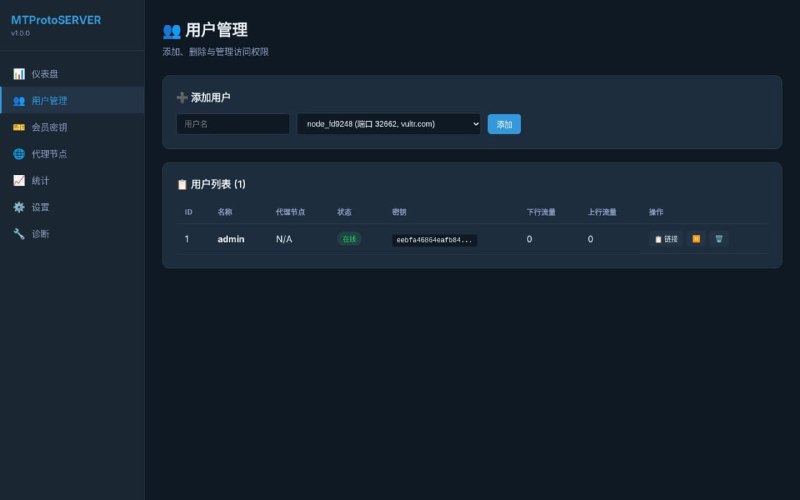
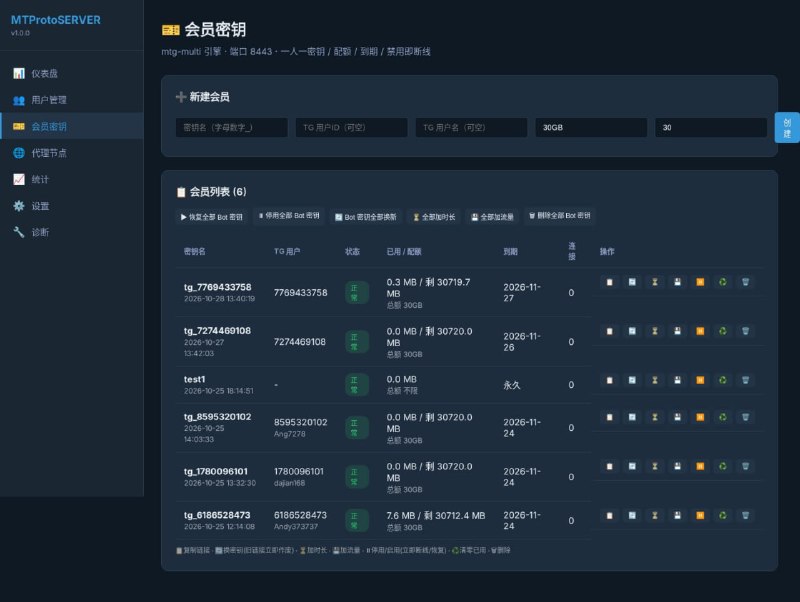
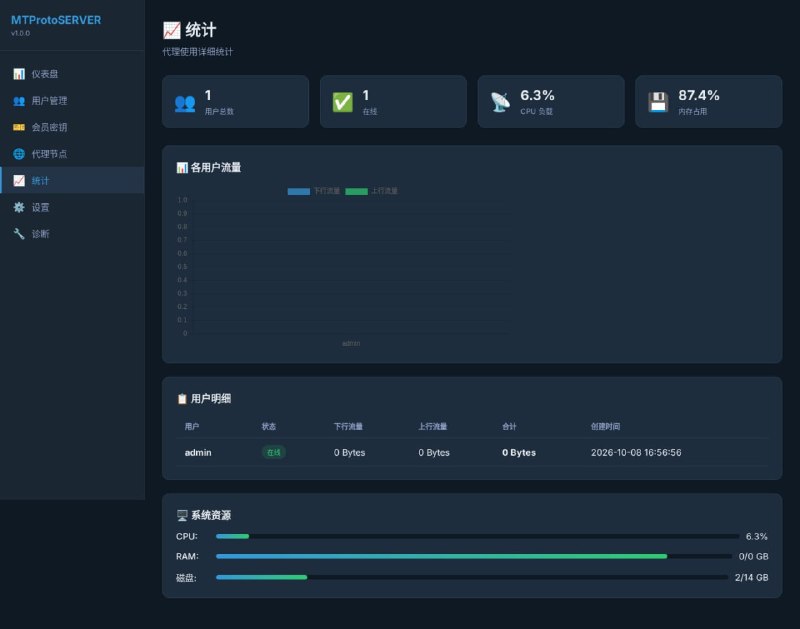
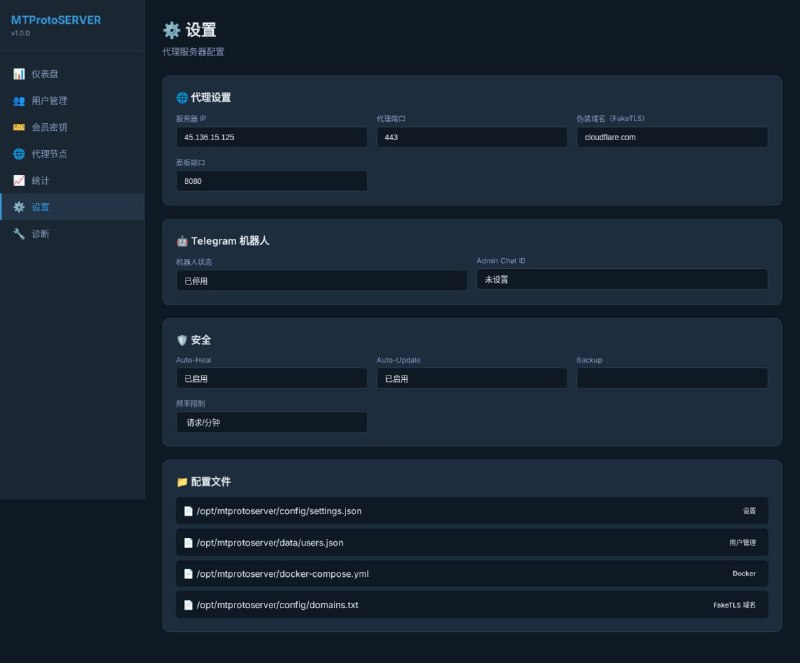
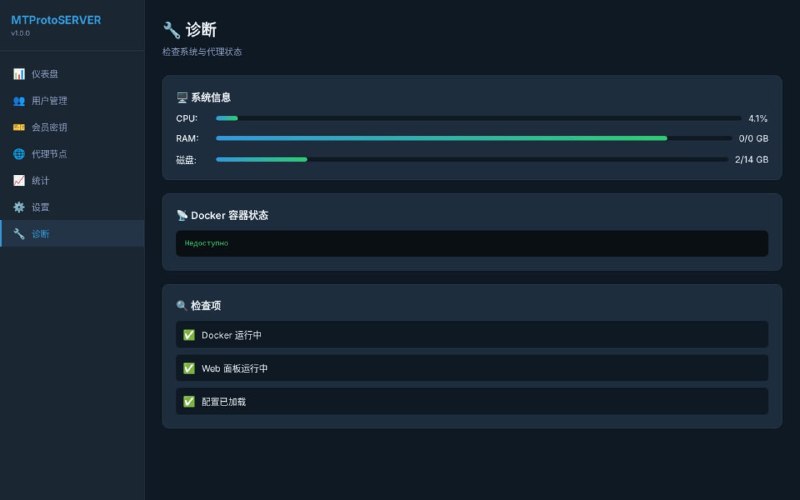
Web backend: 7 pages; you can see whether lines are online, who has claimed a line, how much traffic has been used, and how much server CPU/memory is left.
Issuing lines to users: In “Member Keys” in the backend, click once to create a dedicated line for someone. You can set “use at most 30GB” and “valid until which date”; after sending the link, the user can just click it to connect.
Automatic access control: When a user goes to the bot and clicks “Claim Line,” the bot first checks whether they have joined our channel; only then does it issue the line. If they leave the channel, their line is immediately cut off.
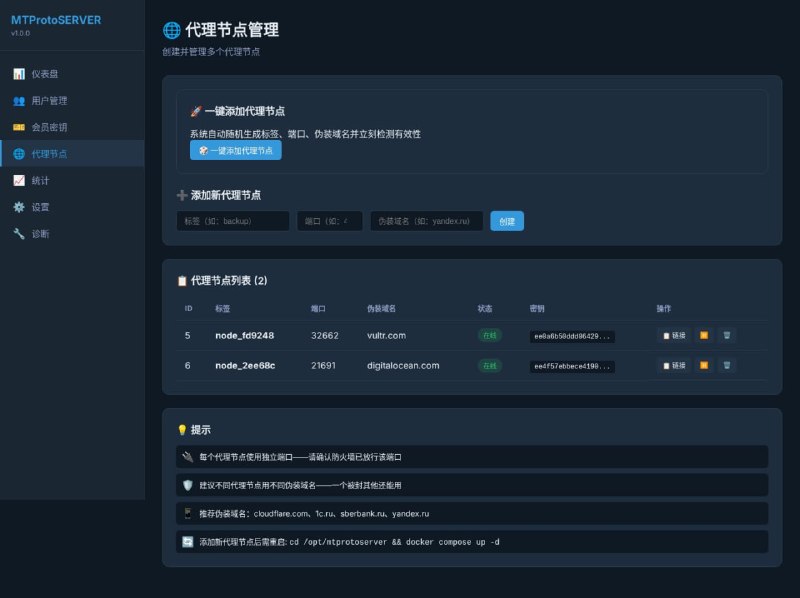
Multiple backup lines: If one line gets blocked, you can switch to another. Clicking “One-Click Add Proxy Node” in the backend automatically starts a new one, with no manual command typing.
Mobile QR scan/copy: The backend has a copy button; click it to copy the link.
Before this cleanup, what problems were fixed (in plain language)
At first the panel was in Russian; everything was switched to Chinese.
Clicking the copy button did nothing (because the panel uses http, not https, so the browser won’t allow clipboard access). It has been changed to “if copying fails, you still get a backup method.”
The bot used to respond only to the first command; other commands seemed to disappear into the void. This has been fixed.
The membership part used to be “it looks like there are users, but they actually can’t connect”; it only became truly usable after switching to an engine that supports one key per person.
Batch operations were added to the backend: one-click add time, add traffic, change keys, or disable for everyone.
#tgproxy #telegramproxy #telegramvpn #mtproto-proxy #MTProto

 Alipay QR Code Scan
 WeChat Scan Pay