Building a Digital Asset Demo Trading Platform: Multi-Device System Deployment Guide
Building a Digital Asset Demo Trading Platform: Multi-Device System Deployment Guide
Disclaimer: This article is for technical education and demonstration only. It is not professional or financial advice. Any real-world deployment must comply with applicable laws and regulations.
Recently helped a fintech training client deploy a digital asset simulation demo system. This source code is a customized version with comprehensive features across three devices (PC, H5, APP), plus multi-language support and tiered agency management. Ran into quite a few issues during deployment, so I’m documenting the real-world experience here for anyone tackling similar projects.
Core Functionality Testing Notes
The system includes several demonstration modules. Let me walk through them in the order I tested:
Mock Trading Section
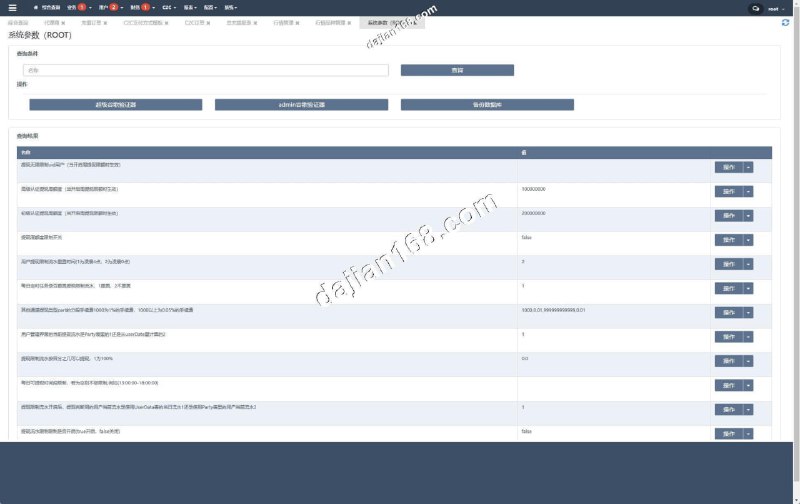
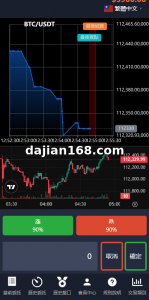
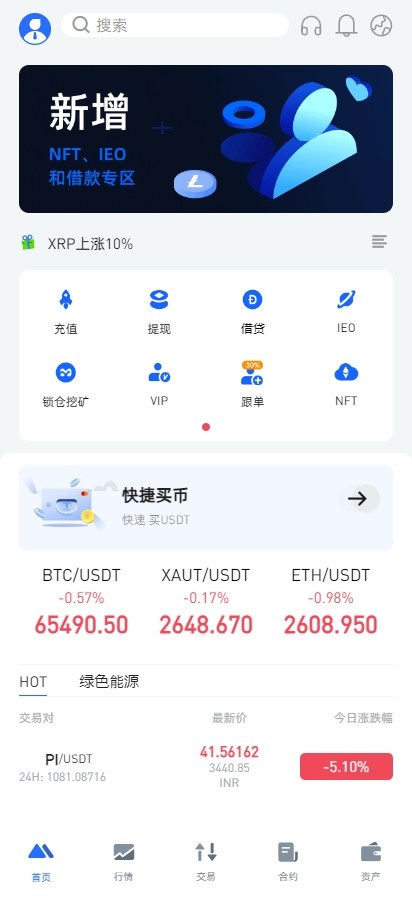
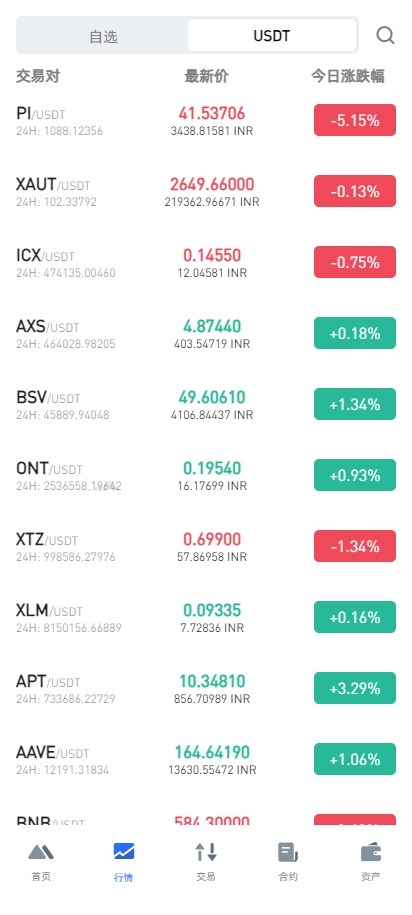
Both spot simulation and demo contract features are available. The backend lets you configure take-profit and stop-loss parameters, and simulate market volatility data. Since the client needed it for training purposes, the market data module can pre-generate candlestick trends for teaching demonstrations. The options demo module responds pretty quickly, with backend profit-loss control switches that work on individual users or batch settings.
Asset Management Features
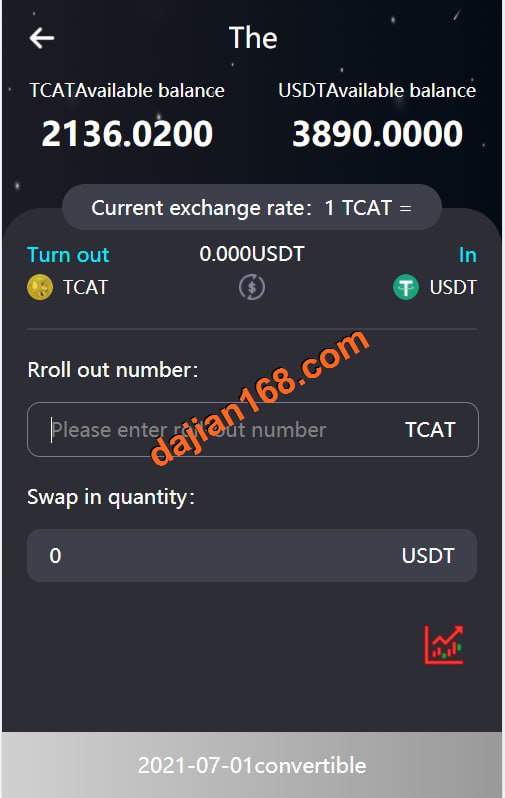
The staking simulation design is reasonably well thought out. Users can simulate token staking to earn rewards, with the backend setting annualized returns and lock-up periods. The new token launch feature supports IEO subscription simulations, where you can set subscription quotas and release schedules. The NFT section includes auction and mystery box features, though I’d recommend simplifying the logic during customization—the original version has some overly complex parameter settings.
Operations Tool Configuration
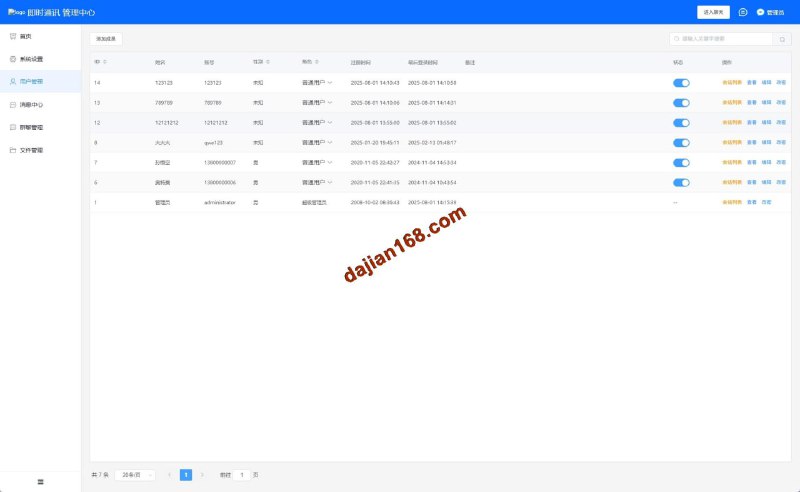
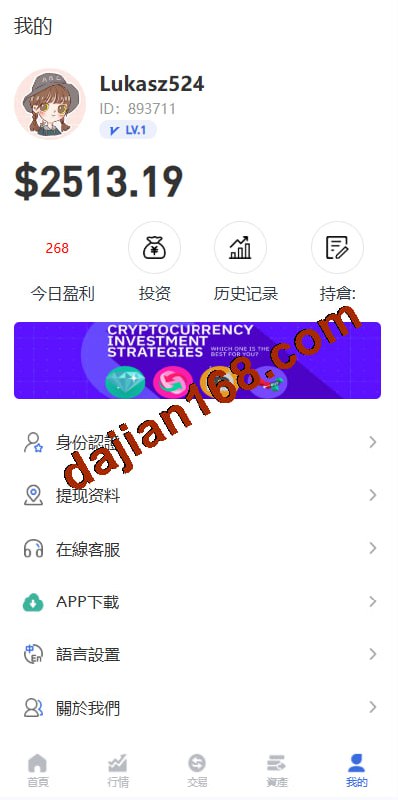
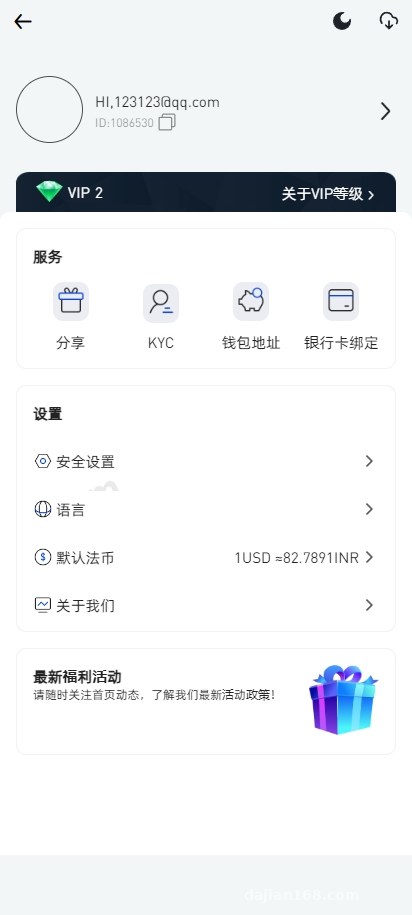
The three-tier distribution system allows different commission ratios for each level, and the agency portal lets agents independently manage their user data. Internal messaging supports both private and broadcast sends. VIP tier divisions can be tied to different commission and bonus rules. The credit score mechanism is an interesting design—user behavior affects credit ratings, and the backend can set feature permissions based on credit scores.
Deployment Key Points and Troubleshooting Log
Server Environment Setup
I used a Tencent Cloud lightweight server with 4-core 8GB specs, running CentOS 7.9. Environment stack: PHP 7.4 + MySQL 5.7 + Nginx 1.20 + Redis. Important: MySQL needs case-insensitive table names (lower_case_table_names=1), otherwise you’ll hit table name errors during database import.
Database Import Considerations
The included SQL file is over 600MB. Direct import through phpMyAdmin times out. Switched to command-line import: created the database and user first, then used the source command to execute the SQL file—took about 10 minutes. After import, verify the table count; mine had 179 tables total.
Critical reminder: Never use the default encryption key in the config file. Backend login security and API communication both depend on this key. Must change it to a random string during deployment.
Multi-Device Adaptation Debugging
PC and H5 versions use responsive design, no separate configuration needed. APP packaging is a bit trickier—Android compiles with Android Studio, iOS requires a MacOS environment. The source code includes detailed packaging docs, but the certificate configuration section is pretty sparse. Took me a while to figure out the push notification service setup.
Multi-Language Configuration Tips
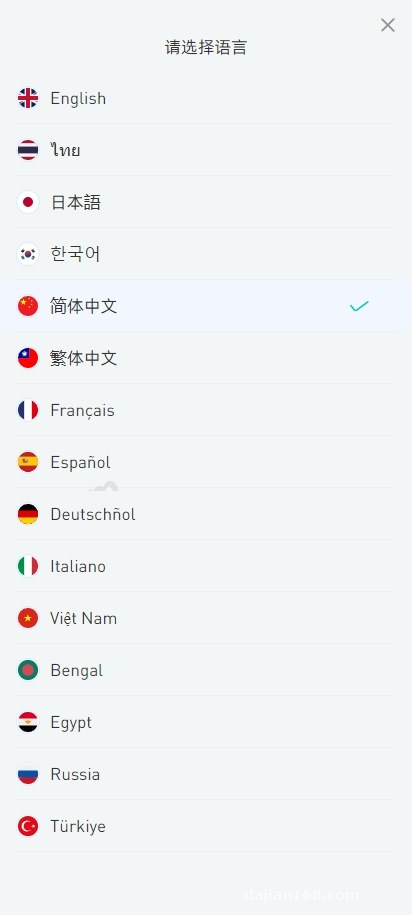
The system supports 14 languages, with language packs in the /public/lang directory. I only used Chinese, English, and Japanese, so deleted the other language packs to reduce load time. Translation quality varies—recommend using ChatGPT to polish key business terminology.
Suitable Use Cases
Based on this deployment experience, the system fits several scenarios: financial training institutions running mock trading courses, tech teams building product prototypes, or startup teams testing business models. With complete tiered agency support and multi-language capabilities, it can launch quickly for international market demonstrations.
The market data simulation feature is quite robust, allowing preset candlestick patterns—especially useful for teaching scenarios. The agency portal’s independent management permissions are practical too; each agent can manage their own user data and commission settings, reducing pressure on the main backend.
Customization Suggestions and Optimization Directions
The original code structure is reasonably clear, built on ThinkPHP 6 framework, so customization isn’t too difficult. Main changes I made: simplified NFT auction logic, optimized market data caching mechanisms, and added operation logging to the backend.
Payment interfaces need your own integration—the source code has interface stubs but no concrete implementation. I integrated a third-party aggregated payment provider, minimal code changes, mainly adding callback handling in the /application/api/controller/Pay.php controller.
For performance optimization, adjust Redis cache expiration times. If market data updates too frequently, Redis memory usage grows rapidly. Recommend tuning cache strategy based on actual user volume. I set market data cache to 5 seconds, user balance cache to 30 seconds.
Common Questions
Q: Backend login keeps showing CAPTCHA error after deployment. What’s wrong?
A: Check if Redis connection is working—CAPTCHAs are stored in Redis. Also verify the browser hasn’t disabled cookies, since backend sessions rely on cookie storage. I once encountered cookie loss due to Nginx having HTTPS configured without setting the secure flag.
Q: Push notifications not working after APP packaging. How to fix?
A: First confirm JPush AppKey and MasterSecret are configured correctly, then check if the server firewall has opened the ports needed for push services. Android also requires vendor channel configuration—Huawei, Xiaomi, etc. need separate push permission applications.
Q: Some pages still show Chinese after switching languages?
A: Language pack might not have full coverage. Find the corresponding language file and add missing translations. Also check frontend code for hardcoded Chinese strings—these need to be changed to language pack function calls. I recommend doing a global search for Chinese characters and replacing them one by one with multi-language calls.
Disclaimer: This article is for technical education only. The system is intended solely for lawful demonstration, teaching, and research purposes. Users must comply with applicable local laws and regulations. Any illegal use is strictly prohibited, and all legal liability rests with the user.
Disclaimer: This article is for technical education and demonstration only. It is not professional or financial advice. Any real-world deployment must comply with applicable laws and regulations.
#Digital Asset Demo #Mock Trading Platform #Multi-Device System #Fintech #Source Code Deployment
-
 Alipay QR Code Scan
-
 WeChat Scan Pay