857 Dream Harbor EDM Arcade Simulation System Setup Guide: Reel & Fishing Demo Game Deployment Notes
857 Dream Harbor EDM Arcade Simulation System Setup Guide: Reel & Fishing Demo Game Deployment Notes
Disclaimer: This article is for technical education and demonstration only. It is not professional or financial advice. Any real-world deployment must comply with applicable laws and regulations.
I recently helped a client with an offline entertainment hall demo project deploy an 857 Dream Harbor EDM arcade simulation system, featuring two types of demo games: reel spinners and fish shooters. It’s the Jiayou secondary-development version. The client wanted it running on a big screen, backend parameter tuning, and an EDM-style interface. After two nights of work, I’m writing down the process to save some time for anyone who wants to build this themselves.
Hands-On Review: What This Source Code Actually Offers
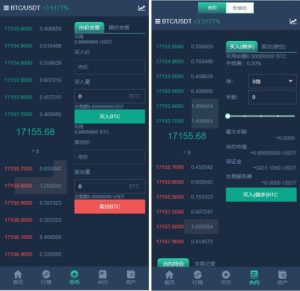
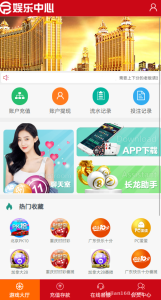
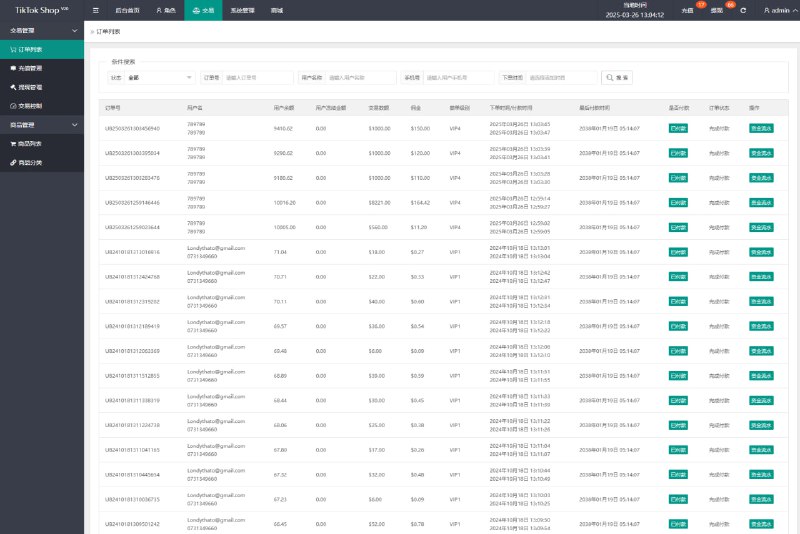
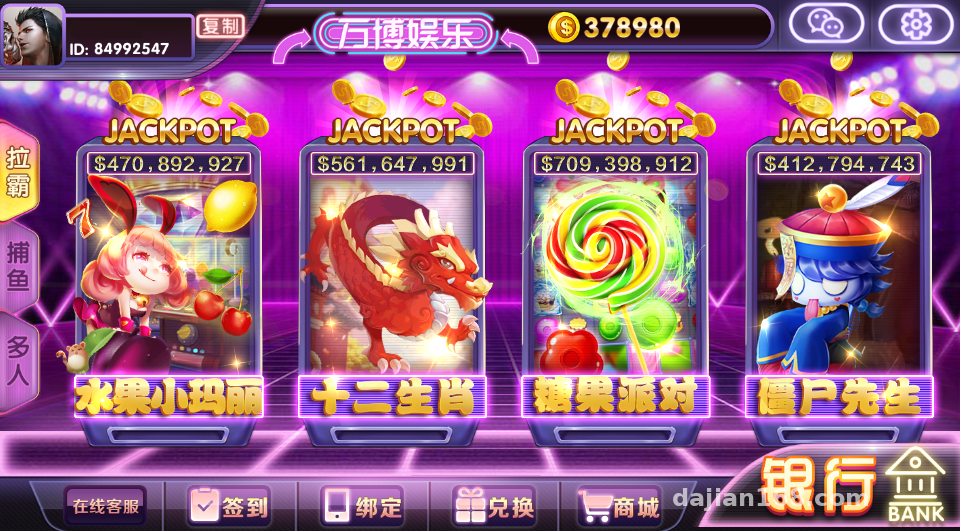
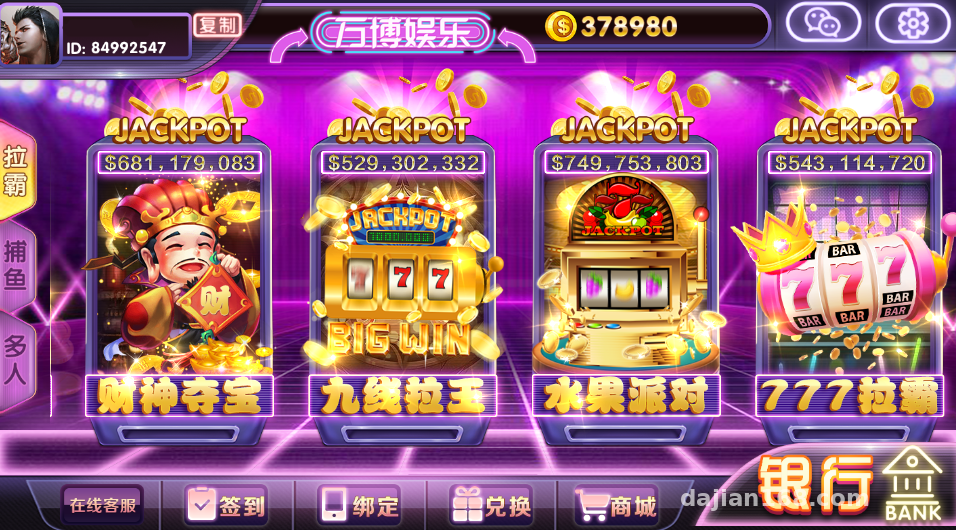
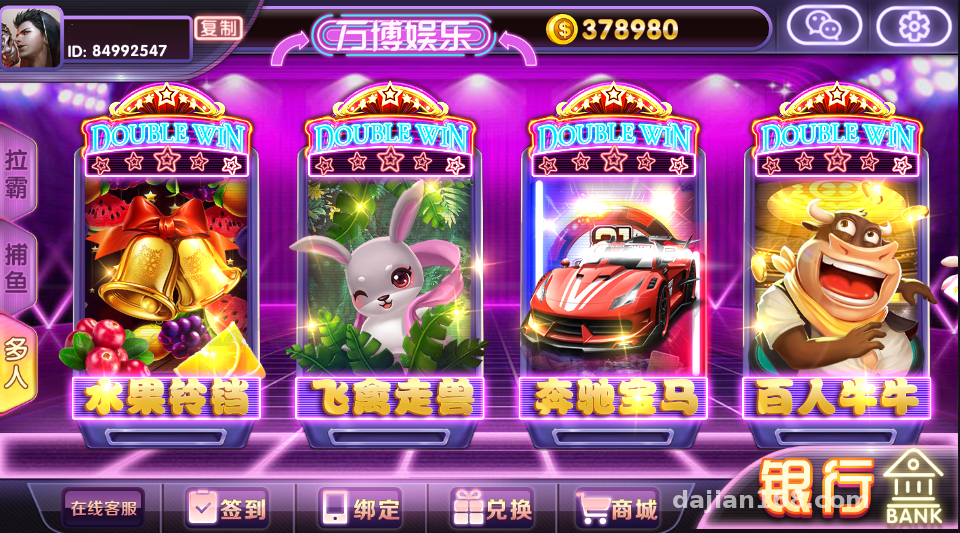
Bottom line up front: the polish level is higher than I expected. The frontend is an H5 package that opens directly in mobile browsers and WeChat’s built-in browser—no app install needed. The EDM UI feels great: entrance animations, button sound effects, and a scrolling marquee are all there. The demo atmosphere for the client was spot on.
Game Modules
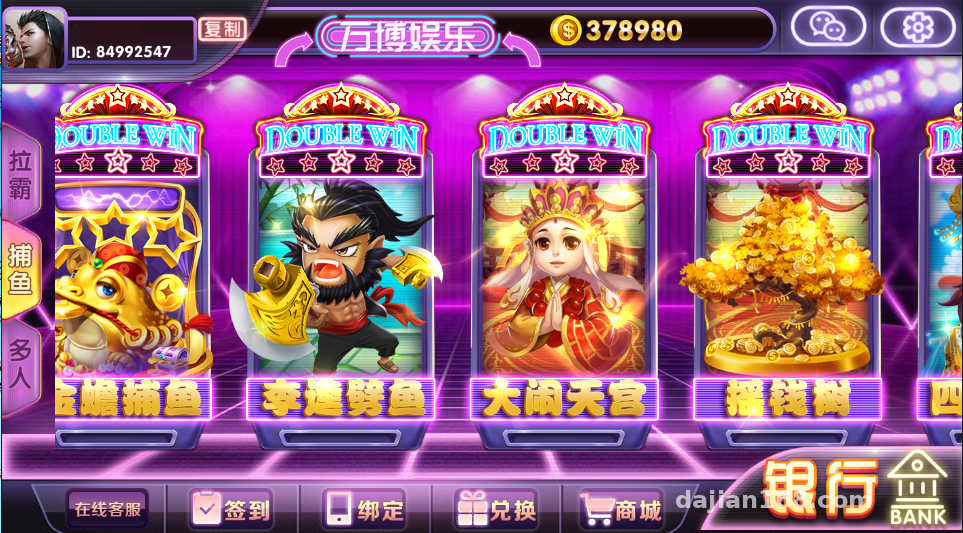
The reel module is the core of the secondary development. The wheel animation runs smoothly and holds a steady 60fps even on ordinary Android phones. In the fish shooter module, the cannon multiplier and fish drop probabilities are all adjustable from the backend, which is very friendly for anyone doing random number demos—you can treat it as a probability simulation teaching platform, tweak parameters, and watch the distribution change.
There are also dozens of smaller game modules, like classic arcade demos such as animal spin and fruit machine, all built on the same framework with a shared logic layer.
Backend Management
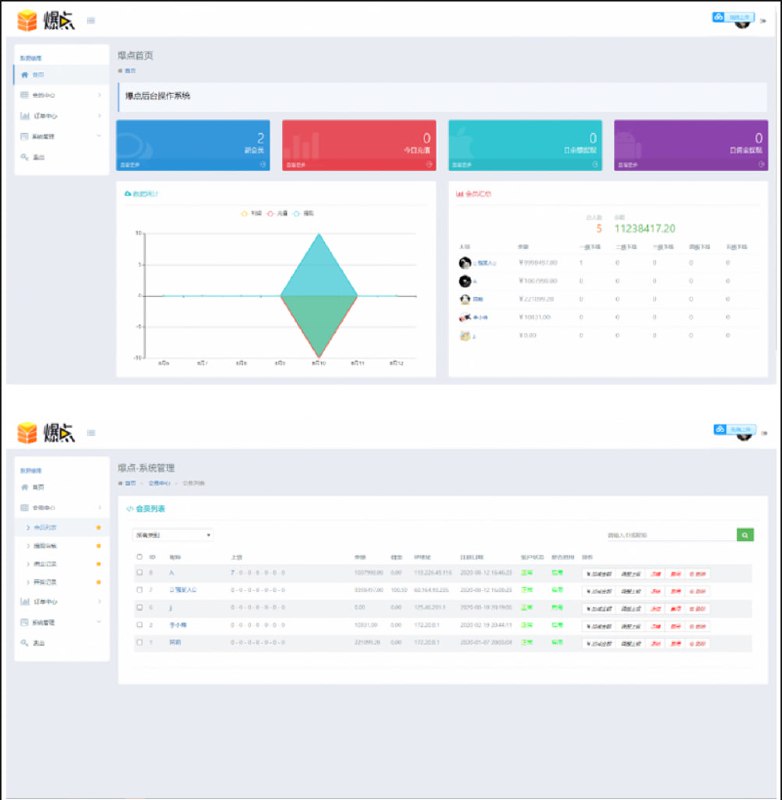
The backend is written in ThinkPHP. I went through the features:
1. Member management: registration, levels, and virtual point issuance, all running on a demo point system with no real money involved;
2. Parameter control: probability and payout parameters for each game module can be configured individually, taking effect immediately;
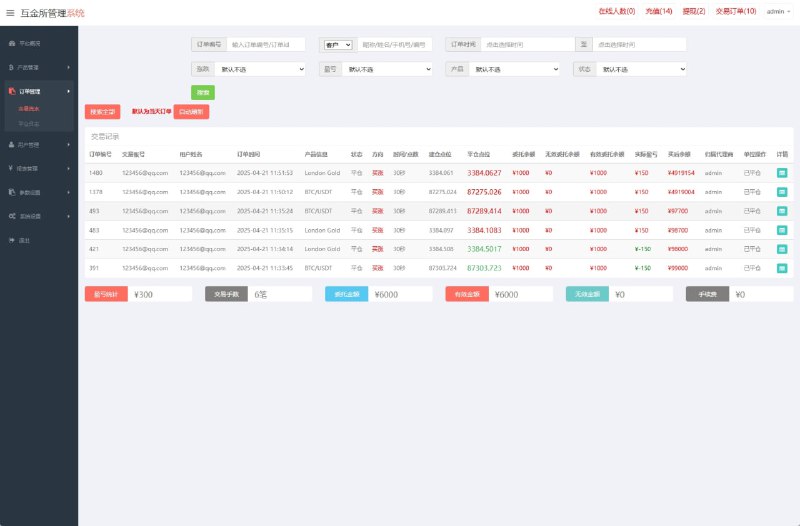
3. Data dashboard: online users, module usage counts, and point transaction records, with charts powered by ECharts;
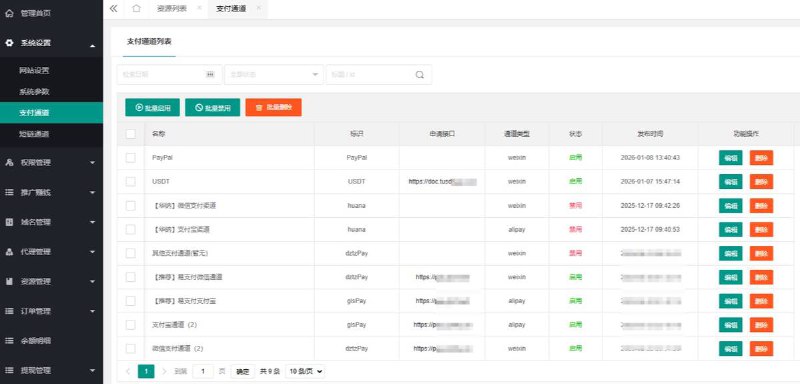
4. Permission groups: you can create sub-accounts for operators with dashboard-only access.
Deployment Essentials: Environment and Pitfall Log
My environment: CentOS 7.9 + Nginx 1.22 + PHP 7.4 + MySQL 5.7. Don’t use PHP 8—the secondary-development code has plenty of legacy syntax that will throw errors on 8.0. Remember to install the fileinfo, redis, and sg11 extensions; missing any one of them means the encrypted files won’t run.
Frontend Configuration
The frontend assets come pre-packaged. To change the domain, you need to edit the API addresses in the config files—three places in total: config.js, manifest.json, and a socket connection address. If you miss the socket address, the game loads but the multiplayer module spins forever. That’s exactly where I got stuck the first time; it took me half an hour of log digging to figure it out.
Database Import
The SQL file is over 200MB. Importing it directly through phpMyAdmin will time out, so use the command line with source instead. After importing, remember to reset the password field in the backend admin table to an MD5 hash you generate yourself. The default credentials are all over the internet—for security’s sake, you must change them.
Cron Jobs
Several scheduled tasks need to be set up in crontab, such as point settlement and statistics aggregation, running once per minute. The documentation is vague about this; I figured it out by reading the entry files in the code. If you skip this, the backend dashboard will show all zeros—don’t assume the program is broken.
Customization Advice: Where to Get the Most Value
If you want to build your own branded version, focus on three areas:
1. Theme skin: frontend assets live in the public directory. Just swap images and the color CSS—minimal effort;
2. Game probability parameters: configured directly in the backend, no code changes needed. Great for creating demo configurations for different scenarios;
3. Interface layer: I’d suggest wiring the payment module into a demo point top-up flow, or simply disabling it and keeping only the point system—compliant and hassle-free.
As for code structure, the game logic is concentrated in the application/game directory, with one controller per module and fairly complete comments. To add your own game module, just copy the fruit machine’s approach. Event push uses GatewayWorker, so the long-connection infrastructure is ready to go.
One reminder: this source code includes SG11-encrypted files. Before customizing, confirm which files are encrypted so you don’t waste troubleshooting time on them. The core business logic is mostly in plain text and can be modified.
Who This Is For
I think this suits three groups of people: first, those working on offline entertainment halls or mall display projects—it works well as an interactive demo terminal; second, developers learning PHP game backend development—the parameterized probability design and long-connection push code are worth reading; third, technical teams doing probability simulation education—the backend’s visual parameter tuning is very intuitive.
FAQ
Q: What server specs do I need?
A: For demo purposes, 2 cores and 4GB RAM is plenty—no problem handling up to 50 concurrent users. For more users, add memory and enable Redis caching; the bottleneck is mainly MySQL writes.
Q: Can I change it to my own logo and name?
A: Yes. The frontend title, logo image, and loading page are all separate resource files—just replace them. The backend title can be changed directly in system settings.
Q: What if the mobile version lags?
A: Lower the effects level by one notch in the backend and disable background music autoplay; frame rates on low-end devices will improve noticeably. Also make sure gzip is enabled in Nginx—compressing static assets makes the first load much faster.
Q: How do I connect the point system to real payments?
A: Not recommended. This system is intended for demo and entertainment purposes. Please comply with all applicable laws and regulations, and keep it on the demo point system.
All in all, this 857 Dream Harbor EDM edition is one of the more polished arcade simulation source packages in its category, with decent room for customization. I’ve documented all the pitfalls above—follow along and you should get through it in one pass. If you have questions, feel free to leave a comment; I reply to everything I see.
Disclaimer: This article is for technical education and demonstration only. It is not professional or financial advice. Any real-world deployment must comply with applicable laws and regulations.
#Source Code Setup #Arcade Simulation #Customization Notes #H5 Games #Deployment Tutorial
-
 Alipay QR Code Scan
-
 WeChat Scan Pay