Jiayou Wall Street Multi-Game Lobby Source Code Setup: 24 Sub-Games + Three-Platform Deployment Notes
Jiayou Wall Street Multi-Game Lobby Source Code Setup: 24 Sub-Games + Three-Platform Deployment Notes
Disclaimer: This article is for technical education and demonstration only. It is not professional or financial advice. Any real-world deployment must comply with applicable laws and regulations.
I recently helped a client deploy a multi-game lobby demo system built on the Jiayou Wall Street framework, with all 24 sub-games enabled and a standalone PC client. The whole package came unencrypted with no licensing restrictions, so deployment went smoother than expected—but I still hit a few snags. Here’s my notes for anyone who needs them.

Hands-On Testing: What’s in the Lobby and Sub-Games
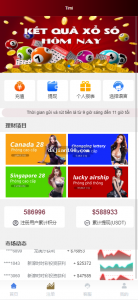
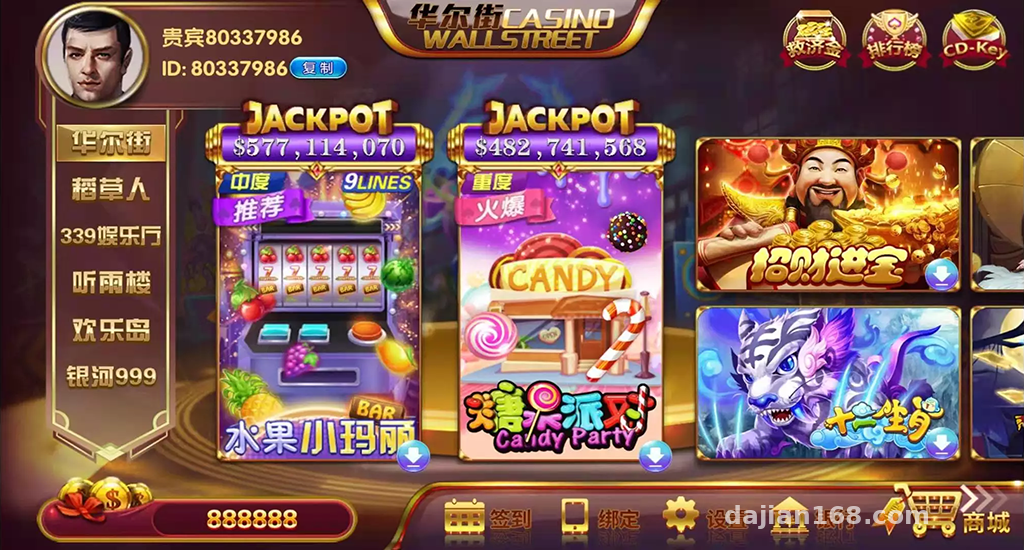
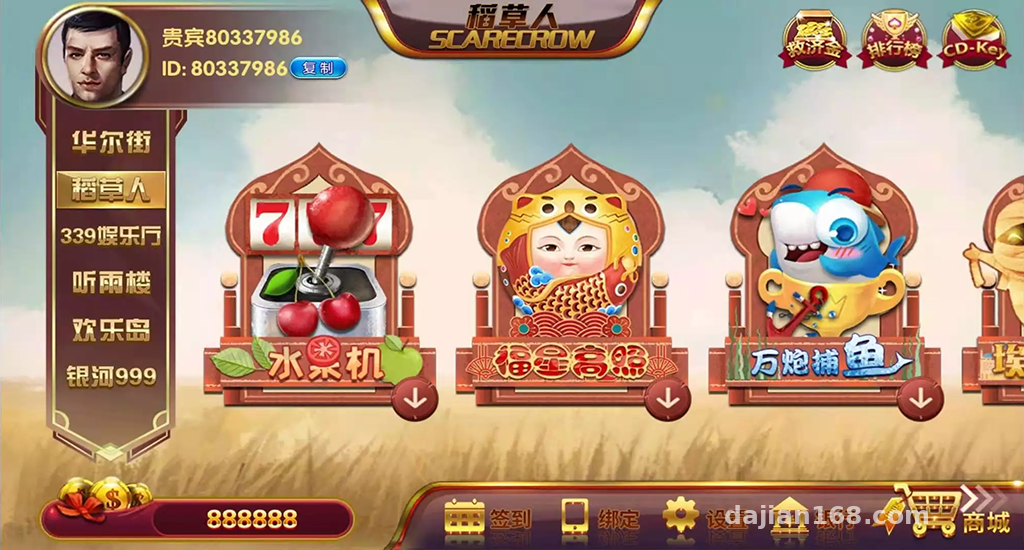
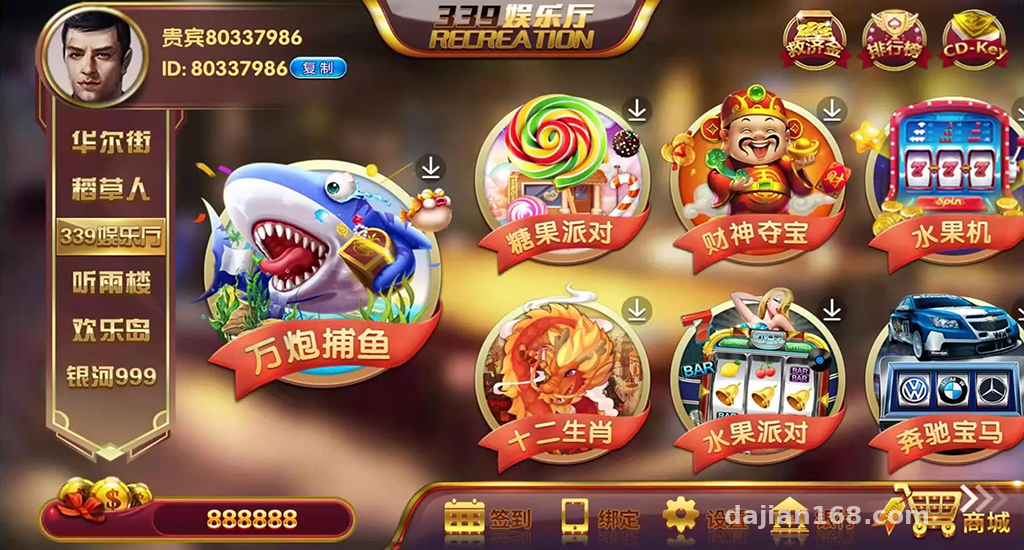
The system is a secondary development based on the Jiayou framework. The lobby collection includes 6 UI themes—Wall Street, Scarecrow, Happy Island, Galaxy 999 and others—all switchable with one click from the admin panel, no need to repackage the frontend.
Game Module List
The 24 built-in sub-games fall into roughly three categories: simulation demos (probability-based demo games like Cannon Fishing, Golden Shark Silver Shark, and Bird-Beast Runner), casual puzzle games (Fruit Machine, Dream Forest, Zombie Family), and card demos (Baccarat, Hundred-Person Niu Niu, and other digital asset demo modes). All game logic runs on random-number simulation, making it suitable for technical study and interface showcase purposes.
User Features
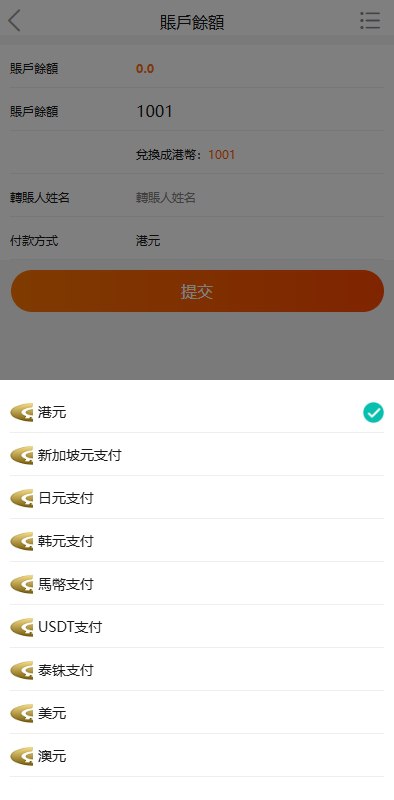
The account system supports both guest login and registered accounts, with phone binding required after signup. The lobby includes operational modules like a coin leaderboard, daily check-in rewards, and a daily bonus claim feature, plus a mall system supporting item redemption. The coin system is entirely virtual; the recharge interface needs to be connected to a third-party payment test environment yourself.
Deployment Essentials: Setting Up All Three Platforms
Server Side
The server stack is the classic PHP + MySQL combo. I ran it on CentOS 7.9 with Nginx 1.22 + PHP 7.4 + MySQL 5.7. I’d recommend the BaoTa panel—one-click environment setup saves a lot of hassle. After importing the database, remember to update the connection info in the config files, and make sure Redis is installed, since the leaderboard and task queue both depend on it.
PC Client and Mobile Apps
The standalone PC client is an Electron shell—just update the API address in the config and it works. The Android side comes as a ready-made APK; decompile it, change the API endpoint, and re-sign. For iOS you’ll need your own developer account to re-sign. One warning here: after changing the API address, search the entire codebase for the old domain—missing even one spot results in a blank screen.
Admin Control Panel
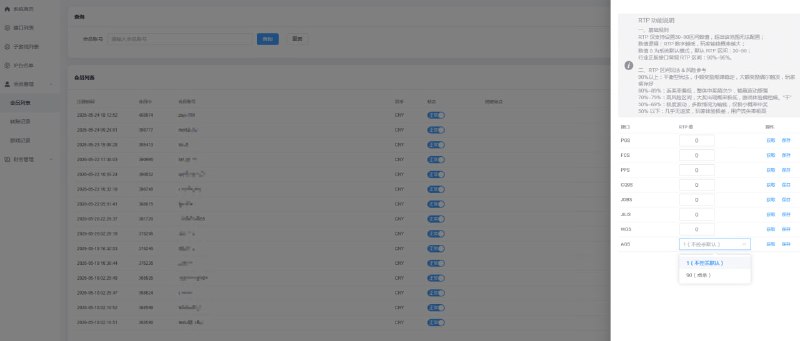
The backend is arguably the selling point of this source code. It supports three mechanisms—waterline control, parameter control, and backend inventory values—allowing you to adjust the simulated numerical parameters of each game for data tuning tests in the demo environment. The admin panel also includes basic modules like player management, coin transaction logs, and audit logging, with reasonably well-done permission tiers.
Highlight: The entire codebase is unencrypted, and the controller and model layers are well commented. The barrier to secondary development—whether changing the UI or adding game modules—isn’t high. The frontend is an H5 + native hybrid, so modifications aren’t too painful.
Pitfalls I Hit
A few real problems I ran into: first, Redis wasn’t installed, so the leaderboard kept showing empty data—the error messages were subtle and it took me ages digging through logs to locate the issue. Second, after signing the Android APK, some phones flagged it as risky, so you need a proper signing certificate. Third, when re-signing the iOS build, remember to change the Bundle ID, otherwise push notifications and login will conflict. Also, this program is somewhat demanding on server specs—running 24 games concurrently, I’d suggest at least 4 cores and 8GB RAM, with 5Mbps bandwidth or better.
Who This Is For
This source code suits three groups: programmers who want to study multi-platform architecture and can use it to research three-platform communication and admin panel design; teams building gamified operations demos, who can use its task system, check-in, and mall modules for product prototyping; and outsourcing agencies that need to quickly stand up a demo environment to show clients.
FAQ
Q: Does it require a license?
A: No. The full package is unencrypted with no licensing restrictions and runs on any server.
Q: Are the server requirements high?
A: A demo environment runs on 2 cores and 4GB RAM, but for a proper demo setup, 4 cores, 8GB RAM, and 5Mbps bandwidth are recommended—game concurrency puts real pressure on the CPU.
Q: Can it be modified further?
A: Yes, the code is fully open source. UI themes are switchable from the backend, but adding new sub-game modules requires familiarity with its game framework structure—I’d suggest getting one game running end-to-end before making changes.
Q: Do all three platforms need to be deployed?
A: The server side is a single unified set; the PC client and mobile apps are just client shells. Point their API addresses at the server and deploy whichever platforms you need.
Disclaimer: This article is for technical education only. All features are for demonstration purposes. Users must comply with applicable laws and regulations, and any unlawful use is prohibited.
Disclaimer: This article is for technical education and demonstration only. It is not professional or financial advice. Any real-world deployment must comply with applicable laws and regulations.
#Source Code Setup #Game Lobby #Three-Platform Deployment #Admin Panel #Technical Notes
-
 Alipay QR Code Scan
-
 WeChat Scan Pay