Xingli Gen 9 Board Game Simulation Platform Source Code Deployment Guide: Linux Setup and Nine Game Component Configuration Notes
Xingli Gen 9 Board Game Simulation Platform Source Code Deployment Guide: Linux Setup and Nine Game Component Configuration Notes
Disclaimer: This article is for technical education and demonstration only. It is not professional or financial advice. Any real-world deployment must comply with applicable laws and regulations.
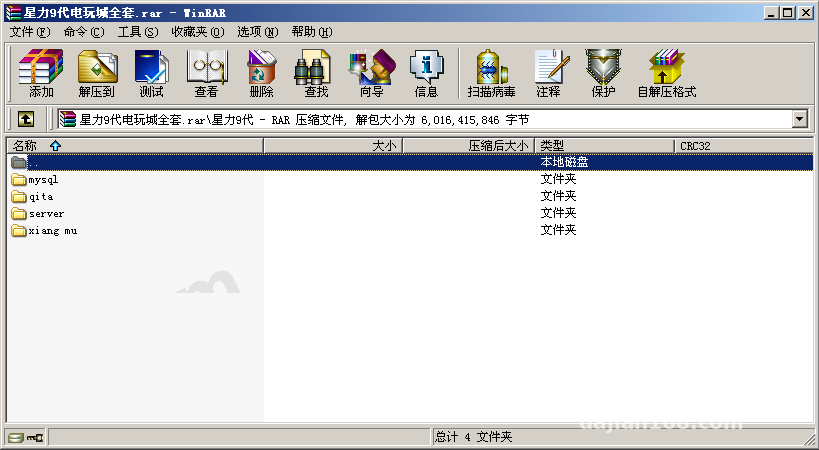
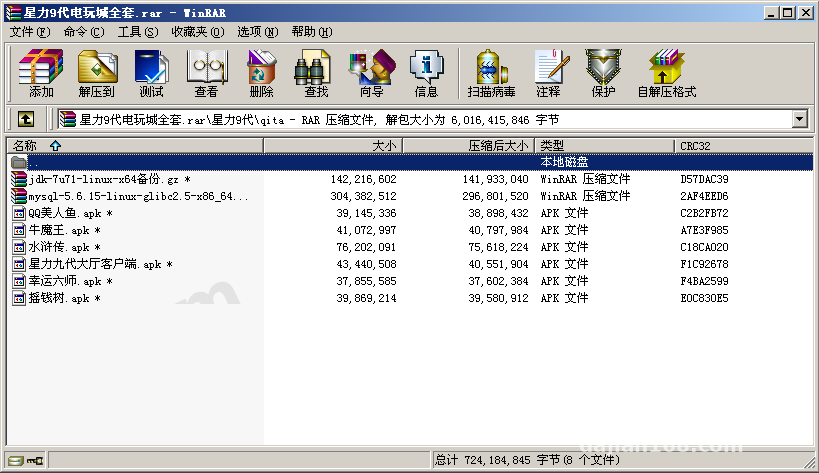
I recently helped a client deploy a Xingli Gen 9 board game simulation platform on CentOS 7.9. It took two days of fiddling, so I’m writing down every pitfall I hit to save anyone who wants to build it themselves some time. The source package includes five parts: the server, the APP client, the web frontend, the project files, and the database. Everything is there, but documentation is basically nonexistent — you figure it all out yourself.
Hands-On Testing: How the Nine Games Actually Run
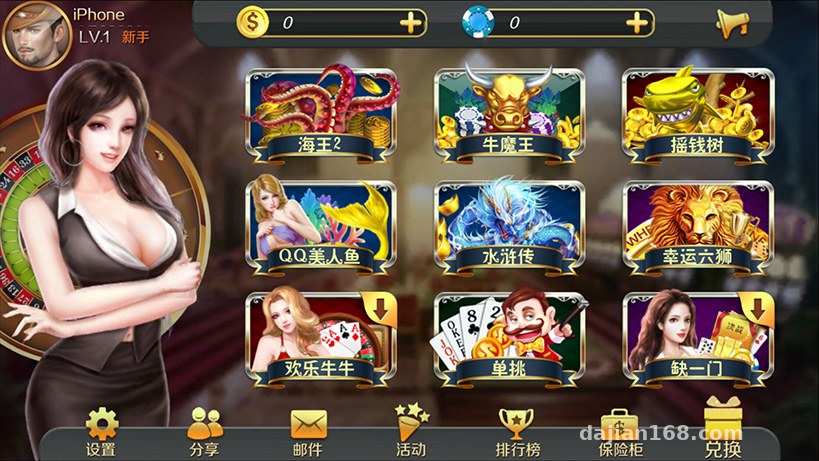
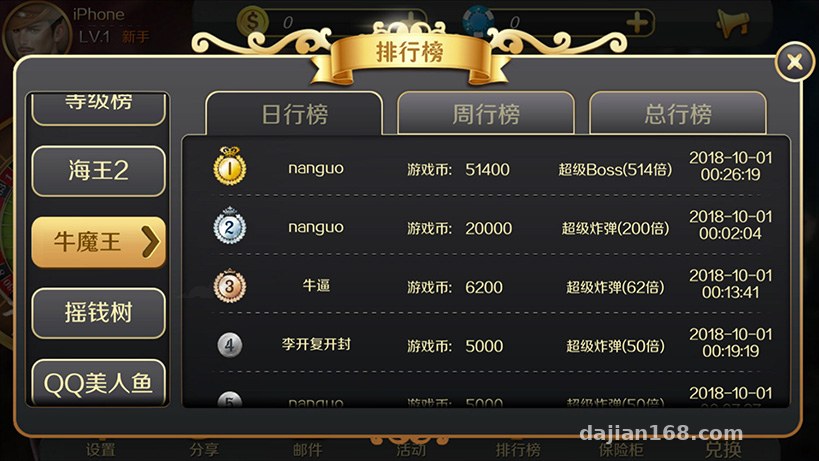
The platform ships with nine games, and I launched and tested each one: Sea King 2, Bull Demon King, Money Tree, QQ Mermaid, Water Margin, Lucky Six Lions, Happy Niuniu, Head-to-Head, and Missing One. The numeric algorithms in the fish-catching style games are genuinely well done — the probability simulation logic stays stable, and there was no data drift even after running for a long stretch.
Admin Console Experience
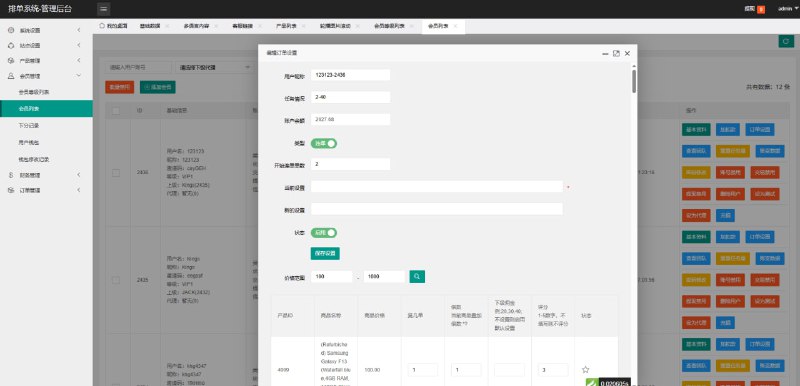
The backend runs on PHP + MySQL, and the feature menu is fairly complete:
– User management: registration data, online status, and device info all at a glance
– Data reports: per-game transaction statistics with export by day/week/month
– Parameter configuration: probability parameters for each game can be adjusted in the backend, with hot-reload after saving — no service restart needed
– Channel management: multi-level agent support, useful for promotional demos
The APP client is native. On Android I simply changed the package name and icon, repackaged it, and it installed and ran fine after signing. For iOS you’ll need your own developer account — the client handled that part themselves.
Deployment Essentials: Linux Environment Checklist
This program must run on Linux; on Windows some components fail to load. My environment looked like this:
Base Environment
– OS: CentOS 7.9 / BaoTa panel
– PHP 7.4 + MySQL 5.6 + Redis 6
– Node environment (for compiling the frontend project files)
Pitfall one: Redis is mandatory. The game server’s sessions and cache all go through Redis — without it, login throws a 500 immediately. Pitfall two: watch the character set when importing the database. Use utf8mb4; with the default utf8, some emoji nicknames came out garbled, and I had to re-import.
Server Startup Order
Start the gateway first, then the individual game sub-services, and finally the database sync process. Ready-made shell scripts live in the server directory, but some paths are hardcoded, so edit them to match your own deployment directory. I recommend running everything under supervisor so crashed processes get restarted automatically — I skipped the daemon the first night and only discovered the outage after everything went down at 3 a.m.
Payment Interface Integration
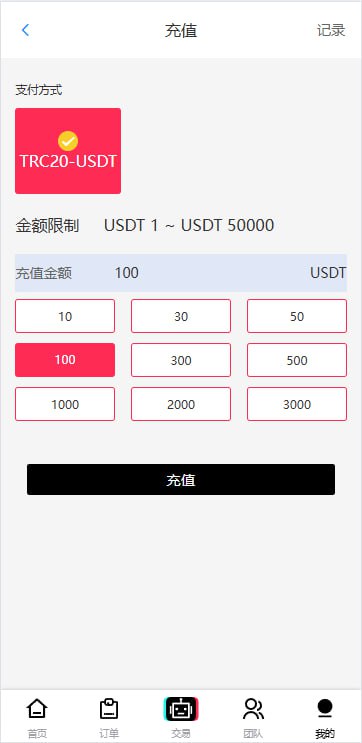
For demo purposes, you can use the platform’s built-in simulated payment channel to walk through the entire recharge callback flow. If you want to hook up a real third-party payment provider, the backend has a reserved interface configuration page — just fill in the merchant parameters and secret key, and make sure the callback address is allowed through the server firewall. One reminder: any integration must comply with applicable laws and regulations, and illegal or non-compliant use is strictly prohibited.
Secondary Development Tips and Who This Suits
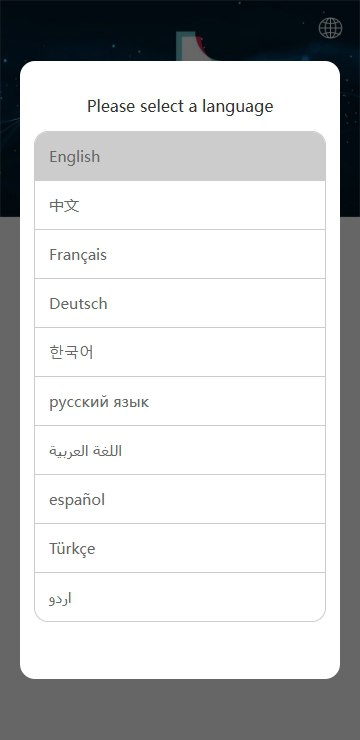
The code structure is reasonably clean, and the project files contain a complete engineering directory, so changing the UI or adding game modules is straightforward. My secondary development for the client was mainly a reskin plus a multilingual pack — the language files are standalone JSON, and adding a Traditional Chinese set took only two hours.
Who it suits: first, technical teams that want to build a game demo platform; second, developers studying server architecture — the multi-process + gateway dispatch design is worth referencing. Not recommended for complete beginners; you should at least know basic Linux administration and MySQL operations.
Highlight: the backend probability parameters support hot updates — after changing the config you don’t need to restart the game processes, which makes adjusting values during a live demo extremely convenient. That’s a rare experience among similar source packages.
FAQ
Q: What server specs are needed?
A: 2 cores / 4 GB is enough for a demo. To run all nine games at once, start at 4 cores / 8 GB, with at least 5M bandwidth, since the APP downloads resource packages.
Q: Can I repackage the Android APP myself?
A: Yes. The client source is complete — you can change the package name, icon, and splash screen, then build and sign with Android Studio. Just remember to update the API endpoint address at the same time.
Q: Which database tables are the core ones?
A: The user table, the game configuration table, and the transaction record table are the three most critical. Most parameter logic changes happen in the configuration table — always back it up before touching it.
Final reminder: this source package is for technical learning and lawful demonstration only. When using it, comply with all applicable laws and regulations; any illegal or non-compliant use is prohibited.
Disclaimer: This article is for technical education and demonstration only. It is not professional or financial advice. Any real-world deployment must comply with applicable laws and regulations.
#Source Code Setup #Xingli Gen 9 #Linux Deployment #Game Platform #Technical Notes
-
 Alipay QR Code Scan
-
 WeChat Scan Pay