Multi-Room Board Game Simulation System Setup Guide: Points Mode, Client Configuration & Demo Settlement
Multi-Room Board Game Simulation System Setup Guide: Points Mode, Client Configuration & Demo Settlement
Disclaimer: This article is for technical education and demonstration only. It is not professional or financial advice. Any real-world deployment must comply with applicable laws and regulations.
Last week I took on a project to help a client deploy a multi-room board game simulation platform. The program centers on an online tea-house style lobby with a built-in points system, room ticket mechanics, and a settlement ratio configuration module. The package was surprisingly complete: server code, Android and iOS clients, an official website, payment interface, configuration tools, database files, plus a setup guide. I spent about two days on it in total, and I’ve written up all the pitfalls I hit so anyone following along can save some time.

1. Feature Testing: What This System Can Actually Do
After deployment, I went through every feature one by one. The overall completeness was higher than I expected.
1.1 Tea House and Room System
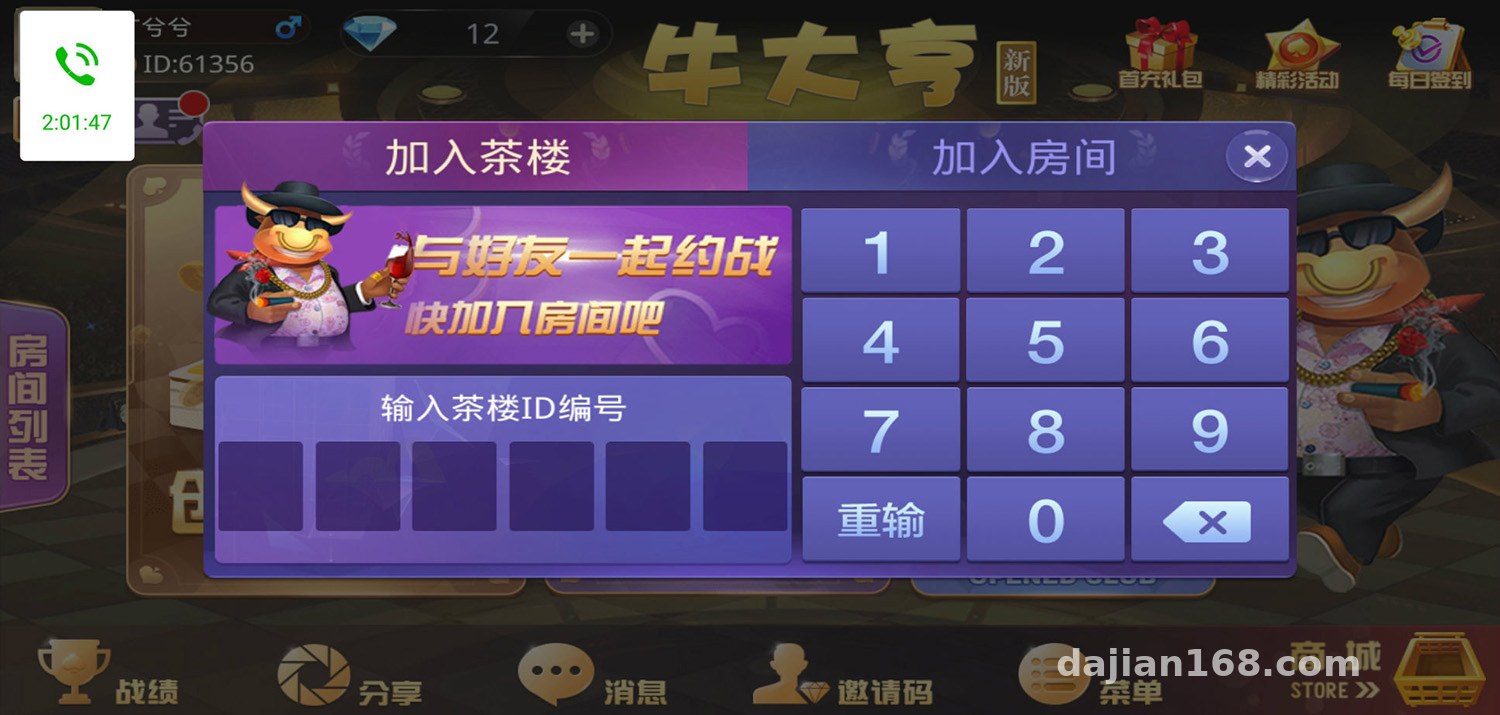
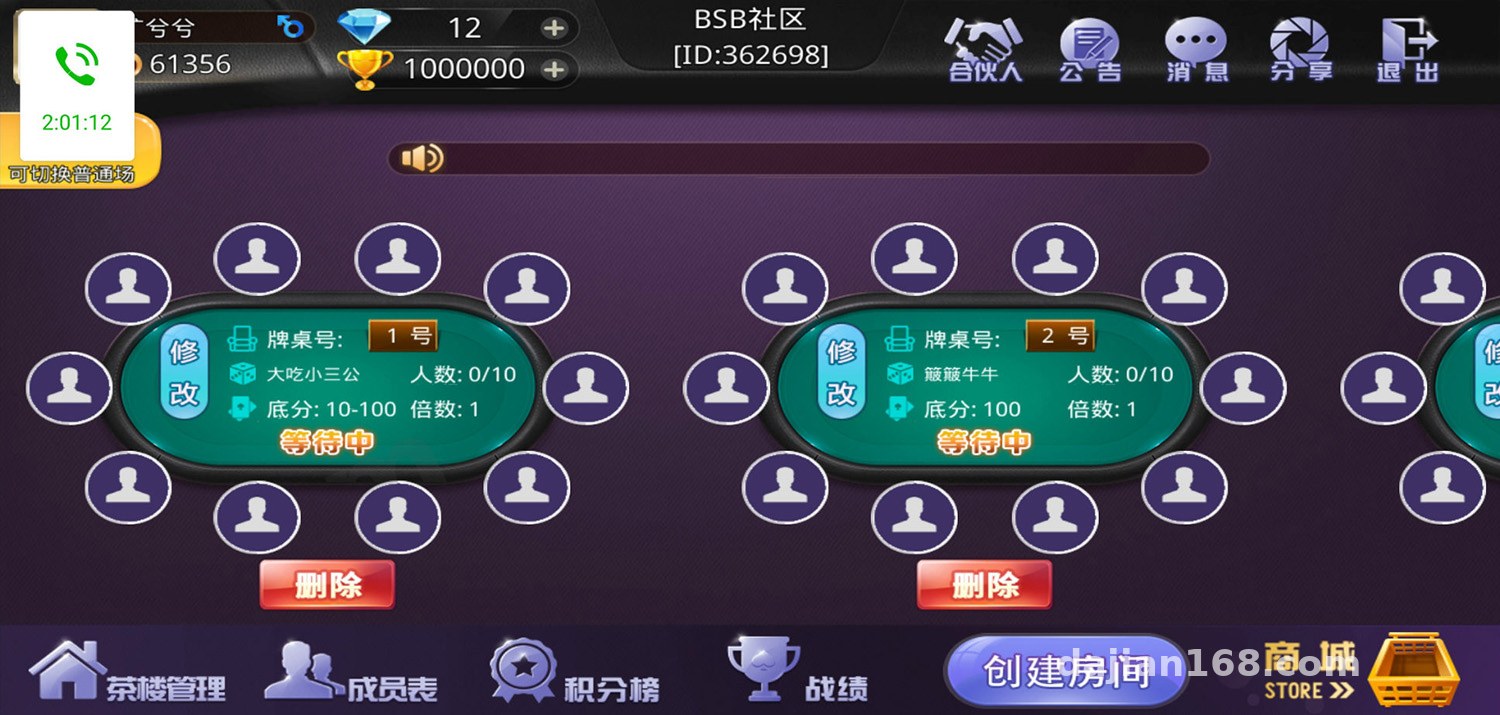
The core loop is creating virtual tea houses, where players use room tickets to enter different rooms. The room owner can customize room rules, the base points value, and the player cap. The system ships with several classic casual game modules (probability demo games similar to Niu Niu, Zha Jin Hua, and San Gong), each with its own independent points settlement logic. In my testing, room creation to game start took about 3 seconds.
1.2 Points System
Points act as the global in-platform currency. The admin panel lets you configure how points are earned, how they’re consumed, and daily earning caps. Point transactions are stored in a full ledger table in the database, which makes queries easy and works well for operational audits. I also tested the points mall redemption API — it can connect to physical or virtual goods. This part follows standard e-commerce logic, so converting it into a membership points mall is entirely feasible.
1.3 Demo Settlement Ratio Configuration
The admin panel includes a partner system and settlement ratio settings — essentially a demonstration of how platform service fee ratios get distributed. The data structure is well designed: it supports multi-tier parameter simulation, and when I changed a ratio it took effect instantly, with the billing summary page recalculating automatically. Of course, this configuration should only be used in compliant business scenarios.
1.4 Payment Interface
The payment section reserves a standard interface, and the documentation provides signing rules and a callback example. I connected it through a licensed merchant channel, using the points top-up scenario. The callback signature verification part of the docs was fairly brief, so I added an extra order status re-check layer myself to prevent lost orders.

Highlight: the client-server protocol in this program is encapsulated quite cleanly. Packet capture shows a clear instruction code structure, which keeps the cost of secondary development low. Adding new game modes or plugging in a different points system won’t require major changes.
2. Deployment Notes and Pitfalls
2.1 Server Environment
The server recommends CentOS 7 or above. I used the BaoTa (aaPanel-style) control panel and opened the designated ports after installation. Watch the character set when importing the database — the source defaults to utf8mb4, and importing directly as utf8 will garble emoji characters. I learned that one the hard way.
2.2 Client Packaging
For Android, just use the configuration tool to change the server address and re-sign the package. iOS is trickier — you need an enterprise certificate or TestFlight distribution, and after changing the domain in the configuration tool, remember to update the whitelist in Info.plist as well. Otherwise login requests get blocked.
2.3 Admin Panel Hardening
Definitely change the default admin path and credentials. I changed the admin port, added an IP whitelist, and enabled two-factor verification. Also, don’t use a weak password for the database root account, and if the ledger table grows large, schedule regular archiving.
3. Who This System Suits
This system fits three groups well. First, developers who want to study multi-room real-time communication architecture — the room synchronization mechanism is worth studying. Second, operations teams running membership points platforms, since the points ledger and mall modules can be reused directly. Third, teams taking on secondary development projects — the code structure is clean, and the workload for adding games or reskinning the UI is manageable.
Frequently Asked Questions
Q: Can I set this up without any Linux experience?
A: Yes. The control panel is fully visual — follow the documentation and you’ll have it running in one to two hours. The main hurdles are DNS resolution and SSL certificate setup, both of which have plenty of tutorials online.
Q: Do I have to launch both clients at once?
A: No. Launching the Android client first costs the least. iOS involves signing and distribution, so I’d suggest adding it only after the business model is validated.
Q: Is payment integration error-prone?
A: Signature parameters and asynchronous callbacks are the two spots most likely to cause trouble. I’d recommend logging everything on the callback in a test environment first, confirming the verification logic passes, then switching to the production merchant account.
Q: How hard is it to add new game modes later?
A: Not hard. Game modules are independently encapsulated — adding one mainly means writing the rule logic and settlement function, plus adding an entry icon on the client. The server protocol barely needs to change.
Final Thoughts
Once the whole system was running, stability was solid — a stress test with 50 concurrent users in a single room showed no noticeable lag. One thing worth repeating: any source code deployment must comply with applicable laws and regulations, and the points and settlement modules should only be used in compliant business demo scenarios. This article is for technical education only. Feel free to leave a comment if you have questions.
Disclaimer: This article is for technical education and demonstration only. It is not professional or financial advice. Any real-world deployment must comply with applicable laws and regulations.
#system setup #deployment walkthrough #points system #board game simulation #source code configuration
-
 Alipay QR Code Scan
-
 WeChat Scan Pay