Longsheng Board Game Simulation System Source Code Setup: Server + Dual-Platform APP Deployment Notes
Longsheng Board Game Simulation System Source Code Setup: Server + Dual-Platform APP Deployment Notes
Disclaimer: This article is for technical education and demonstration only. It is not professional or financial advice. Any real-world deployment must comply with applicable laws and regulations.
I recently helped a friend working on a game demo project deploy a complete Longsheng International board game simulation platform — the full package, including the server, Android and iOS clients, a web frontend, and the database. It took me a bit over two days of tinkering, so I’m writing down the whole process to save anyone building a similar demo environment some detours.
What Comes in the Package
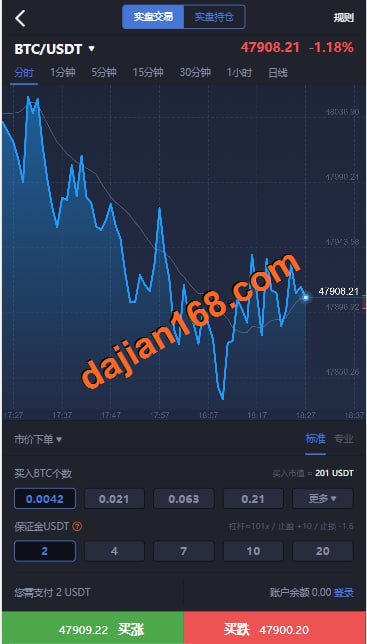
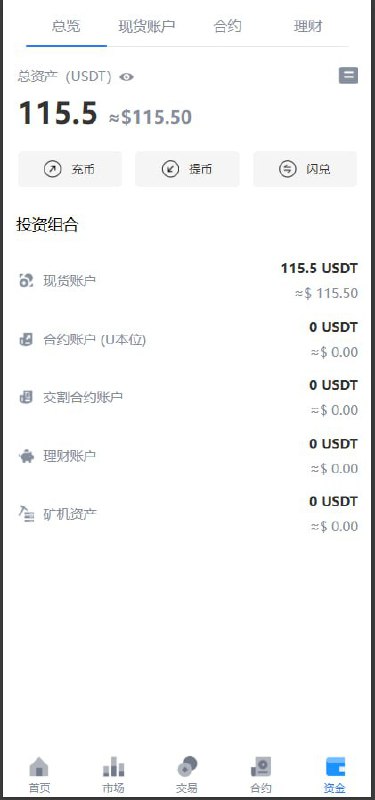
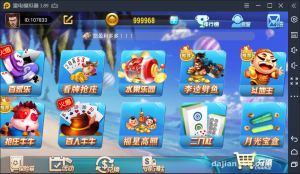
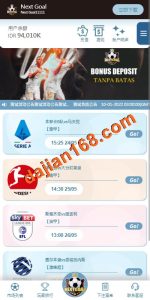
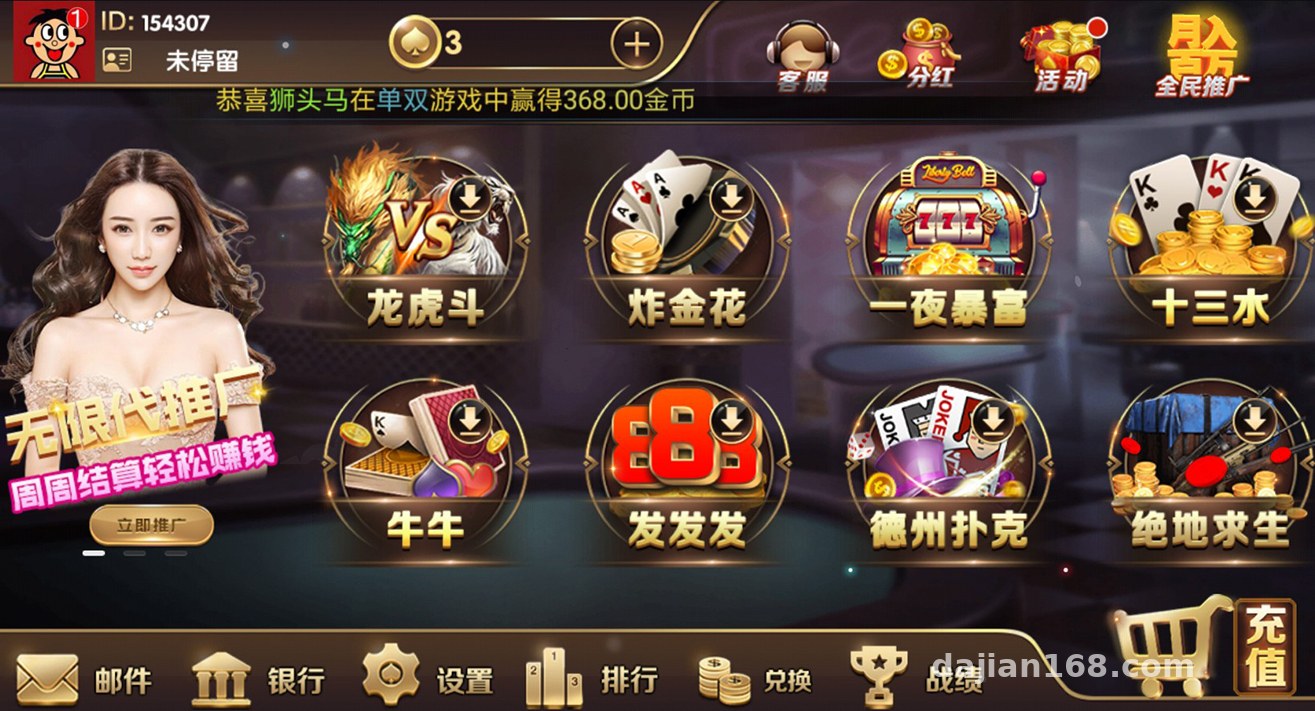
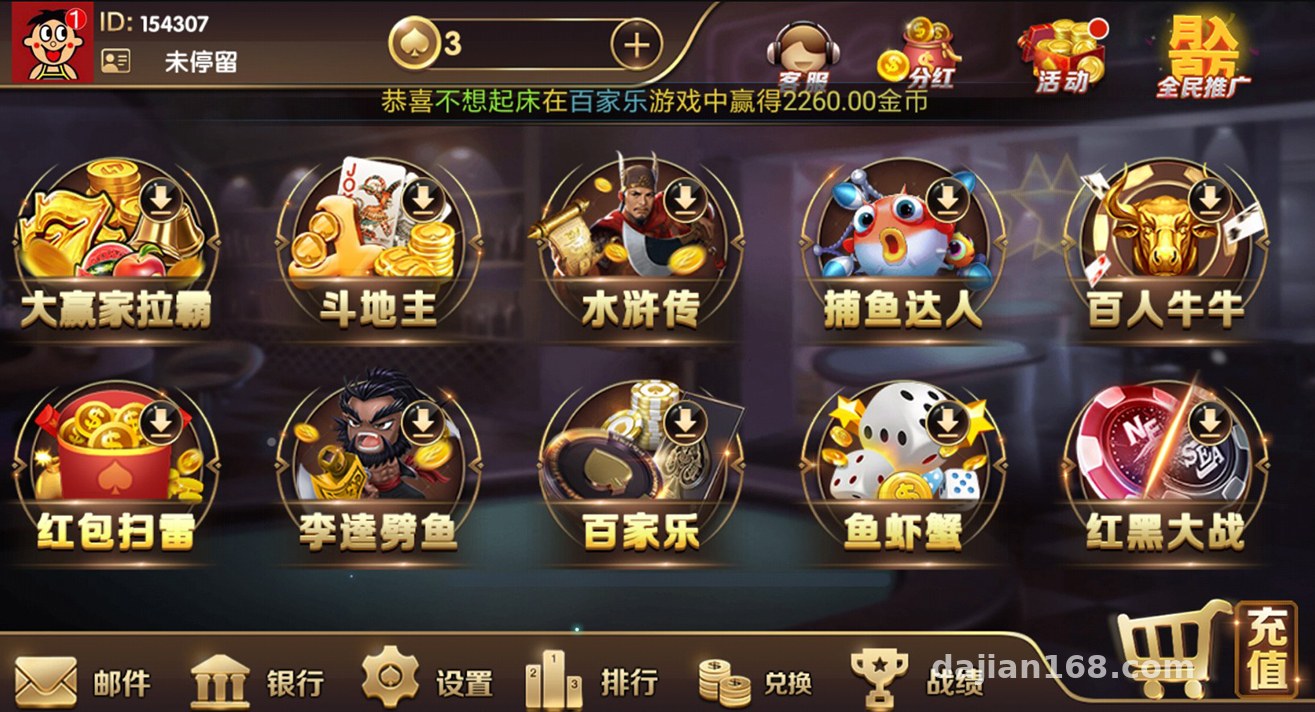
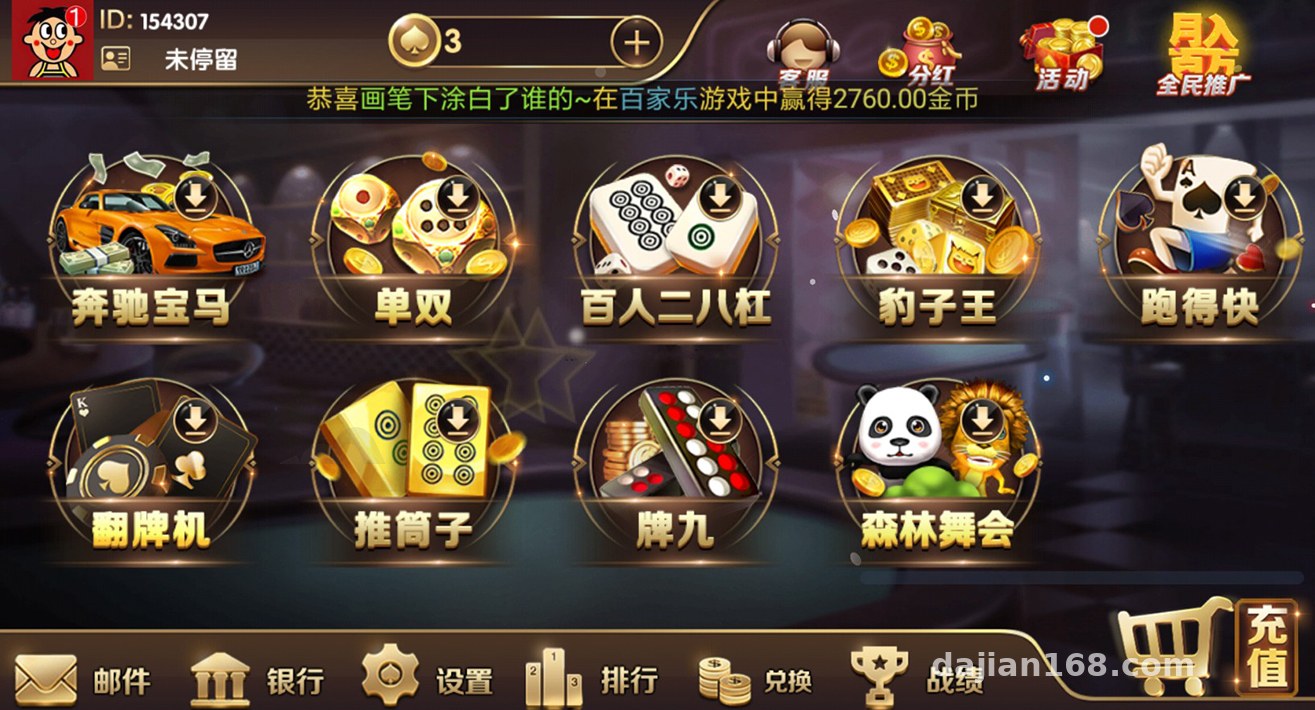
The packaging notes are pretty straightforward: everything was bundled directly from a running demo server, so the environment configuration carries over as-is. It includes several desktop simulation mini-games, all driven by random-number demo logic — purely for technical demonstration purposes. Here’s the component list:
Breaking Down the Four Main Pieces
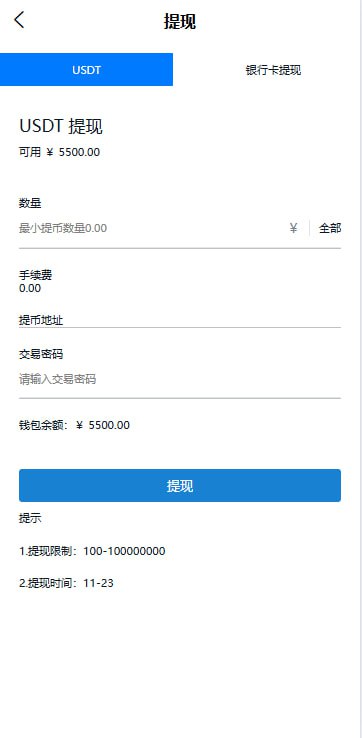
The server is the core — it handles game logic scheduling and data persistence. The dual-platform apps are the shells users interact with; the web version is accessible directly through a browser; and the database is MySQL, which runs once you import the backup. All four pieces work together — you can’t drop any of them.
Deployment Essentials (Troubleshooting Log)
Environment Choice
I went with CentOS 7.9 + BaoTa panel, PHP 7.4, MySQL 5.6, and Nginx 1.20. This combination has the best compatibility with the program. I initially tried PHP 8, but the server threw a bunch of deprecated extension function errors, so I rolled back without hesitation. Don’t fight high versions — it saves time.
Database Import
The backup file is fairly large, close to 800MB. BaoTa’s built-in phpMyAdmin import times out, so I used the command line instead: create the database with the utf8mb4 charset first, then source the file in — worked on the first try. After importing, remember to check the admin table and reset the backend account credentials to your own.
APP Packaging
The Android side ships as a source project — just change the API endpoint in Android Studio and rebuild; generate your own signing key. The iOS side is a bit more involved: you need your own developer account, and after updating the config you can either cloud-package with HBuilderX or compile with Xcode. Don’t mix up the certificate and provisioning profile pairing — that step tripped me up for over an hour.
Backend Console
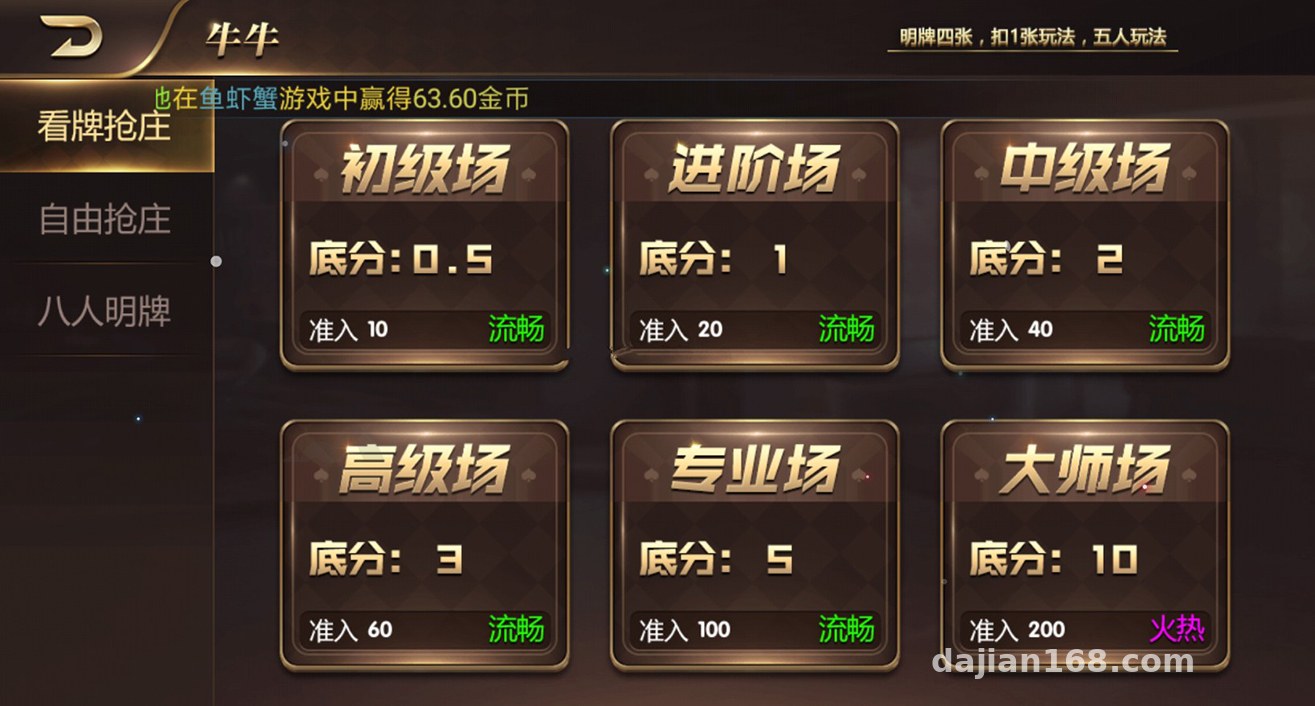
The backend has more features than I expected: user management, game toggles, announcement push, and statistical reports are all there. Each simulation game can have its own toggle and parameters configured individually, which is very practical for a demo environment. Multi-language support is built in too — switching between Chinese and English just means editing the language pack files, no core code changes needed.
One reminder: this program includes a user system. If you want to hook up a payment interface for demo flow purposes, be sure to use a sandbox test environment. Any live payment channel must be integrated in full compliance on your own — never use third-party channels of unknown origin.
Hands-On Testing
After installation I ran through everything. The web version loads quickly — with gzipped static assets, the first screen renders in just over a second. On the app side, login/registration, game list loading, and the simulated match flow all worked fine. The random-number demo module produces results fast, and a single-core 2GB server handled 10 concurrent users without breaking a sweat — plenty for a test environment.
As for secondary development, the code structure is reasonably clean, with clear separation between controllers and models. Comments are sparse but naming conventions are consistent, so tweaking UI templates and adjusting API parameters isn’t hard. To add your own game module, just mirror the routing and model file structure of an existing game.
Who Should Tinker With This
First, developers who want to study desktop game simulation logic and random-number algorithms; second, web agencies that need to build game demo environments for clients; third, small teams validating gamified product prototypes. If you’re thinking of going straight to commercial use, be cautious — the user system and data security need serious work on your part.
FAQ
Q: What’s the minimum server configuration?
A: For a demo environment, 2 cores and 4GB RAM is enough, with at least 3M bandwidth. For multiple concurrent visitors, go with 4 cores and 8GB, and consider deploying the database and application on separate instances for better stability.
Q: Is the source code encrypted? Can it be modified?
A: Some core files have license verification, but most business code is plain PHP. The templates and API layer can be modified normally. Back up before making changes, and don’t mess with the license files.
Q: Can the iOS app be installed without App Store listing?
A: You can use enterprise signing or TestFlight beta distribution, but signatures have an expiration date and need renewal. For long-term use, going through the official review process is recommended.
Q: Is the data real?
A: Everything is locally generated simulation demo data driven by random-number logic, for technical demonstration only — no real funds are involved in any way.
Overall, this program is fairly polished, with medium deployment difficulty. The main pitfalls are iOS packaging and the database import. If you run into issues, feel free to discuss in the comments.
Disclaimer: This article is for technical education and deployment experience sharing only. When using the relevant source code, please comply with applicable laws and regulations, and never use it for any unlawful purposes.
Disclaimer: This article is for technical education and demonstration only. It is not professional or financial advice. Any real-world deployment must comply with applicable laws and regulations.
#Source Code Setup #Board Game Simulation #Deployment Notes #APP Development #Web Building Journal
-
 Alipay QR Code Scan
-
 WeChat Scan Pay