Cross-Border Multi-Vendor Mall Deployment Guide: FastAdmin Backend and Uniapp Frontend Setup
Cross-Border Multi-Vendor Mall Deployment Guide: FastAdmin Backend and Uniapp Frontend Setup
Disclaimer: This article is for technical education and demonstration only. It is not professional or financial advice. Any real-world deployment must comply with applicable laws and regulations.
Last week, I helped a client running a foreign trade business across Hong Kong, Macau, and Southeast Asia deploy a customized multi-vendor mall system. Their requirements were straightforward: they needed a solid cross-border e-commerce foundation that supports multiple store onboarding, seamless switching between Traditional Chinese and English, and a Uniapp frontend ready to compile into both H5 and Mini Programs. It took me two days to get the entire environment up and running smoothly. Here are my notes on the setup process and the custom features, which should be helpful if you are looking for a similar cross-border multi-vendor source code.
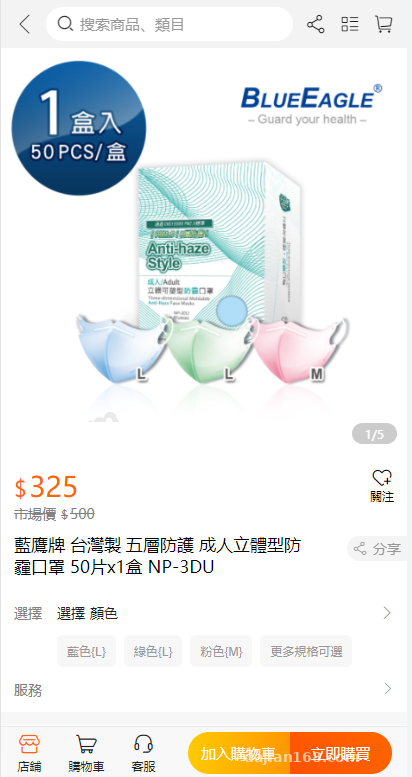
Core System Features and Custom Highlights
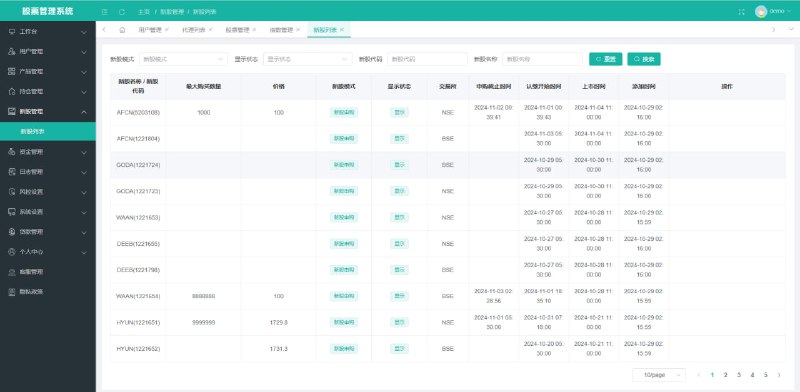
The backend is built on FastAdmin, a ThinkPHP-based framework that many developers know inside out. It uses the classic AdminLTE interface, so there is virtually no learning curve. On the frontend, it comes with fully open-source Uniapp code. I pulled the project into HBuilderX to inspect the structure—everything is clean, well-organized, and completely free of obfuscation or encryption.
1. Multi-Vendor Onboarding and Order Task Distribution
Unlike standard single-store setups, this platform is designed around a joint multi-vendor operating model. The admin panel includes dedicated modules for merchant verification, store tier configurations, and account settlement. One particularly neat addition in this custom build is the automated “order task distribution” mechanism. Based on a merchant’s inventory weight or response speed, the main backend can automatically route public procurement requests to the appropriate onboarded sellers. This makes it a great fit for teams managing cross-border supply chain distribution.
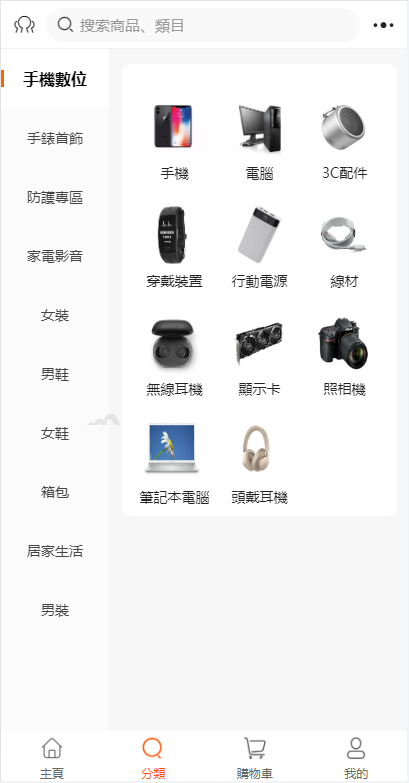
2. Cross-Border Settlement and Multi-Channel Balance Integration
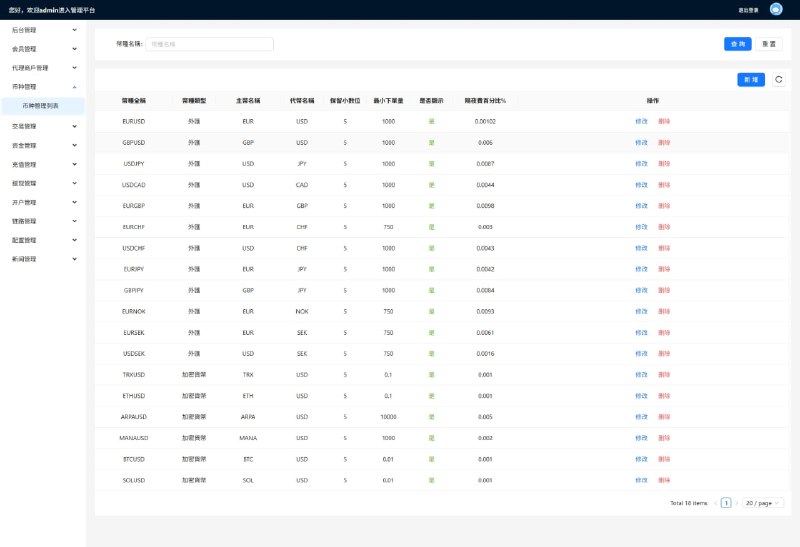
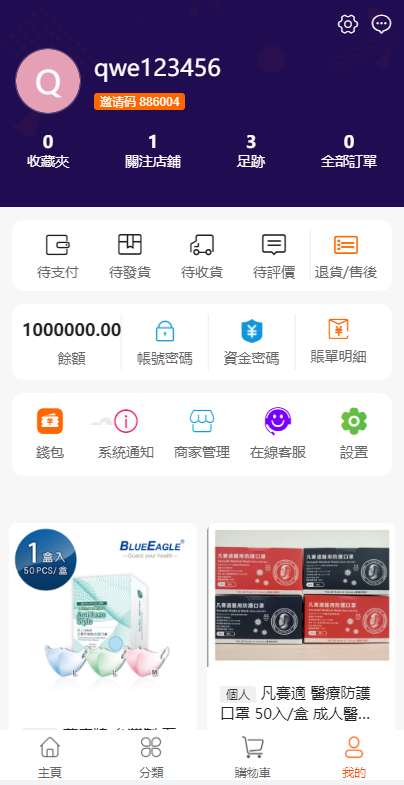
Payment processing is always a major hurdle when targeting Hong Kong, Macau, and overseas markets. Alongside standard international credit card gateway interfaces, this customized build introduces a digital asset wallet balance top-up module, making it much easier for B2B buyers to settle accounts quickly. Admins can configure currency exchange rates directly from the dashboard, and transaction logs are calculated down to four decimal places, keeping the reconciliation logic crystal clear.
3. Frontend Interaction and Demo Data Generation
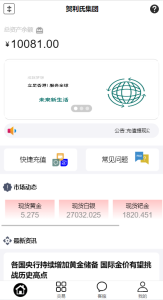
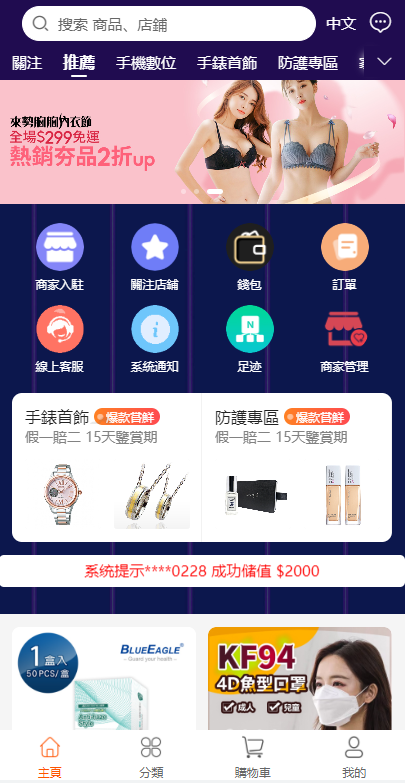
During a cold start, the last thing you want is an empty-looking storefront. This version includes a handy operational helper in the backend: you can configure dynamic scrolling announcements on the frontend (like newly onboarded merchants or real-time purchasing activity). It also comes with a built-in demo data generator. When you are running internal tests or pitching the prototype to project stakeholders, you can quickly populate product listings and activity metrics without entering everything manually one by one.
Webmaster Pro Tip: The Uniapp frontend uses a unified interceptor wrapper for API requests. If you are debugging cross-origin issues locally, remember to open
application/config.phpon the backend and add your local IP tocors_request_domain. Otherwise, the H5 client will keep throwing Network Errors.
Server Environment and Deployment Pitfalls
While FastAdmin is relatively lightweight, running a multi-vendor setup under concurrent load requires a reliable Linux environment. For this deployment, I used the Baota (aaPanel) control panel to initialize the server stack.
Recommended Environment Specifications
- OS: CentOS 7.9 or Ubuntu 20.04 (64-bit)
- Web Server: Nginx 1.20 (Avoid Apache here, as its memory footprint spikes too much under high concurrency)
- PHP Version: PHP 7.3 or 7.4 (You must install the
fileinfo,redis, andbcmathextensions;bcmathhandles high-precision accounting calculations, and missing it will break the settlement module) - Database: MySQL 5.7 (Make sure to set the character set to
utf8mb4when importing the SQL file to properly support multi-language special characters)
Backend and Frontend Integration Steps
After uploading and extracting the backend source code, make sure your site’s root directory points specifically to /public. For URL rewriting, simply select the built-in thinkphp rule in your panel. Next, update your database credentials inside application/database.php, or create a .env file in the root directory to override the default configuration.
Once the backend is live, fire up HBuilderX and import the Uniapp frontend project. Locate common/config.js (in some versions, this lives in utils/request.js) and replace the base API URL with your SSL-enabled production HTTPS domain. If you plan to compile the project into a WeChat Mini Program, don’t forget to log into the WeChat Official Accounts Platform and whitelist that domain under your request settings.
Who Should Use This System for Custom Development?
Looking at the overall architecture, this codebase serves two main groups really well. First, small teams launching localized e-commerce projects in Hong Kong, Macau, Taiwan, or Southeast Asia can use it out of the box to run the entire loop of merchant onboarding, product listing, and logistics tracking. Second, development agencies taking on custom client work will appreciate FastAdmin’s mature plugin ecosystem. If a client later asks for additional language packs, third-party cross-border ERP integrations, or international shipping APIs like DHL or SF International, you can easily write an Addon module and hook it right in with minimal overhead.
Disclaimer: The technical architecture and source code features documented in this article are strictly for e-commerce technical education and system demonstration purposes. Users must comply with local laws and regulations during deployment and operation.
Frequently Asked Questions
Q: After compiling the Uniapp frontend to H5, refreshing the page throws a 404 error. How do I fix this?
A: This happens because Uniapp enables the History routing mode by default. You have two ways to fix it: either switch the routing mode to Hash inside HBuilderX’s manifest.json file, or add the try_files $uri $uri/ /index.html; rewrite rule to your Nginx configuration.
Q: How does the multi-language switching work, and is it hard to add new languages later?
A: The backend relies on ThinkPHP’s native language pack mechanism, so you just add key-value pairs to the corresponding files under application/lang/. The frontend uses the vue-i18n plugin. Matching the JSON entries on both ends makes expanding to new languages very straightforward.
Q: Why aren’t the automated task distribution and dashboard charts updating in the backend?
A: Asynchronous tasks in this system rely on Linux Crontab jobs and Redis queues. Head over to the “Scheduled Tasks” section in your server panel, add the CLI script provided in the documentation, and set it to run once every minute. Your data will start flowing and refreshing normally.
Disclaimer: This article is for technical education and demonstration only. It is not professional or financial advice. Any real-world deployment must comply with applicable laws and regulations.
#Cross-Border E-Commerce Source Code #Multi-Vendor Mall #FastAdmin #Uniapp Development #System Deployment Guide
-
 Alipay QR Code Scan
-
 WeChat Scan Pay