2022 Four-language Cryptocurrency BTC Exchange Micro Trading – Brand New Fix – K-line Normal – Operating Version
2022 Four-Language Virtual Currency BTC Exchange Micro Trading – Brand New Fixed – K-Line Normal – Operating Version
1. Program Update Log:
2022.1.13 Added new order sound notification feature in backend
2022.1.12 Connected to paid interface, k-line reading is faster, real-time updates
2022.1.10 Optimized program loading speed, greatly improved efficiency
2022.1.7 Added USDT deposit and withdrawal methods
2022.1.6 Added languages: English, Traditional Chinese, Japanese
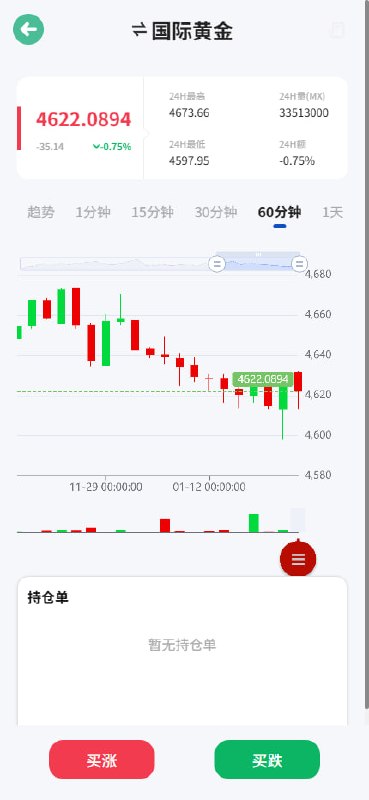
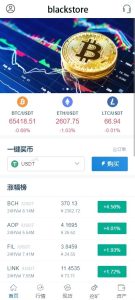
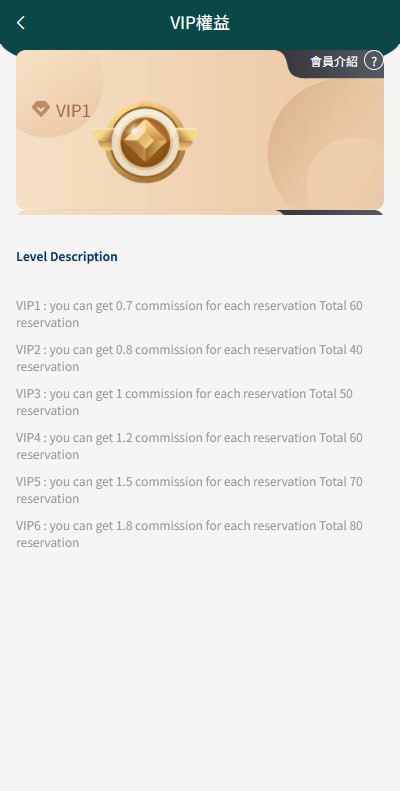
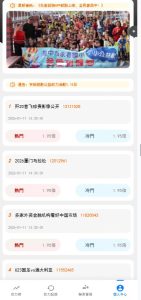
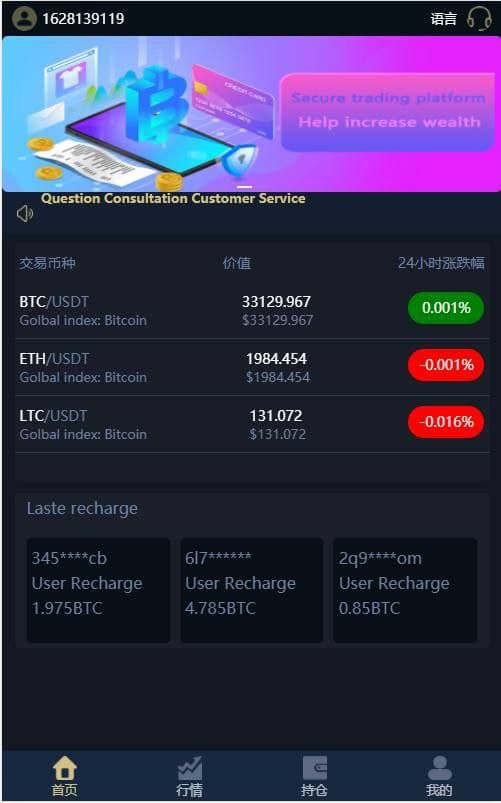
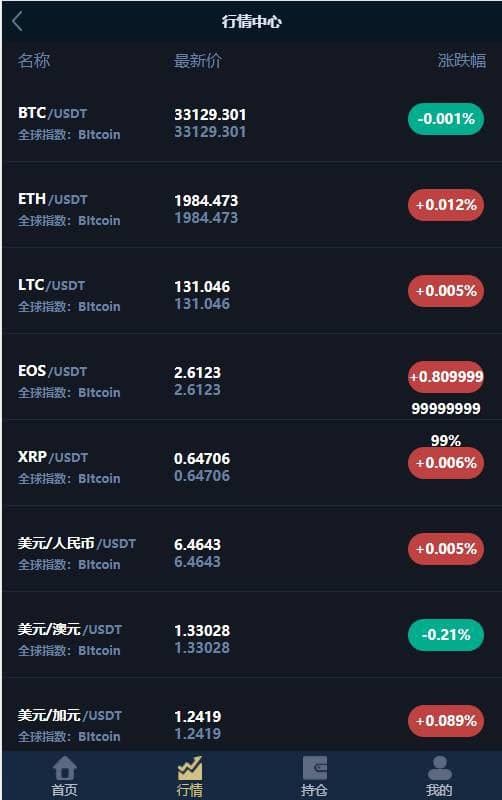
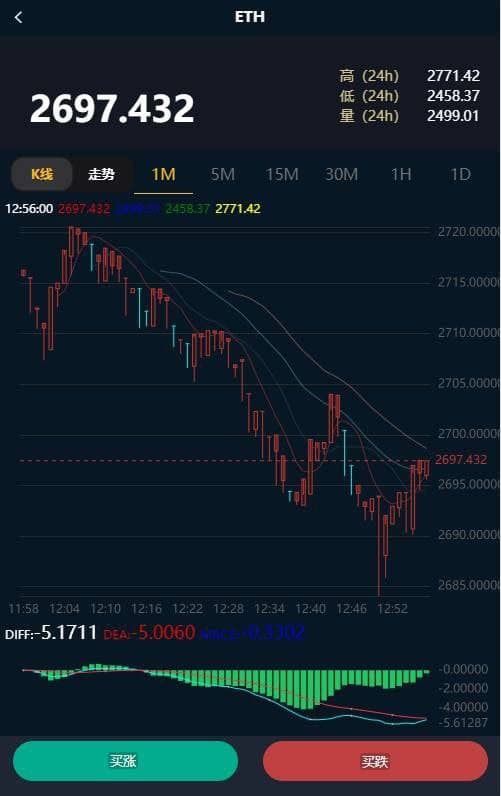
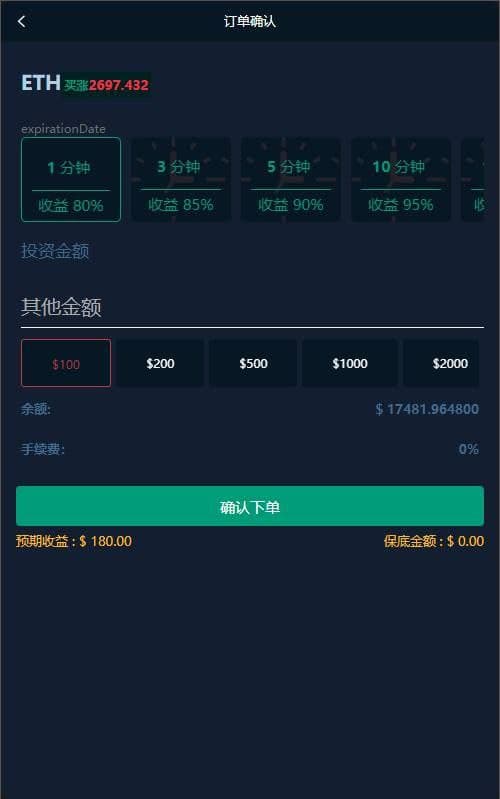
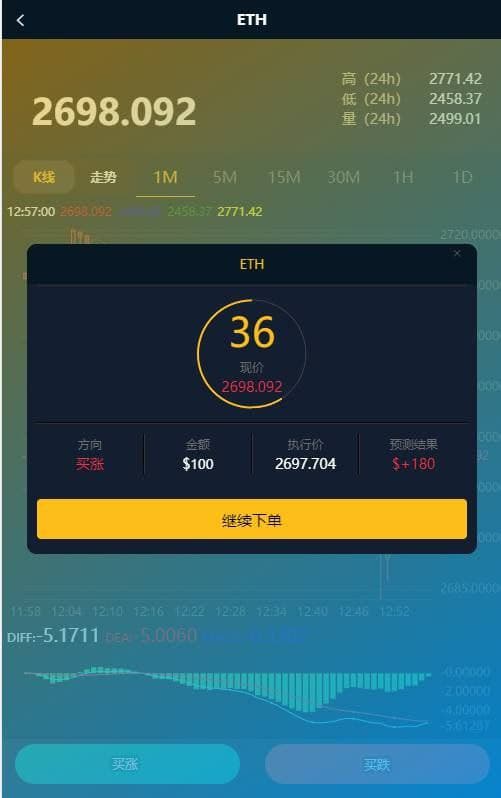
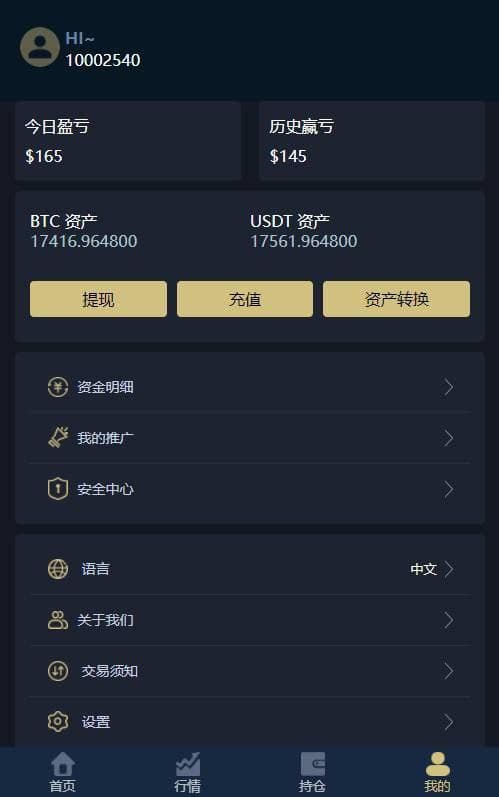
2. Frontend Screenshots:
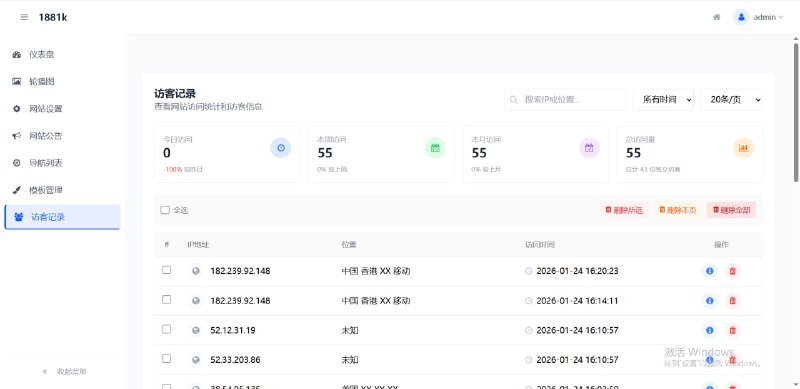
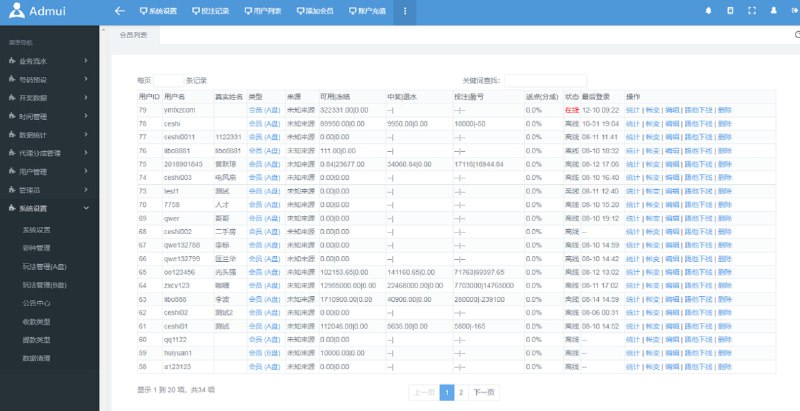
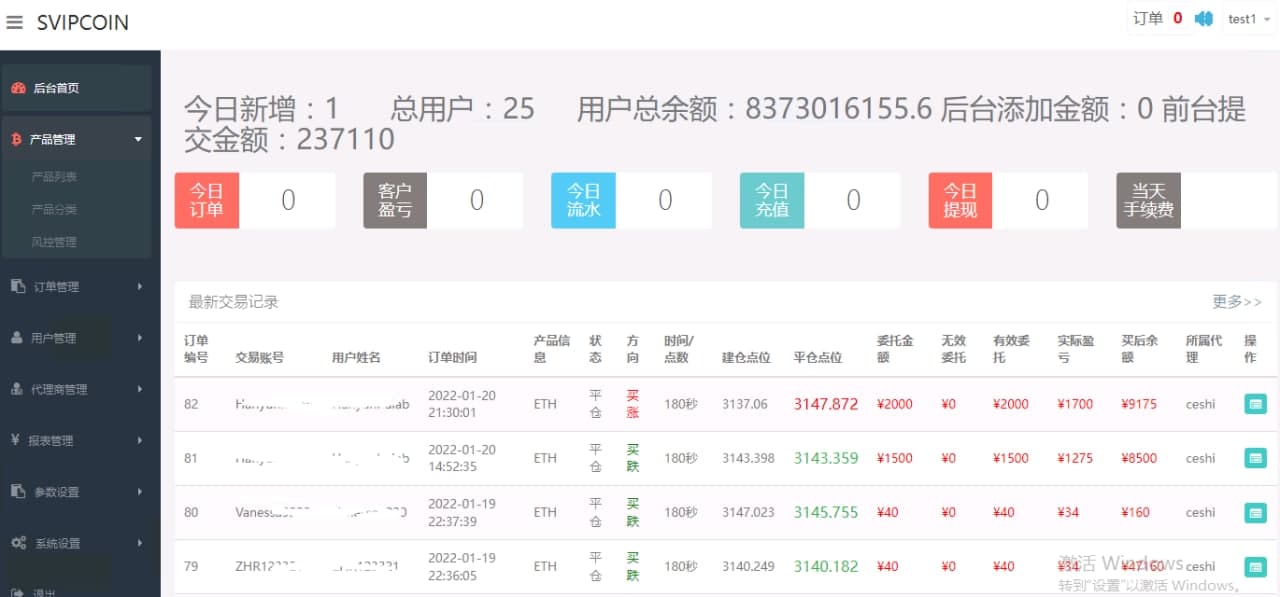
3. Backend Screenshots:
4. Frontend User Instructions:
1. Language switching supported: Chinese, English, Traditional Chinese, Japanese
2. Account opening requires invitation code, default 888. This is to prevent malicious registration attacks by hackers online
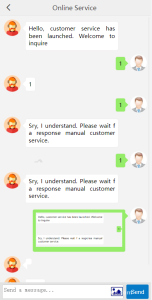
3. For deposits, you can contact customer service, or manually click deposit — use USDT address to deposit — upload deposit screenshot — click confirm — wait for admin backend review — deposit successful
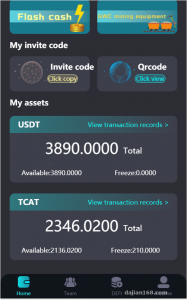
4. The deposit is cash assets, you need to click asset conversion to trade
Asset conversion — Funding convert to USDT — click all — confirm
5. Trading
Click market — select currency — select buy up or buy down — select time return — select amount or enter other amount — confirm order — wait for result based on market price fluctuation
6. Before withdrawal, you need to click asset conversion to withdraw
*Asset conversion — USDT convert to Funding — click all — confirm
*Click withdrawal — enter your USDT wallet address — all — add note — confirm — wait for admin backend to process transfer — withdrawal successful
5. Backend Admin Operation Instructions:
1. When frontend user places order, backend will have sound notification, and order quantity will be displayed in top right corner, click to enter
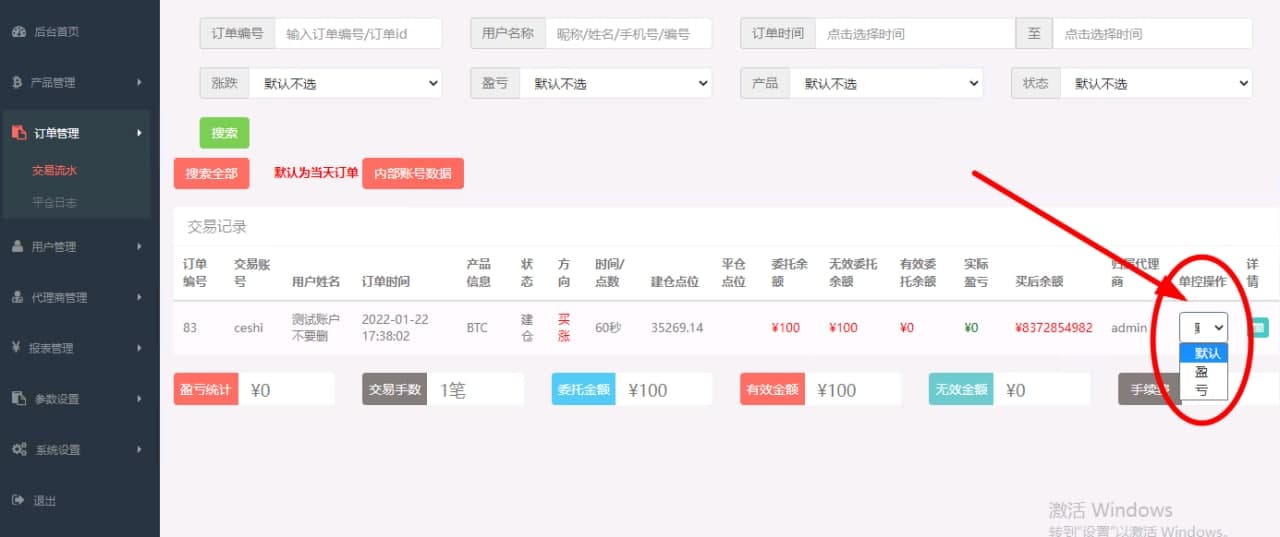
2. Order control win/loss
*Order management — trading flow — single control operation — select profit or loss
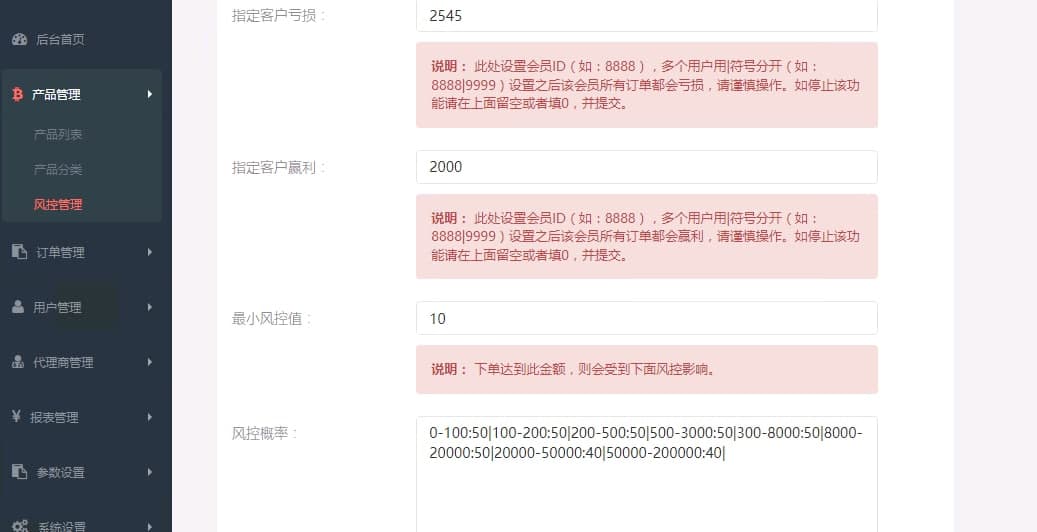
3. Specify all orders for specific customer to lose or profit
Product management — risk management — enter member ID — submit
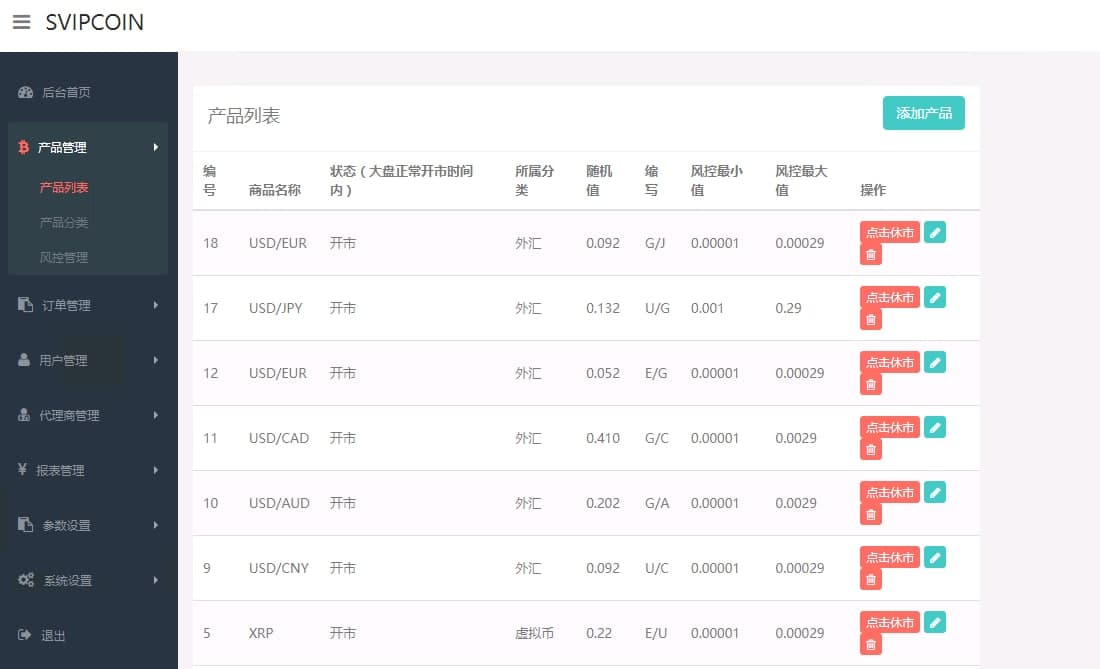
4. Set product profit/loss ratio and market opening time
*Product management — product list — select product click edit — set profit/loss ratio (detailed instructions below)
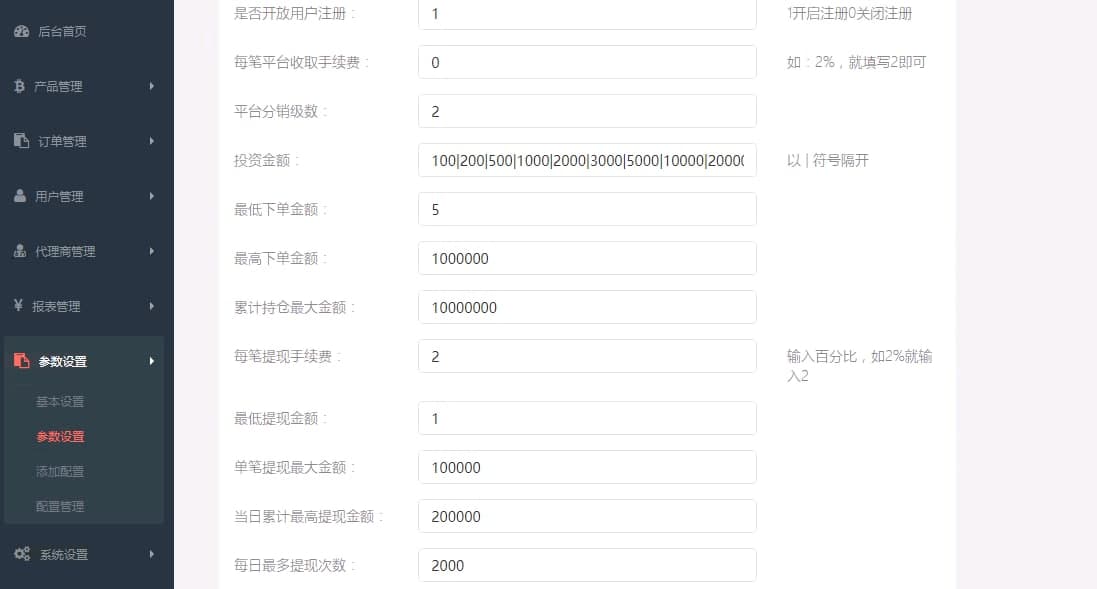
5. Modify order amount limit and withdrawal amount limit
Parameter settings — parameter settings — enter — submit
6. Customer deposit and withdrawal confirmation
User management — deposit list / withdrawal list — confirm
7. Modify USDT deposit address
System settings — deposit address — submit
8. The referral code entered in frontend corresponds to the agent number in backend
6. Disclaimer:
When using this system, you agree to the following by default:
1. The user must operate within the scope of relevant national laws and regulations and have obtained relevant government authorizations. It is prohibited to use for any illegal activities.
2. The usage is limited to testing, experimentation, and research purposes only. It is prohibited to use for any commercial operations. This site does not assume responsibility for any illegal activities of users during usage.
-
 Alipay QR Code Scan
-
 WeChat Scan Pay