Amazon Order Auto Matching System Source Code Setup and Consecutive Order Feature Implementation Guide
Amazon Order Auto Matching System Source Code Setup and Consecutive Order Feature Implementation Guide
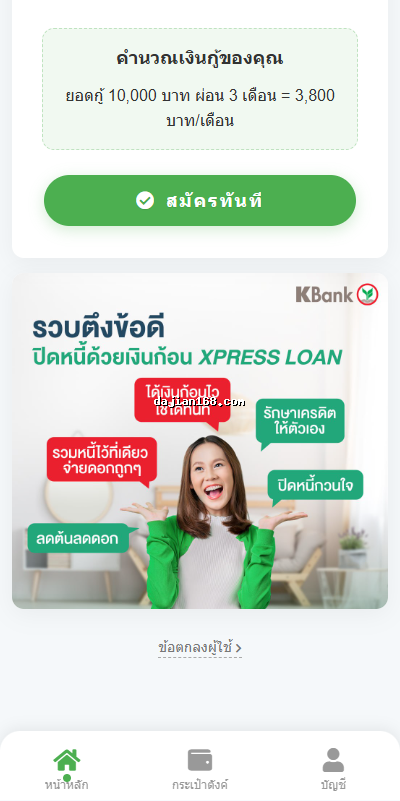
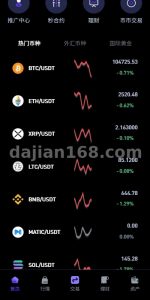
When I was helping a client with overseas e-commerce system research last year, I first came across the source code of this order auto matching system. The client needed a demo environment to showcase order flow logic, so I spent a weekend getting the whole system running. Honestly, the frontend UI of this source code has been completely redesigned, and it looks much better than those cookie-cutter templates on the market. The consecutive order feature design also took me quite a while to understand the matching algorithm inside.
1. System Core Features and Technical Architecture
This system mainly revolves around order matching logic, with core features including the following modules:
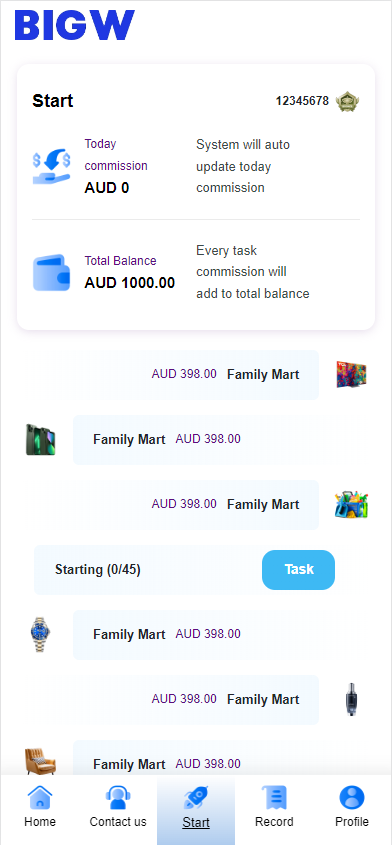
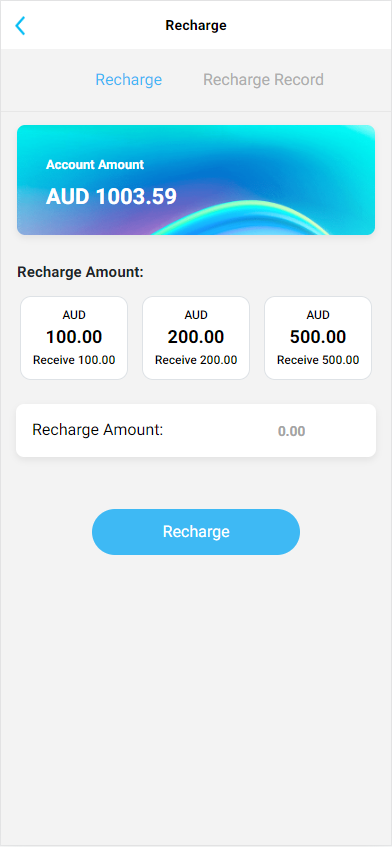
- Order Auto Matching Engine: Automatically assigns orders to corresponding accounts based on preset rules, supporting filtering by amount range, product category, region, and other dimensions.
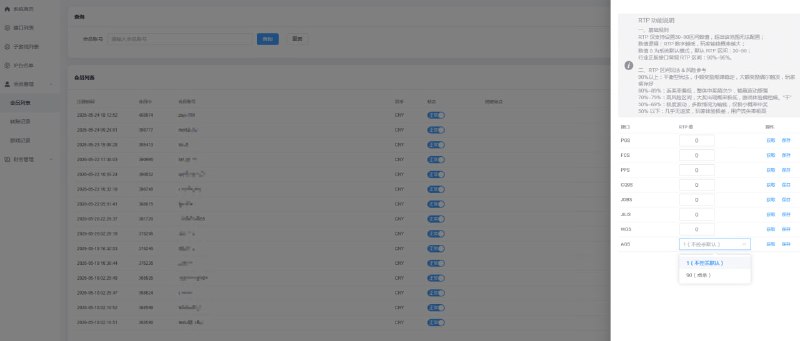
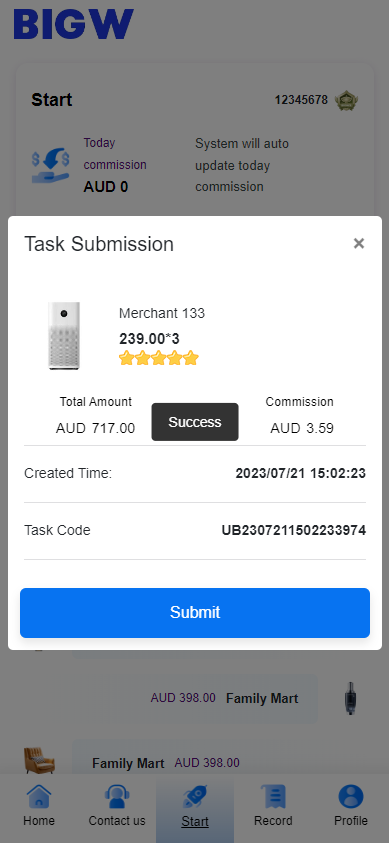
- Consecutive Order Settings Module: Allows backend configuration of consecutive order trigger conditions and interval strategies, with minimum and maximum time intervals between orders.
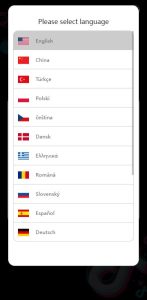
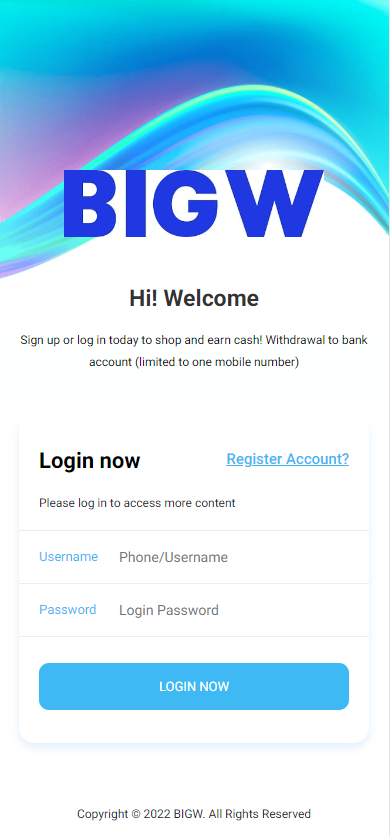
- Frontend Single Language Architecture: The current version uses a single language display by default, but the code structure reserves multi-language extension interfaces, allowing quick integration of new language packs through i18n configuration files.
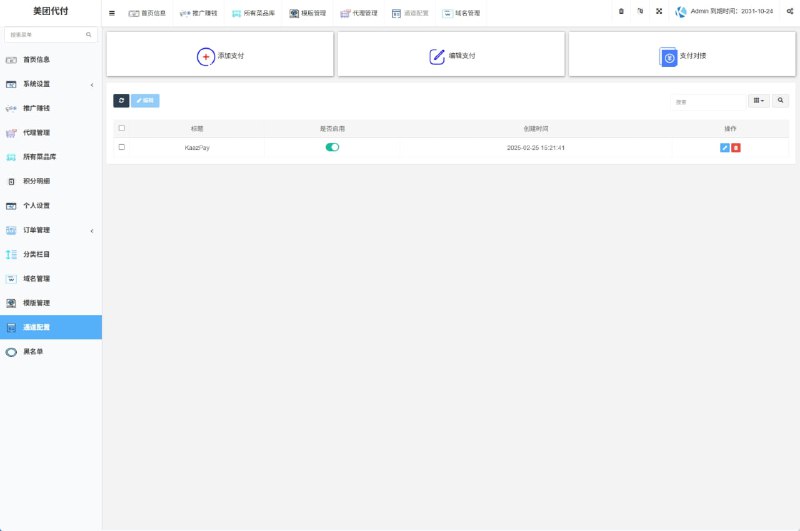
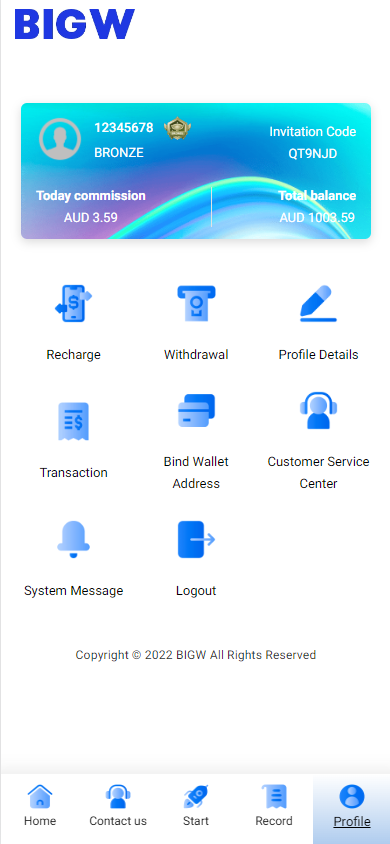
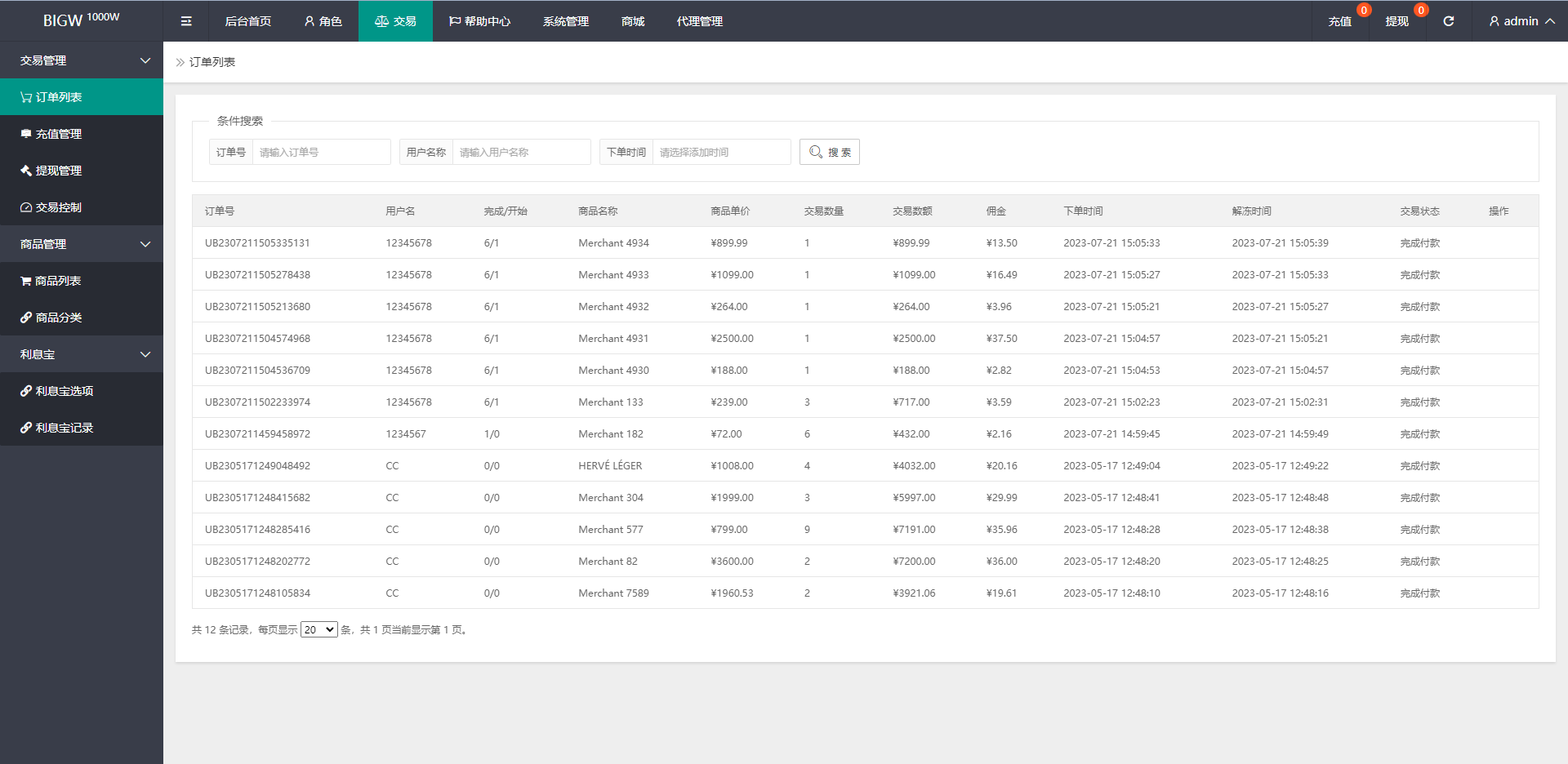
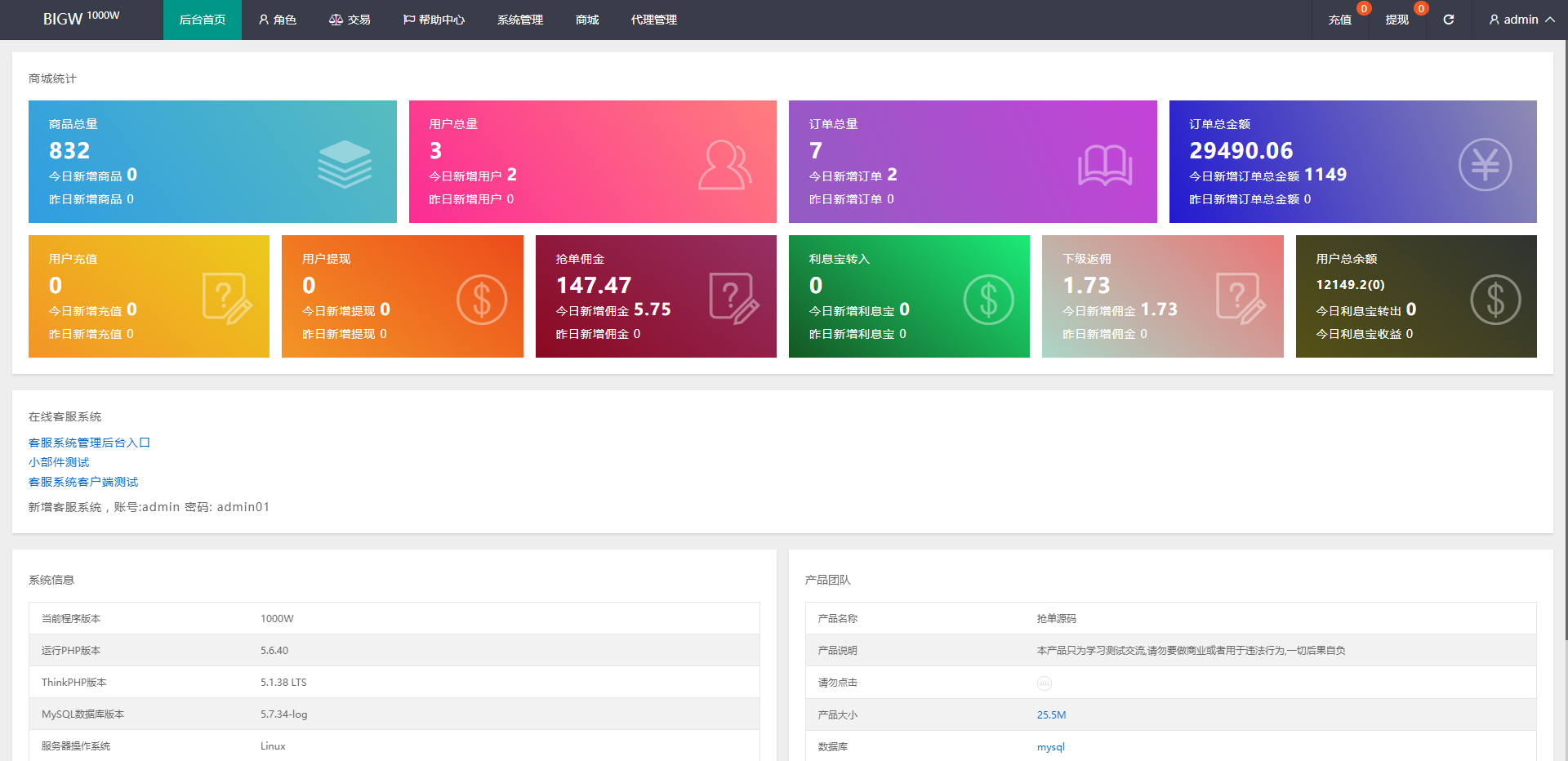
- Admin Management Panel: Includes basic functional modules such as order management, account management, transaction records, and statistical reports.
- Matching Rule Engine: Supports custom rule configuration, such as intelligent sorting based on account weight, historical completion rate, active time periods, and other parameters.
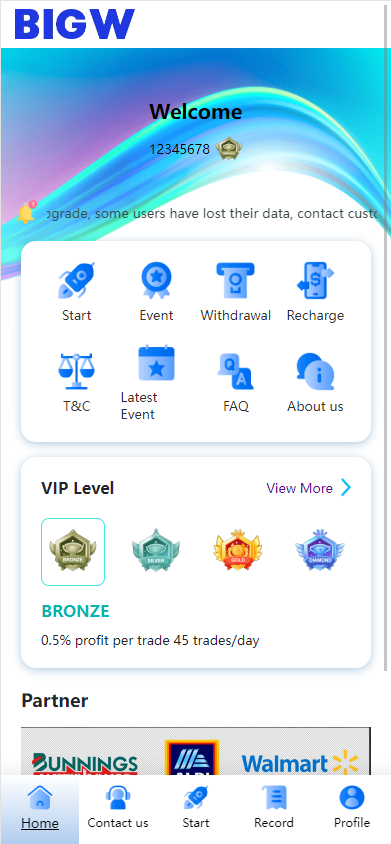
Regarding the technology stack, the frontend uses a responsive layout design, adapting to both mobile and PC browsing. The backend data processing logic is relatively clear, with the order status flow using a state machine pattern, switching between pending match, matching, accepted, and completed states, and the code readability is decent.
2. Preparations Before Source Code Setup
Before building this system, I recommend preparing the environment first. Here is the specific checklist I compiled:
- Server environment: PHP 7.4+ or PHP 8.0, MySQL 5.7+, Nginx or Apache.
- Frontend dependencies: Node.js 16+ for compiling static resources, prepare the frontend build environment if you plan to do secondary development.
- Database initialization: Import the provided SQL file, making sure the character set is unified as utf8mb4.
- URL rewrite configuration: Nginx needs rewrite rules configured, and the system provides example configuration files.
- Extension requirements: GD library for image processing, Redis optional for caching acceleration.
- Domain and SSL: Prepare an independent domain and configure HTTPS, as some frontend components depend on a secure context.
I hit a pitfall during the first deployment: the default timezone setting was wrong when importing the database, causing order timestamps to display with an 8-hour deviation. I fixed it by manually adjusting the MySQL time_zone configuration. I recommend setting the server timezone to Asia/Shanghai before importing data.
3. Common Issues and Troubleshooting Records
Although this system has complete features, you will still encounter some issues during actual setup and debugging. Here are several common pitfalls I compiled:
3.1 Frontend Resource Compilation Failure
If you modify frontend styles during secondary development, running npm run build may report errors. Usually this is due to Node version incompatibility. From my testing, Node 16.20.x is the most stable version. Upgrading to Node 18+ causes some dependency packages to report syntax errors.
3.2 Consecutive Order Matching Logic Abnormalities
The consecutive order feature occasionally experiences matching interruptions during testing. After investigation, I found it was caused by concurrent execution of scheduled tasks (cron). The system uses file locks by default, but these locks fail under high concurrency. I recommend switching to Redis distributed locks, or changing the consecutive order tasks to queue-based serial execution.
3.3 Slow Image Resource Loading
The frontend screenshot resources are quite large, and if placed directly on the local server, initial loading will be slow. I recommend placing static resources on a CDN, or at least enabling Nginx gzip compression and browser caching. I tested that enabling gzip can reduce page size by about 60%.
3.4 Multi Language Switch Not Working
Although the code reserves multi-language interfaces, the default language pack file path is hardcoded. If you need to integrate English or other languages, you must modify the locale.php in the config directory and map the corresponding language file path. Simply placing translation files will not automatically take effect.
4. Customization Options and Extension Suggestions
If clients have additional requirements, this system can be extended in several directions:
- Integrate multi-language switching: Extract all frontend copy to i18n configuration, supporting one-click switching between Chinese and English.
- Add order risk control module: Add abnormal order detection, duplicate order interception, risk account marking, and other features.
- Data visualization upgrade: Convert backend reports into chart form, using ECharts or Chart.js to display trend data.
- Message notification system: Integrate email or SMS notifications, pushing status change information at key nodes.
Important Notice: This system is for technical learning and system demonstration purposes only. Do not use it for any scenarios that violate platform rules or laws and regulations. E-commerce platforms have strict monitoring mechanisms for abnormal order behavior, and violations may lead to account bans or even legal liability.
5. FAQ Frequently Asked Questions
Q1: Which browsers does this system support?
A: The frontend has been tested on Chrome 110+, Firefox 115+, Safari 16+, and Edge 110+, all of which can access normally. IE11 compatibility is not provided, and support is recommended to be dropped.
Q2: How short can the time interval for consecutive orders be set?
A: The backend configuration allows a minimum of 1 second, but from actual testing, it is recommended to maintain at least a 3-5 second interval, as shorter intervals can easily be identified as abnormal behavior by risk control systems.
Q3: Can the frontend UI be completely customized?
A: Yes. CSS style files are all placed in the assets directory, and theme colors, fonts, and layouts can be recompiled by modifying SCSS variables. I once helped a client change to a blue theme, which took about two hours.
Q4: Can the database be switched to PostgreSQL?
A: The current version uses some MySQL-specific functions in SQL statements, so direct migration will have compatibility issues. If PostgreSQL is required, the data layer needs to be rewritten, with an estimated workload of 1-2 person days.
Important Notice: This system is for technical demonstration and learning purposes only. Any commercial use must ensure compliance with local laws, regulations, and platform service terms. Database configuration, server environment, domain filing, and other basic operations during setup must be executed by personnel with relevant technical capabilities.
-
 Alipay QR Code Scan
-
 WeChat Scan Pay