Multi-Language Mining & Staking Financial System Deployment Notes: A Four-End Source Code Implementation Record
Multi-Language Mining & Staking Financial System Deployment Notes: A Four-End Source Code Implementation Record
Recently, I helped a client working on an overseas project deploy a multi-language mining and staking financial system. The frontend uses Uniapp, the admin panel uses Vue, the agent portal also uses Vue, and the backend runs on ThinkPHP6. All four ends can be deployed independently. The system is packed with features, and it took me roughly a week to get the core modules running smoothly. Below I’ve compiled the deployment process and the pitfalls I encountered, for anyone with similar needs to reference.
I. Four-End Architecture and Deployment Environment
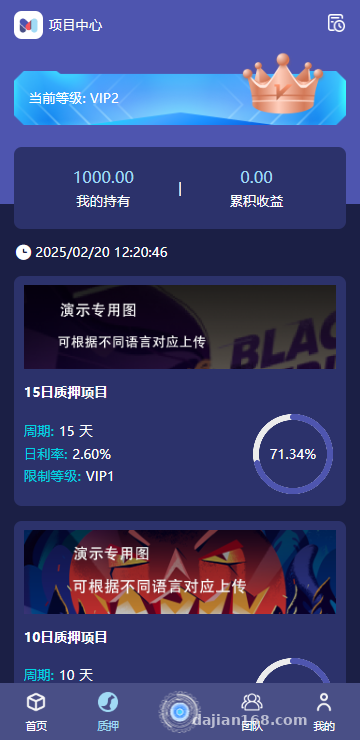
The biggest feature of this system is that all four ends are completely separated and communicate with each other through APIs.
Server: ThinkPHP6, requiring PHP 7.4 or above. I used PHP 8.0 + MySQL 8.0. Remember to configure the pseudo-static rules during deployment, otherwise routing will break.
Frontend: A Uniapp project that can be compiled into H5, mini-programs, or native apps. My client mainly serves overseas users, so we only compiled H5 and an Android app. When compiling, note that the app name and icon in manifest.json should be updated for each corresponding language.
Admin Panel: Vue + Element UI. Standard npm install + npm run build workflow, then drop the dist directory into Nginx.
Agent Portal: Similar to the admin panel—also a Vue project—deployed independently on a subdomain for cleaner permission isolation.
II. Core Features in Practice
1. Multi-Language Mechanism
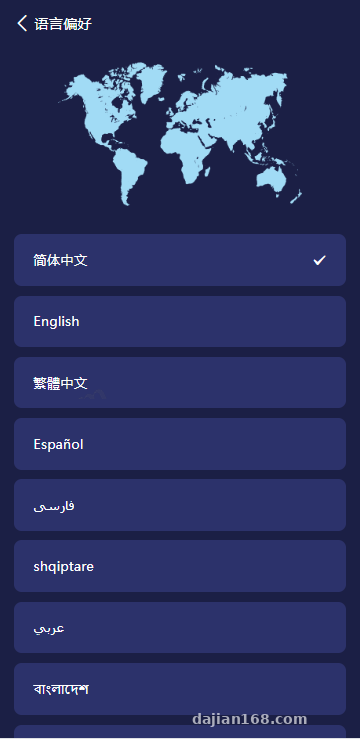
The system comes with 19 built-in languages, and the backend supports custom extension. It integrates with the Youdao Translation API—after configuring your APP_KEY, the system automatically translates when adding a new language pack. In testing, adding “Arabic” only required filling in the language code in the admin panel, and the frontend would automatically call the translation API to populate the content.
However, Youdao isn’t always accurate with technical terminology—for example, the word “staking”—so it’s best to manually edit the language pack file. Otherwise, Arabic users will look at it completely confused.
2. Wallet and Payment Integration
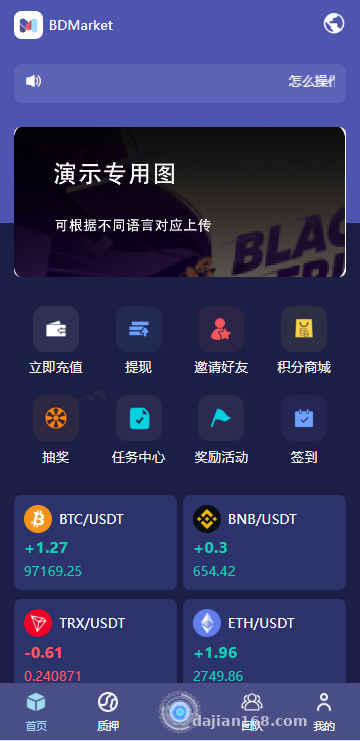
USDT deposits are integrated with the Udun wallet, which is widely used domestically and has reasonably clear documentation. You’ll need to configure the Merchant ID and API KEY, and make sure the deposit callback URL is correct—otherwise users will deposit funds but the order status won’t update.
For withdrawals, you can configure the daily withdrawal limit, the per-transaction amount range, and whether real-name verification is required. The client had strict requirements, so we enabled the rule: “withdrawals require real-name verification + maximum 3 per day + minimum 50 USDT per transaction.”
3. Google Authenticator
Both the admin panel and agent portal can independently enable Google two-step verification. Once enabled, users need to enter the 6-digit dynamic code from Google Authenticator when logging in. This is critical for overseas projects—I recommend enabling it everywhere.
4. Auto-Mining Output
The mining module lets you configure how many tokens are auto-mined per day. Once the output rules are set, the system settles once every day at midnight. There aren’t really any pitfalls here—just note that the database needs a scheduled task to run, and I recommend using Linux crontab.
III. Pitfalls Encountered During Deployment
1. SMTP Email Sending
When filling in SMTP information in the admin panel, the port and encryption method must match. SSL uses 465, TLS uses 587. Some email providers require an authorization code instead of the login password—this is an easy one to get wrong.
2. IP Registration Limit
The system supports setting a maximum number of registrations per IP, which is a useful anti-spam feature for overseas projects. However, if you’re using a CDN, Nginx needs to pass through the real IP—otherwise, you’ll only get CDN node IPs, making the limit meaningless.
3. Fund Freezing Mechanism
Deposits and rewards can be configured to freeze for N hours, which prevents users from depositing and immediately withdrawing (a common fraud pattern). During testing, I found that if a user tries to withdraw during the freeze period, the order enters a “pending unfreeze” status. The frontend needs to display this state properly, otherwise users will think the system is stuck.
Practical Tip: Before deployment, make sure the ThinkPHP6 runtime directory has sufficient permissions—I recommend 755 directly—to avoid log-writing failures when running scheduled tasks later. Also, the .env file for ThinkPHP6 must be configured properly, especially the database and Redis settings. Redis is used for caching and queues, and is essential for running auto-mining settlements.
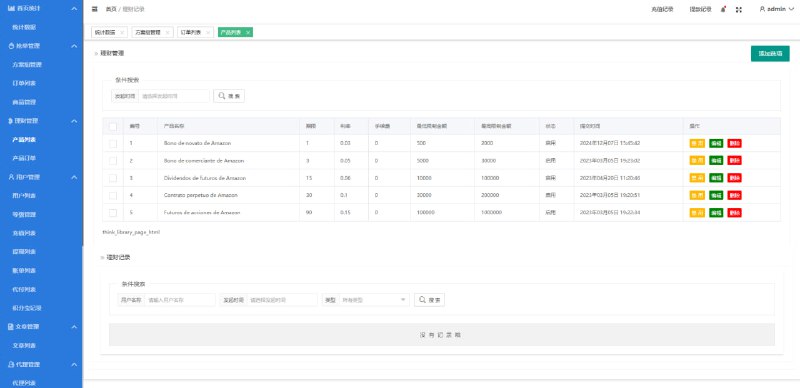
IV. Admin Panel Highlights
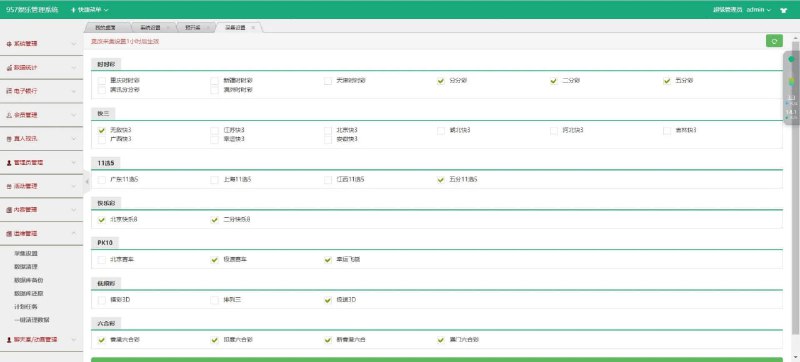
Media Center: Centrally manages videos and images used by the frontend. When adding content, you can simply select from the library—no more hunting for resource links.
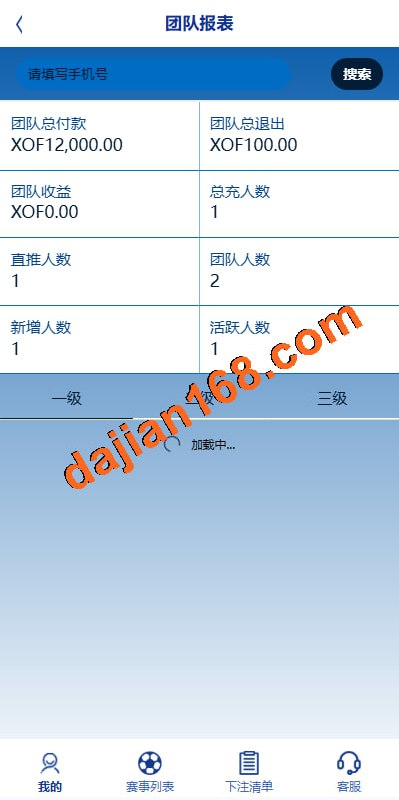
Three-Tier Distribution: When downlines stake, uplines earn a corresponding percentage of rewards. The rate for each tier can be individually configured in the admin panel.
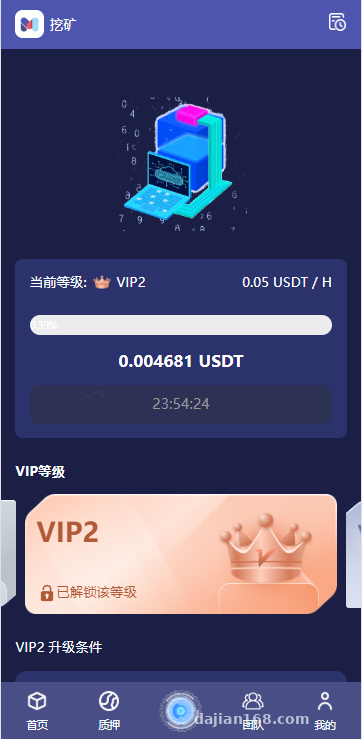
VIP Levels: Fairly granular division—different VIP levels enjoy different mining output acceleration and withdrawal limits.
Notifications: Custom message content with support for scheduled auto-sending—for example, pushing promotional notifications every Monday at 9 AM.
Code Generator: The admin panel can auto-generate basic CRUD code, which is a blessing for project owners doing secondary development—it saves a lot of repetitive work.
V. Suitable Use Cases
In my opinion, this system suits the following scenarios:
1. Overseas staking and financial projects with real USDT deposit flow
2. Multi-language site clusters where each language version operates independently
3. Agent commission models requiring a three-tier distribution system
4. Project owners with some secondary development capability—the code generation feature is a huge plus
5. Gamified financial products based on mining output
It’s not suitable for absolute beginners, since it involves USDT integration, multi-language configuration, and secondary development. Without a technical foundation, it’s hard to get up and running.
FAQ
Q: Can this source code be used commercially? Is a license required?
A: The source code itself can be deployed for commercial use, but Udun wallet and Youdao Translation are third-party paid services. You’ll need to apply for a merchant account and API KEY separately, and those fees are on top.
Q: How’s the performance of the ThinkPHP6 backend? How much concurrency can it handle?
A: I tested it at around 500 concurrent users without issues—the main bottleneck is the database. I recommend using Redis as a caching layer, plus a queue to handle time-consuming operations like mining settlement. If your user count exceeds 10,000, consider adding load balancing.
Q: Is it complicated to add new languages? Beyond the 19 built-in ones, can more be added?
A: Yes, you can add more—the backend supports custom language extension. The workflow is: add a new language code in language management, then call Youdao to auto-translate the language pack, and finally manually proofread the technical terms.
Q: How is the auto-mining output logic implemented? Is it customizable?
A: Output rules can be configured in the admin panel, including daily output amount, output curve, decay mechanism, and more. The frontend displays estimated returns; actual settlement is handled by the daily scheduled task.
Q: Can the agent portal and admin panel be deployed on the same server?
A: Yes, as long as the domains point to different directories. I recommend using different subdomains, like admin.xxx.com and agent.xxx.com, which makes Nginx configuration and permission isolation easier.
#Multi-Language Mining System #ThinkPHP6 Development #USDT Staking Finance #Four-End Source Code Deployment #Auto-Mining Source Code
-
 Alipay QR Code Scan
-
 WeChat Scan Pay