TeEx Open-Source Multi-Language Digital Asset Demo Platform: Deployment Notes and Vue Frontend Guide
TeEx Open-Source Multi-Language Digital Asset Demo Platform: Deployment Notes and Vue Frontend Guide
Disclaimer: This article is for technical education and demonstration only. It is not professional or financial advice. Any real-world deployment must comply with applicable laws and regulations.
Recently, I helped a client deploy a TeEx multi-language digital asset demo platform. The source code is fully open-source, the frontend is built with Vue, and the backend admin tools are fairly complete. The whole deployment took about two evenings, and I hit a few small bumps along the way. This post documents the real deployment process for anyone who wants to set it up later.
Hands-on Feature Review: What This Demo Platform Can Actually Run
After deployment, I started by exploring the backend. This system is designed for simulated digital asset scenarios. It is not suitable for real production use, but it works well for teaching, demos, or prototyping.
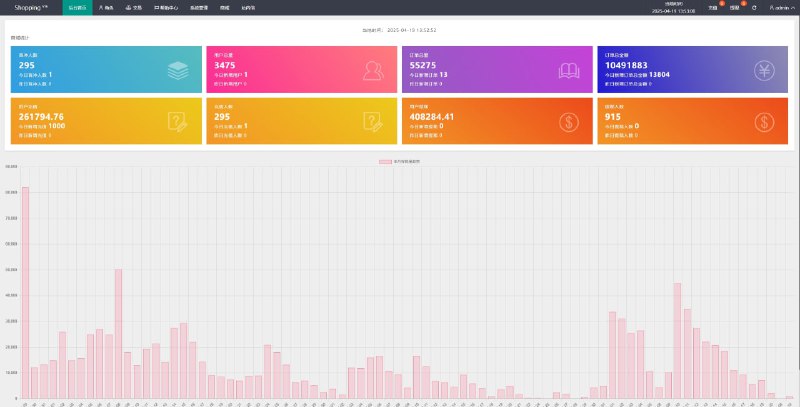
Admin Dashboard
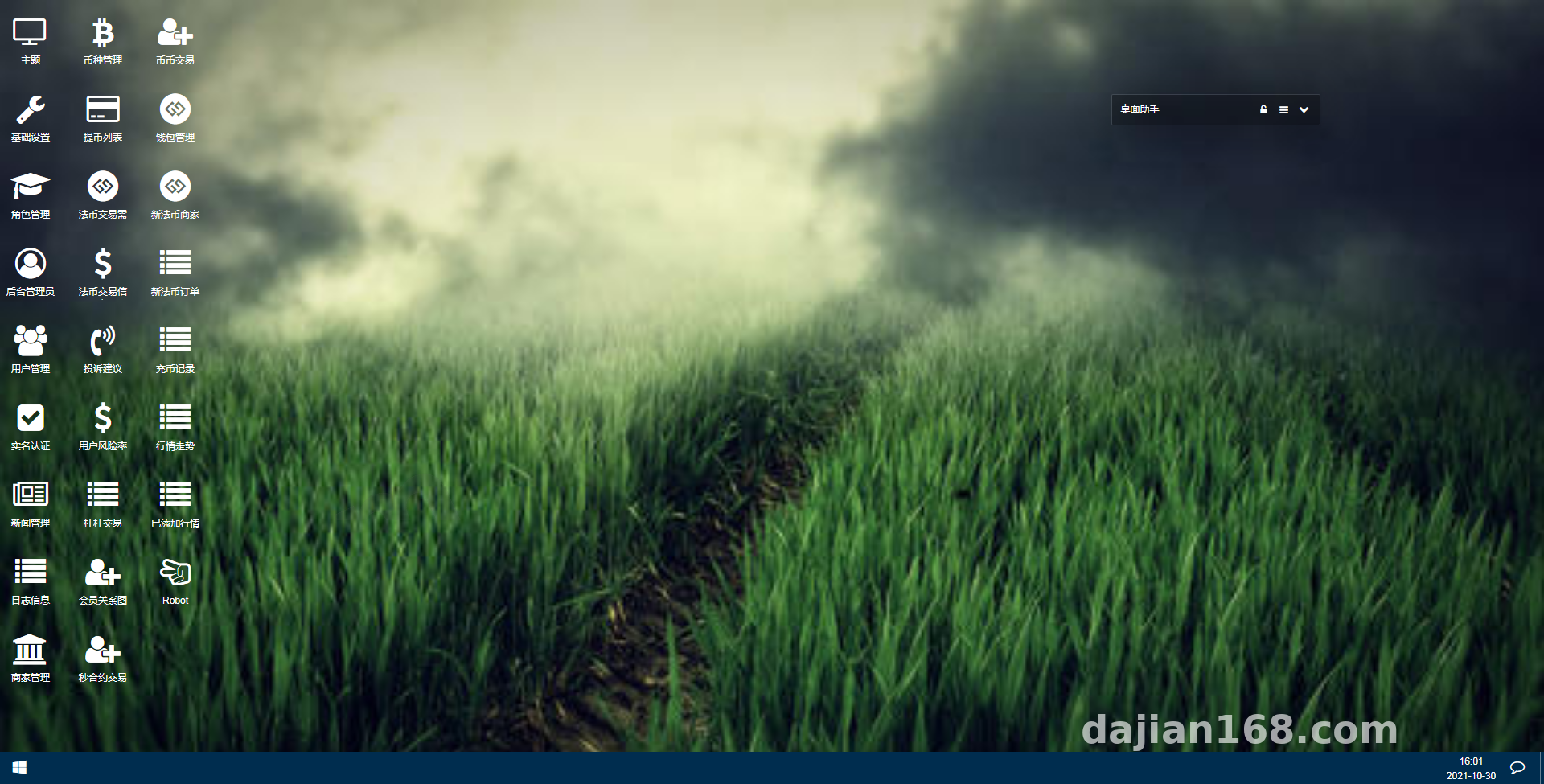
After logging into the backend, you can see modules for platform overview, user management, wallet management, currency management, platform settings, and admin permissions. The overview page shows real-time market data, simulated candlestick charts, demo contract data, BI analytics, currency statistics, user statistics, transaction statistics, and flagged user markers. These are all demo-level features and cannot connect to real fund channels.
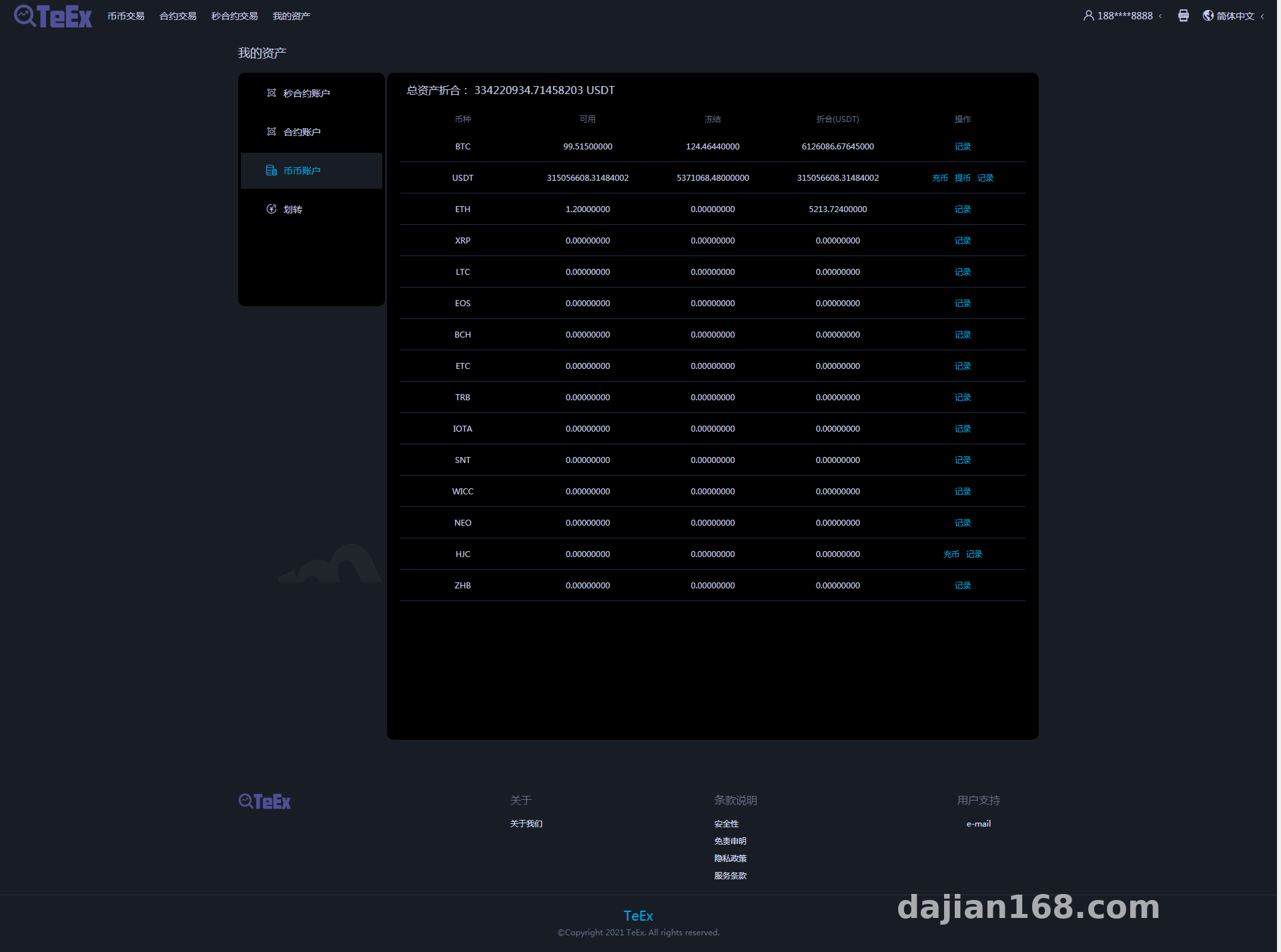
User management lets you reset passwords, verify identity information, and manage bank details. Wallet management shows user wallet balances, fund adjustments, wallet logs, and deposit/withdrawal records. Currency management lets you add currencies, set withdrawal accounts, control visibility, and manage symbol pairs. These modules are enough for system demonstration.
Frontend Experience and Multi-Language Support
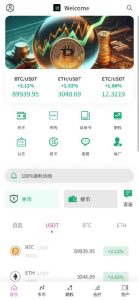
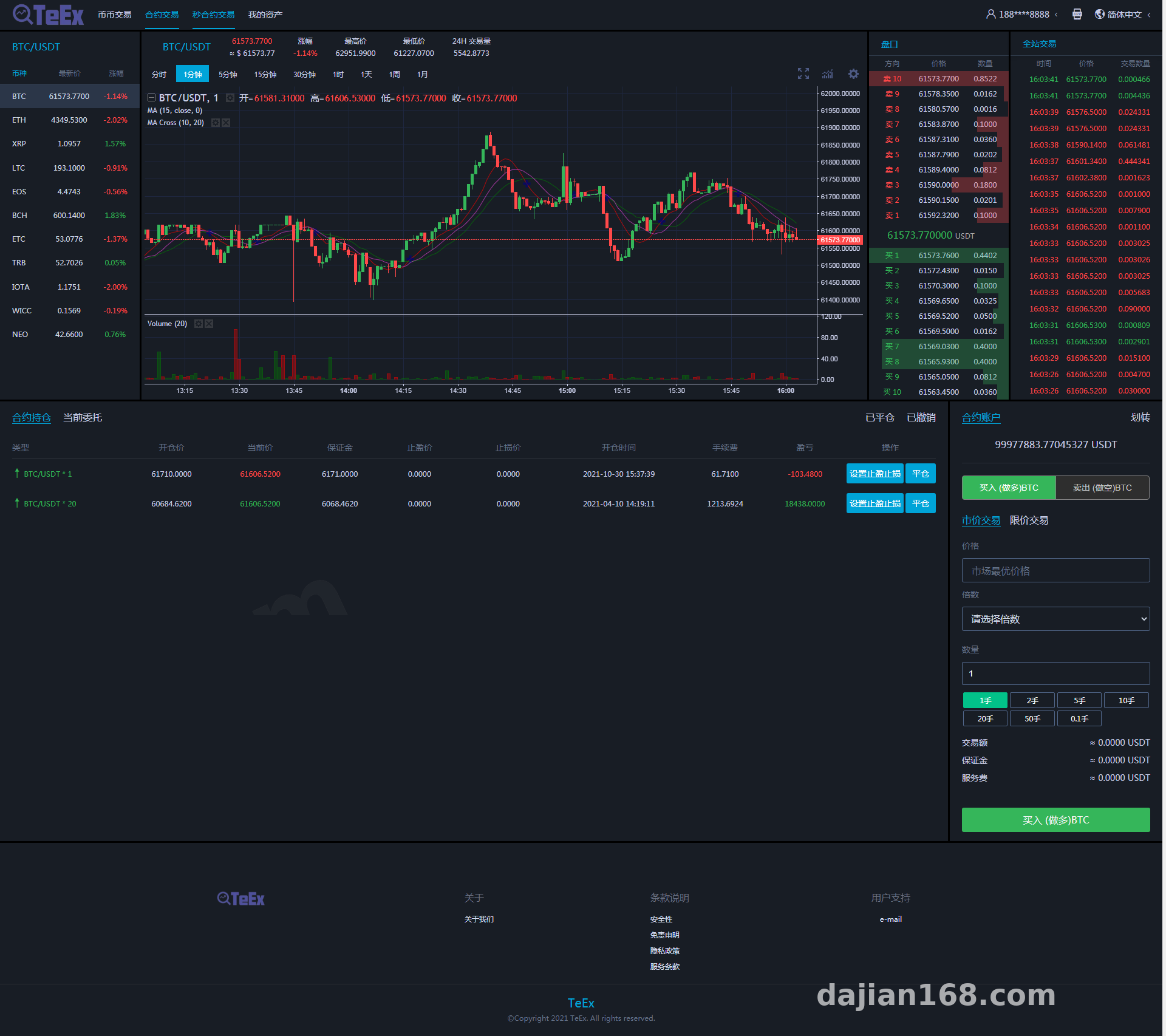
The frontend is built with Vue and responds quickly. It supports multi-language switching. I tested Chinese and English switching, and the language packs are in the frontend code, so they are easy to edit. The pages include market data, candlestick charts, a demo trading entry, a C2C fiat demo area, a leverage demo area, and a user center. The candlestick charts use an open-source chart component. There is some delay when loading data, but it is fine for demos.
Deployment Essentials: Pitfalls I Hit from Source to Go-Live
This system is not complicated to deploy, but the environment needs to be set up correctly. The first time I deployed it, I got stuck for about half an hour because of a PHP version issue, and it only ran after I switched to the recommended version.
Environment Setup
My environment was Nginx 1.20 + PHP 7.4 + MySQL 5.7 + Redis 6.0. PHP extensions needed are redis, mbstring, gd, and openssl. If the PHP version is too high, some older functions will throw errors, so follow the docs strictly. I recommend at least 2GB of server memory because the admin dashboard is resource-hungry when loading data. Redis is used for caching and session storage; without it, backend login becomes slow.
Database and Configuration Files
After importing the database file, you need to update the database connection settings in the root directory and the config directory. Note that the admin login URL and default credentials are described in the documentation. Be sure to change the admin password after the first login. I also renamed the backend path to a custom name to avoid scanning.
Also, the rewrite rules must be configured correctly. I used the Nginx rewrite configuration provided in the source code directly without writing my own. If the rewrite rules do not take effect, the frontend will return 404 after refreshing. I ran into this twice, and both times it was because the rules were wrong. The Laravel framework entry point is in the public directory, so the site root should point to public, not the project root.
Multi-Language and Secondary Development
The language packs are in the frontend src/lang folder in JSON format, which is easy to edit. If you want to add a new language, copy a language file and register it in the i18n configuration. The Vue frontend is open-source, so there is plenty of room for customization. My client wanted to change the homepage theme color, and it worked after editing a few color variables.
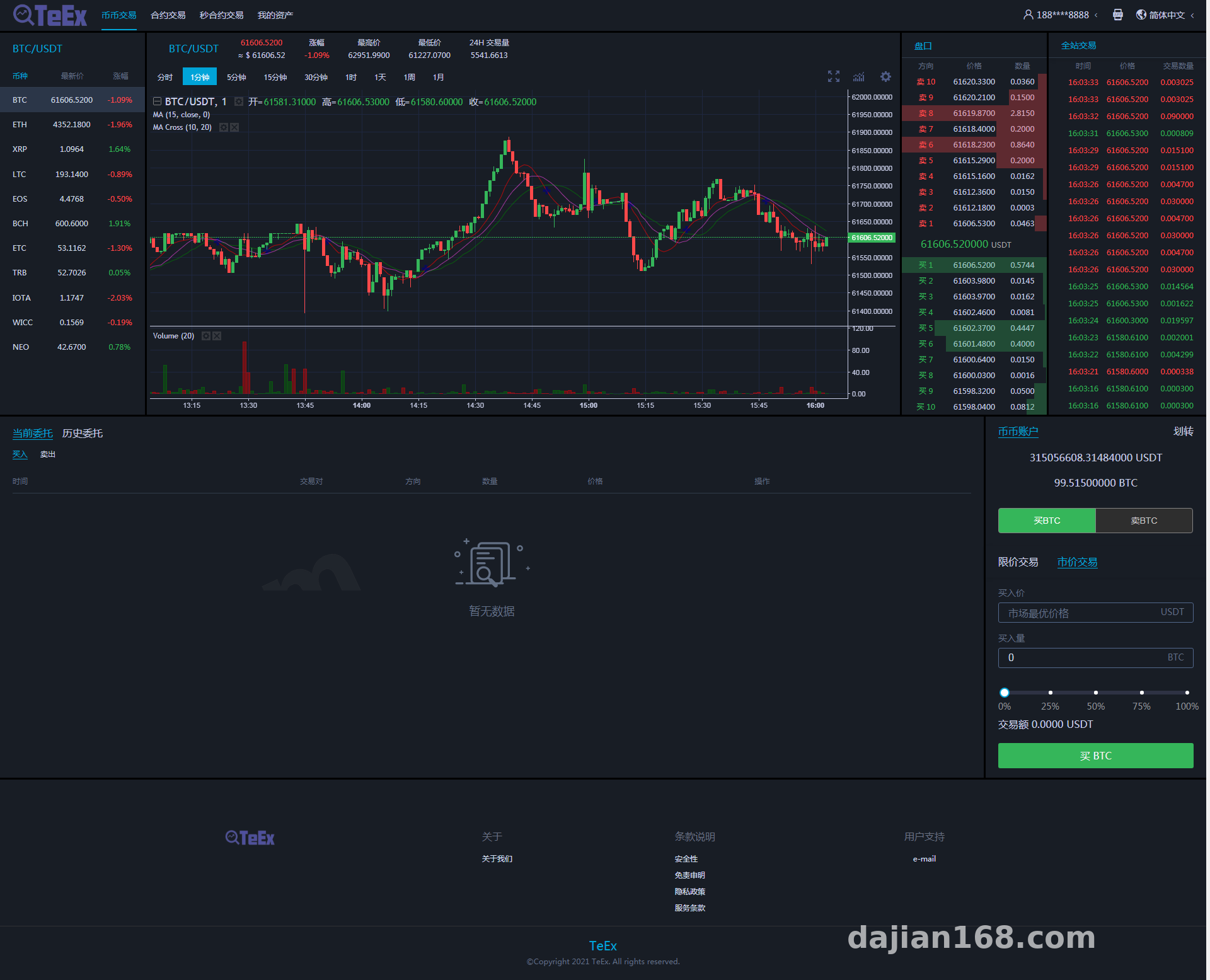
The backend APIs are REST-style and return well-structured data. If you want to connect your own data source, focus on the market data API and the candlestick chart data API. These two modules are independent and relatively easy to replace. The C2C fiat demo module and leverage demo module are also independently configurable, so you can enable only the features you need. However, note that all market data is simulated and should not be used as real market data.
Who It Is For and Use Cases
This system suits three groups of people: first, students working on computer science graduation projects who need a complete frontend-backend separated project; second, technical teams doing financial data simulation demos who need a prototype system; and third, beginners who want to learn Vue and admin dashboard development and can practice with the source code. It is not recommended for real business, especially scenarios involving real fund flows.
Highlights: The biggest value of this system is that it is fully open-source with a Vue frontend, making secondary development relatively cheap. The admin BI analytics and multi-language support are less common in similar demo systems, making it suitable for technical demos and teaching.
FAQ
Q: Can this system be launched directly for commercial use?
A: Not recommended. It is a digital asset demo platform with simulated data and no real payment or fund channels. Commercial use would require significant rework and compliance review.
Q: Can the Vue frontend code be deployed independently?
A: Yes. After building, the frontend produces static files that can run on a CDN or Nginx. Make sure the API address is set to the actual backend address, since the default may be a local address. When I deployed it, I changed BASE_API in the .env file.
Q: What if I cannot log in to the backend after deployment?
A: First check whether the database was imported successfully, then verify the database configuration in the config files. If those are correct, it may be a PHP version or missing extension issue. Check the error logs. In my case, the redis extension was not installed, which caused the captcha to fail loading.
Q: Can it connect to real data sources?
A: The market data and candlestick chart modules are independent, so you can theoretically connect external data APIs. However, all features are for data demonstration and technical learning only, not for real-world financial operations. When connecting external data, pay attention to API permissions and rate limits.
Disclaimer
This article is for technical education only. It is intended as a system demonstration and learning reference. Please comply with applicable laws and regulations. You assume all responsibility for deployment and usage, ensuring that all activities remain lawful and compliant.
Disclaimer: This article is for technical education and demonstration only. It is not professional or financial advice. Any real-world deployment must comply with applicable laws and regulations.
#digital asset demo #Vue frontend #open source #multi-language system #deployment notes
-
 Alipay QR Code Scan
-
 WeChat Scan Pay