Task Distribution System Source Code Build Guide: Task Scheduling, Queue Control, and uniapp Customization
Task Distribution System Source Code Build Guide: Task Scheduling, Queue Control, and uniapp Customization
Disclaimer: This article is for technical education and demonstration only. It is not professional or financial advice. Any real-world deployment must comply with applicable laws and regulations.
Recently I helped a friend running a cross-border e-commerce business set up a task scheduling system. As his operations scaled, manual task assignment became a bottleneck, so he wanted a program to distribute tasks and track progress automatically. This was my first time working with a source code that combines “task distribution + queue control.” The frontend uses uniapp and the backend uses PHP, which made the stack quite interesting. Today I am documenting the entire deployment process and the features I tested, as a reference for anyone who wants to build something similar.
Overall System Architecture and Module Breakdown
The first thing I did after receiving the source code was to map out the directory structure. The backend is written in pure PHP, following the ThinkPHP 6 pattern, with a clean structure that is friendly to newcomers. The frontend is built with uniapp, written in a standard way, and the components are split into fairly granular pieces.
The core modules are roughly divided into these blocks:
- Task Scheduling Center: responsible for pulling tasks from the task pool and pushing them to execution endpoints according to configured rules
- Queue Control Layer: uses Redis as a queue buffer to support concurrent scenarios without lag
- Group Dispatch Logic: matches and dispatches tasks based on user tags, levels, regions, and other conditions
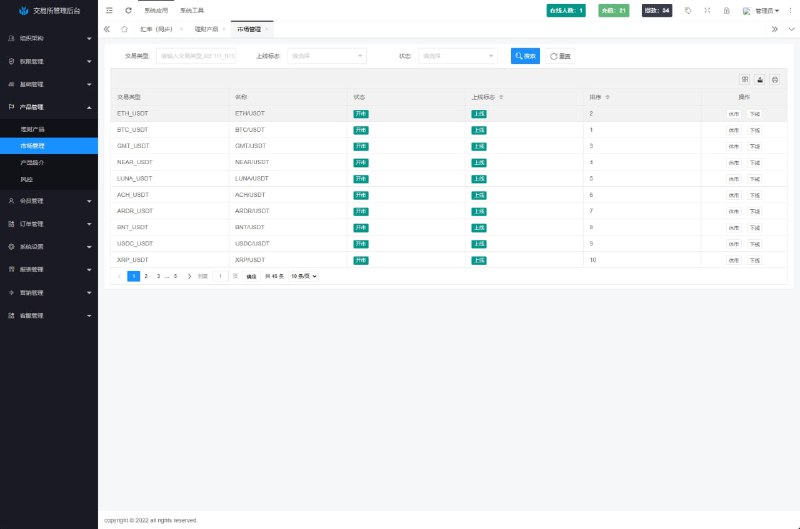
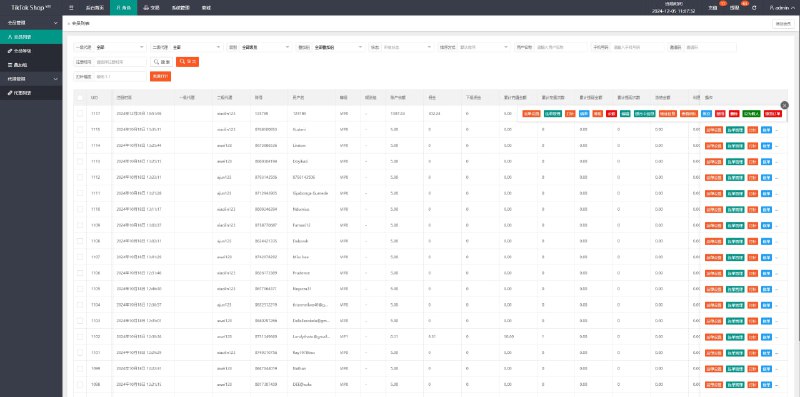
- Admin Backend: the main entry point for operations staff to configure tasks, view data, and adjust parameters
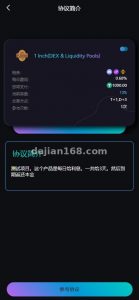
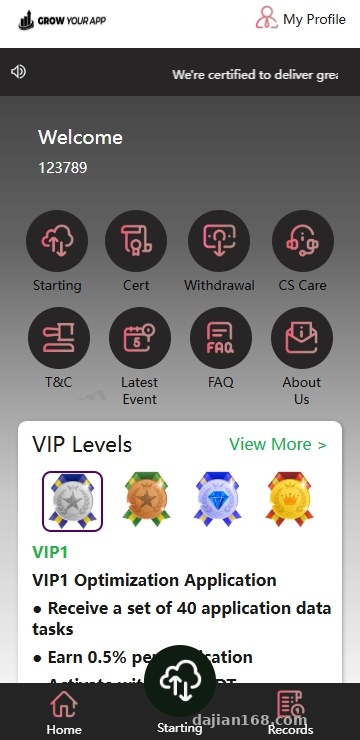
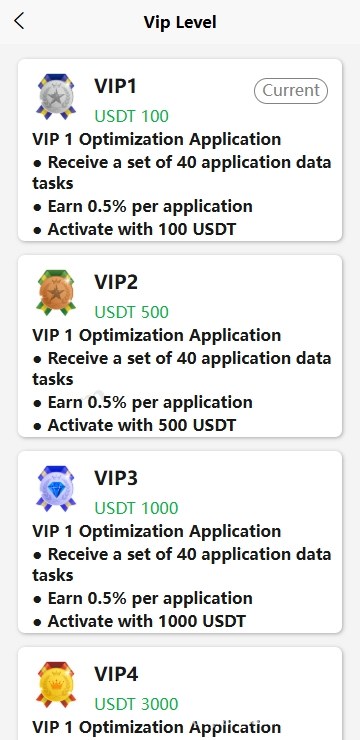
- User-side uniapp: a native English package that can be used as a base for multi-language secondary development
Data storage uses MySQL, and the queue depends on Redis. Both environments are straightforward to set up, and the official documentation is clear enough.
Backend Core File Layout
Under the app directory, you can see several key controllers: TaskController handles task CRUD operations, DispatchController handles the dispatch logic, and QueueWorker is the entry point for the queue consumer. Configurations are centralized in the config directory, including database settings, Redis, and payment callback URLs. I recommend getting familiar with these paths before deployment; otherwise, modifying them after launch becomes a hassle.
Frontend uniapp Deployment Key Points
The frontend source code ships as a single English version, which the vendor said is convenient for secondary multi-language development. I actually ran through it once: open the root directory in HBuilderX, install the dependencies, then run release compilation. The whole process did not have too many pitfalls.
A few points worth noting:
- Language files are located in common/lang. Adding a new language only requires adding a JS file to this directory.
- App icons and splash screens are in the static directory, and you can replace them directly.
- After H5 packaging, I recommend placing it in a subdirectory under Nginx to avoid polluting the main site’s styles.
- The app side requires configuring push certificates to receive task notifications.
When I did the multi-language secondary development, I added Traditional Chinese, Japanese, and Korean versions, which took about half a day in total. The translation volume was not large, mostly button text, popup prompts, and email templates.
App Packaging Tips
uniapp Android packaging can use cloud packaging or offline packaging. Cloud packaging is fast but requires an internet connection, while offline packaging requires configuring the SDK environment. Newcomers are advised to first run a standard base package to confirm functionality before switching to a formal certificate.
Backend Functionality Testing and Payment Integration
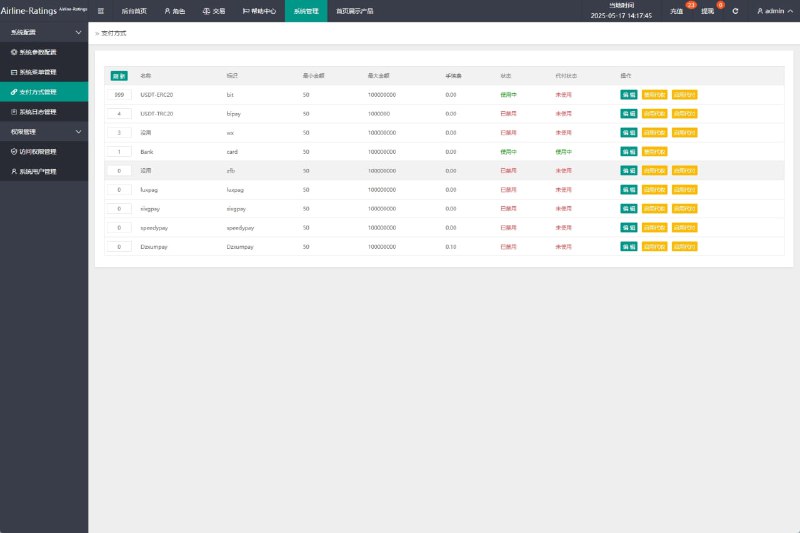
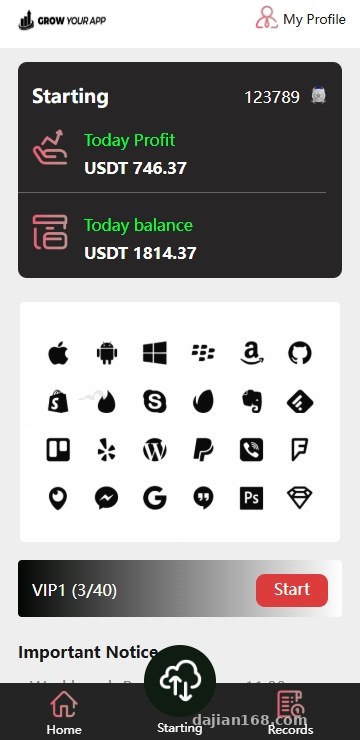
The backend homepage is a dashboard showing today’s task volume, pending queue, completion rate, and other core metrics. I clicked through several core menus to check the actual logic:
- Task Management: supports batch task imports, CSV uploads, and automatic deduplication
- Group Configuration: tags users by attributes and matches tasks to be dispatched preferentially to higher-trust users
- Payment Callback: natively supports WeChat Pay and Alipay, and the callback URL is changed in the payment config
- Data Export: task flows and user behavior can be exported to Excel, which is convenient for review
After actual testing, the backend response speed was decent. A single-server deployment running 20,000 task records did not lag. If business volume grows, I recommend increasing the PHP-FPM process count to above 20 and enabling Redis persistence. Combining these two can handle 50,000 to 100,000-level data.
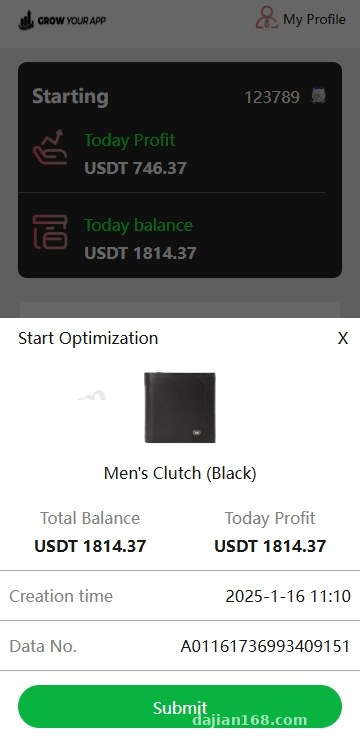
For payments, I focused on testing the callback logic. The system defaults to a standard asynchronous notification process. After a successful payment, it updates the task status and sends a notification email. The callback URL must be configured as HTTPS; otherwise, some payment channels will reject the signature.
Queue Consumer Pitfalls
During my first deployment, I encountered an issue: tasks were piling up in the queue, but the consumer was not working. After troubleshooting, I found that the Redis password was not being read. It was written in the config, but the environment variable was not taking effect. Before going live, I recommend running php artisan queue:work manually to test the consumer, which can save a lot of time.
Deployment Environment and Launch Recommendations
For the server, I used a 2-core 4 GB Ubuntu 22.04 instance with PHP 8.1, Nginx 1.18, MySQL 8.0, and Redis 7.2. This combination ran stably in testing. If budget allows, I recommend going directly to 4-core 8 GB, so you do not have to migrate urgently when business volume grows.
There are two key points in the Nginx configuration. First, enable gzip compression, because the H5 package produced by uniapp is relatively large. Second, configure pseudo-static rules; otherwise, routes will return 404. The pseudo-static rules can be found online using the general template for ThinkPHP 6, just change the entry file name.
For domains, I recommend using a primary domain for the main site and a subdomain for the admin backend. This is convenient for management and access control. An SSL certificate is a must, because browsers are increasingly unfriendly to HTTP sites.
Who Is This System Suitable For
After running through the entire setup, my feeling is that this source code is more suitable for developers with some PHP foundation, or teams with a dedicated technical contact. Pure beginners are not advised to start directly, because even installing uniapp dependencies can be challenging enough.
Specifically:
- Cross-border e-commerce teams that need to batch assign tasks and track progress
- Studios running task crowdsourcing businesses
- Entrepreneurs who want to test the waters with an English task platform for overseas markets
- Enterprises that need to quickly build an internal task scheduling system
If you are purely targeting the domestic market, the advantage of this English frontend template is not obvious, so I recommend finding a native Chinese version to save effort.
Common Questions
Q: Is the source code open? Can I modify features myself?
A: The source code is fully open, and both the PHP backend and the uniapp frontend can be modified. For feature changes, I recommend first getting familiar with the ThinkPHP 6 directory conventions. Frontend changes mainly focus on the pages and components directories. After modifying, remember to run the H5 version for verification.
Q: Does multi-language secondary development require rebuilding the frontend?
A: No, you only need to add language files under common/lang and add a language switch judgment. The entire multi-language mechanism is configuration-driven and does not require rewriting components.
Q: Do I have to use the payment gateway that comes with the source code? Can I use my own?
A: You can switch it. Payment logic is encapsulated in PayService. As long as you follow the unified callback format, connecting your own payment channel is completely fine. Before connecting, I recommend clarifying the callback URL and signature algorithm, otherwise reconciliation will be troublesome.
Q: Will Redis queue failures cause task loss?
A: With persistence enabled, tasks will not be lost, but in extreme cases such as server power failure, a very small number of temporary tasks might be lost. For production deployment, I recommend adding a slave Redis for a master-slave setup, combined with monitoring scripts to further reduce risk.
This article is for technical education only. The system is intended for legitimate business scenarios and lawful use. Please comply with applicable regulations and do not use it for any unauthorized purposes.
Disclaimer: This article is for technical education and demonstration only. It is not professional or financial advice. Any real-world deployment must comply with applicable laws and regulations.
#task distribution system #uniapp source code #PHP deployment #ThinkPHP #multi-language development
-
 Alipay QR Code Scan
-
 WeChat Scan Pay