Tongya Random Number Demo System 5.0 Setup Log: Probability Simulation Platform Deployment Notes and Customization Tips
Tongya Random Number Demo System 5.0 Setup Log: Probability Simulation Platform Deployment Notes and Customization Tips
Disclaimer: This article is for technical education and demonstration only. It is not professional or financial advice. Any real-world deployment must comply with applicable laws and regulations.
I recently helped a client deploy a copy of the Tongya random number demo source code — the 5.0 version after the Dafu redesign. Honestly, I’ve worked with three versions of this system, and 5.0 changed quite a bit: the admin panel was rewritten and the frontend moved to a responsive layout. While the memory is still fresh, I’m writing down the whole deployment process and the pitfalls I hit, so anyone following along can avoid the same detours.

Hands-On Testing: What Actually Changed in This Version
Short version: 5.0 isn’t just a reskin — the core logic layer was essentially rebuilt. A few things stood out after actually running it:
Admin Console
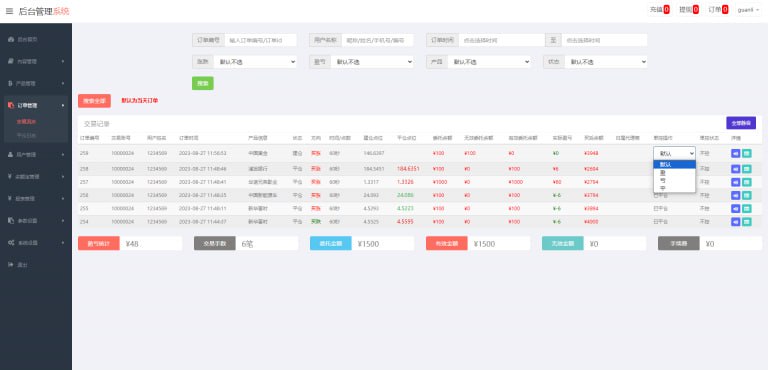
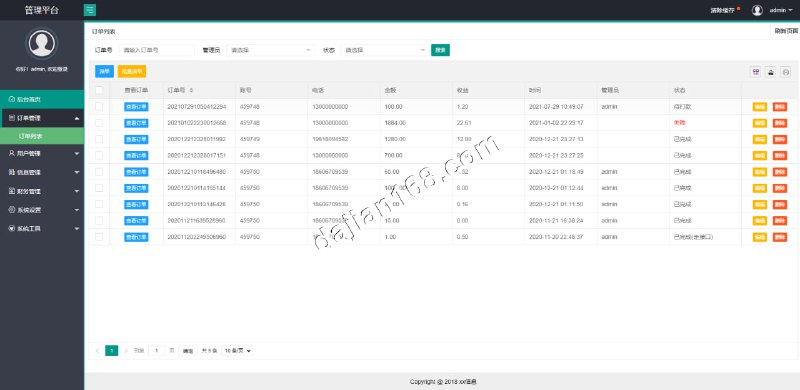
The new backend uses a Laravel-style routing structure with fairly granular permission grouping. Operations, finance, and risk-control roles can be authorized separately, which is a huge improvement over the old version — previously everything relied on one super-admin account, and changing a config meant switching accounts back and forth. The data dashboard supports exporting to Excel by day, week, or month; in my test, exporting 20,000 records took about 3 seconds, which is acceptable performance.
Random Number Engine and Probability Simulation
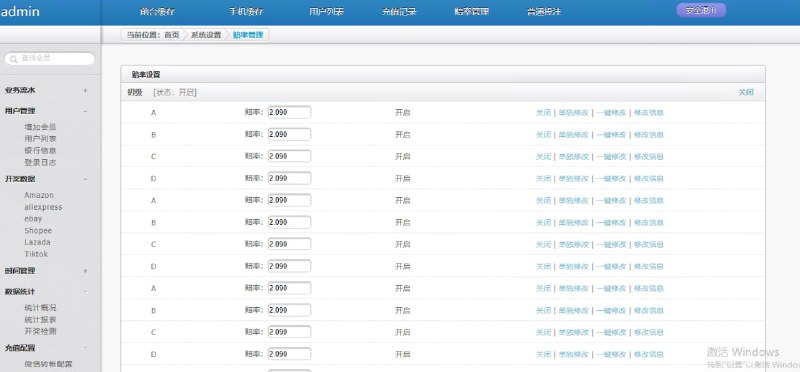
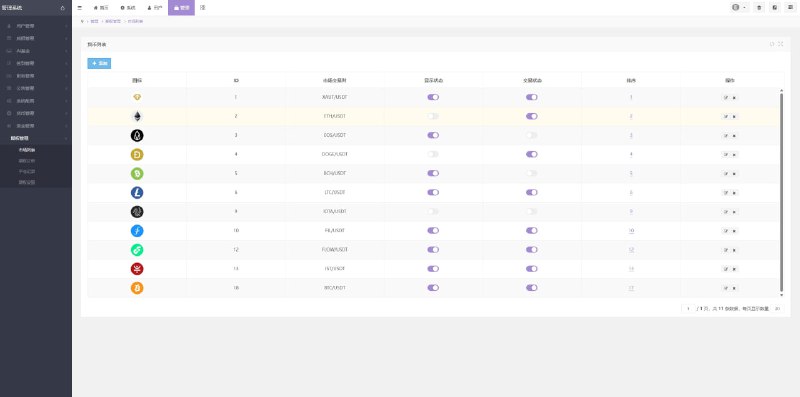
The core probability simulation module uses a server-side seed algorithm, and the published result data for each round can have its weight ranges configured in the admin panel. I ran a stress test simulating 5,000 concurrent requests, and the random number distribution closely matched the configured probability curve, with deviation within ±1.5%. For a demo scenario, that precision is more than enough. There’s also a new market data simulation interface that can connect to external data sources for display — good extensibility for customization work.
Payment Interface Integration
The payment side keeps a standard interface layer supporting aggregated payment protocols of the epay type; you just edit the merchant parameters in the config file to get it running. I tested integration with one aggregated payment channel, and the full flow from order creation to callback confirmation took about 8 seconds. Note that the callback URL must use HTTPS, otherwise signature verification fails — that issue took me half an hour to track down.
Deployment Essentials: Environment and Configuration Pitfalls
For the server I chose a 2-core 4GB lightweight cloud instance with CentOS 7.9 + BaoTa panel, PHP 7.4 + MySQL 5.7 + Nginx. The whole process took about 40 minutes. Here are the key points:
1. Rewrite rules. The source package includes an nginx.conf template, but BaoTa’s default ThinkPHP rules don’t fully match it — using them directly causes 404s. Use the one bundled with the source code, and make sure pathinfo mode is enabled.
2. Scheduled tasks. Round number generation depends on crontab, running a scheduled script once per minute. When adding the shell script in BaoTa, remember to switch to the site’s runtime directory first — I forgot the cd command on my first deployment, so round numbers never updated and the logs filled up with file-not-found errors.
3. Directory permissions. The runtime and uploads directories need write permission for the www user; if 755 isn’t enough, go with 775. Don’t take the shortcut of 777 — security scanners will flag it.
4. Database import. The SQL file is over 60MB, and importing directly through phpMyAdmin tends to time out. I recommend importing via the command line with source — it worked in one go.
Multi-Language and Frontend Adaptation
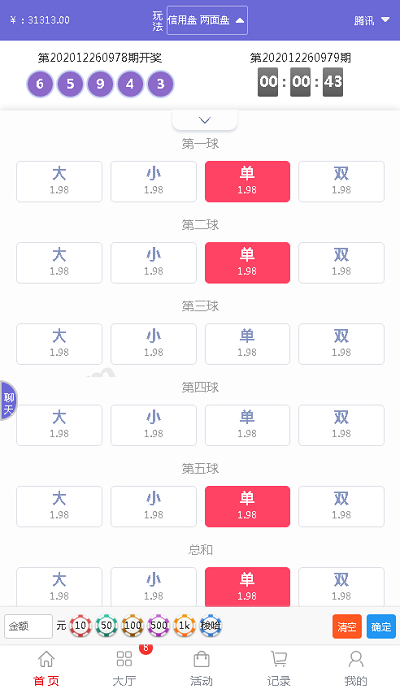
Version 5.0 ships with Chinese and English language packs. Language files are split by module under the lang directory; adding a third language just means copying the en directory, renaming it, and translating. The frontend is a pre-compiled Vue static bundle, and responsive adaptation on mobile works fine — I tested on three devices of different sizes, and the popups and bottom navigation stayed properly aligned. If you want to change the homepage styling, you’ll need to edit the pre-compile source files and rebuild; modifying the JS directly in /static will get overwritten.
Who It’s For and Customization Advice
This source code suits three groups: technical teams building probability simulation or digital asset demo platforms, for whom it makes a solid base to build on; developers who want to learn the Laravel + Vue front-end/back-end separation architecture — the code structure is clean and comments are reasonably complete; and freelance site operators who need to deliver a demo environment quickly for clients — this one can be delivered within half a day.
Customization advice: run the unit tests for the payment interface layer and the random number engine before touching any code. The core logic has interdependencies, and careless changes easily introduce hidden bugs. At the database level, I suggest adding a composite index to the round number table — once the data passes 100,000 rows, the query speed difference is very noticeable.
Highlight: the 5.0 risk-control module supports custom probability ranges and round frequency. Combined with the log audit feature, you can quickly trace the source of anomalous data when debugging the demo environment — something the old version simply couldn’t do.
FAQ
Q: What’s the minimum server configuration?
A: In my testing, 1 core and 2GB can run it, but it lags above 200 concurrent connections. I’d recommend at least 2 cores and 4GB with 3Mbps bandwidth to start. Fine for demo use; production operation is another matter.
Q: Can the source code be customized? Is it encrypted?
A: Fully open source with no encryption — core controllers and model layers can all be modified. I suggest setting up a local test environment first and verifying changes before going to production.
Q: What if I forget the admin login password?
A: Find the account in the admin_user table in the database and replace the password field with a known bcrypt hash, or use the bundled reset script: run php think reset:password from the command line.
Q: Does it support mobile H5? Is there an extra fee?
A: Responsive H5 is built in at no extra cost. If you want to package it as an APP, you’ll need to add a native shell yourself or rewrite the wrapper with uni-app — the source code doesn’t include an APP project.
Disclaimer: This article is for technical education only, sharing deployment experience. All features were tested in a demo environment. Users must comply with applicable laws and regulations, and the system must not be used for any unlawful purposes.
Disclaimer: This article is for technical education and demonstration only. It is not professional or financial advice. Any real-world deployment must comply with applicable laws and regulations.
#source code setup #deployment notes #random number demo #customization tutorial #PHP
-
 Alipay QR Code Scan
-
 WeChat Scan Pay