Building a Financial Data Visualization System: Multi-Asset Market Simulation with Admin Dashboard (uniapp + PHP)
Building a Financial Data Visualization System: Multi-Asset Market Simulation + Admin Dashboard
Disclaimer: This article is for technical education and demonstration only. It is not professional or financial advice. Any real-world deployment must comply with applicable laws and regulations.
Recently I helped a friend who runs financial education courses build a multi-asset market simulation system. The frontend uses uniapp, the backend is PHP, and it ships with the full source code. Honestly, I spent about two weeks wrestling with it, mostly because the language switching and candlestick rendering in uniapp threw a few curveballs. In this post I am laying out the deployment process and key features so anyone who wants to build a market demonstration platform can use it as a reference.
Core Features in Real Testing
The system is clearly positioned for financial teaching or market demonstration scenarios, not a real trading platform. Let me walk through the main modules one by one.
Multi-Asset Market Simulation
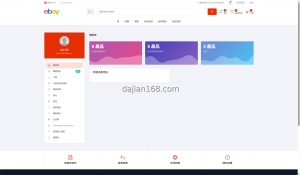
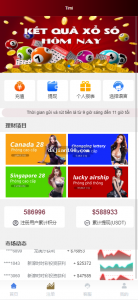
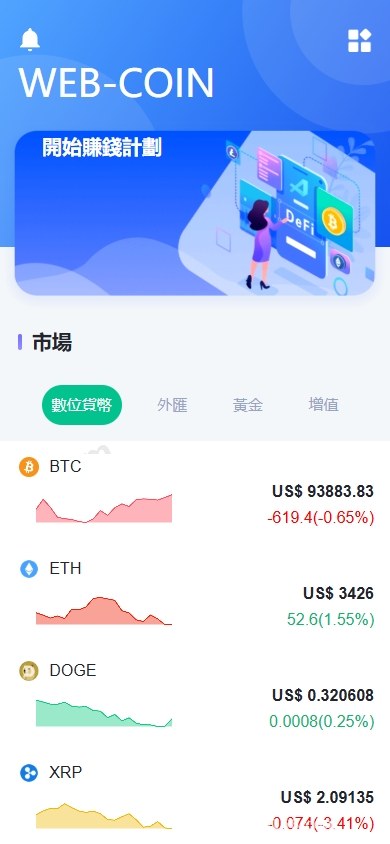
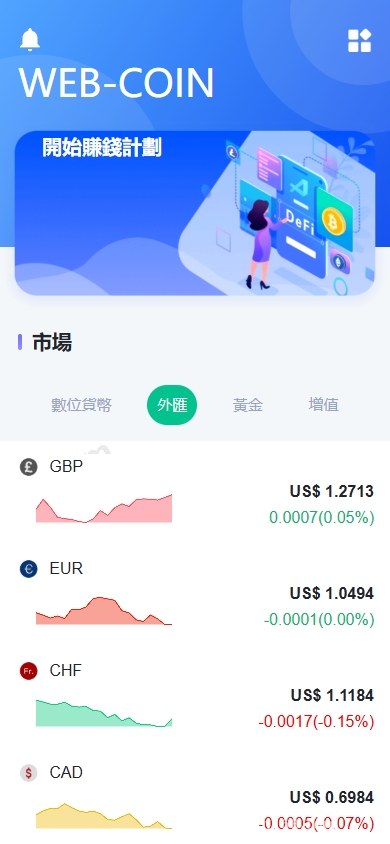
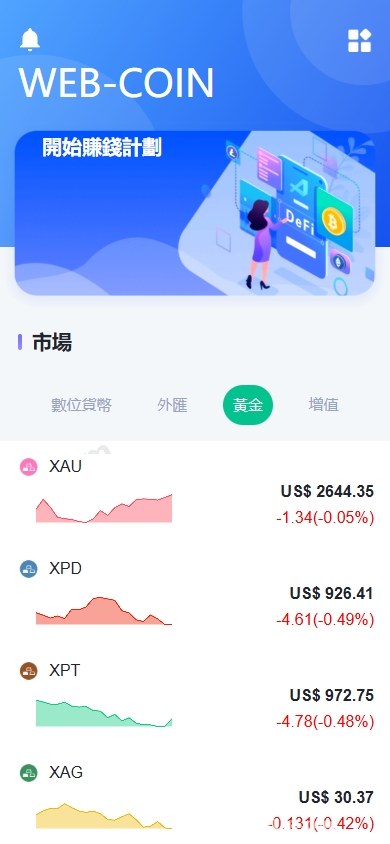
The system ships with display panels for several major asset classes, including foreign exchange, gold, digital assets, and stock indices. Each asset has its own candlestick chart, supporting the usual time-frame switching: 1-minute, 5-minute, 15-minute, 1-hour, daily, weekly, and monthly. The chart component uses a mature charting library, and rendering is smooth enough that a few hundred candlesticks do not stutter.
The admin dashboard lets you manually set each asset’s starting price, volatility range, and price-limit rules, which makes teaching demonstrations easy. If you want to show students what an extreme market scenario looks like, just widen the volatility range and the candlestick chart immediately becomes dramatic.
Demo Contract Module
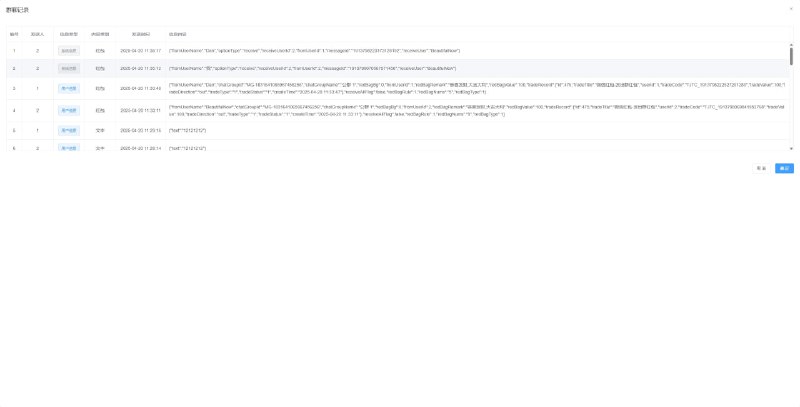
I paid special attention to the contract logic, and it is written fairly completely. Opening and closing positions, take-profit, stop-loss, margin calculation, and forced-demo liquidation reminders are all included. The order book and trade records are also queryable in the admin dashboard.
Keep in mind this is simulated matching only. All data flows through the local database, no external market API is connected, and there is no wallet authorization. There is no real security risk; it is purely for demonstration purposes.
Arbitrage and Return Calculation Demo
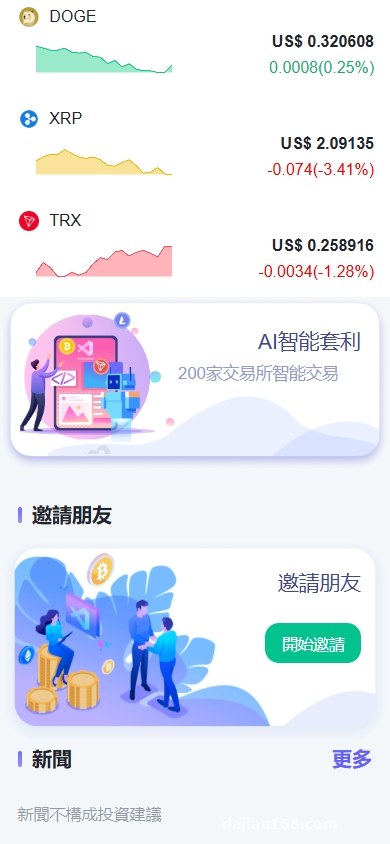
The system includes a simple cross-asset spread calculation panel that shows two real-time prices side by side and computes the percentage spread. This is a very intuitive way to explain what a spread opportunity looks like to students.
There is also a return calculator: enter principal, period, and expected annual rate, and it automatically shows the maturity value. The lending module works the same way, letting you demonstrate borrowable amounts under different collateral ratios. All of these are purely formula-level displays.
Highlight: the entire system stores data locally and has no external API dependencies. After deployment, it can run offline, which is especially friendly for classroom teaching scenarios. You do not have to worry about a flaky network ruining the demo.
Mining and Staking Simulators
The mining module is essentially a countdown plus an earnings accumulator. The admin sets daily output, cycle length, and hashrate parameters, and the frontend displays cumulative output in real time. Staking works similarly: users lock up simulated assets, and rewards are released by day. Both modules are pure frontend logic with no on-chain interaction, so they are used only as teaching props.
Deployment Notes and Pitfalls I Hit
Here are the parts of the deployment process that are worth mentioning, because I ran into each one personally.
Environment Setup
The backend requires PHP 7.4 or higher, and MySQL 5.7 or 8.0 both work fine. I used Baota Panel with Nginx, and PHP 8.0 ran without issues. Remember to enable the fileinfo extension, or data imports will throw errors.
For the uniapp frontend, I recommend compiling with HBuilderX. You can publish it as a website or mini-program and it will run. I released it as an H5 version and placed it on the server so users can access it directly through the domain.
Database Structure
Just import the database file and you are done. There are about thirty tables, covering users, orders, candlestick data, asset configuration, and admin accounts. After importing, remember to update the database connection in application/database.php.
Multi-Language Switching
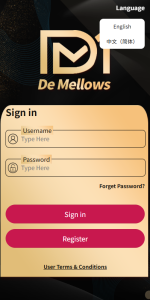
The system ships with language packs for Simplified Chinese, Traditional Chinese, English, Japanese, and Korean. The translation files sit in /application/lang/ as key-value pairs, so they are easy to edit. During testing I found a small bug: after switching languages, the time-frame labels on the market page did not refresh automatically, and I had to reload the page manually. I fixed it by adjusting the frontend listener event, but the official source code had not patched this yet.
Customization Ideas and Who It Fits
The code structure is reasonably clean, so there is plenty of room for customization. The common modification points are:
- The admin dashboard can customize assets and adjust initial candlestick data.
- Frontend theme colors and the logo can be changed in the configuration files without touching core code.
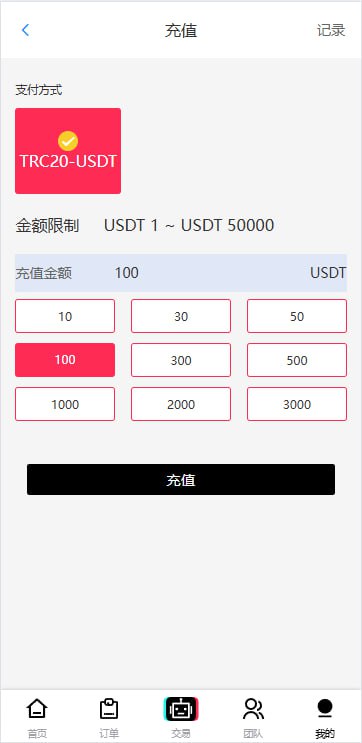
- A simulated top-up interface is reserved if you want to add a demo recharge flow.
- The membership and points system can be toggled on or off.
Who is it for? I have summarized a few typical scenarios:
- Financial education and training institutions that need to demonstrate market trends and trading logic to students.
- Educational content studios that need a data-visualization demonstration tool.
- Individual developers who want to study candlestick rendering and simulated matching as a learning project.
- Enterprise internal training, such as onboarding new hires on financial basics.
The scenarios that do not fit are equally clear: anything involving real money, user deposits, or withdrawals is not supported, and there is no reason to force the system in that direction.
Frequently Asked Questions
Can the system connect to real market data?
Answer: The market data in the source code is simulated locally, generated by admin configuration or scheduled tasks. If you want to connect a third-party market API, you need to write a data collection script at the data layer, writing the data into the corresponding candlestick tables. The workload is moderate; most of the effort is API integration and data cleaning.
Can the uniapp frontend be packaged as an app?
Answer: Yes. In HBuilderX choose Publish -> Native App – Cloud Packaging. Note that iOS packaging requires a certificate, while Android is simpler and cloud packaging offers a free quota. The packaged app is basically the same as the H5 version in functionality, and the experience is a bit smoother.
How do admin permissions work?
Answer: The system has a built-in role-permission module. By default there are super admin and general operator roles. You can add new roles in the backend and assign specific menu and operation permissions to each role. The granularity is decent; even button-level permissions on a single page can be controlled.
Are there hidden links or backdoors in the source code?
Answer: I scanned the entire code during deployment and found no suspicious external requests or data reporting. File names follow normal functional naming, and the archive is not encrypted or obfuscated. Still, I recommend changing the default admin account and password after deployment and setting a fresh database password; that should cover the basics.
What server configuration is needed?
Answer: For demonstration use, a 2-core CPU, 4 GB RAM, and 5 Mbps bandwidth cloud server is enough. The system itself is not resource-hungry; what consumes memory are the PHP processes and database connections. If concurrent online users exceed 500, consider upgrading to 4-core 8 GB and adding Redis caching.
Disclaimer: This article records the technical deployment process only. All content shown is simulated data. This article is for technical education only. Please comply with applicable laws and regulations and do not use the system for any illegal or unauthorized purposes.
Disclaimer: This article is for technical education and demonstration only. It is not professional or financial advice. Any real-world deployment must comply with applicable laws and regulations.
#financial data visualization #market simulation #uniapp #PHP source code #deployment log
-
 Alipay QR Code Scan
-
 WeChat Scan Pay