Multi-Task Distribution System Build Guide: Vue Frontend + Manual Task Queue + Multi-Language Deployment
Multi-Task Distribution System Build Guide: Vue Frontend + Manual Task Queue + Multi-Language Deployment
Disclaimer: This article is for technical education and demonstration only. It is not professional or financial advice. Any real-world deployment must comply with applicable laws and regulations.
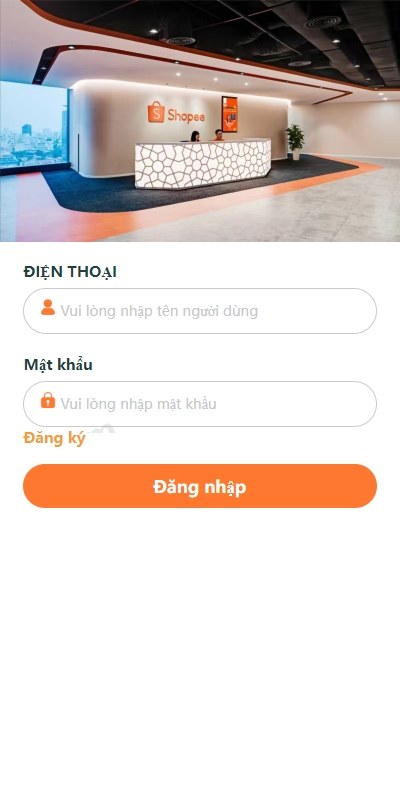
Recently deployed a task distribution scheduling system for a client. The frontend is built with Vue, and the main feature is manual task assignment mode with queue control. Since the client’s team is based in Vietnam, the interface was made as a Vietnamese single-language version, and the backend allows manual task assignment to users. The entire setup process had a few pitfalls, so I’m recording the deployment key points and feature testing here.

System Feature Testing
Frontend Task Distribution Flow
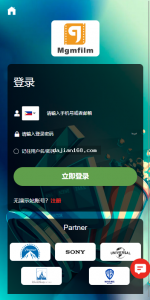
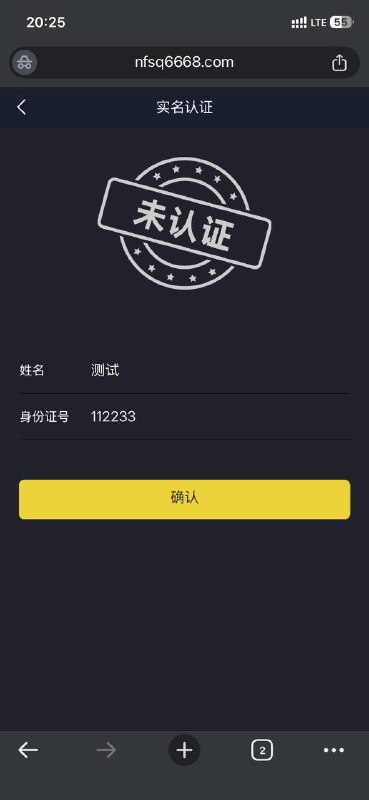
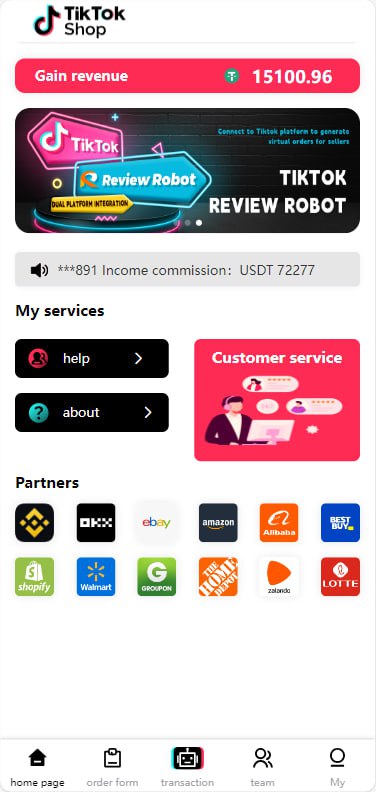
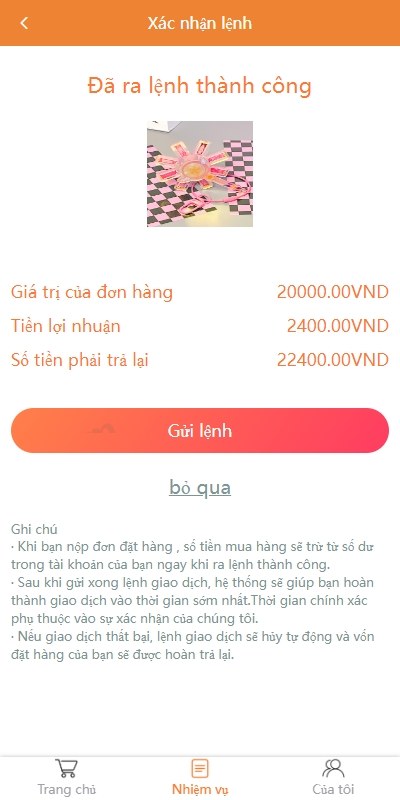
After users log into the frontend, they enter a task waiting interface. At this point, they won’t automatically receive tasks—they must wait for backend administrators to manually assign them. This design suits scenarios requiring manual review, like customer service ticket allocation or outsourcing task distribution. The frontend is built with Vue, response speed is decent, and task status switching refreshes almost in real time.
The task queue follows first-in-first-out logic. Administrators can see all pending tasks in the backend pool, click on a specific task, and then select which user to assign it to. In testing, single assignment latency was around 200ms, and with 50 concurrent users there was no noticeable lag.
Backend Task Assignment Console
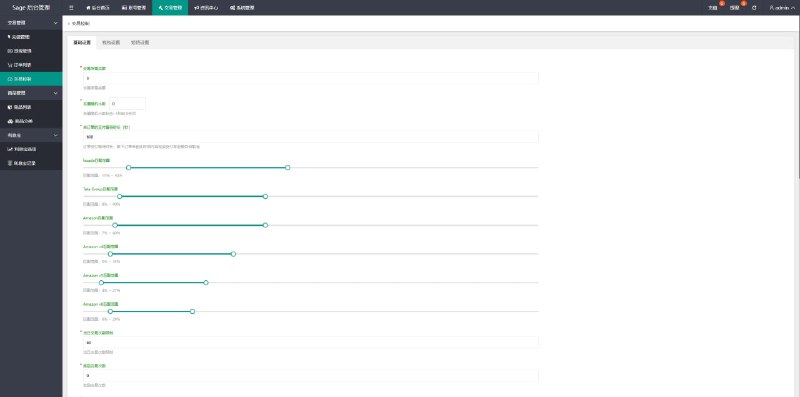
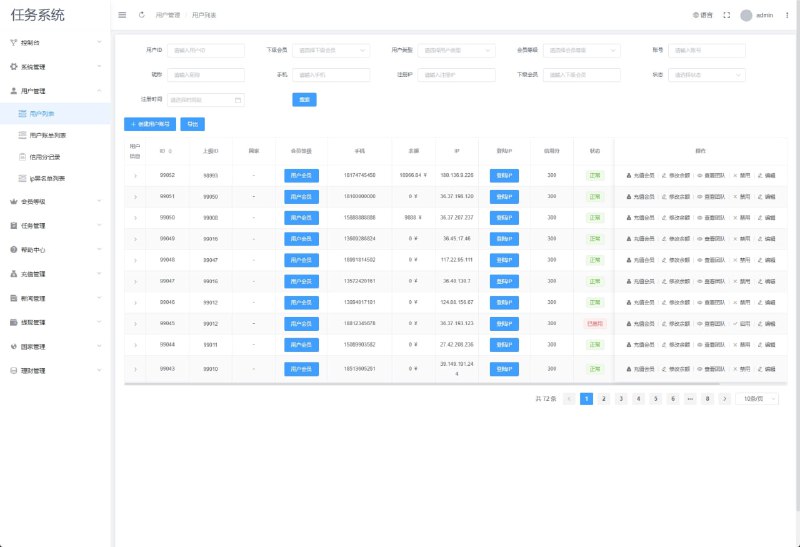
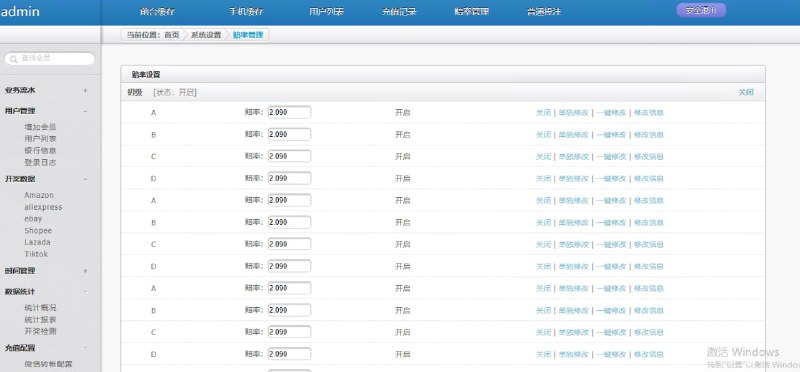
The backend management interface is fairly comprehensive, with main modules including task pool management, user list, assignment records, and data statistics. Assignment methods support both individual and batch allocation. For batch operations, you can filter by user level or online status.
Core highlight: Queue control supports pause and resume functions. During peak periods, you can manually control assignment speed to prevent certain users from receiving too many tasks to handle.
Permission settings are quite granular—you can grant different administrators different operational permissions. For my client, I configured supervisors to assign all tasks while team leaders could only assign within their own groups, preventing unauthorized operations.
Deployment Key Points
Environment Preparation
Used a CentOS 7.6 server. The Vue frontend requires Node.js 14 or above, and the backend needs PHP 7.4 with MySQL 5.7. The database table structure is fairly simple—mainly three core tables: task table, user table, and assignment record table. I recommend adjusting the MySQL max_connections parameter to 500 or above in advance.
Two things to note in Nginx configuration: first, after Vue frontend packaging, you need to configure try_files to prevent 404 errors on refresh; second, backend API interfaces need separate upstream configuration for load balancing. I didn’t configure proxy_set_header at first, which caused the backend to fail to get real IPs—took me half a day to troubleshoot.
Multi-Language Configuration
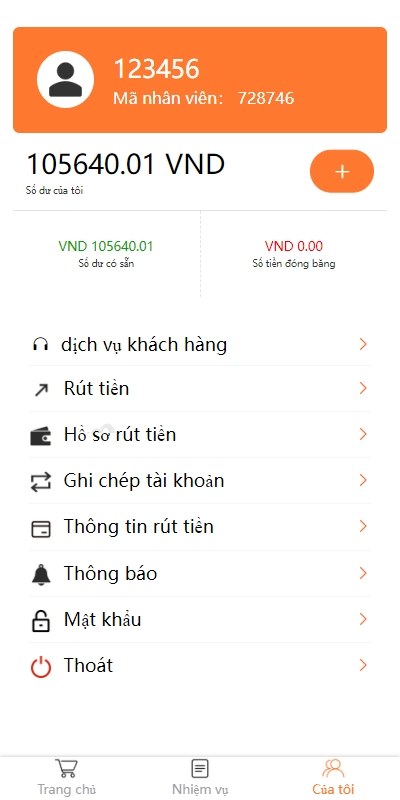
This system’s frontend only has Vietnamese, with the language pack placed in src/lang/vi.js. To expand to other languages, you need to add language files in the vue-i18n configuration, then check all page $t() calls. In testing, Vietnamese character length is longer than Chinese, causing some button text to overflow. I suggest adjusting button width in advance or handling it with ellipsis.
The backend management side defaults to Chinese. If the client needs administrators to also use Vietnamese, you’d have to create a separate admin-side language pack. My client only required Vietnamese for the frontend while keeping the backend in Chinese, which saved a lot of work.
Secondary Development Notes
The source code structure is quite clear. The Vue frontend componentization is well done—to modify the interface, just find the corresponding .vue file. The backend API uses the ThinkPHP framework with controllers and models separated. To add new features, just add files in the controller directory.
The payment interface section has a reserved spot but isn’t implemented. If you need to add payment functionality, I recommend using third-party aggregated payment—directly integrating official SDKs is more troublesome. I previously helped another client integrate Alipay and WeChat Pay, and just the callback verification took two days to debug.
Suitable Use Cases
This system is well-suited for teams that need manual control over task allocation, such as customer service center ticket distribution, outsourcing platform task scheduling, or internal OA approval workflows. Automatic assignment logic doesn’t fit all scenarios—some businesses genuinely require administrators to flexibly allocate based on actual circumstances.
Regarding multi-language support, if your user base is in Southeast Asia, small language interfaces like Vietnamese and Thai can really improve user experience. My client reported that after launch, user complaint rates dropped significantly—previously many Vietnamese users couldn’t understand the Chinese interface.
Common Questions
Question: After deployment, the frontend keeps showing waiting for tasks, and even after backend assignment there’s no response?
Answer: Check whether the WebSocket connection is normal—this system uses WebSocket to push task status. If the server firewall blocks the WebSocket port, you need to open the corresponding port in the security group. The default is 9502.
Question: Can it be changed to automatic assignment mode without manual administrator allocation?
Answer: Yes, it can be modified. You need to add automatic allocation logic in the backend Task controller. I suggest using load balancing based on user online status and current task count to avoid over-allocating to certain users. The code changes aren’t extensive—mainly writing a scheduled task to poll the pending allocation queue.
Question: Does it support exporting assignment records and data statistics?
Answer: The backend has an export function that can export assignment records in Excel format by time range. The data statistics section has basic chart displays. If you need more complex report analysis, I recommend integrating BI tools or writing your own SQL queries.
Question: What Vue version is the frontend, and can it be upgraded to Vue 3?
Answer: The source code uses Vue 2.6. Upgrading to Vue 3 requires considerable work because many component libraries and syntax are incompatible. If there’s no special requirement, I suggest running Vue 2 first and considering an upgrade when official support ends.
Question: Are there any performance bottlenecks in the database table design?
Answer: If the task table data volume exceeds a million records, I recommend adding a composite index on the task_status and create_time fields. The assignment record table grows quickly—consider monthly table partitioning or periodically archiving historical data to a backup database. In my test environment, query speed was acceptable with 100,000 records. Beyond that volume, optimization is needed.
Summary
Overall, this task distribution system has quite practical functionality. The manual assignment mode suits scenarios requiring flexible control. The Vue frontend responds smoothly, backend management functions are sufficient, and multi-language support helps greatly with international projects. During deployment, pay attention to WebSocket configuration and database index optimization, and you basically won’t encounter major issues. If your team also has similar task scheduling needs, you can try referencing this solution.
Disclaimer: This article is for technical education only. Please comply with local laws and regulations, and any illegal or non-compliant use is prohibited.
Disclaimer: This article is for technical education and demonstration only. It is not professional or financial advice. Any real-world deployment must comply with applicable laws and regulations.
#task distribution #Vue frontend #task queue system #multi-language #system deployment
-
 Alipay QR Code Scan
-
 WeChat Scan Pay