Dual-Mode Random Number Demo System Setup Guide: Complete Dafu UI Customization and Deployment Record
Dual-Mode Random Number Demo System Setup Guide: Complete Dafu UI Customization and Deployment Record
Disclaimer: This article is for technical education and demonstration only. It is not professional or financial advice. Any real-world deployment must comply with applicable laws and regulations.
Last week I helped a data analytics client deploy a random number demonstration system based on a customized version of Dafu UI. The client mainly uses it for visualizing probability algorithms, requiring support for multiple simulation modes and result displays, plus USDT payment integration for testing the recharge workflow. After deploying the entire system, I found the optimization work was well done, with backend control logic much clearer than previous versions. Here I’m recording the pitfalls encountered and key configuration points.

Core Features Testing
Dual-Mode Design
This system supports two demonstration modes by default: one is basic number random generation, and the other is express mode with time series. The backend can independently control parameter ranges and refresh frequencies for each mode. During testing, I set the express mode to 30-second intervals, and data generation was very stable. What’s particularly useful is the rewritten result announcement module, which now supports historical record export and trend chart displays, making algorithm verification very convenient.
USDT Payment Gateway Integration
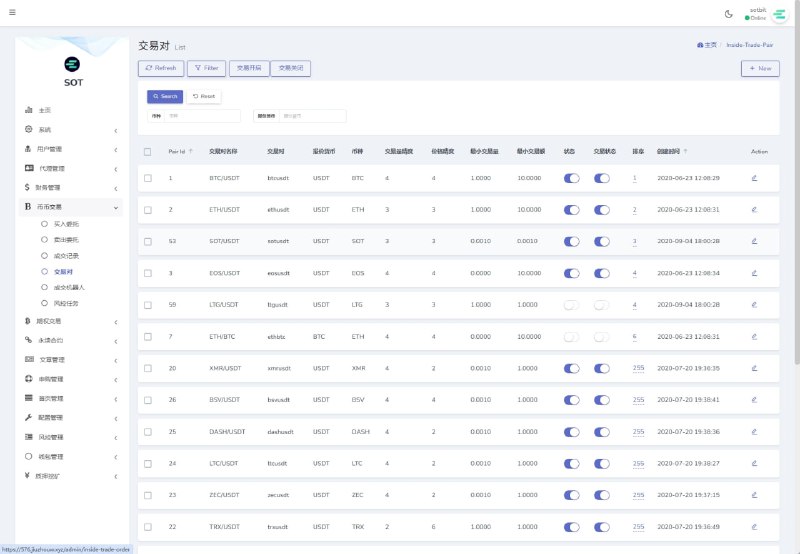
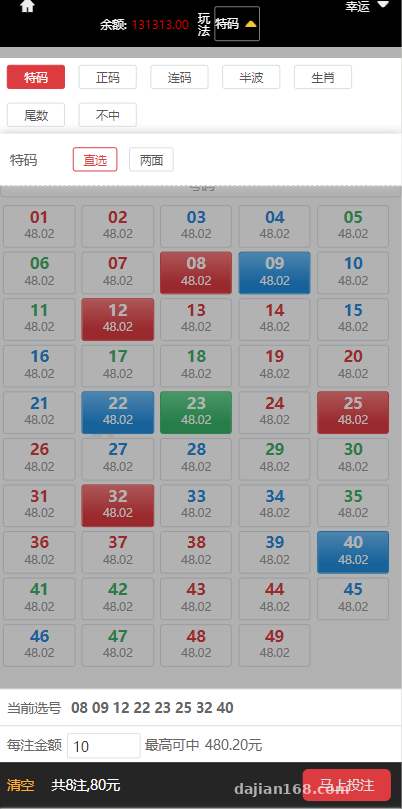
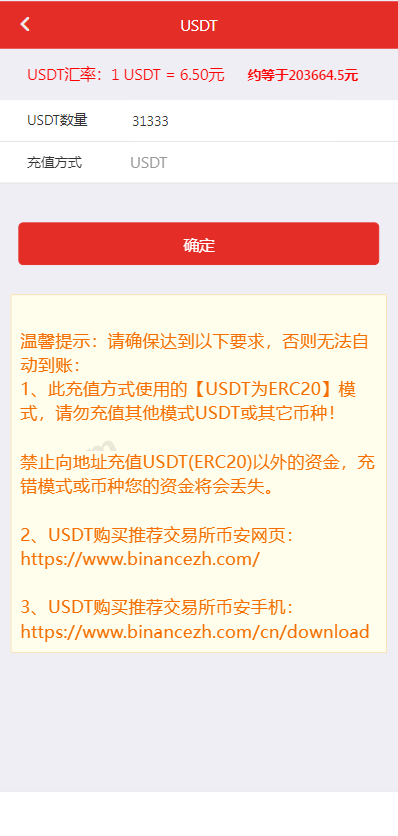
The newly added USDT payment is implemented through a third-party gateway, with the configuration file located in /config/payment.php. Three parameters need to be filled in: merchant ID, API key, and callback URL. The pitfall I encountered was that the callback URL must use HTTPS; I kept missing notifications when using HTTP initially. The payment gateway supports both TRC20 and ERC20 chains, and I recommend TRC20 for lower transaction fees. You can enable sandbox mode for testing first, then switch to real credentials for the production environment.
Game Management and Extension
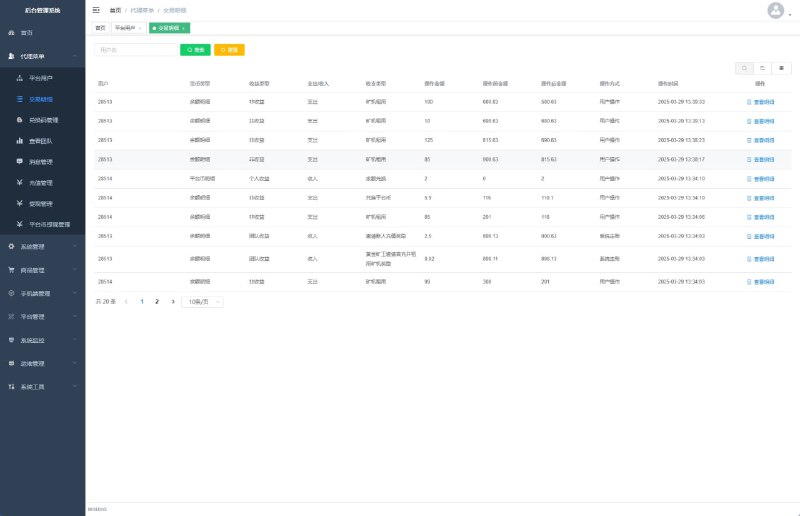
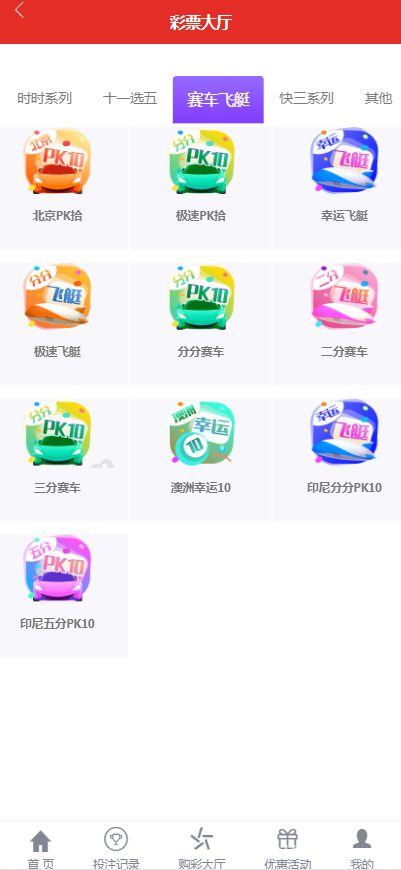
The backend game management panel allows free addition of demo projects. There are over a dozen presets by default, but most aren’t enabled. I activated four modules for the client: time-series simulation, racing data demo, flight trajectory simulation, and number probability demonstration. Each module allows independent settings for result announcement timing, number ranges, and display styles. Extending new gameplay requires modifying controllers in the /app/game/ directory—just copy an existing one and adjust parameters without touching core code.
Highlight: The backend control panel supports real-time adjustment of random algorithm weight parameters, allowing simulation of different probability distribution scenarios, perfect for data analysis and algorithm verification demonstrations.
Deployment Key Points
Server Environment Configuration
This system requires PHP 7.2+ and MySQL 5.6+. I deployed using the BT Panel. Nginx configuration needs URL rewrite rules; just use the standard ThinkPHP rules. After importing the SQL database file, remember to modify the connection information in /config/database.php. Redis extension is mandatory for result caching and concurrency control; without it, the system easily lags under multi-user access.
Frontend UI Adaptation Adjustments
The mobile UI has been beautified with decent responsive design. However, I noticed the default theme color is blue, while the client wanted green. The CSS file is in /public/static/css/main.css—just search for the primary color value #3b82f6 and batch replace it. If you want to add a logo to the top navigation bar, place the image at /public/uploads/logo.png and fill in the path in the backend system settings.
Backend Permissions and Security Settings
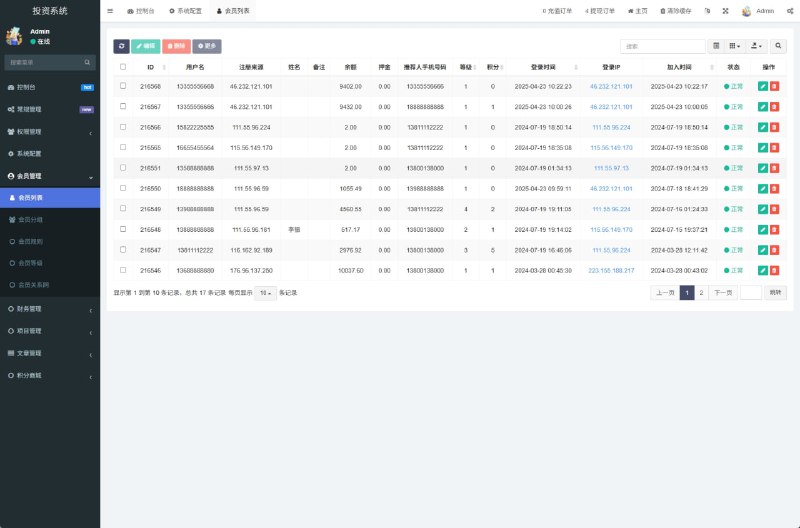
The default backend address is /admin, and I strongly recommend changing it immediately after deployment. Modify the route prefix in /app/admin/controller/Login.php and clear the cache afterward. Administrator passwords are stored using bcrypt encryption, with the initial password being admin123, which must be forcibly changed after login. Permission management supports role grouping, allowing different operators to be assigned viewing, editing, financial, and other permissions with good granularity.
Who Is This Suitable For
This system is suitable for several scenarios: first, probability algorithm researchers who can use it to visualize different random distributions; second, data analysis training institutions using it as a teaching tool when demonstrating statistical principles; third, software development companies demonstrating product prototypes or confirming requirements with clients. Because it supports custom game types and parameter control, extensibility is quite good.
From a technical perspective, the code structure uses the ThinkPHP5 framework with clear MVC layering, making secondary development not too difficult. Some frontend components are written in Vue, also easy to modify. If you need to integrate other payment methods or add third-party APIs, just write extension classes in the /extend/ directory.
Common Issues
Q: What to do when accessing the homepage shows a 500 error after deployment?
A: First check if the runtime directory permissions are set to 755, then verify that pdo_mysql and redis extensions are enabled in php.ini. If it still doesn’t work, enable debug mode to see specific errors by changing app_debug to true in config.php.
Q: USDT payment keeps showing pending confirmation status?
A: Most likely a callback URL configuration issue. Check three things: callback URL must use HTTPS, server port 443 must be open, and the callback address in the payment gateway backend must exactly match what’s filled in the code, not even a trailing slash can differ.
Q: Which files need to be modified to add new game types in the backend?
A: Mainly modify three places: copy a controller in /app/game/controller/ and modify the logic, add the corresponding data model in /app/game/model/, then add an entry in backend menu management. Frontend page templates are in the /template/game/ directory—copy and modify to use.
Q: Can the result announcement time interval be modified?
A: Yes, each game type in the backend game management has independent period settings. To change globally, modify the time calculation logic in /app/game/service/LotteryService.php. I recommend not going below 10 seconds or server pressure increases significantly.
Deployment Summary and Recommendations
Overall, this system deployment isn’t too complex, with core difficulties in payment gateway integration and concurrency optimization. After deploying for the client, I ran stress tests for two days. Under 100 concurrent connections, response time stayed within 200ms, which is fairly stable. If using commercially, I suggest several optimizations: add database query indexes, put static resources on CDN, and add operation logs for sensitive actions. Code quality is decent without major pitfalls, suitable for those with ThinkPHP experience to quickly pick up for secondary development.
Disclaimer: This article is for technical education and learning purposes only. All deployment and usage must strictly comply with national laws and regulations. Any illegal use is prohibited. Users bear full legal responsibility for their own actions.
Disclaimer: This article is for technical education and demonstration only. It is not professional or financial advice. Any real-world deployment must comply with applicable laws and regulations.
#Random Number System #UI Customization #Payment Integration #Probability Demo #PHP Deployment
-
 Alipay QR Code Scan
-
 WeChat Scan Pay