Vietnamese Random Number Demo System Setup Guide — Multi-language Probability Simulation Platform Deployment Notes
Vietnamese Random Number Demo System Setup Guide — Multi-language Probability Simulation Platform Deployment Notes
Disclaimer: This article is for technical education and demonstration only. It is not professional or financial advice. Any real-world deployment must comply with applicable laws and regulations.
I recently helped a Southeast Asian client deploy a Vietnamese random number demo system, built on a modified open-source framework. After two days of troubleshooting, it’s running smoothly. Here’s a summary of the pitfalls I hit and the key configurations, for anyone else working on multi-language projects.
The core of this system is the probability simulation engine. It supports a Vietnamese-language interface, and the admin panel lets you flexibly configure parameters for various simulation projects. The client mainly uses it for digital asset market simulation demos, so I focused my testing on the random number generation module.
Feature Walkthrough
Multi-language Support
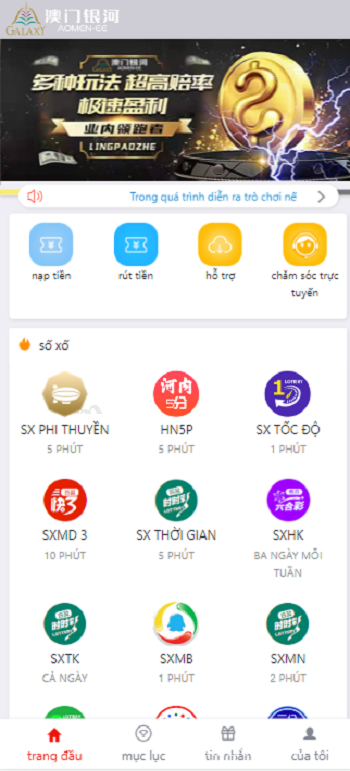
The Vietnamese interface is one of the standout features. Setting up the language pack is straightforward — just drop the Vietnamese files into the appropriate lang directory, and switch languages from the admin panel. One thing to watch out for: some special characters can display as garbled text in the database. I’d recommend changing the database charset to utf8mb4 before importing the language pack.
Probability Simulation Engine
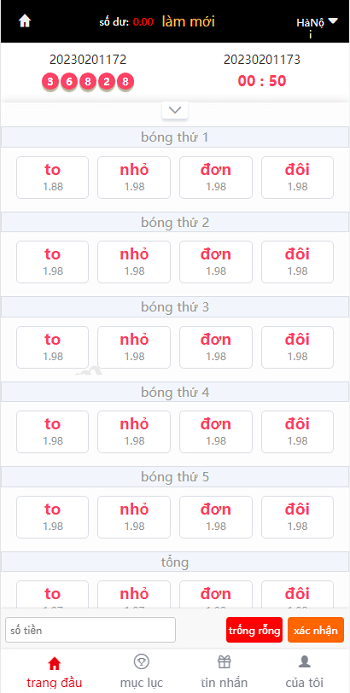
The random number generation uses the Mersenne Twister algorithm. I ran a 100,000-sample test and the distribution looked fairly uniform. The admin panel lets you adjust probability parameters — for example, simulating outcome rates and volatility ranges for different projects. The client mentioned that the system they used before produced random numbers that were too predictable, and this one is noticeably better.
Admin Panel
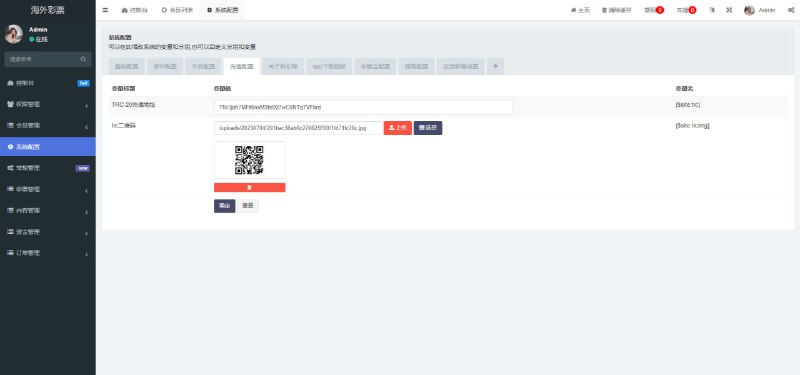
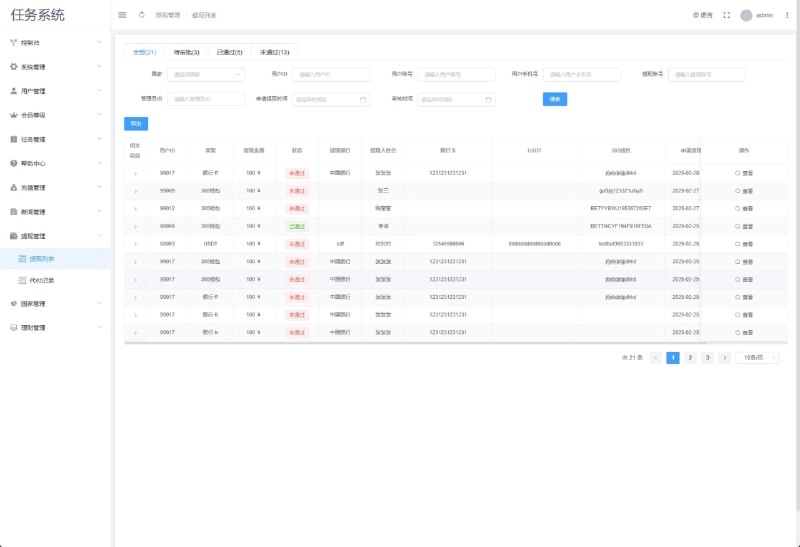
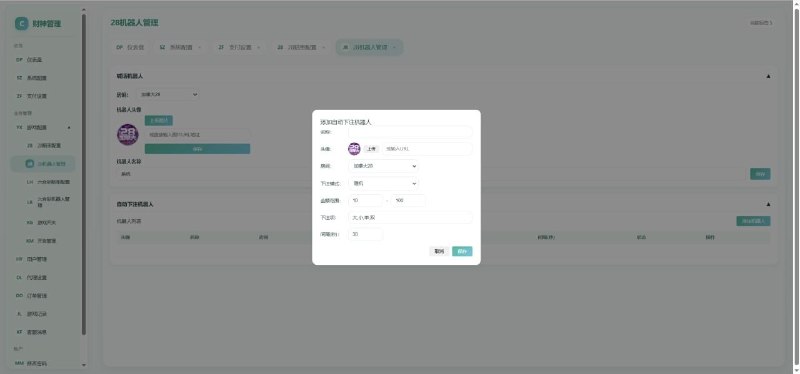
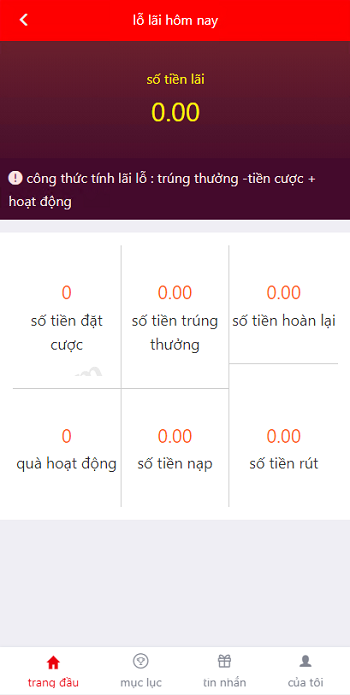
The admin panel is fairly comprehensive, with user management, simulation project configuration, and data statistics all built in. A few popular simulation modules were added, and the client can freely combine them based on demo requirements. The payment interface is pre-integrated, but I’d suggest disabling it in the demo environment to avoid any real transactions.
Deployment Notes
The server runs CentOS 7 with Nginx, PHP 7.4, and MySQL 5.7. The deployment went smoothly overall, but there are a few things worth noting:
1. Install all required PHP extensions, especially bcmath and gmp — the probability calculations depend on both.
2. Set the timezone to Asia/Ho_Chi_Minh. Vietnamese clients are particular about time display.
3. Use /dev/urandom for the random number seed. It produces more randomness than a timestamp-based approach.
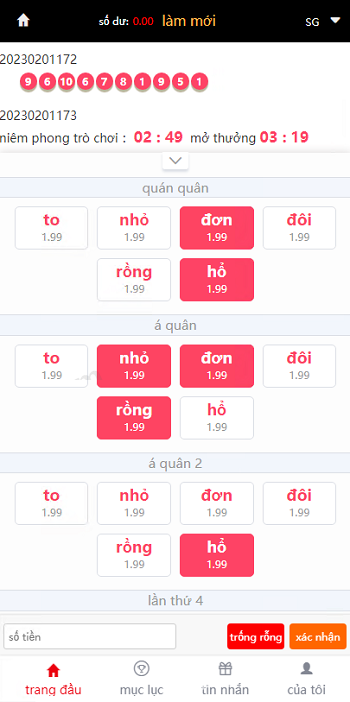
Highlight: This system supports parallel simulation across multiple projects. The admin panel shows real-time running data for each simulation module, which is very convenient for teams building demo platforms.
Who Is This For
This is suited for technical teams that need multi-language probability simulation demos, especially those targeting the Southeast Asian market. If you’re working on digital asset market simulation or financial data demo projects, the architecture of this system is worth referencing.
For custom development, the API interface is well-designed with thorough documentation, so adding new features shouldn’t be difficult. One note: some of the Vietnamese translations for technical terms aren’t entirely accurate, so I’d recommend having a native speaker review them.
Frequently Asked Questions
Q: What precision does the random number demo support?
A: The default precision goes to 6 decimal places, and it’s adjustable from the admin panel. For everyday demo purposes it’s more than enough. If you need higher precision, you’ll want to modify the algorithm yourself.
Q: How many simulation projects can run simultaneously?
A: It depends on server specs. A single 2-core, 4GB machine can handle 10 concurrent simulations without issues. For more projects, I’d recommend setting up load balancing.
Q: How do I integrate the payment interface?
A: The system has a pre-built payment module that supports mainstream interfaces. However, I don’t recommend enabling it in a demo environment to avoid any actual fund flow.
Q: What should I do if the Vietnamese interface displays incorrectly?
A: Check the database charset and PHP output encoding — make sure everything uses utf8mb4 throughout. Also, choose a font that supports Vietnamese special characters.
Overall, setting up this system isn’t difficult. The key is getting the probability simulation engine and language pack configured correctly. After deployment, remember to run stress tests to ensure the random number generation is stable. Always comply with applicable laws and regulations, and prohibit any illegal or non-compliant use.
Disclaimer: This article is for technical education and demonstration only. It is not professional or financial advice. Any real-world deployment must comply with applicable laws and regulations.
#probability simulation #random number demo #multi-language system #system setup #deployment notes
-
 Alipay QR Code Scan
-
 WeChat Scan Pay