Building an ASP.NET Probability Simulation Demo: WAP Mobile Setup and Admin Panel Deployment Notes
Building an ASP.NET Probability Simulation Demo: WAP Mobile Setup and Admin Panel Deployment Notes
Disclaimer: This article is for technical education and demonstration only. It is not professional or financial advice. Any real-world deployment must comply with applicable laws and regulations.
A friend running an education and training business asked me to help deploy a probability simulation demo system built in ASP.NET. His original use case was showing students, in class, how random events and probability distributions follow statistical patterns. Spent about three days wrestling with the full source code end to end, so I figured I’d write up the deployment steps and pitfall notes for anyone else going down this road.

Part 1: Hands-On Test — What Can This Source Code Actually Do?
The whole program is written in ASP.NET, and judging from the code structure, it uses an older OA-style framework. Compilation and runtime performance are decent though. I focused on testing a few core modules:
1. Backend Data Management Panel
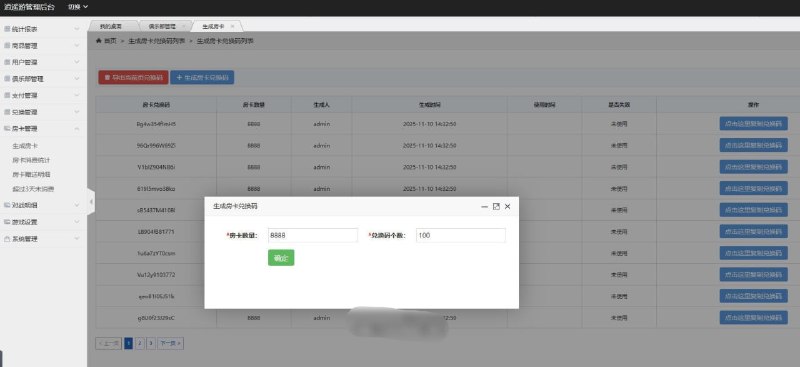
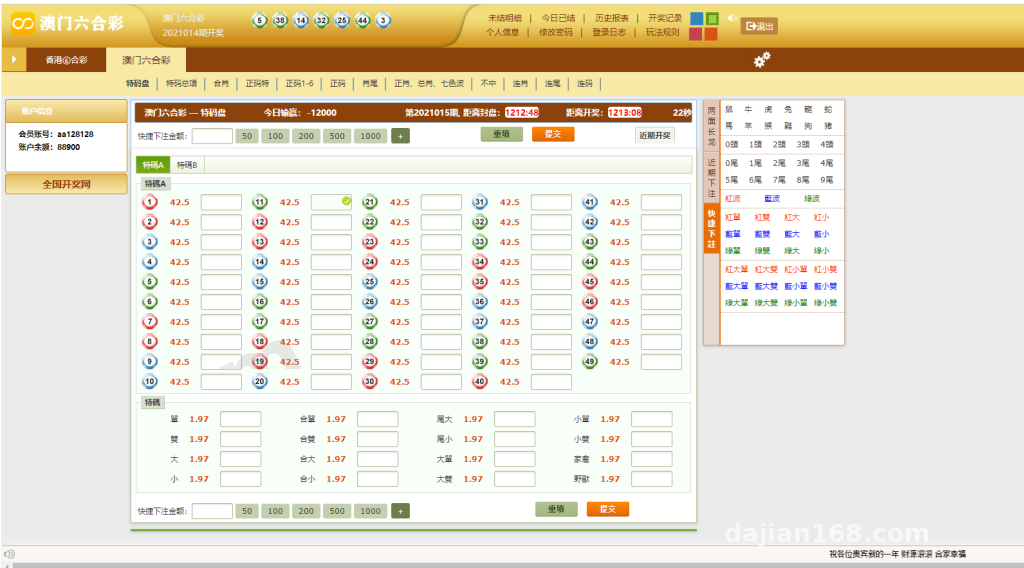
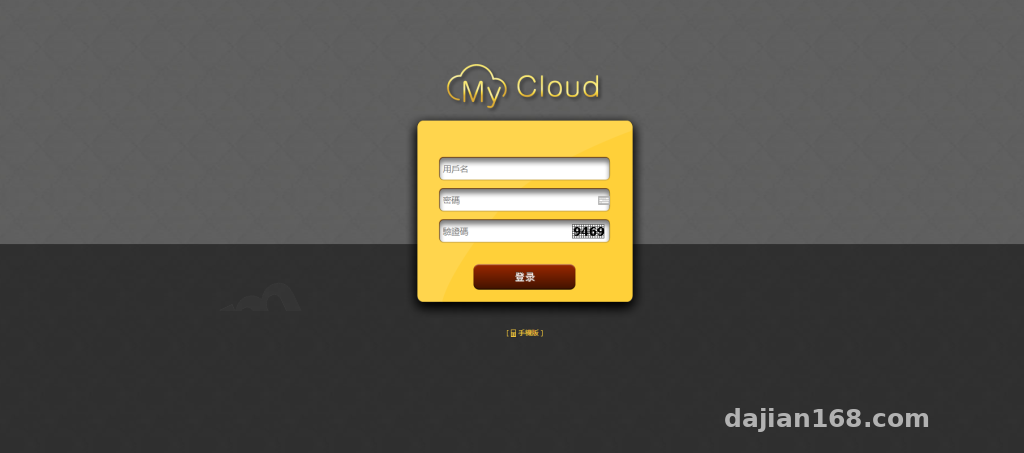
Once you log into the admin, the left side shows a function menu with entries like the demo data list, record editor, and auto-generation rule configuration. The most useful feature is the ability to manually edit demo record content — for example, in the admin panel you can change the “simulation result” field of a record from A to B, and the change syncs to the public-facing page in real time.
For a classroom scenario, this means the teacher can control the demo pacing based on the lesson progress, instead of waiting for the system to run through the full random sequence every single time.
2. New Auto-Result Generator
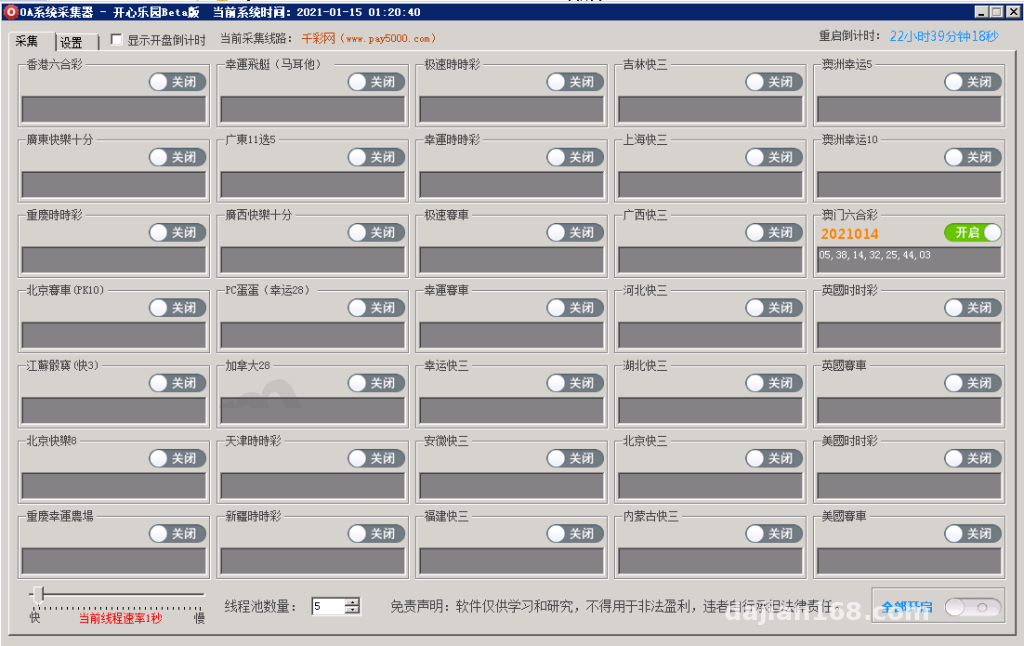
This is the most technically interesting module in the codebase. The generator supports scheduled triggers and runs fully automatically once the rules are configured. During testing I set up a demo cycle of one round every 5 seconds, and the front page refreshed with new data automatically.
Test highlight: The generator uses a background thread pool for scheduling and does not block front-end page access. Even under high-frequency demo scenarios, server CPU usage stayed in a reasonable range with no lag.
3. WAP Mobile Adaptation
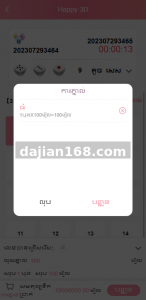
The source code ships with a mobile template that auto-redirects when you hit the WAP path. The mobile UI is simplified, with button sizes and font sizes optimized for touch input. I tested on both iPhone and Android, and the rendering was consistent across devices.
Part 2: Deployment Essentials — Environment Config and Pitfalls
1. Server Environment Requirements
This codebase has specific runtime requirements. I used Windows Server 2016 + IIS 8.5 + .NET Framework 4.5. The database is SQL Server 2012 — I avoided MySQL because the stored procedures in the original program have better compatibility with SQL Server.
Concrete configuration steps:
① Create a new site in IIS. The application pool can be either “Classic” or “Integrated” mode, but the managed pipeline mode must be set to “Integrated”.
② Update the database connection string in web.config to match your local setup, including IP, port, database name, account, and password.
③ The first visit triggers an installation wizard automatically. Follow the prompts to complete the data table creation.
2. A Few Pitfalls Worth Noting
First pitfall: The auto-generator requires the site to keep running. I recommend configuring it as a Windows service or using Task Scheduler to keep it alive, so it doesn’t stop scheduling after IIS recycles the application pool.
Second pitfall: The backend editor has poor support for paths containing Chinese characters — image uploads will throw errors if the path has any non-ASCII text. I fixed it by renaming all upload directories to pure English paths.
Third pitfall: The WAP template’s CSS can break layout on some Android browsers. Adding a viewport meta tag sorted it out.
Part 3: Customization Suggestions — Where to Extend
If you plan to do secondary development on top of this codebase, I’d suggest starting from these angles:
First, abstract the database access layer and switch to Dapper or Entity Framework. That makes future database migration much easier instead of being locked to SQL Server.
Second, the admin panel’s permission granularity is coarse — only two roles, admin and regular user. If you need finer permission control, you’ll have to add a role table and permission association tables yourself.
Third, the WAP template can be extracted and refactored into a responsive layout. That way you maintain only one HTML template for both PC and mobile, which is cheaper to maintain long-term.
Part 4: Who Is This For?
Honestly, the positioning of this codebase is fairly niche. Use cases I can think of:
① A probability and statistics course demo tool for schools or training institutions
② A lightweight internal tool for demo random selection and demo random scheduling at small companies
③ A reference for individual developers who want to learn ASP.NET multi-layer architecture and admin panel design patterns
I wouldn’t recommend using it directly for a commercial project though. The UI style feels dated, and the security is only basic — it won’t hold up against a proper penetration test.
Frequently Asked Questions
Q: Can this codebase run on Linux?
A: The original is IIS + SQL Server. In theory it can be ported to Linux via Mono or Jexus, but the stored procedure modifications will be substantial work — not worth the hassle. If you really need cross-platform, look for an ASP.NET Core version directly.
Q: How high can the auto-generator frequency go?
A: I tested as fast as one round per second locally, and server load was fine. But pushing it too high makes database writes the bottleneck. I’d recommend keeping it at 5 seconds or longer to be safe.
Q: How do I reset the admin password if I forget it?
A: Connect to the database directly, find the admin table, and replace the password field with the MD5-encrypted value of your new password. The default password in most source builds is admin or 123456 — change it right after deployment and don’t leave the default in place.
Q: Can the WAP side be deployed to a separate subdomain?
A: Yes, just bind the WAP directory to an independent subdomain in IIS. Keep an eye on session sharing — if it’s not handled, the WAP login state won’t sync with the PC side, causing both to show as logged out, which is a weird state to debug.
Disclaimer: This article is for technical demonstration and educational communication only. Please comply with relevant laws and regulations. Any illegal or non-compliant use is prohibited.
Disclaimer: This article is for technical education and demonstration only. It is not professional or financial advice. Any real-world deployment must comply with applicable laws and regulations.
#ASP.NET #Probability Simulation #Source Code Deployment #WAP Adaptation #Admin Panel
-
 Alipay QR Code Scan
-
 WeChat Scan Pay