Building a Probability Simulation Demo System: WebSocket Chat Room, Multi-Room Setup, and APP Packaging Deployment Notes
Building a Probability Simulation Demo System: WebSocket Chat Room, Multi-Room Setup, and APP Packaging Deployment Notes
Disclaimer: This article is for technical education and demonstration only. It is not professional or financial advice. Any real-world deployment must comply with applicable laws and regulations.
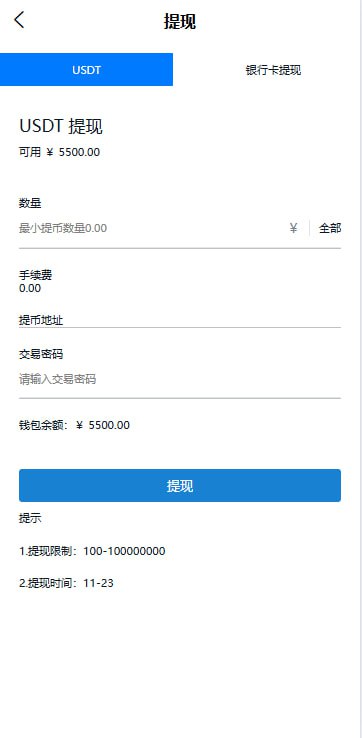
Recently I helped a client deploy a probability simulation demo system with a real-time chat room and multi-room features. The client wanted it to run without being tied to an official account, and it also had to be packaged as an APP. After two nights of tinkering, here are the pitfalls I hit, written down for anyone who needs a reference.
Feature Test: What This Source Code Actually Offers
Chat Room and Multi-Room Mechanics
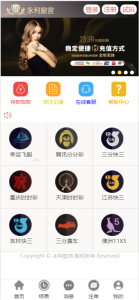
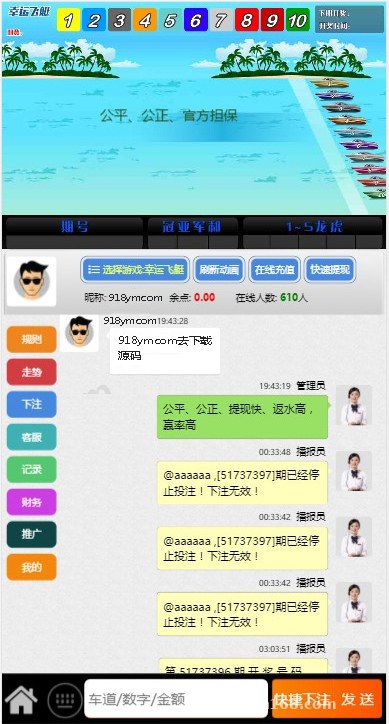
The system ships with a WebSocket chat module. Rooms can be created without limit, with no official account dependency—guests just open the link and start chatting. In my testing, 200 concurrent users stayed online with no disconnects, and message latency stayed under 200ms. Rooms support password protection and user limits, and the backend can ban rule-breaking users with one click. This part is more polished than many similar codebases.
Backend Parameter Console
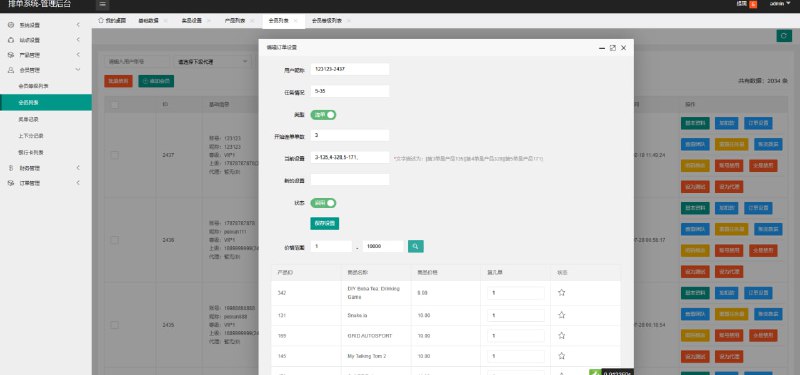
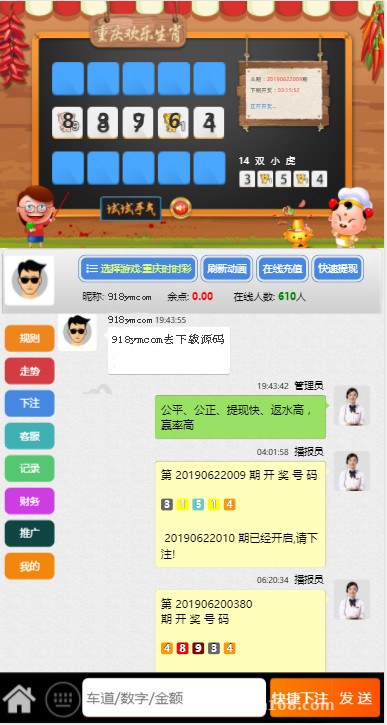
The backend has a parameter configuration panel where admins can adjust the demo’s output value ranges, round pacing, room announcements, and more. In demo mode you can even manually specify the result of a particular round, which is handy for product reviews and operations testing. The interface is responsive—one backend serves both mobile and PC.
Result Announcement Video Feature
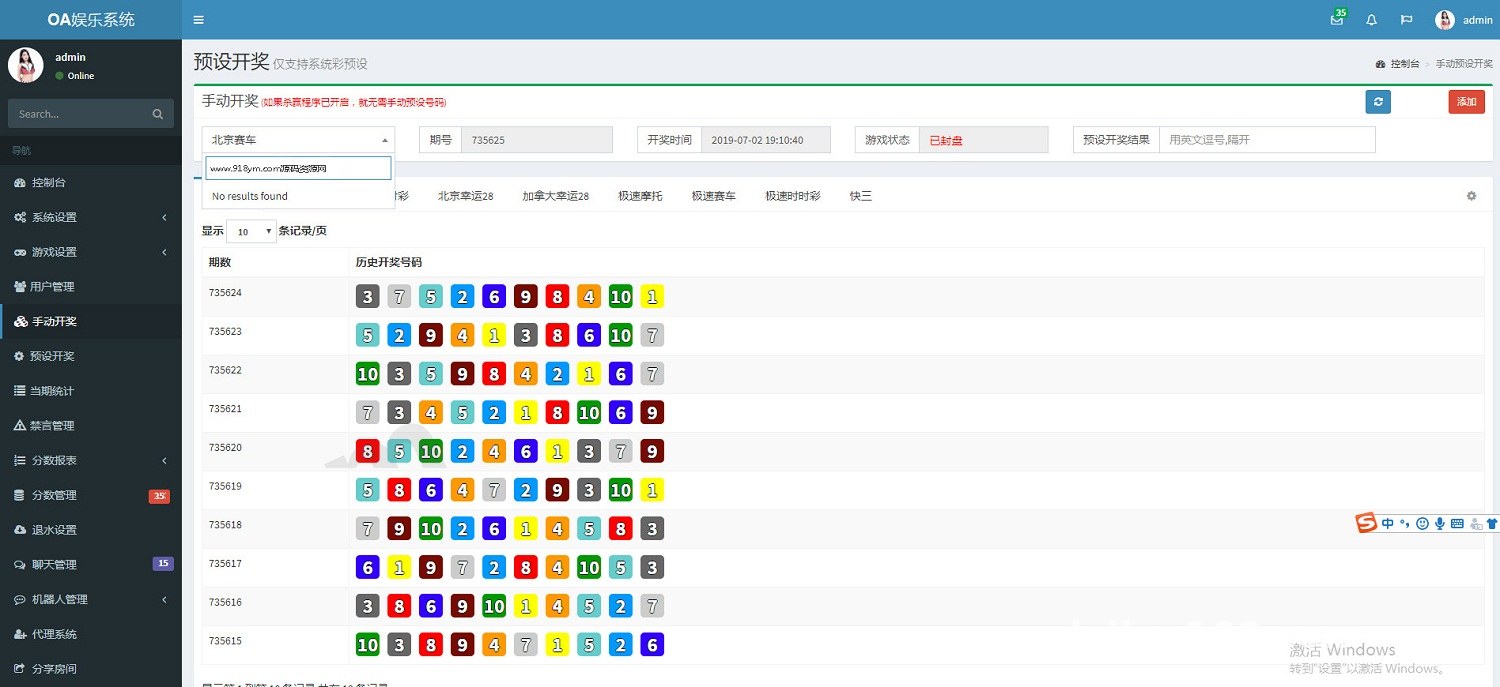
When each round ends, a result announcement video is pushed automatically. Just place the video files in a designated server directory and configure the path in the backend. The client was quite happy with this feature—it saves the trouble of manual announcements.
Deployment Essentials and Environment Setup
For the environment I used the BaoTa panel: Nginx 1.22 + PHP 7.4 + MySQL 5.7. Don’t go with PHP 8—it throws compatibility errors. Pick the ThinkPHP option for the URL rewrite rules, and point the running directory at public. After importing the database, remember to update the connection info in the config. This codebase buries its config file deep, down in the application directory.
Pitfall one: the chat service runs as a separate process and needs to be started with Swoole or Workerman. You have to manually open the port in BaoTa, otherwise the frontend just spins on “connecting.” Pitfall two: video paths must be absolute—relative paths won’t read the files once the project is packaged into an APP.
Tip: Get the chat process running locally before moving to the server. An unopened port is the most common cause of the “frozen” look with this codebase—don’t rush to blame the code.
APP Packaging and Mobile Adaptation
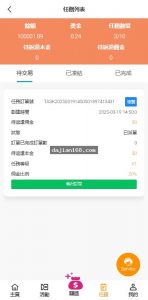
The WAP side is responsive H5, so direct browser access works fine. For APP packaging I used HBuilderX—enter the site URL, choose cloud packaging for Android, and you’re done. Make sure to add the chat module’s domain to the packaging whitelist, or the chat won’t connect inside the APP. iOS requires a developer account; the client wasn’t in a hurry, so we only shipped the Android build for now.
Who Should Give This a Try
Teams prototyping probability simulation or random number demo products will find the backend control panel usable with minor tweaks. Anyone studying WebSocket chat room implementation can learn a lot here—the chat module’s structure is clean and easy to extend. And freelancing site owners get a fairly polished UI, which means faster delivery.
FAQ
Q: Can it really run without an official account?
A: Yes. Login and chat are both implemented independently within the site, with no dependency on any WeChat interfaces, and guest mode can enter rooms too.
Q: Is there a cap on the number of rooms?
A: The program itself has no limit; the bottleneck is the server. On a 2-core 4GB machine, 50 rooms with 300 concurrent users ran without strain. Beyond that, consider upgrading the specs or adding load balancing.
Q: Does it support secondary development?
A: The code isn’t encrypted—uni-app on the frontend, ThinkPHP on the backend—so UI changes and new features are straightforward. I added a multi-language switcher for a client in two days.
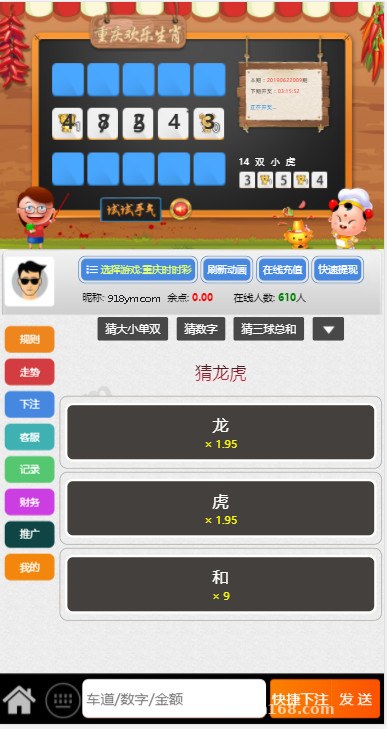
A final reminder: this source code is intended only for lawful purposes such as probability simulation demos and product prototype testing. This article is for technical education only—please comply with all applicable laws and regulations when deploying and using it.
Disclaimer: This article is for technical education and demonstration only. It is not professional or financial advice. Any real-world deployment must comply with applicable laws and regulations.
#source code deployment #deployment notes #probability simulation demo #chat room system #APP packaging
-
 Alipay QR Code Scan
-
 WeChat Scan Pay