Probability Simulation Demo Platform Setup Guide: PHP Deployment Notes and Secondary Development Tips
Probability Simulation Demo Platform Setup Guide: PHP Deployment Notes and Secondary Development Tips
Disclaimer: This article is for technical education and demonstration only. It is not professional or financial advice. Any real-world deployment must comply with applicable laws and regulations.
I recently helped a client deploy a points-based probability simulation demo system. The source code was labeled as an operations edition, with a built-in demo payout-rate control feature. It took me two days to get it running under a BaoTa panel environment, so I put together these deployment notes to save anyone else setting up this system some time. Quick verdict: the program itself is an older PHP+MySQL architecture — getting it running isn’t hard; the tricky parts are the detail parameters and secondary development adjustments.

Feature Testing: What This Source Code Actually Offers
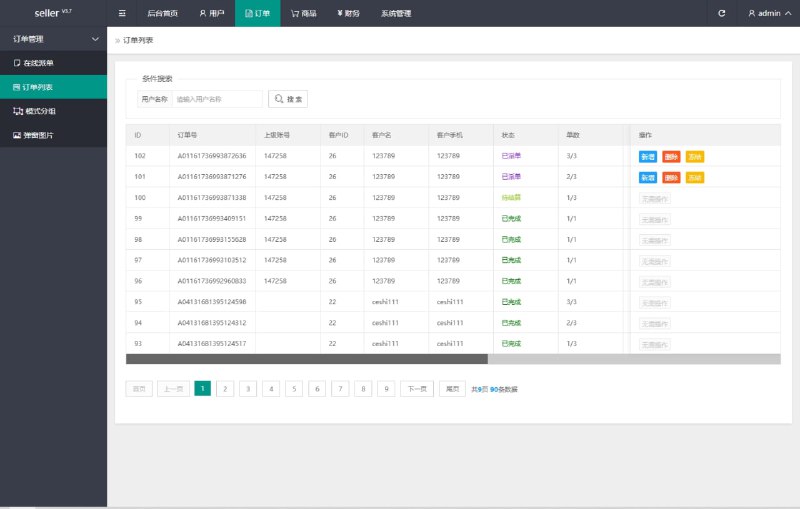
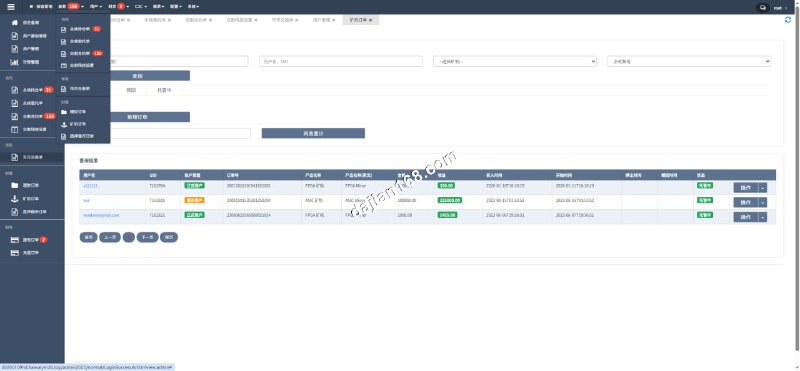
After installation, I went through every backend menu one by one. Here are the core features:
Multiple Simulation Modules and Play Modes
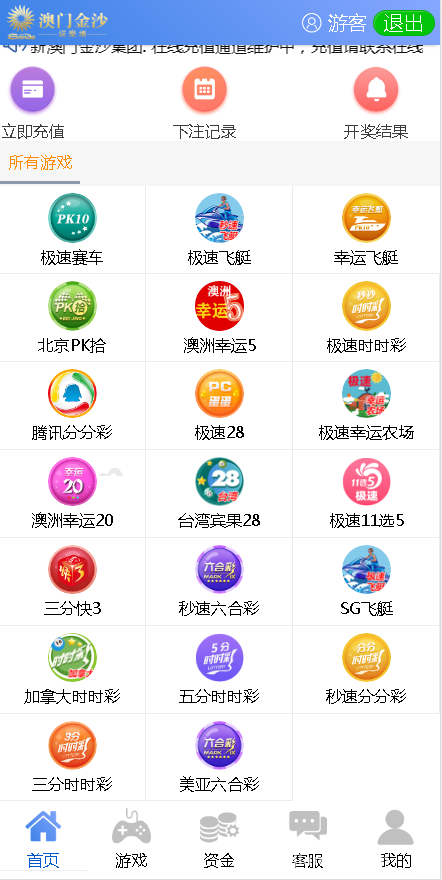
The system ships with several 168-series simulation modules, and also supports two newer play modes: Fan Tan style and Baccarat style. Note that these “modules” are essentially random number demo modules — all published result data is generated by probability simulation, intended for technical demonstration and data analysis education, not real money operations.
Payout-Rate Control Panel
This is the main selling point of the source code. The backend lets you set a target payout rate per module, and the system dynamically adjusts random number output based on published results, so the demo platform’s “paper profit and loss” converges toward the preset value. In my testing, I set one module’s target rate to 5% and ran several hundred rounds of simulated data — the deviation stayed within ±1.5%, so the algorithm converges fairly stably.
Points System and User Side
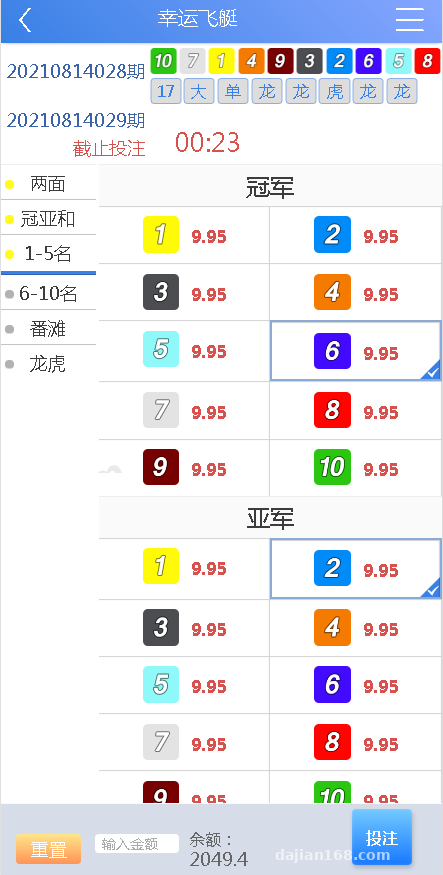
The user side runs on a points system — deposits and redemptions are all points transfers, with no real payment channels involved. The backend lets you manually add or deduct points from accounts, which is convenient for demos and testing. The frontend is H5 responsive, and the layout looks fine on mobile.
Deployment Essentials: Environment Setup and Pitfalls
Environment Requirements
My setup: CentOS 7.9 + BaoTa panel, PHP 7.2 (mandatory — 7.4 throws a pile of deprecation warnings), MySQL 5.6, and Nginx. Use thinkphp rewrite rules for the pseudo-static config. Remember to enable the fileinfo and exec functions in PHP, or the installation wizard will hang.
Installation Process
Import the SQL file, update the database connection config, then visit yourdomain/install to launch the installation wizard. One pitfall here: after installation completes, you must delete the install directory, or the backend has a security risk. Also, I’d recommend changing the default admin path in the config file to a custom one, to reduce the risk of being scanned.
Cron Jobs
Result publishing simulation, round number generation, and settlement all depend on scheduled tasks. You need to add a shell script in BaoTa that runs every minute. I forgot to configure this at first, so round numbers never advanced — it took me half an hour to track down. My advice: after deployment, first confirm the round numbers are rolling normally before testing anything else.
Secondary Development: Where to Make Changes with the Least Effort
If you plan to do secondary development on this system, here are a few directions:
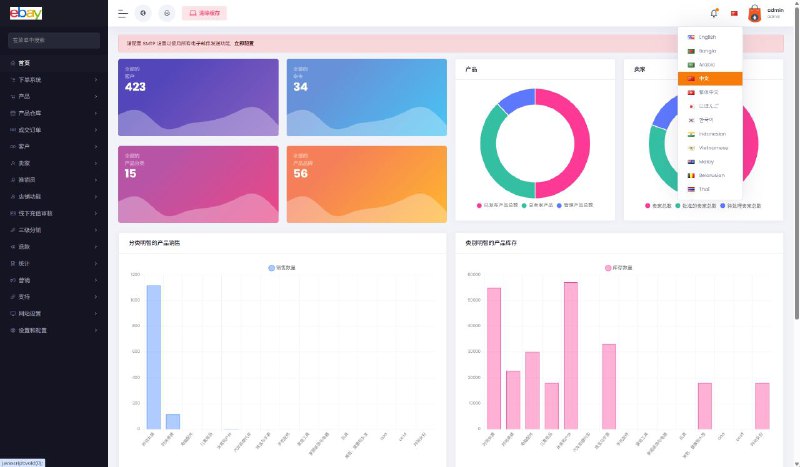
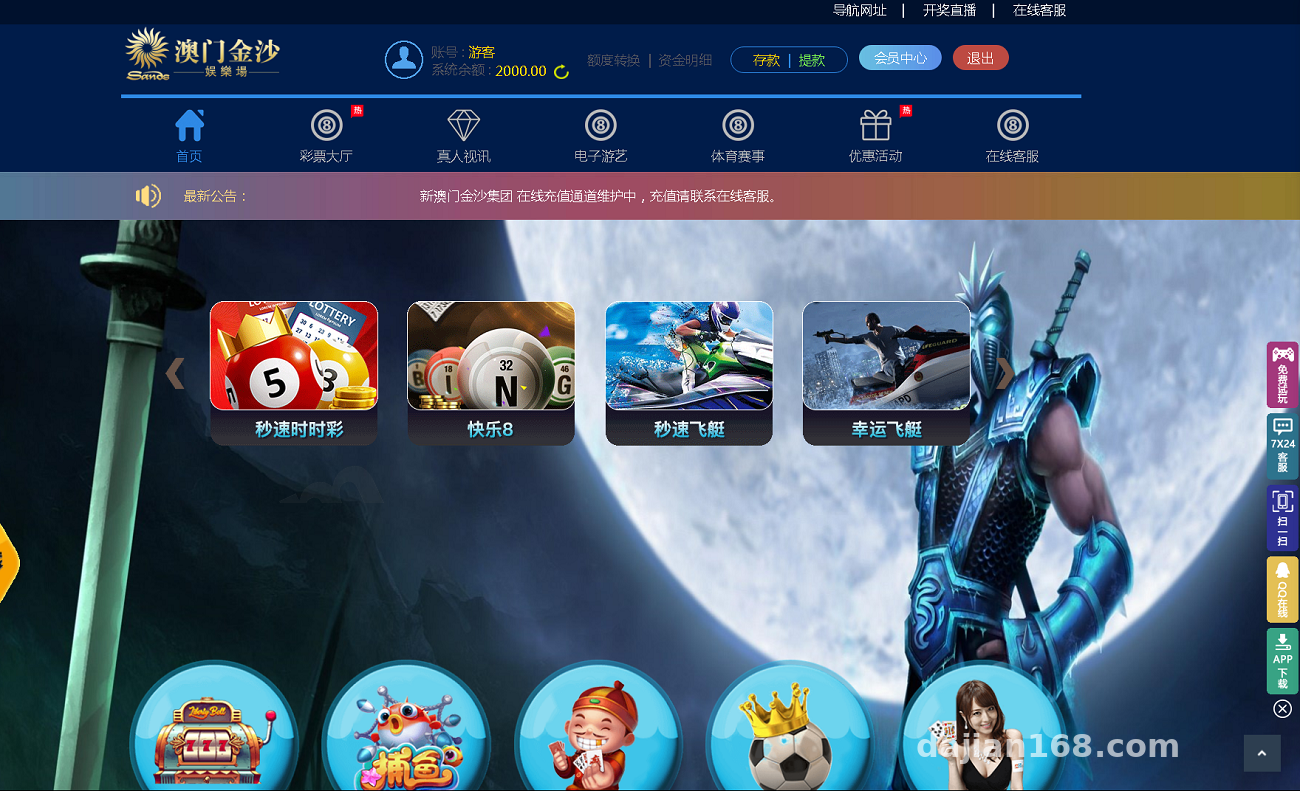
First, the frontend templates — the view layer and logic layer are reasonably well separated, so you can reskin the whole thing just by editing template files without touching core code. Second, multi-language support — the language packs live in a designated directory, and you just edit translations by key-value pairs. Third, module parameters — each module’s payout table and round rules are stored in database config tables, so adding a new module is just duplicating a config row and tweaking parameters; not much work. Fourth, the API layer — if you want to connect an external data source for market data simulation, you can leave a data interface at the settlement logic, just make sure to implement proper signature verification.
Key tip: the payout-rate control feature is the core of this source code. After deployment, be sure to run enough simulated rounds with demo points in a test environment to verify the algorithm’s convergence before considering a live demo.
Who This Is For
This source code suits three groups: developers who want to study the architecture of probability simulation systems — its settlement and random number scheduling logic has real reference value; teams that need to build a points-based demo platform for data analysis education; and technical folks looking for a hands-on secondary development project. If you intend to use it for real money operations, please walk away — this can only, and should only, serve as a technical demo.
FAQ
Q: What server specs do I need?
A: 2 cores and 4GB RAM is the minimum and fine for a demo environment. If you run many simulation rounds or have many concurrent users, start with 4 cores and 8GB — database read/write is the main bottleneck.
Q: Does it support real payment gateway integration?
A: The source code is designed around a points system and involves no real money channels. If secondary development requires payment integration, make sure the business is legal and compliant, follow all applicable laws and regulations, and never use it for any unlawful purposes.
Q: The page is blank after installation — what now?
A: Nine times out of ten it’s the wrong PHP version or a missing fileinfo extension. Switch back to 7.2, install the missing extensions, and reinstall. Also check that the runtime directory has write permissions.
Q: Can I add new demo modules?
A: Yes. In the backend module management, duplicate an existing config, then adjust the round rules, payout parameters, and simulation cycle — no code changes needed.
Overall, the architecture of this source code is fairly standard, and the documentation is practically nonexistent — it’s all trial and error. That’s my two-day deployment walkthrough. If you have questions, feel free to discuss deployment details in the comments.
Disclaimer: This article is for technical education and demonstration only. It is not professional or financial advice. Any real-world deployment must comply with applicable laws and regulations.
#Source Code Setup #Deployment Walkthrough #Probability Simulation #PHP Development #Secondary Development
-
 Alipay QR Code Scan
-
 WeChat Scan Pay