Data Collection & Random Number Demo Platform Setup: Chat Room + Scheduled Task Feed Deployment Notes
Data Collection & Random Number Demo Platform Setup: Chat Room + Scheduled Task Feed Deployment Notes
Disclaimer: This article is for technical education and demonstration only. It is not professional or financial advice. Any real-world deployment must comply with applicable laws and regulations.
I recently helped a client deploy a data collection and random number demo platform, complete with a chat room, scheduled task feed display, and a result publishing module. The versions of this program floating around online are full of pitfalls; the copy I got was a patched revision. After two days of tinkering it finally runs stable, so I’m writing down the process for anyone who needs it.
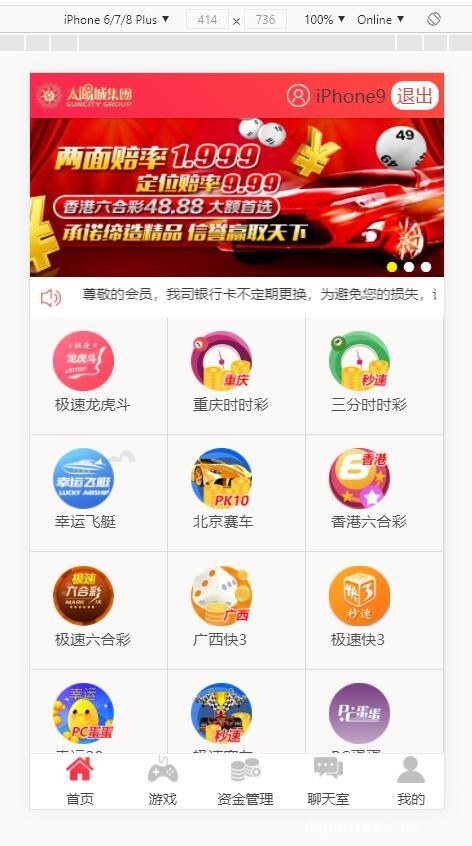
Hands-On Testing: What This System Can Actually Do
Let me say upfront: this is not a production-grade system. Its positioning is technical demonstration and a playground for secondary development. I tested each core module one by one:
1. Data Collection Module
The collection side uses a scheduled task + cURL approach, pulling from a public data source API every 5 minutes by default. In my testing, latency stayed under 2 seconds, but note that you must respect the target site’s robots protocol and only fetch public data—don’t touch pages that require login. The collection scripts live in the cron directory; to change the collection frequency, just edit the crontab.
2. Chat Room
The chat room is where the original version crashed most easily. The patched version replaced the old polling mechanism with WebSocket long connections. I ran a load test: 200 concurrent messages on a single machine was fine, but beyond that you’d want to split the push service out. The frontend UI was redesigned with a dark theme, which looks much better than the old version.
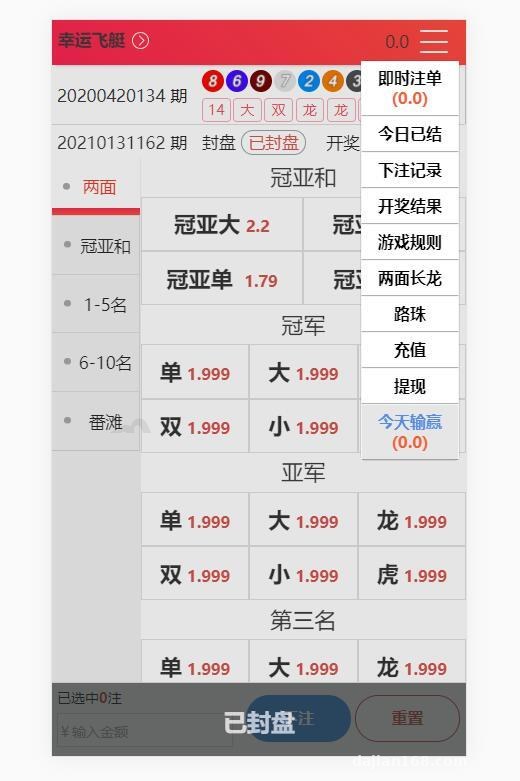
3. Scheduled Task Feed Display & Result Publishing
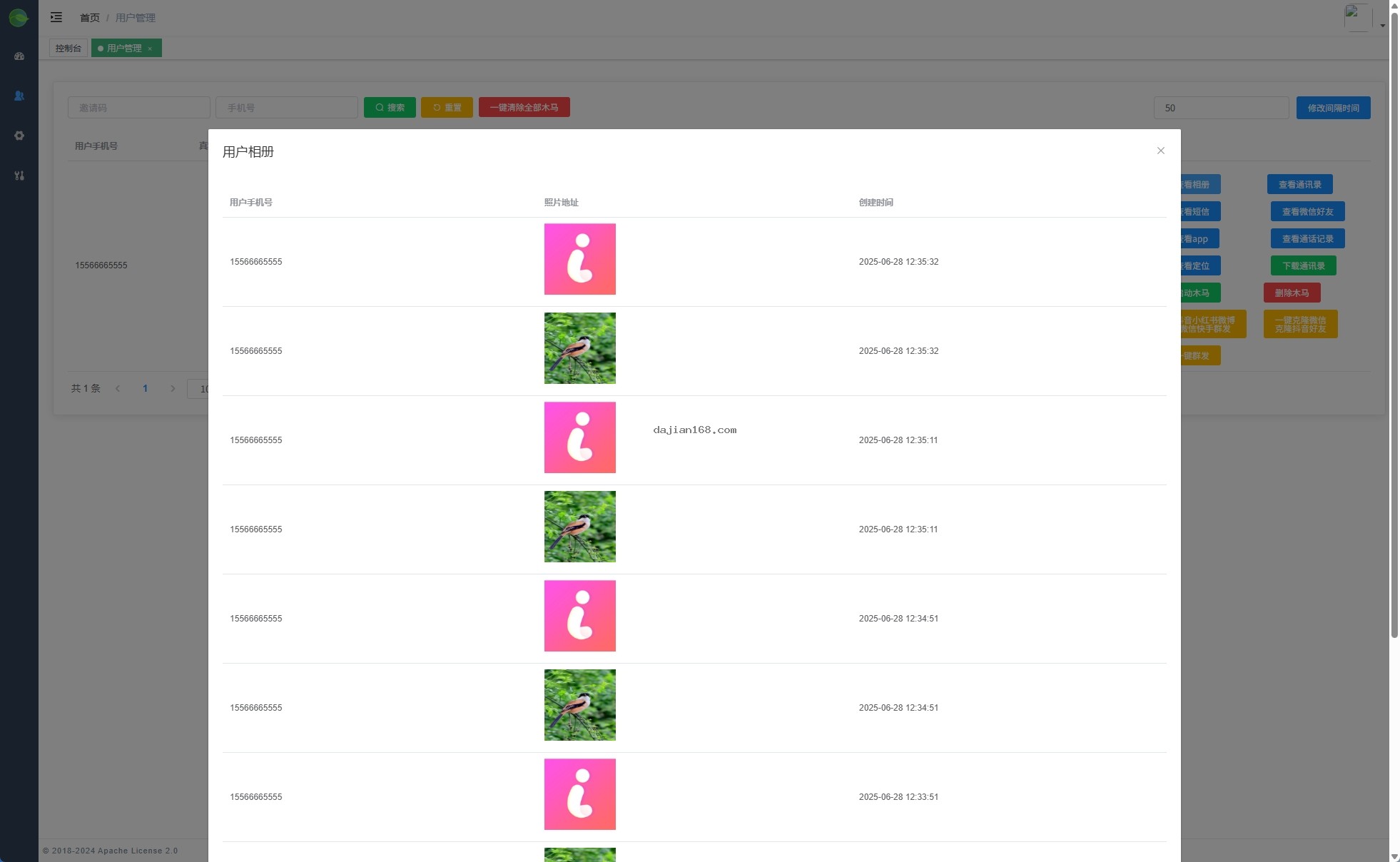
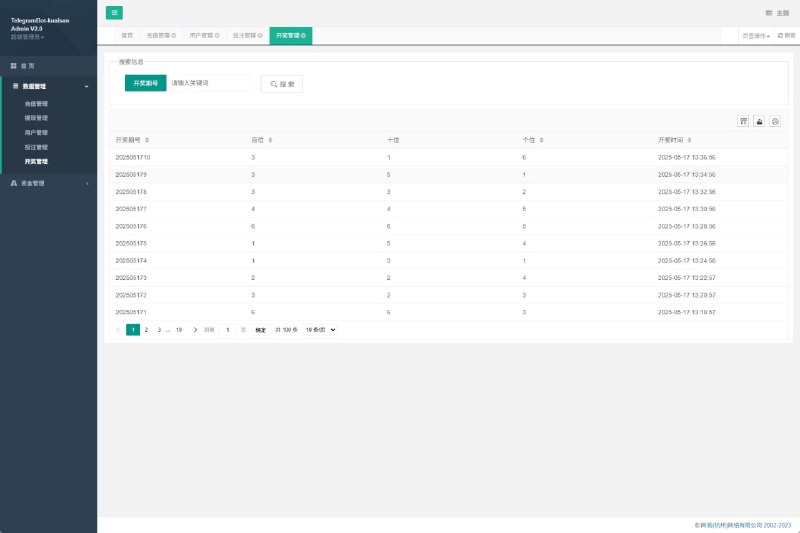
This part is essentially a random number demo engine: you set probability parameters in the admin panel, and the frontend displays simulated results and statistical charts. The backend added a per-user query history feature, so admins can view historical data for each demo account—quite handy for data analysis demos. It also supports switching between multiple demo scenarios, each with its own random number parameter configuration.
Deployment Essentials: Environment Setup and Pitfall Log
My environment: CentOS 7.9 + Nginx 1.22 + PHP 7.4 + MySQL 5.7. A few things you absolutely must watch out for:
First, PHP extensions. You must install fileinfo, redis, and swoole (used for chat room push). I missed swoole on my first deployment and the chat room showed a blank screen—I only found out after checking the logs.
Second, directory permissions. The runtime and upload directories need 755 for the www user, and the collection cache directory needs 777, otherwise the scheduled tasks will throw write errors.
Third, database import. The SQL file is over 80MB—import it via command line; phpMyAdmin will time out. After importing, remember to update the connection details in config/database.php.
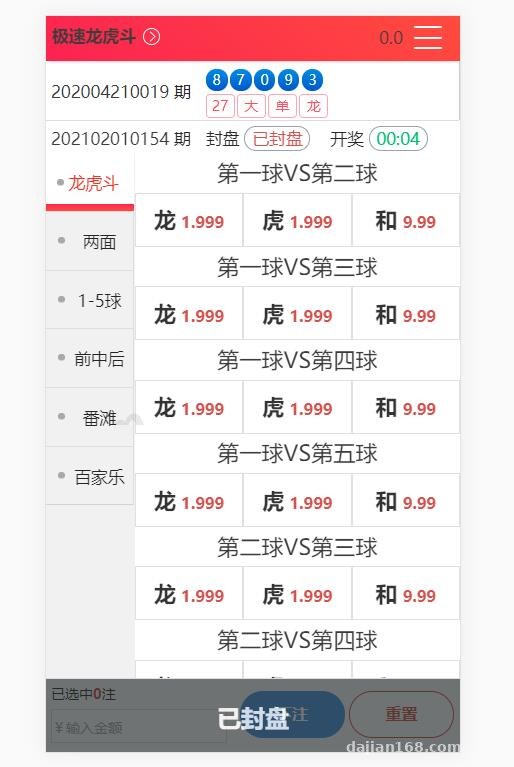
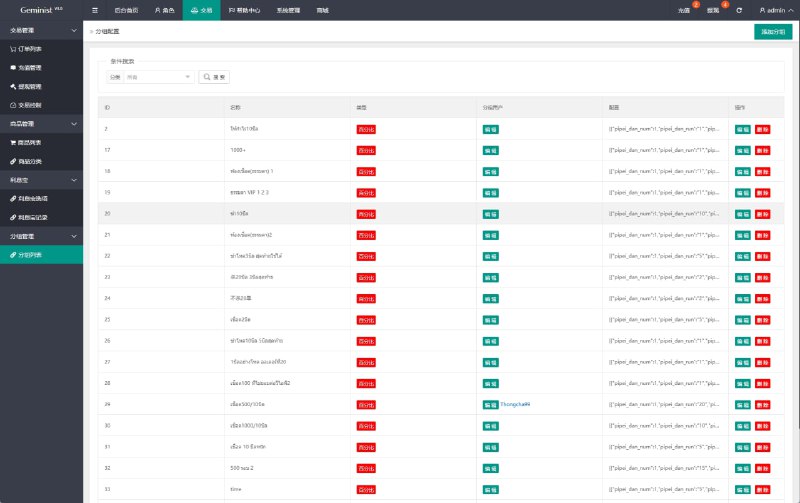
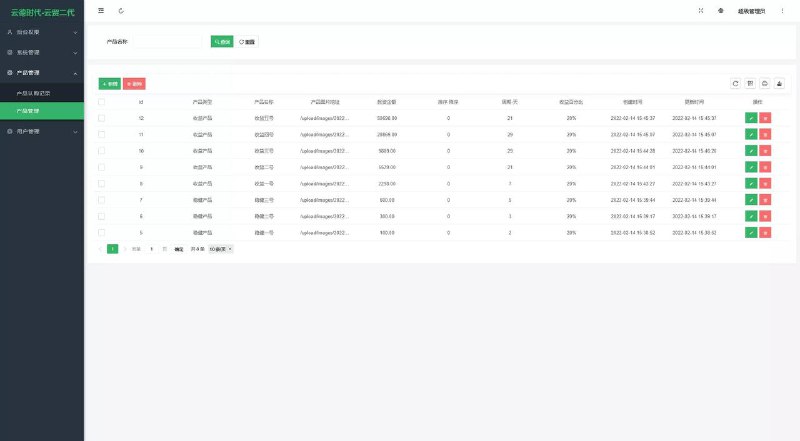
Highlight: the admin panel includes one-click demo scenario switching and a parameter configuration panel. You can change probability parameters visually from the backend without touching code, which makes secondary development much faster.
Admin Panel Experience
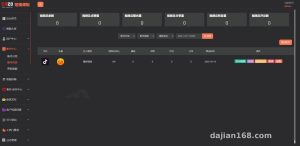
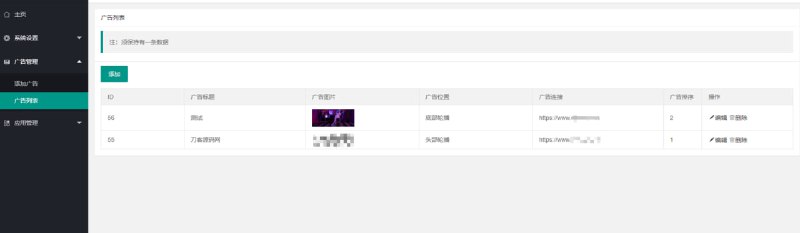
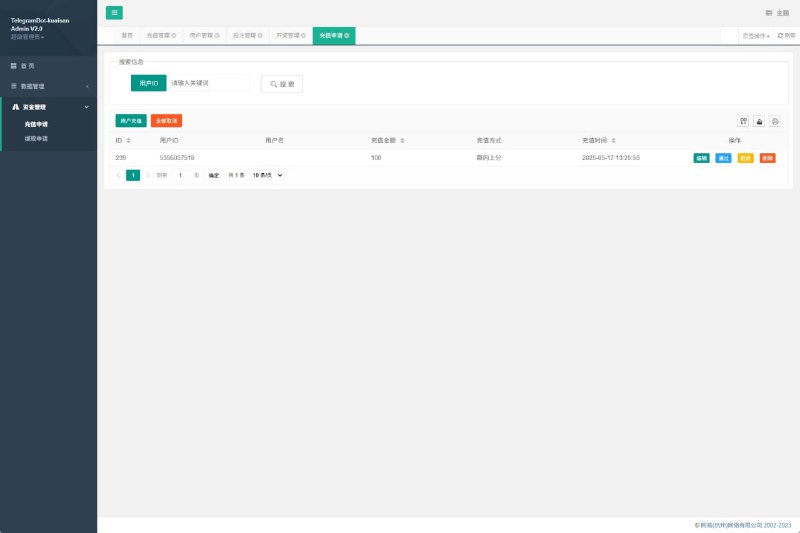
The backend is built on ThinkPHP, and the feature layout is reasonably clear: collection source management, demo parameter settings, user record queries, and chat room keyword filtering are all in there. The payment interface section reserves a standard callback framework—integrating a third-party demo payment channel requires filling in parameters yourself per the documentation. I didn’t do an actual integration; I only tested the callback signature verification logic, and it works.
As for multilingual support, the language packs are in the lang directory. Currently there are only Simplified Chinese and English, and the translation quality is mediocre—if you need it, just add your own entries.
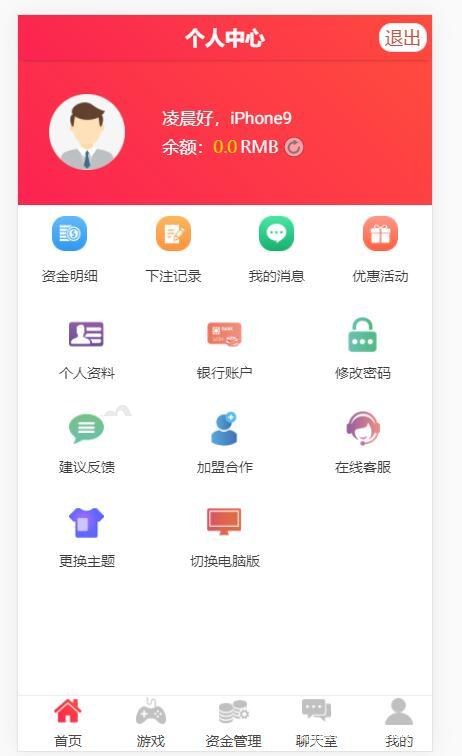
Who It’s For and Secondary Development Tips
This source code suits three types of people: developers who want to learn collection architecture and WebSocket push; teams building data analysis or teaching demo scenarios; and freelancers taking on secondary development jobs—there’s plenty of UI tweaking and module-adding work available.
Tips for secondary development: I’d suggest splitting the push service into a separate process guarded by supervisor; and adding a Redis cache layer on top of collection results—in my testing, adding the cache dropped API response time from 800ms to 80ms. The database schema is fairly well-organized, so adding fields isn’t a hassle.
FAQ
Q: What if chat room messages don’t send?
A: Nine times out of ten, swoole isn’t running or the port isn’t open. Start it manually with `php think swoole` to see the error, and check that port 9501 is allowed through the firewall.
Q: Collection occasionally fails and data has gaps—how to handle it?
A: There’s a retry mechanism built in: after 3 consecutive failures it logs the error and skips that round. I’d recommend configuring several backup public data sources and switching between them in the collection source management panel.
Q: Can this be launched for real operation?
A: No. This program is only suitable for local or test environments for technical demonstration and learning research. Any real-world use must comply with applicable laws and regulations, and illegal uses of any kind are prohibited. Please assess compliance risks yourself.
Q: Minimum server requirements?
A: Start with 2 cores and 4GB RAM, 3Mbps bandwidth or better. For high chat room concurrency, go with 4 cores and 8GB and split out the push service.
Overall, this patched version is considerably more stable than the old one, and its main value lies in architecture reference and secondary development practice. If you run into deployment issues, feel free to discuss in the comments—I’ll reply when I see them.
Disclaimer: This article is for technical education and demonstration only. It is not professional or financial advice. Any real-world deployment must comply with applicable laws and regulations.
#Source Code Setup #Data Collection #Chat Room #Deployment Notes #Secondary Development Tutorial
-
 Alipay QR Code Scan
-
 WeChat Scan Pay