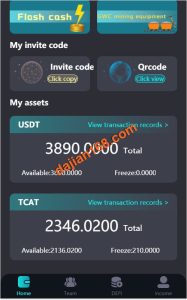
Overseas Multi-Language Board Game Demo System Setup: PHP Deployment Notes and Admin Configuration Tips
Overseas Multi-Language Board Game Demo System Setup: PHP Deployment Notes and Admin Configuration Tips
Disclaimer: This article is for technical education and demonstration only. It is not professional or financial advice. Any real-world deployment must comply with applicable laws and regulations.
I recently helped a client targeting overseas markets deploy a board game demo system with multi-language support and a premium-looking interface. The whole deployment took two days, and I hit plenty of snags along the way. Here’s the full process so you can save yourself some time.
Quick summary: the codebase isn’t complicated — a classic PHP + MySQL stack, multi-language templates on the front end, and a fairly complete admin panel. The tricky part is the language pack loading mechanism. If you’re not familiar with it, you’ll likely get stuck when language switching doesn’t take effect.
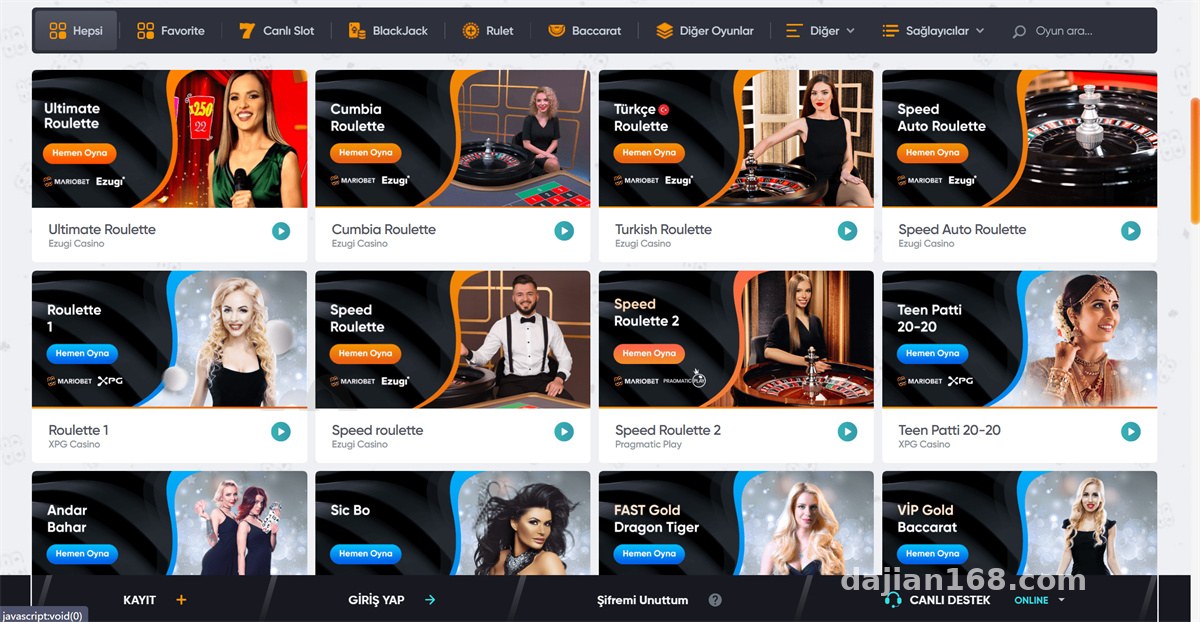
Feature Testing: Multi-Language and Front-End Performance
After installation, I went through the language module first. The system ships with about ten language packs including English, Japanese, Thai, and Vietnamese. Switching works via session plus directory mapping — each language maps to its own views subdirectory.
Language Pack Structure
Language files live under /lang/, organized as key-value pairs. In my testing, adding a new language takes roughly three steps: copy the language directory, register it in the admin panel’s language manager, and clear the cache. People almost always skip the third step, which is why the front end doesn’t refresh. Don’t ask me how I know.
Front-End Experience
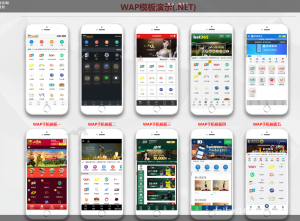
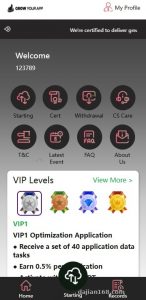
The templates are responsive and mobile adaptation is decent. I benchmarked the board game demo and arcade demo pages on a 2-core, 4GB machine: first paint on the homepage was around 1.2 seconds, dropping to about 0.8 seconds with opcache enabled. Converting all images to webp speeds things up further.
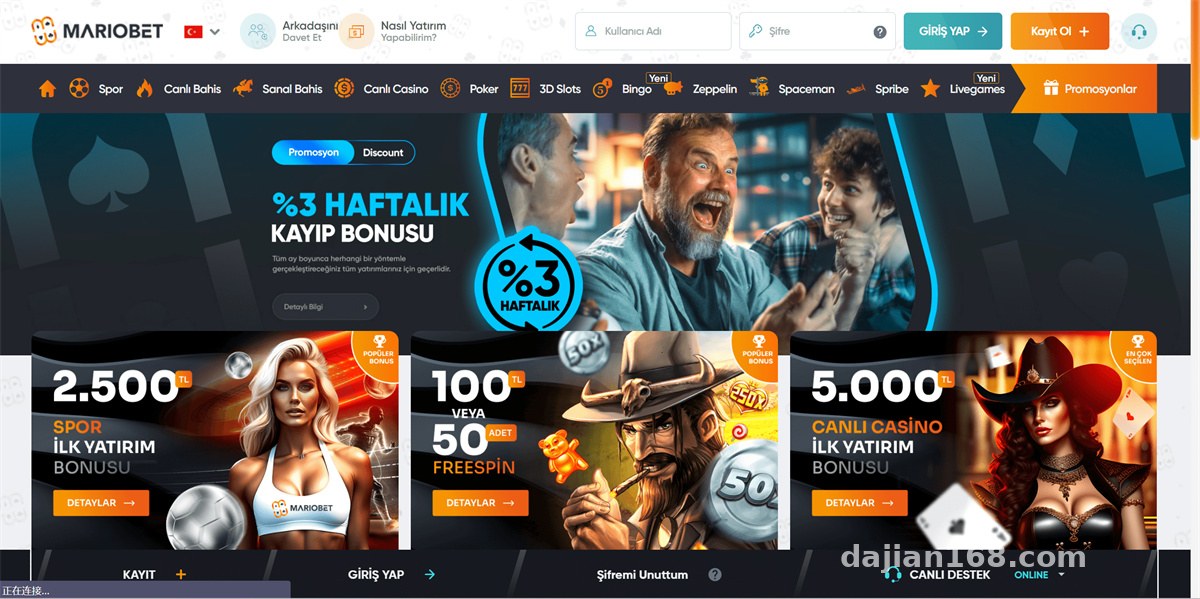
Deployment Essentials: Environment and Configuration Pitfalls
My environment: CentOS 7.9, Nginx 1.22, PHP 7.4, MySQL 5.7. The official requirement is PHP 7.2+, but 7.4 proved the most stable in practice. PHP 8.0 throws several deprecated function errors, and rather than patching the code I just stuck with 7.4.
Config Items You Must Change
First, URL rewriting. Nginx needs a rewrite rule block, otherwise everything except the homepage returns 404. The rule file is included in the source package — just include it.
Second, directory permissions. /runtime/ and /uploads/ must be 777 or 775, or image uploads from the admin panel fail outright. This one took me half an hour to debug, and the logs only gave a vague failure message.
Third, timezone. The system defaults to UTC. If you’re operating across multiple overseas regions, change it in config.php as needed, otherwise the timestamps in admin reports won’t line up.
Payment Gateway Integration
The system reserves a reel simulation for third-party payment plugins. The interface files are in the /pay/ directory — just fill in the merchant parameters per the docs. The client used an overseas aggregated payment provider with MD5 sorted-concatenation signing. During debugging, watch the parameter order carefully; out-of-order parameters will fail signature verification. I’d recommend getting it working in a sandbox environment before switching to production.
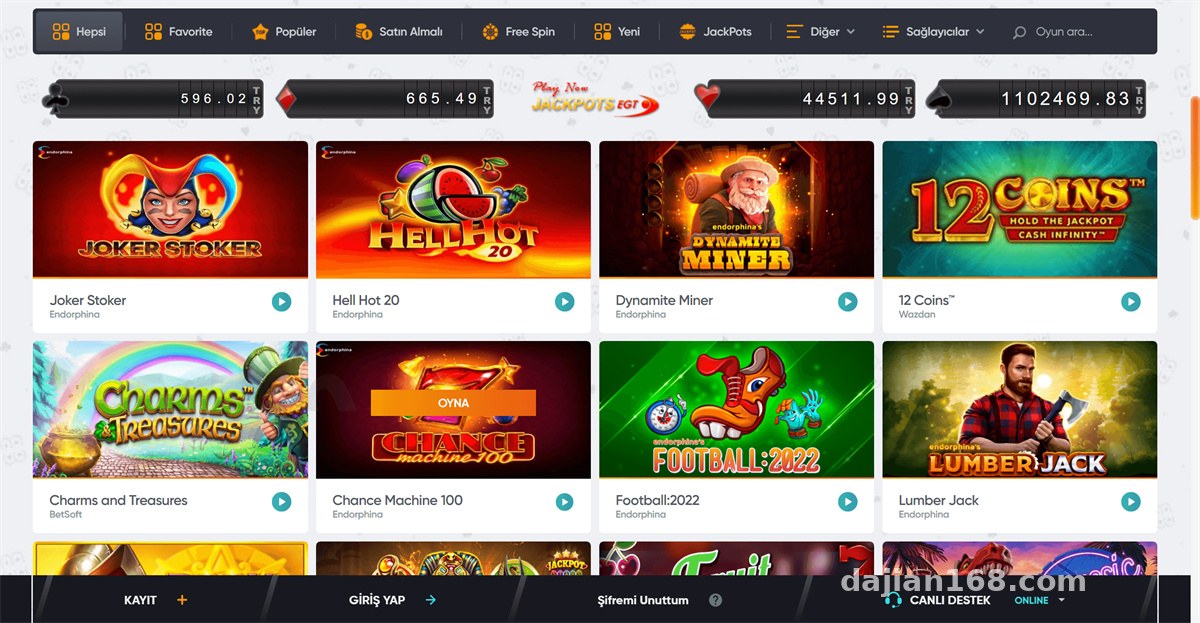
Admin Panel and Customization Notes
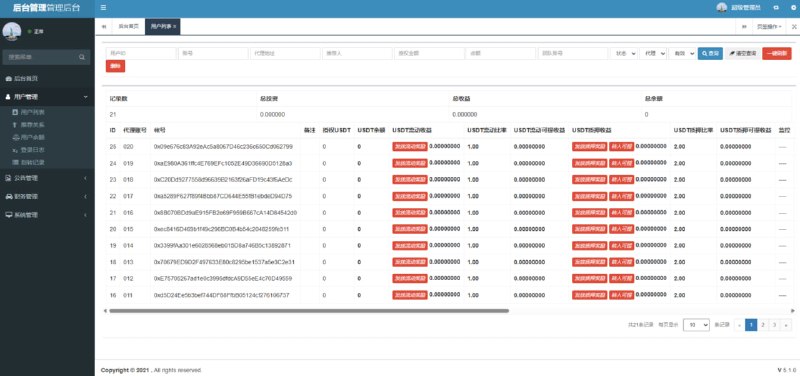
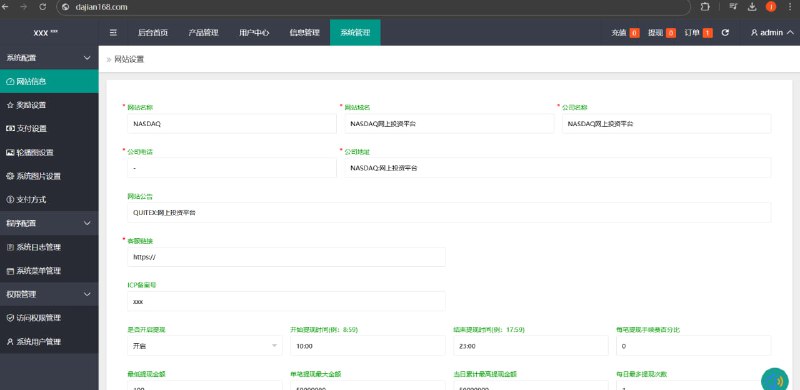
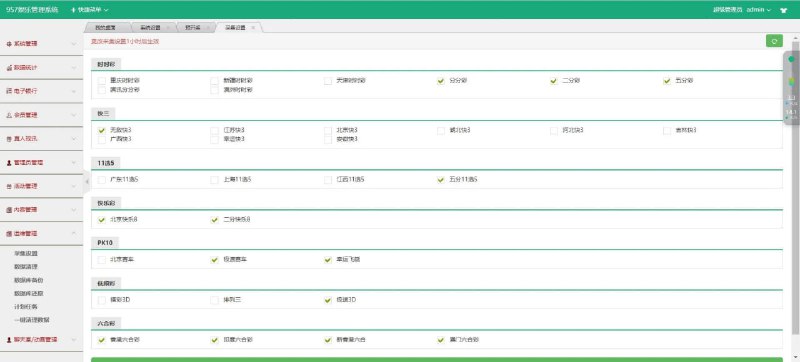
The admin panel is divided into system settings, content management, user management, and financial reports. User management shows registration sources and login history; the reports section supports daily CSV exports, which makes reconciliation easy.
As for customization, the code isn’t force-encrypted. Core logic sits in the application directory with clean MVC separation. I added a custom announcement push feature for the client in about half a day. If you want to tweak the front-end styling, templates are under /template/ — back them up before editing.
Highlight: the multi-language mechanism is directory-isolated, so adding a language requires no core code changes — just copy the language pack and register it in the admin panel. Very friendly for localization teams.
Who This Is For
This source code suits three groups: teams running multi-region overseas operations that need a ready-made multi-language framework; developers building board game demo or arcade demo projects; and freelance site owners who want full features and fast delivery. Complete beginners should brush up on LNMP basics first, or the rewrite rules and permission issues alone will eat a whole day.
FAQ
Q: What’s the minimum server configuration?
A: 2 cores and 2GB will run it, but I’d recommend starting at 2 cores and 4GB. MySQL and PHP-FPM each take a chunk of memory, and low-spec machines will lag at peak times.
Q: Some pages still show Chinese after switching languages — what do I do?
A: Nine times out of ten it’s cache. Clear the template cache from the admin panel, or manually delete the /runtime/cache/ directory, then refresh.
Q: Can I customize the encrypted parts?
A: The core code isn’t encrypted; only a few license verification files are obfuscated. Normal feature development is unaffected — just leave the license files alone.
Q: Any advice on data backups?
A: Run a daily full mysqldump backup plus an off-site copy. Sync the uploads directory with rsync — I’ve seen too many cases where only the database was backed up and the images were lost.
Final note: this article is for technical education only. Anyone using the source code should comply with applicable laws and regulations and must not use it for any unlawful purposes. Questions are welcome in the comments — I reply to everything I see.
Disclaimer: This article is for technical education and demonstration only. It is not professional or financial advice. Any real-world deployment must comply with applicable laws and regulations.
#Source Code Setup #PHP Deployment #Multi-Language System #Admin Panel #Customization Notes
-
 Alipay QR Code Scan
-
 WeChat Scan Pay