Unity3D Fishing Game Source Code Setup Guide: C++ Server + Java Admin Panel Deployment Notes
Unity3D Fishing Game Source Code Setup Guide: C++ Server + Java Admin Panel Deployment Notes
Disclaimer: This article is for technical education and demonstration only. It is not professional or financial advice. Any real-world deployment must comply with applicable laws and regulations.
I recently helped a client deploy a desktop arcade-style fishing simulation system, and it took me about two days with plenty of pitfalls along the way. While the process is still fresh in my mind, I’m writing it down for anyone who might need it. The source code structure is pretty clean: the server is written in C++, the client uses Unity3D (U3D), the admin panel runs on Java, and the database is MySQL. Overall it falls into the game demo/entertainment platform category, and the deployment logic is similar to typical online game backends — medium difficulty.
The Overall Architecture
Whenever I get a source code package, I like to go through the directory structure first. This one breaks down into four parts:
1. C++ Game Server
All the core logic lives here: room management, cannon multiplier levels, fish spawn probability, settlement, and so on. Compilation is done in a Linux environment — don’t use an ancient gcc version. I used CentOS 7 with gcc 7.x and it compiled in one pass. Compiling on Windows throws a pile of dependency errors, so I’d recommend going straight to Linux.
2. Unity3D Client
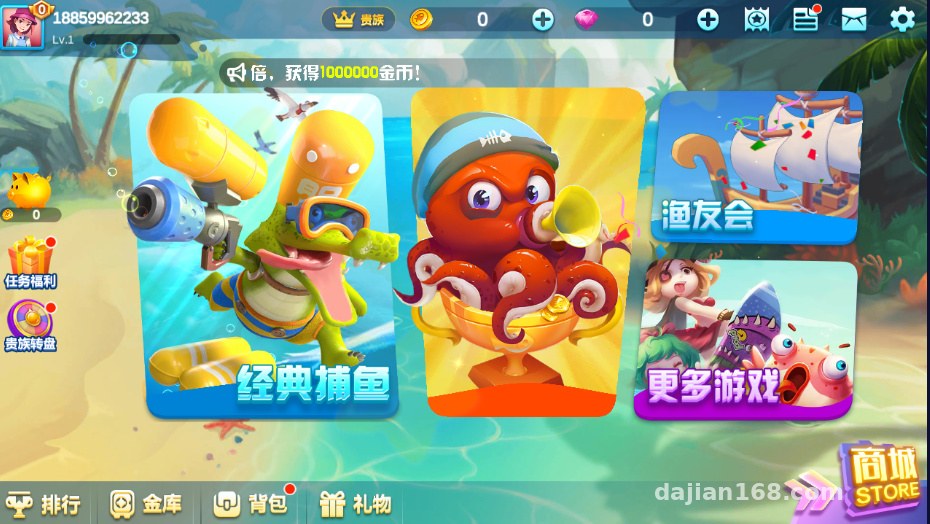
The art assets and UI are ready-made; importing into Unity 2018.x opens it right up. Note that the server IP and port configured in the client need to be changed to your own — usually found in the Config or NetManager scripts. I’ve verified both Android and PC builds; the visuals run smoothly.
3. Java Admin Panel
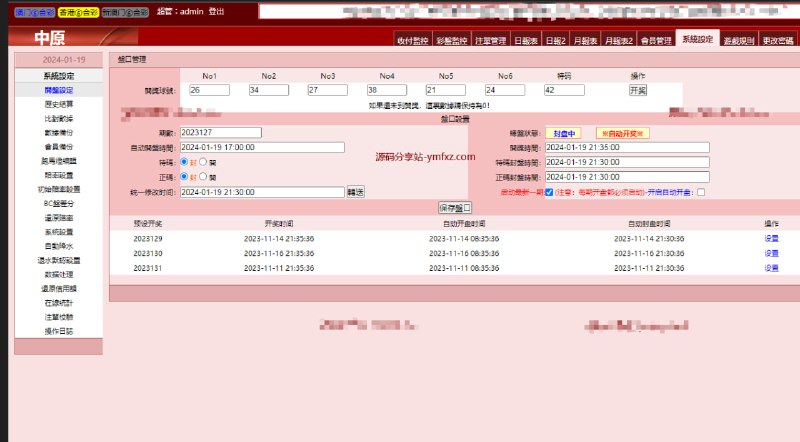
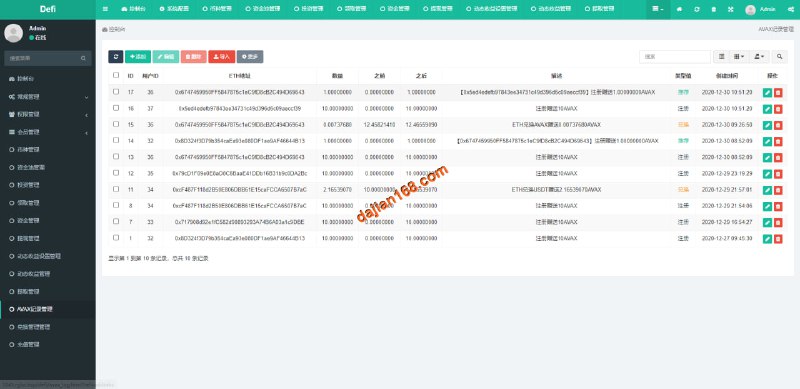
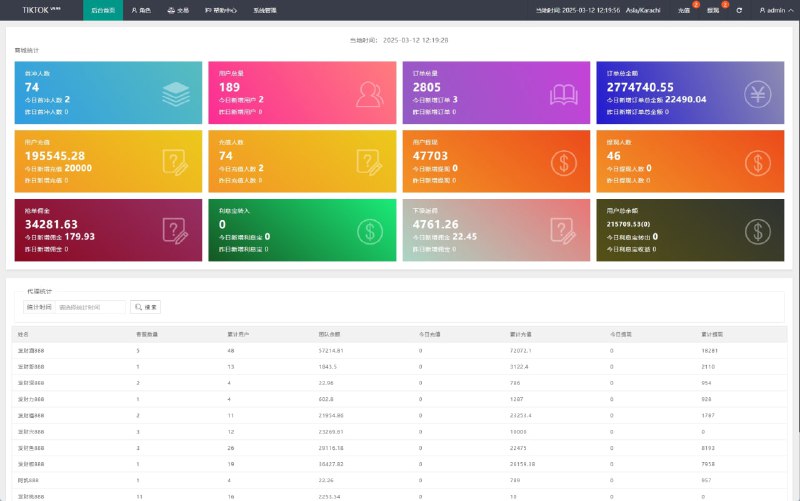
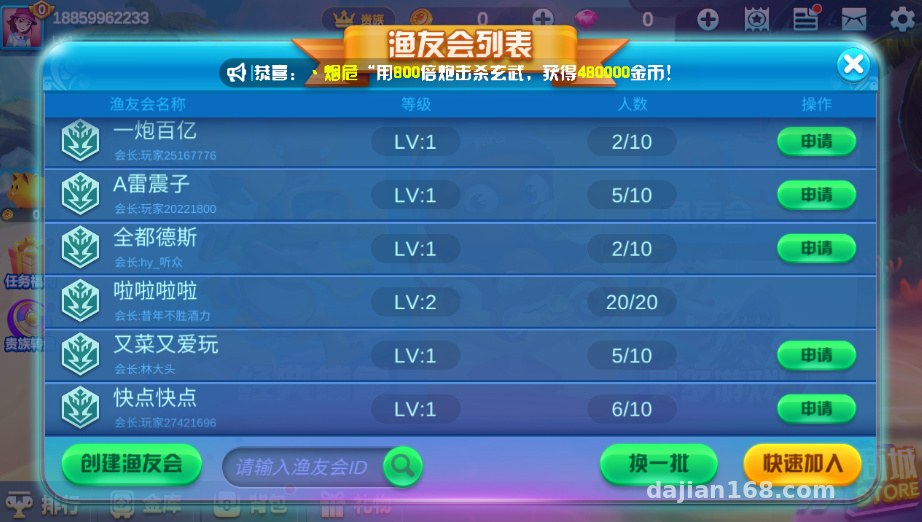
Built on the Spring architecture, running on Tomcat, it handles account management, room configuration, and data statistics. From my testing, the panel includes: user management, room parameter adjustments, announcement publishing, and log queries. The interface is in Chinese and easy to operate.
4. MySQL Database
Create the database before importing the SQL file, and make sure the character set is utf8mb4 — otherwise player nicknames containing emoji will throw errors. I learned this the hard way and had to change the character set and re-import everything.
Deployment Essentials (The Important Part)
Environment checklist: CentOS 7.6, MySQL 5.7, JDK 1.8, Tomcat 8, gcc 7.x, Unity 2018.4.
Ports and Firewall
The server listens on several ports by default; the game connection port and the admin panel port should be kept separate. Remember to open the ports in your cloud server’s security group — don’t end up like me, stuck on the client failing to connect and spending ages troubleshooting before realizing the security group wasn’t open.
Configuration File Changes
Edit the database connection info in the C++ server’s ini config, and do the same in the Java panel’s properties file. The database credentials on both sides must match. I’d suggest creating a dedicated database account, authorized only for this machine’s IP — don’t run everything as root.
Startup Order
Start MySQL first, then the C++ server, and finally the Tomcat panel. I wrote a simple shell script for startup, running processes in the background with nohup, plus a crontab job that checks process health and automatically restarts anything that dies. I strongly recommend doing this in production.
Highlight: this admin panel supports dynamic room parameter adjustments — changes take effect on refresh without restarting the server. It’s a real time-saver when doing secondary development or tuning the experience, and it’s one of the things I liked most.
Hands-On Feature Impressions
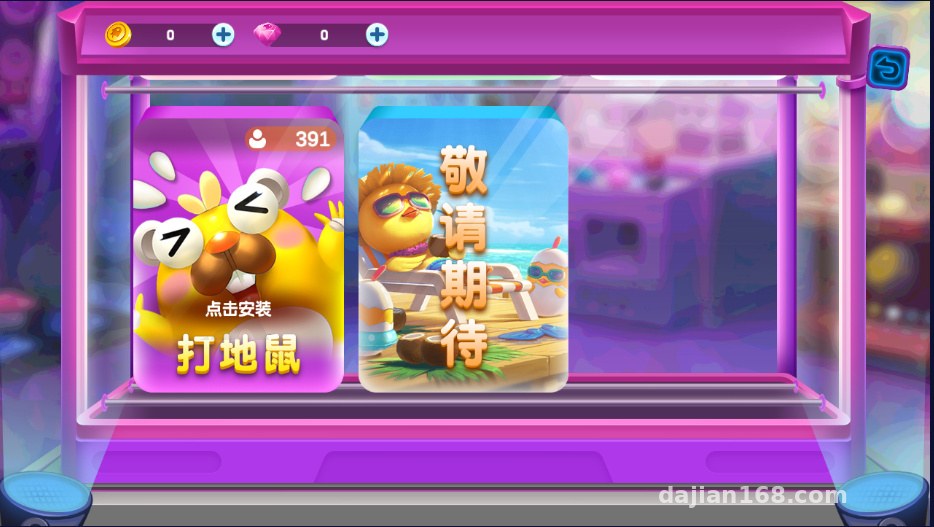
Once the client was running, cannon switching, fish with different multipliers, coin settlement, and the task system (daily tasks + achievements) all worked fine. The panel shows online player counts and activity statistics, refreshed in real time. For localization, the client text is driven by config tables, so converting to Traditional Chinese or English isn’t much work — just edit the tables and rebuild the package.
As for the payment interface, the source code reserves a standard callback endpoint, so you’d need to integrate a third-party service yourself or set up a virtual coin demo mode. If you’re just doing a technical demo or internal testing, the panel’s coin-granting feature is enough — there’s a button for issuing coins right in the admin panel, very convenient.
Who Is This For
First, anyone wanting to study game server architecture — the C++ server code is well organized, and reading it teaches you the thinking behind room management and frame synchronization. Second, freelance site operators — deployment difficulty is moderate, and if you’re familiar with Linux you can deliver in half a day to a day. Third, developers who want to practice Unity3D + server integration — the client-server protocol is Protobuf, so packet capture and analysis are quite straightforward.
Secondary development tips: to add new fish species or new cannons, just modify the server’s config tables plus the client’s art assets; to change the UI style, swap images directly in Unity, but be careful not to mix sprite atlas packing methods.
Common Questions
Q: What if the client times out connecting to the server?
A: Nine times out of ten it’s an unopened port or a wrong IP in the config file. First test the port with telnet, then double-check the address in the client’s Config — checking both usually solves it.
Q: Character errors when importing the database?
A: Use the utf8mb4 character set when creating the database, and add –default-character-set=utf8mb4 to the import command. That should avoid the problem entirely.
Q: Can’t log into the Java admin panel?
A: Check the Tomcat logs. Common causes are a wrong JDK version or an incorrect password in the database connection string. JDK must be 1.8 — higher versions throw reflection-related exceptions.
Q: Can it be packaged for mobile?
A: Yes, exporting an Android package from Unity works fine. Just pay attention to signing configuration and landscape orientation settings; resolution adaptation is adjusted in the Canvas.
Disclaimer
This article is for technical education only and shares deployment experience. All deployment operations must comply with applicable laws and regulations, and must not be used for any unlawful purposes. Users are responsible for their own compliance.
Disclaimer: This article is for technical education and demonstration only. It is not professional or financial advice. Any real-world deployment must comply with applicable laws and regulations.
#Source Code Setup #Unity3D #C++ Server #Java Admin Panel #Deployment Notes
-
 Alipay QR Code Scan
-
 WeChat Scan Pay