Smart Customer Service Ticket System Setup Guide: Auto-Reply Bot and Admin Panel Development Notes
Smart Customer Service Ticket System Setup Guide: Auto-Reply Bot and Admin Panel Development Notes
Disclaimer: This article is for technical education and demonstration only. It is not professional or financial advice. Any real-world deployment must comply with applicable laws and regulations.
I recently helped a client deploy a demo site for a smart customer service plus ticket system. The source code is the kind that comes with a bot for automatic replies and a full admin control panel. It took me a bit over two days, and I hit plenty of pitfalls along the way, so I’m writing this up to save anyone else building something similar some time.
My overall impression first: the completeness of this codebase was higher than I expected. The core modules—bot responses, an FAQ knowledge base, human agent handover, and ticket routing—are all there. The front end uses a responsive layout, and it looks fine on mobile too. The admin side runs on ThinkPHP, and PHP 7.4 + MySQL 5.7 is enough to get it going, so server requirements are modest.
Feature Testing: Is the Bot Actually Smart?
The first thing I did after installation was test the auto-reply bot. Its logic works in two layers: keyword matching plus intent recognition. If a question configured in the FAQ library is hit, it returns the standard answer directly; if not, it falls back to fuzzy matching and offers a few candidate questions for the user to click.
FAQ Configuration Experience
The FAQ management in the admin panel supports categories, sorting, and bulk import from Excel, which is genuinely useful. I imported over two hundred Q&A pairs, and in my hit-rate tests the bot recognized roughly 80% of them. To push that higher, you need to add synonyms yourself—each question can have multiple trigger keywords attached, which is a nice design.
Human Agent Handover Mechanism
When the bot can’t answer, or the user explicitly asks for a human, the session is automatically routed to a customer service agent. The admin panel lets you configure agent groups, queue limits, and working hours. In my tests, handover latency was under one second, and message sync never dropped. The agent side also shows the user’s browsing trail, which makes troubleshooting much easier.
Deployment Essentials: Pitfalls I’ve Already Hit For You
Environment Configuration
Make sure to use PHP 7.4—on 8.0 and above, some extension functions throw errors. For URL rewriting, use the ThinkPHP rules; in your Nginx config, remember to add location / { try_files $uri $uri/ /index.php?$query_string; }, otherwise every admin route returns a 404. I got stuck on that for half an hour.
Bot Integration
The bot module supports connecting to third-party semantic APIs, as well as a purely local keyword library. For a demo environment, I’d suggest running the local library first—it’s simpler. If you do connect an API, note that the default timeout is 3 seconds; on a slow network it will lag, so I’d recommend bumping it to 5 seconds and adding a retry.
Notification Interfaces
The system has reserved interfaces for SMS and email notifications, pushing updates to handlers whenever a ticket status changes. When configuring SMTP, remember that the auth code is not your login password—that’s a classic gotcha. Payment-related parts are just interface placeholders; a demo scenario doesn’t need real payment processing, so you can wire that up as needed during secondary development.
Admin Panel Testing
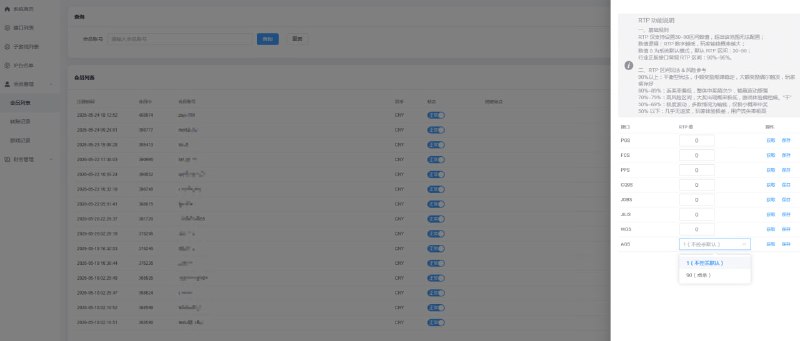
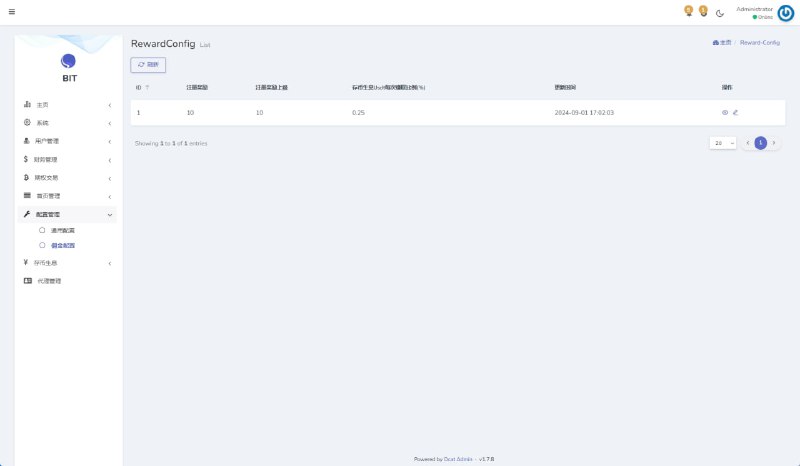
The admin permissions are fairly granular: three role levels—administrator, agent team lead, and regular agent—with menus and data scopes assignable individually. The dashboard shows metrics like session volume, response time, and bot resolution rate, with reports exportable by day or by week.
On multilingual support, the front-end language packs are separate files. I added an English pack while I was at it, and it wasn’t too painful—the vocabulary structure is clean. For secondary development, the controller and model layers are well organized and the comments are reasonably complete, so whoever takes over won’t be cursing your name.
Who Is This For?
This setup suits three kinds of scenarios: internal enterprise support teams adopting a ticket workflow; technical service providers building demo sites or teaching cases; and teams with secondary development capability who want to customize it for their own clients. If you can’t code and want to use it commercially right away, I’d suggest getting a developer to set up the environment first.
Highlight: the bot resolution rate report is the most valuable feature in this system—it directly quantifies the quality of your FAQ library. My advice is to review the “unmatched questions” log weekly after launch and expand the keyword library accordingly. After a month, the resolution rate improves noticeably.
FAQ
Q: What’s the minimum server configuration?
A: 1 core and 2 GB RAM will run the demo environment fine, handling 10 concurrent sessions without trouble. For production use, start with 2 cores and 4 GB, and give the database 1 GB of dedicated memory.
Q: Can the bot connect to channels other than web pages?
A: The source code includes a message gateway layer, so in theory any channel can be connected—you just modify the message ingestion adapter. Out of the box it supports a web widget and H5 pages, and the secondary development workload is small.
Q: Where are the most common setup mistakes?
A: URL rewriting and the PHP version—eight out of ten failed deployments stumble on one of those two. Also, when importing the database, remember to update the table prefix in the config file; if the default prefix doesn’t match the demo database, you’ll get “table not found” errors.
Q: Can it be redeveloped into other business forms?
A: Yes. The ticket and session modules are generic, so you can reskin them and change business fields. However, this is limited to lawful and compliant purposes only—all use must comply with applicable laws and regulations, and any unlawful use is prohibited.
Overall, this codebase offers good value for money, with medium deployment difficulty—suitable for anyone with some PHP basics. If you have questions, feel free to ask in the comments; I’ll reply when I see them.
Disclaimer: This article is for technical education and demonstration only. It is not professional or financial advice. Any real-world deployment must comply with applicable laws and regulations.
#Smart Customer Service #Ticket System #Auto-Reply Bot #Source Code Setup #Deployment Notes
-
 Alipay QR Code Scan
-
 WeChat Scan Pay