Divine Beast Hall Board Game Demo System Setup Guide: Elite Alliance UI Secondary Development Deployment Notes
Divine Beast Hall Board Game Demo System Setup Guide: Elite Alliance UI Secondary Development Deployment Notes
Disclaimer: This article is for technical education and demonstration only. It is not professional or financial advice. Any real-world deployment must comply with applicable laws and regulations.
I recently helped a client deploy a secondary-development custom version of the Divine Beast Hall system, using the Elite Alliance UI. Honestly, custom UI resources like this are rare on the market. My first impression was that the package is quite complete — the server components and UI update package are all included, which saved a lot of piecing things together. Below I’ve documented the whole setup process and the pitfalls I hit, for anyone who comes after.
Hands-On Review: Is This UI Worth It
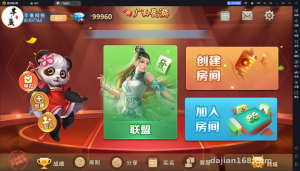
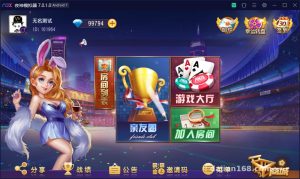
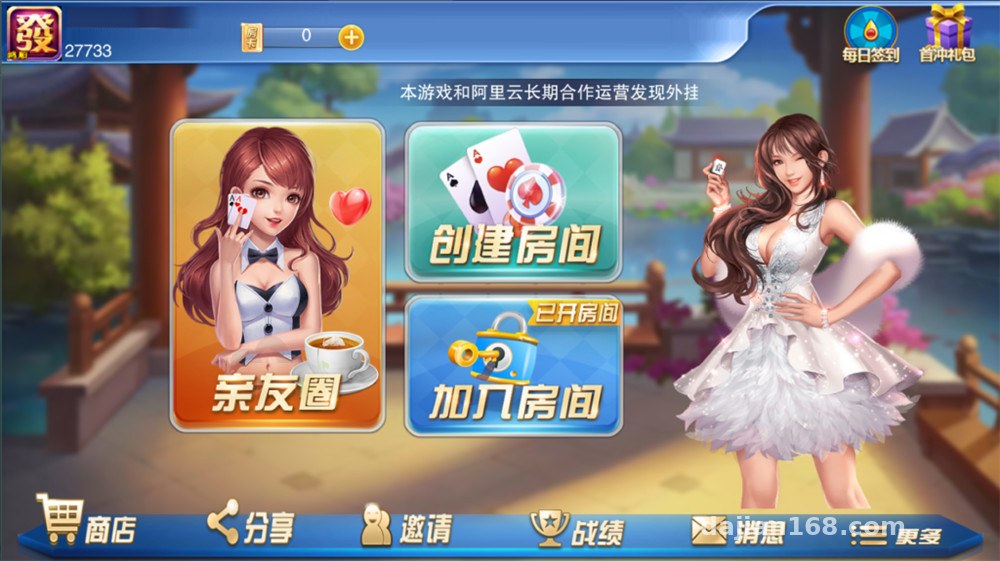
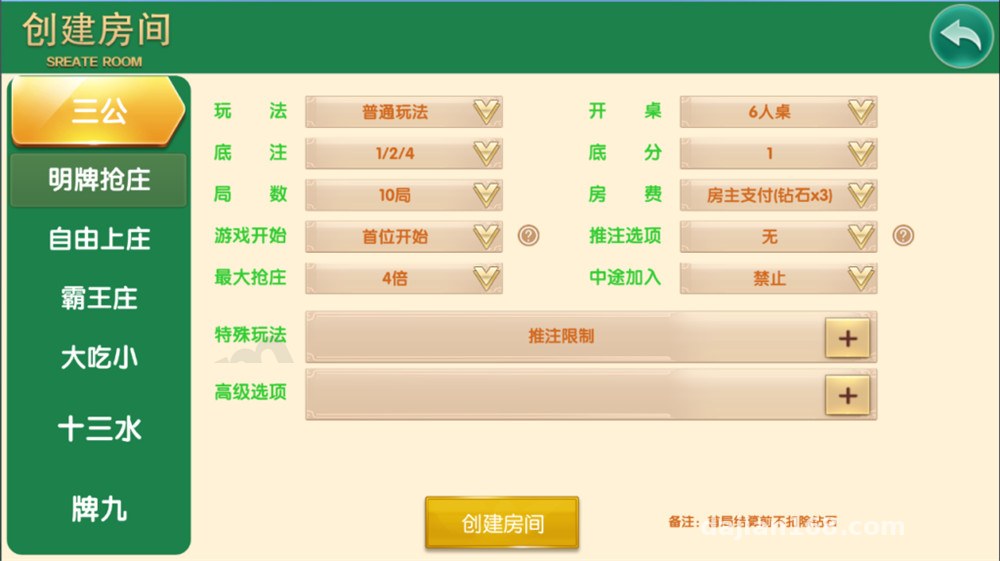
Short answer: the UI fidelity is higher than expected. The Elite Alliance-style lobby layout, room list, and table interaction interface are all fully implemented — not one of those half-finished products that just swaps a shell.
Lobby and Room Modules
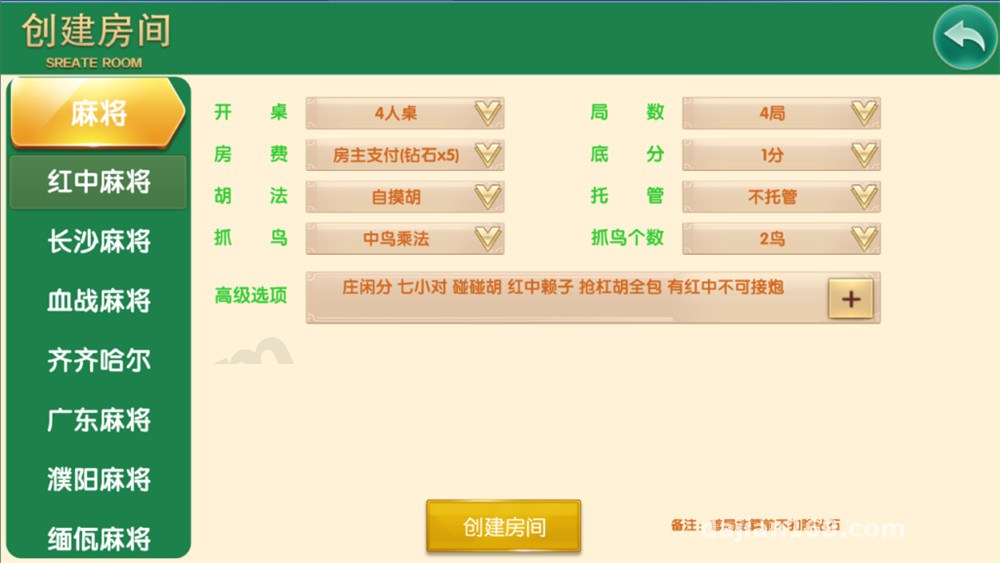
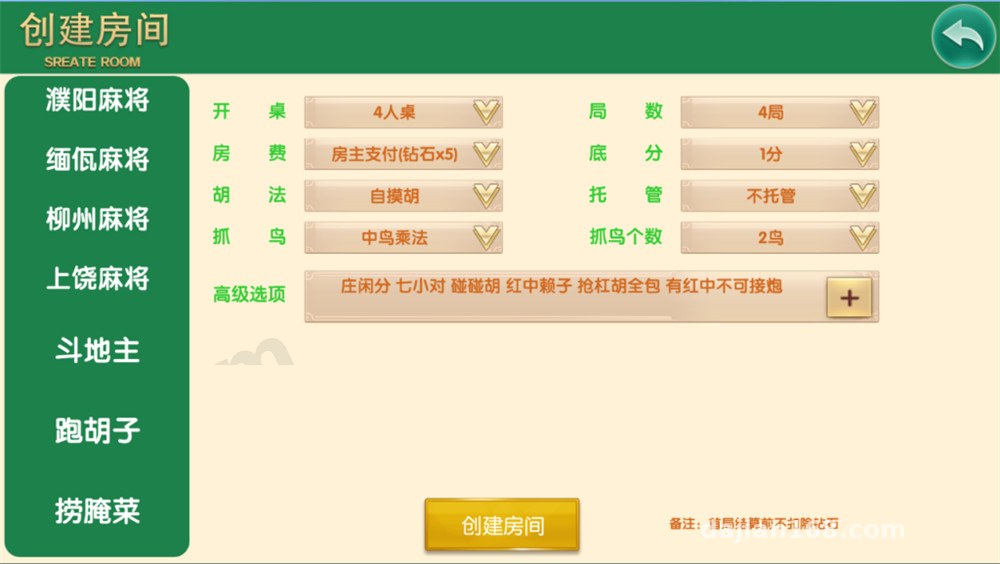
The lobby supports switching between multiple rooms. Table rendering uses a component-based front-end approach, so changing skins only requires replacing the image packs and color configuration in the resource directory. I tested changing a theme color set — took about 40 minutes, without touching core logic.
Admin Backend
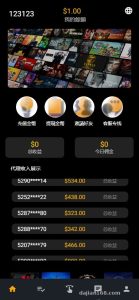
The admin backend is fairly practical: user management, room configuration, data statistics, and announcement push are all there. The dashboard supports daily exports, which is more than enough for the client’s operations demos.
Payment and Multi-Language Interface Placeholders
The system reserves a standard integration reel simulation for payment interfaces, with callback parameter documentation included. When connecting a third-party payment provider, you just follow the signature rules. I got the simulated callback working in my test environment. For multi-language, there’s a built-in language pack directory — adding a language only requires adding a translation file, and the front end detects it automatically.
Deployment Essentials: Environment and Parameters
My environment was CentOS 7.9 + Nginx 1.22 + PHP 7.4 + MySQL 5.7, deployed with the BT Panel. The whole process took about two hours.
Key Steps
1. Import the database first — make sure the character set is uniformly utf8mb4, otherwise Chinese nicknames will show as garbled text;
2. Before starting the server components, update the database connection and port in the config file — it’s a good idea to change the default port;
3. After extracting the UI update package, copy it over the front-end resource directory — back up the original directory first. That’s a lesson learned the hard way;
4. Configure the rewrite rules according to the documentation. Skipping this step causes 404 errors on the room list.
Pitfall Log
The biggest pitfall was PHP extensions: swoole and fileinfo must be installed. Missing fileinfo causes the UI package upload validation to fail. Also, remember to whitelist the front-end domain in the CORS configuration, otherwise all lobby API requests get blocked with errors. I’d recommend at least 2GB of memory — CPU usage isn’t low during concurrent demos.
Highlight: this resource comes with a full UI update package, so re-skinning doesn’t require rebuilding the front end — it cuts secondary development costs significantly. It’s a fairly rare custom resource.
Who It’s For and Secondary Development Tips
Three groups will find this useful: developers building board game demo platforms for arcade-style showcases, who can tweak it and get a demo running; studios taking custom orders — the Elite Alliance UI is a solid foundation, and secondary development is mostly about swapping brand assets; and tech enthusiasts who want to study the architecture of lobby-style systems — the component-based front-end structure is worth a look.
My secondary development advice: get the default environment running before touching any code. When modifying the UI, only touch the resource directory, and leave the business logic layer alone as much as possible. If the client has lots of custom requirements, extract the room configuration into an independent module — it makes later maintenance much easier.
FAQ
Q: Can I set up a demo without payment credentials?
A: Yes. The system supports a sandbox mode — in the test environment you can run through the flow with simulated callbacks. Before going live, you’ll need to integrate a compliant channel yourself and follow applicable laws and regulations; any unlawful use is prohibited.
Q: What’s the minimum server configuration?
A: I’d suggest at least 2 cores and 2GB RAM, with 3M+ bandwidth. I tried a 1GB VPS and the lobby clearly lagged when loading — not recommended.
Q: What if the UI update package doesn’t match the program version?
A: First check the version number documentation in the resource package. In my case they were matched. If they don’t match, roll back the resource directory and compare and replace module by module — don’t just do a full overwrite in one go.
Q: Does it support multi-language secondary development?
A: Yes. The language pack directory structure is clear — add a translation file plus front-end language switching configuration and you’re done. I tested adding an English pack; it took about half an hour.
Overall, this Divine Beast Hall Elite Alliance UI custom edition is well finished, with a moderate setup difficulty — suitable for webmasters with some LNMP experience. Compliance notice: this system is for board game simulation and technical demonstration only. Please comply with applicable laws and regulations; any unlawful use is prohibited.
Disclaimer: This article is for technical education and demonstration only. It is not professional or financial advice. Any real-world deployment must comply with applicable laws and regulations.
#Divine Beast Hall #Elite Alliance UI #Source Code Setup #Deployment Notes #Secondary Development
-
 Alipay QR Code Scan
-
 WeChat Scan Pay