H5 Board Game Simulation Platform Setup Guide: Club Room System Deployment Notes and APP Packaging Tips
H5 Board Game Simulation Platform Setup Guide: Club Room System Deployment Notes and APP Packaging Tips
Disclaimer: This article is for technical education and demonstration only. It is not professional or financial advice. Any real-world deployment must comply with applicable laws and regulations.
I recently helped a client deploy an H5 board game simulation demo platform, informally known as the Xiao Su Alliance demo operations edition. It took two days of tinkering to get the whole workflow running, so I’m jotting down some notes to save anyone who wants to set this up some troubleshooting time.
Bottom line up front: the overall completeness of this system is quite high. It has basically all the operations-level features—club system, room vouchers, and points gameplay are all there, and the frontend assets aren’t encrypted, so tweaking the UI is a breeze. The key thing is it can be deployed repeatedly, so the value for money is genuinely good.
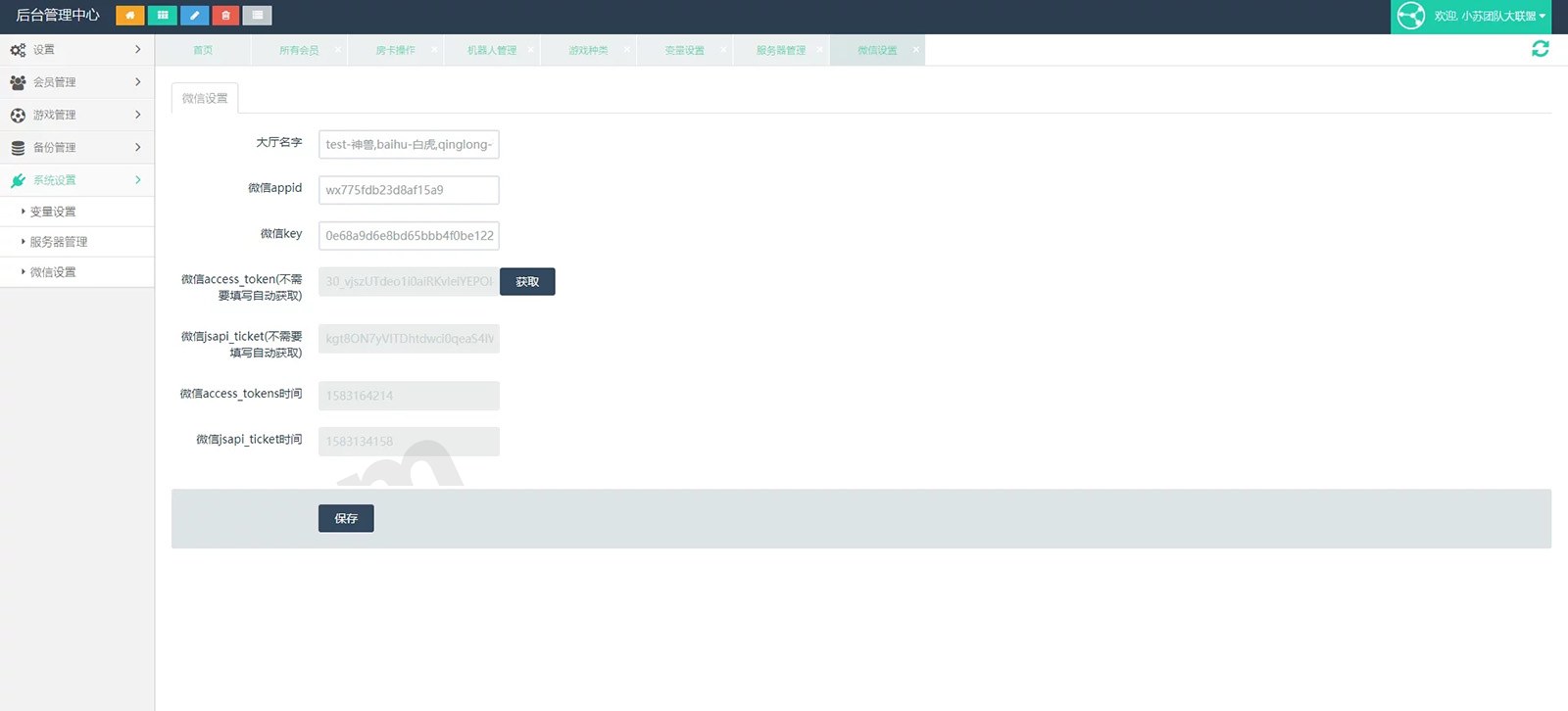
Feature Testing: What’s Actually Included
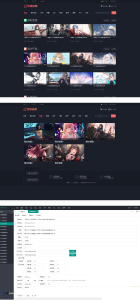
The first thing I did after installation was browse through the admin panel, and there were more features than I expected. Here are a few highlights:
1. The Game Modules Are Pretty Comprehensive
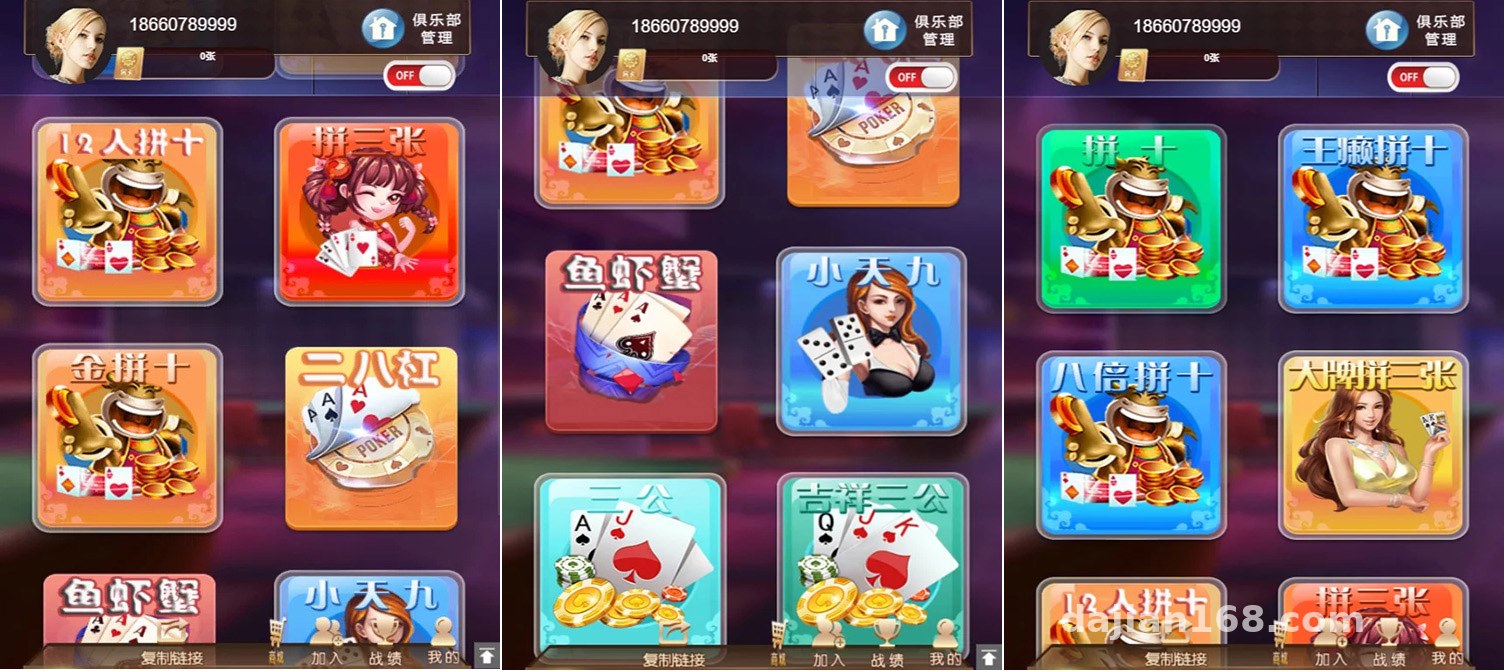
The platform comes with a dozen-plus card simulation modules built in: 12-player Niu Niu simulation, 9-player Niu Niu simulation, 6-player Niu Niu simulation, three-card demo, thirteen water simulation, Guangdong card simulation, double drop demo, Texas Hold’em simulation, Zha Jin Hua demo, 28-bar simulation, Pai Jiu simulation, San Gong simulation, fish-shrimp-crab probability demo, and more. I clicked through each one and tested them all—every one launched and ran normally, with no errors or missing resources.
2. Club and Room System
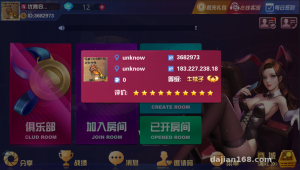
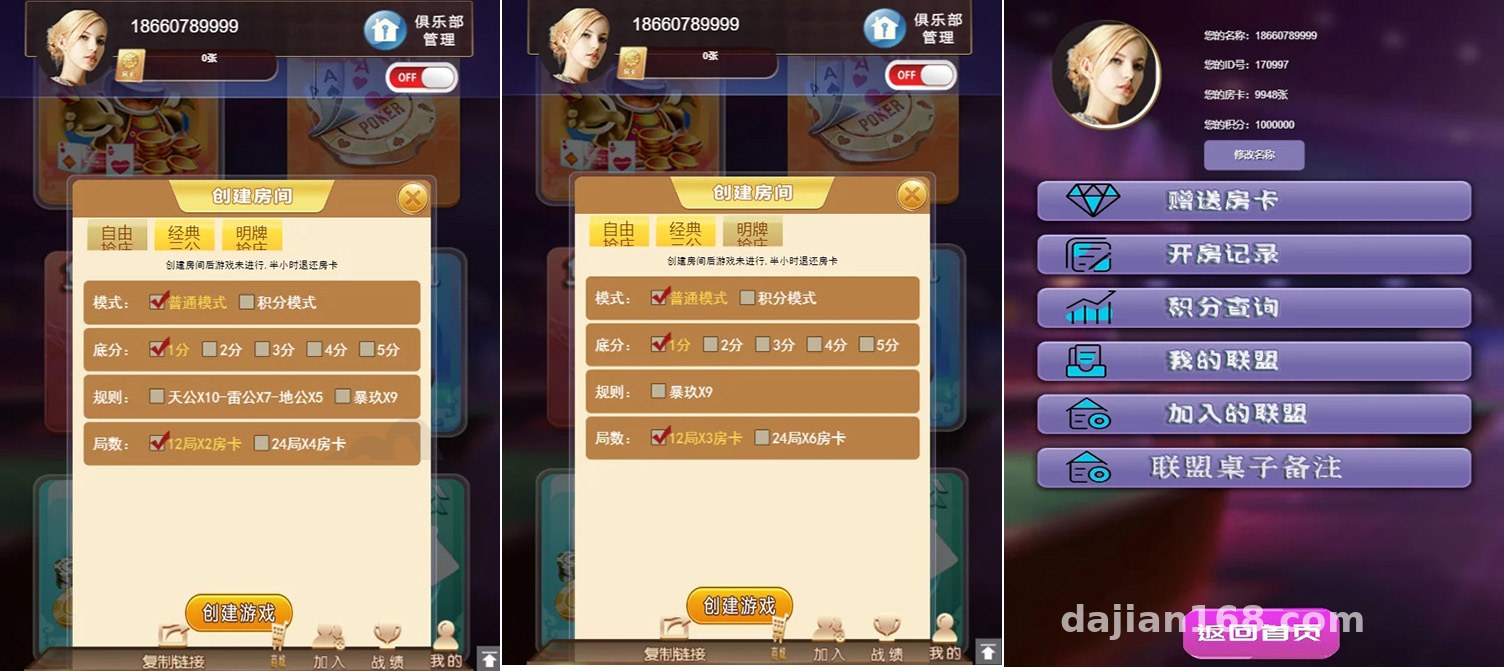
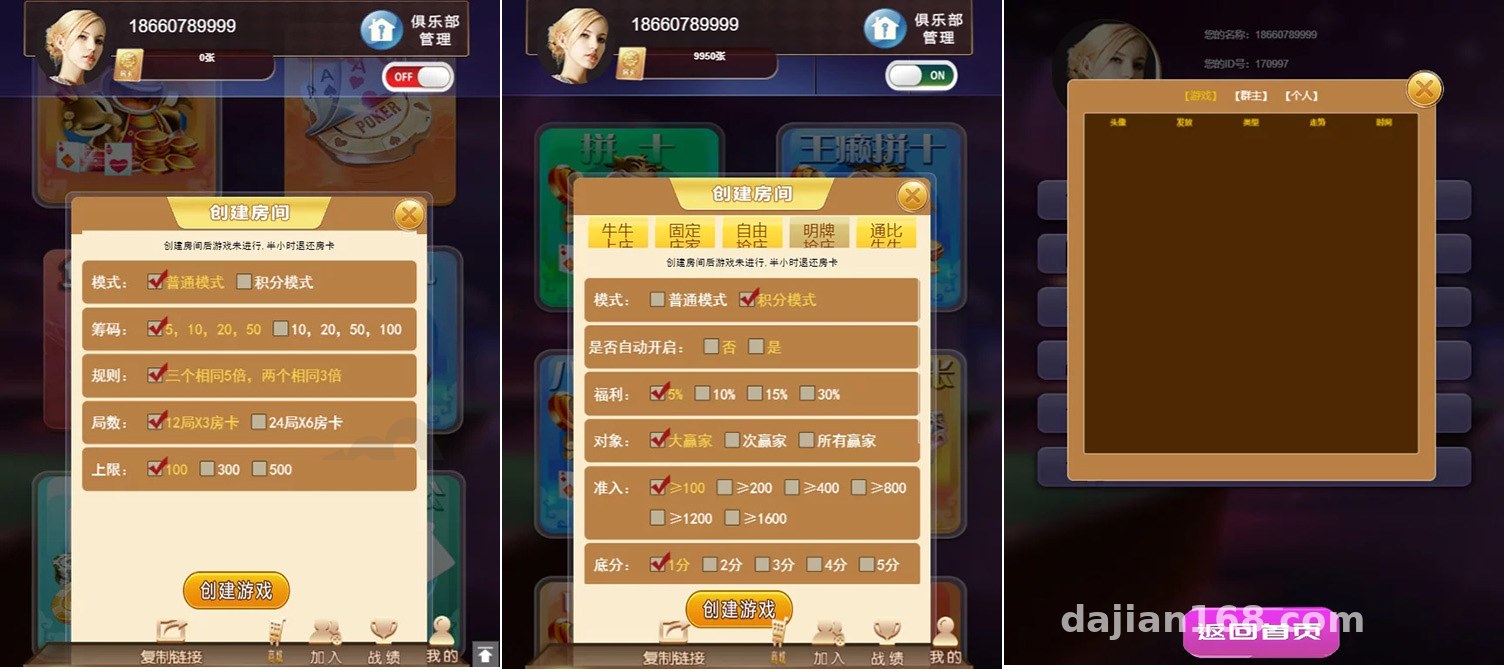
This is the core gameplay of the platform. Admins can create clubs, members open rooms using room vouchers, points are settled automatically within rooms, and room history and match records can all be looked up in the admin panel. There’s also an agent system with hierarchical management, which suits a community operations approach.
3. Admin Control Panel
The admin panel has demo control features like win-rate configuration and dealing parameter settings. For technical demos or teaching scenarios, you can flexibly adjust the random number parameters to show how the system behaves under different probability models. Features like perspective control and specified dealing are demo debugging functions—actual use must comply with laws and regulations, and should be limited to legitimate technical demonstration and teaching scenarios only.
Deployment Essentials: Environment and Process
Let me record my actual deployment parameters so I don’t forget next time:
Environment Configuration
A 2-core 4G server is enough to run it to start; I’d recommend 5M bandwidth or more, because the H5 asset package isn’t small. PHP 7.x + MySQL 5.6 + Redis, and installing via the BaoTa panel is the easiest route. Remember to configure the pseudo-static rules, otherwise routes will 404—this is the most common pitfall.
Deployment Steps
Upload the source code → import the database → update the database connection in the config file → set the site’s pseudo-static rules → log into the admin panel and change the admin password. The whole process takes under an hour. Note that when importing the database, choose the utf8mb4 charset, otherwise some emoji characters will throw errors on insert.
APP Packaging
This system works outside the WeChat environment and can be packaged directly as a standalone APP—users just register and log in to play. You can also configure a service account for WeChat login; both paths work. For packaging I used an offline build approach: change the splash screen and icon, and the Android build passed review in one go and installs fine. For iOS you’ll need to prepare your own signing certificates.
Secondary Development and UI Modification Experience
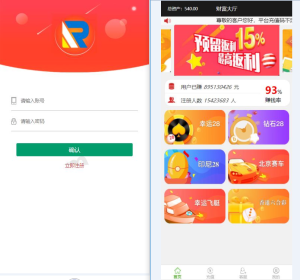
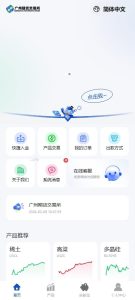
The unencrypted frontend assets are very friendly for secondary developers. The HTML/CSS/JS are all in plain text, so swapping the logo, changing colors, or reordering the game list is straightforward. I rearranged the homepage banner and game entry icons, and it took about half a day. If you want to add a new language pack, all the copy is centralized in the language files, so making a Traditional Chinese or English version isn’t hard either.
Tip: After modifying the frontend, remember to clear the CDN and browser cache. The first time I made changes nothing took effect and I spent half an hour troubleshooting—turns out I just hadn’t cleared the cache. Also, always back up the original database before going live; it makes rollback much easier when deploying and testing repeatedly.
Who This Is For
This system suits several scenarios: technical teams building board game simulation products who need a complete, referenceable H5 framework; community operators who want to build a club points system; and studios taking on secondary development gigs, since the fully open assets make modifications fast. If you’re a complete beginner hoping to jump straight into operations, I’d suggest getting it running in a local environment first before considering a live launch.
FAQ
Q: What server specs are needed?
A: Start with 2 cores, 4G RAM, and 5M bandwidth, then upgrade as user volume grows. Make sure Redis is installed—room state and points settlement run much more smoothly through the cache.
Q: How many times can it be deployed?
A: It can be deployed repeatedly—one set for local testing and one for production is no problem, which is one reason the value for money is so good.
Q: How do I configure WeChat login?
A: Configure the authorized callback domain in the service account backend, then fill the appId and secret into the corresponding fields in the admin panel. If you go the standalone APP route, just use account-and-password registration and login, with no dependency on the WeChat environment.
Q: Can individual game modules be taken offline?
A: Yes. In the admin panel’s game management section, each module can be toggled on or off individually, so you can keep only the ones you need.
A final reminder: this source code is for lawful, compliant technical learning and demonstration purposes only. Please comply with all laws and regulations when deploying and using it, and never use it for any illegal purposes.
Disclaimer: This article is for technical education and demonstration only. It is not professional or financial advice. Any real-world deployment must comply with applicable laws and regulations.
#H5 Setup Tutorial #Board Game Simulation #APP Packaging #Source Code Deployment #Secondary Development Notes
-
 Alipay QR Code Scan
-
 WeChat Scan Pay