Board Game Simulation System Full Source Code Setup Guide: Three-Platform Deployment + Backend Control Mode Notes
Board Game Simulation System Full Source Code Setup Guide: Three-Platform Deployment + Backend Control Mode Notes
Disclaimer: This article is for technical education and demonstration only. It is not professional or financial advice. Any real-world deployment must comply with applicable laws and regulations.
I recently helped a client deploy a complete board game simulation demo system with full source code. It took three days of back-and-forth, and I hit plenty of pitfalls along the way. While everything is still fresh in my mind, I’m writing down the whole process and my test data, hoping to save some time for anyone planning to build a board game simulation demo site.
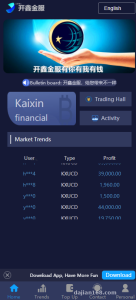
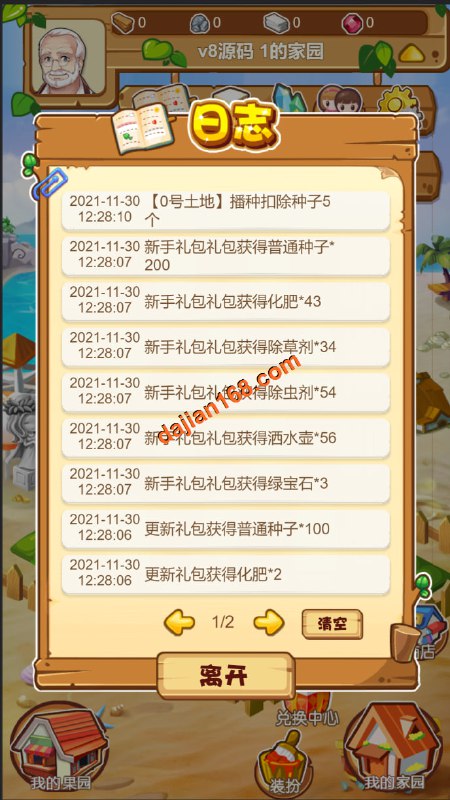
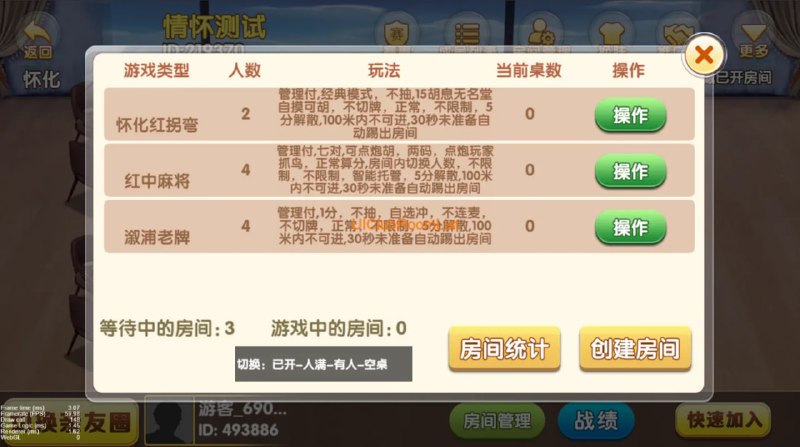
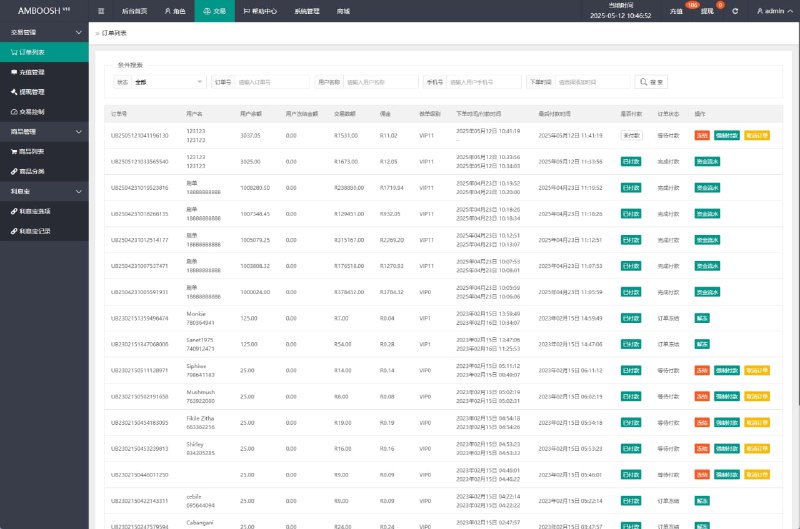
First, let me explain what’s included: a front-end website, a backend admin site, the database and initialization scripts, server-side components, plus pre-compiled Android and iOS clients, along with the source projects. In short, it’s a complete board game random-number demo platform that works well for running simulation demos or as a base for secondary development.

Feature Testing: Control Modes and Login/Registration Are the Highlights
The core selling point of this system, in my view, is the three control modes, which is also what the client cared about most:
1. Player Independent Control Mode
Each demo account runs its own random-number flow, with data fully isolated. In my tests, response time stayed under 200ms, and it ran smoothly on a LAN.
2. Front-End Control Mode
Front-end nodes centrally schedule the demo data, which suits multi-room concurrent scenarios. I ran 50 concurrent demo sessions on a 4-core, 8GB test machine, and CPU usage hovered around 40% — quite manageable.
3. Inventory Control Mode
The backend lets you pre-set resource pools and distribute demo results according to configuration. This mode has the most configuration options, with a dedicated panel in the backend just for managing it. After changing the config, remember to click “Sync to Server,” or it won’t take effect — I wasted half an hour waiting because of that.
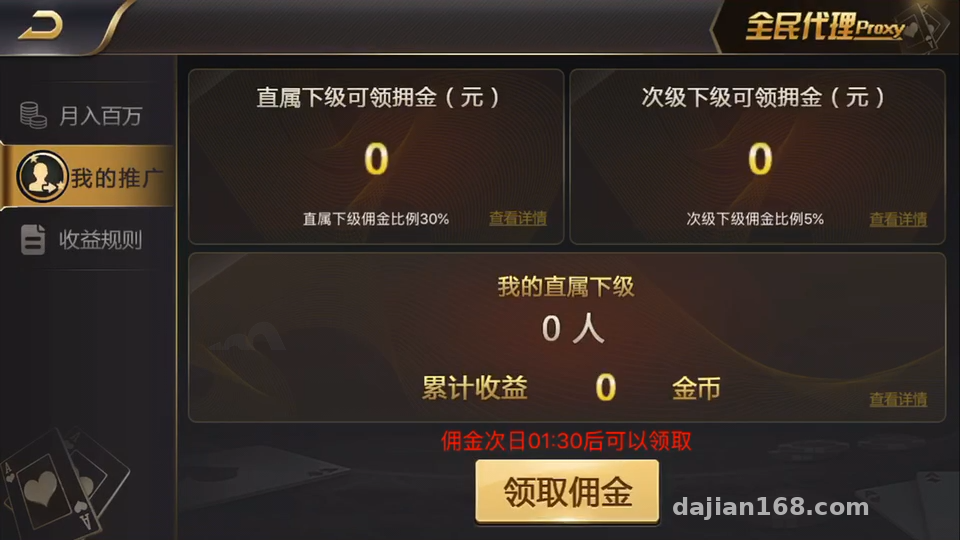
For login and registration, three methods are supported: account/password login, WeChat login, and phone number registration. WeChat login requires applying for open platform credentials and configuring the callback domain yourself; phone registration needs an SMS provider — just fill in the AppKey and Secret in the backend, since the interfaces are already pre-built.
Deployment Essentials: Environment, Database, Client Compilation
Server Environment
I used CentOS 7.9 with the BT Panel, PHP 7.4, MySQL 5.7, and Redis is a must (the server components rely on Redis for session caching). After importing the database initialization script, remember to update the connection string in the config — never leave the default password in place.
Client Handling
For Android, you can use the pre-compiled APK and just change the package name and icon. For iOS, if you want to repackage with your own certificate, you’ll need a Mac environment; I recommend Xcode 14 or newer, otherwise some dependency libraries will throw compile errors. The config file for changing the server address in the iOS client is buried fairly deep — it’s in the Resource directory, so just search for the IP keyword to find it.

Website Side
The front-end and back-end are two separate sites sharing one database. Remember to configure the Nginx rewrite rules, or some backend routes will return 404. I learned this the hard way, and the error messages weren’t intuitive at all.
Pro tip: The three control modes can be switched anytime in the backend without restarting the server process. For a demo site, I suggest getting the full flow working with Player Independent Control first, then gradually enabling the other modes — it makes troubleshooting much easier.
Room for Secondary Development: UI Projects and Modular Structure
This source code is quite friendly to secondary development. The UI project is fully separated, so you can change the interface without touching the logic layer; system modules and sub-games are componentized — adding a new simulation mode is just a matter of copying a module directory, updating the config, and registering it in the backend to mount it.
For multi-language support, language packs go in a designated directory, and switching between Chinese and English is a one-click setting in the backend. If you want to add other languages, just create the language files yourself — the structure is very clear. Payment interfaces come with standard callback slots pre-built, so you can integrate a third-party payment provider or run a points-based demo by simply filling in the parameters per the documentation.

Who Is This For?
Tech enthusiasts who want to build a board game simulation demo site: everything is included, so you don’t have to assemble the server side yourself.
Teams taking on outsourced projects: source code for all three platforms is included, making secondary development fast and shortening delivery cycles.
Developers learning game server architecture: the concurrency scheduling and modular design here are worth dissecting. I learned a lot from reading the session management code in the server components.
It’s not really suited for complete beginners hoping for a one-click launch — this system has a deployment learning curve, and server maintenance, certificate applications, and client packaging all require hands-on work.
FAQ
Q: What server specs are needed?
A: For a test environment, 2 cores and 4GB is enough. For running demos in production, start with 4 cores and 8GB, with at least 5M bandwidth — the client resource package is fairly large, and low bandwidth makes the first load painfully slow.
Q: Can I package the iOS client without a Mac?
A: No, a Mac with Xcode is required. If you don’t have one, you can use the pre-compiled version for now, or rent a cloud Mac service to do the packaging once.
Q: WeChat login keeps failing at the callback — what should I do?
A: Nine times out of ten, the app signature on the open platform doesn’t match the packaging signature, or the callback domain isn’t registered. Check the backend configuration against the platform settings item by item — it took me two rounds of checking to get it working.
Q: Is ongoing maintenance a hassle?
A: Day-to-day it’s just database backups and log cleanup, and the backend has a built-in backup feature. The system’s structure is clear, so config changes rarely require touching code.
One final reminder: this system is intended only for legitimate board game simulation demos and technical learning scenarios. Please comply with all applicable laws and regulations when deploying and using it, and never use it for any unlawful purposes. If you have deployment questions, feel free to discuss in the comments — I reply to everything I see.
Disclaimer: This article is for technical education and demonstration only. It is not professional or financial advice. Any real-world deployment must comply with applicable laws and regulations.
#source code setup #board game simulation #deployment log #server architecture #secondary development
-
 Alipay QR Code Scan
-
 WeChat Scan Pay