Board Game Demo System Source Code Deployment Guide: Alliance Demo Mode Setup & Admin Panel Configuration Notes
Board Game Demo System Source Code Deployment Guide: Alliance Demo Mode Setup & Admin Panel Configuration Notes
Disclaimer: This article is for technical education and demonstration only. It is not professional or financial advice. Any real-world deployment must comply with applicable laws and regulations.
I recently helped a friend who builds game product demos deploy a board game demo system — the kind of card-based simulation source code that comes with an alliance demo mode. It took two evenings of tinkering to get the environment running and go through all the features, so I’m writing down the pitfalls I hit to save anyone else deploying this thing some time.

First, the Foundation of This System
The UI is designed around a card-room scenario with a clean, minimalist interface. The dynamic rendering is quite smooth — I ran it on a 2-core, 4GB test machine and didn’t notice any obvious frame drops. The overall architecture is the standard front-end/back-end separation: H5 front end, PHP + MySQL back end, with WebSocket handling real-time communication.
At the platform level, there are two fairly practical features:
Identity verification module: It integrates a verification API, and users must complete verification after registering before they can enter game rooms. The logic is ready-made — you just tweak the API parameters to hook up your own verification service.
Invitation code mechanism: Users can enter an invitation code at registration, and the admin panel can trace the full invitation chain. This feature is really handy for running promotion demos, and all the data can be exported from the back end.
Hands-On Test of the Two Venue Modes
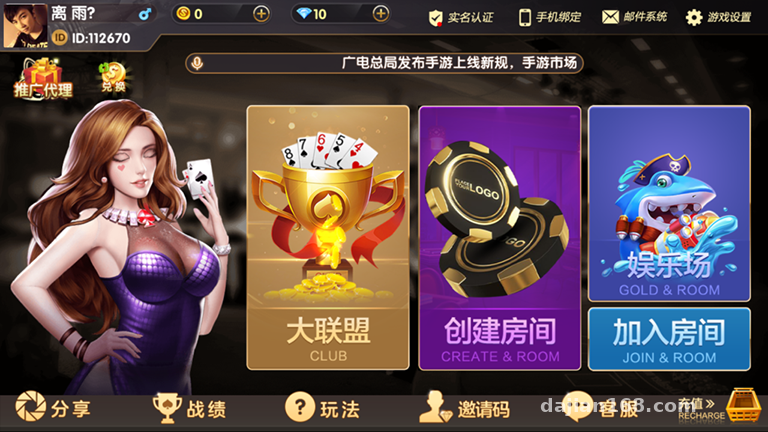
The system has two venue types: one is the alliance demo mode, the other is a regular recreation hall. The difference lies in which consumable item is used — the alliance demo mode runs on room tickets, while the recreation hall uses gold coins. This design is very friendly for product demos, since you can keep the data for the two modes completely isolated.
Lobby Game Categories
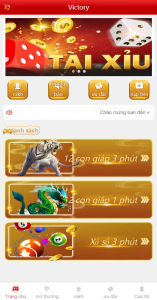
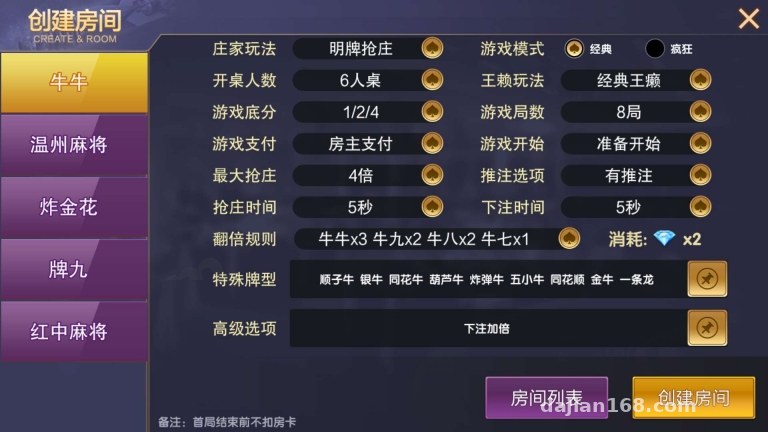
The admin panel has these game modules enabled: card simulation simulation, fishing, animal-race simulation, Niu Niu, Wenzhou card simulation, Zha Jinhua, Pai Jiu, and red-dragon card simulation. Each module can be toggled independently in the back end. During testing I only enabled the card simulation simulation and Niu Niu; once the others were switched off, their lobby entrances hid automatically without touching any front-end code — a nice touch that saves a lot of hassle.
Admin Panel Experience
The back end has quite a few features. Here are the ones I focused on:
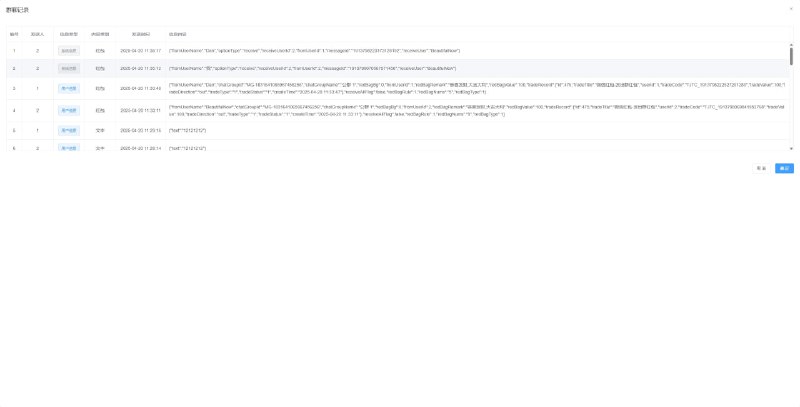
– Issuing and recalling room tickets and gold coins, with operation logs
– A player data dashboard with real-time refresh of online counts and room status
– Game announcement configuration with rich-text support
– Tiered permissions, so admin sub-accounts can be granted access by module
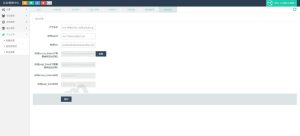
One small pitfall: change the default admin password immediately, and swap out the database table prefix in the config file too — the default one is far too common.
Deployment Essentials — Follow These and Avoid Detours
Environment Requirements
PHP 7.4 + MySQL 5.7 + Redis. Run the WebSocket service under a Supervisor daemon, otherwise the service dies the moment your SSH session drops. On my first pass I forgot to configure Supervisor — the service went down overnight and I had no idea until I checked the logs the next day.
Configurations You Must Change
1. Database connection details live in the config directory — update them one by one, and don’t miss the Redis settings
2. The WebSocket port defaults to 9501; if other Swoole projects are running on the server, make sure the ports don’t clash
3. Set up the rewrite rules according to the documentation, or the front-end routes will 404
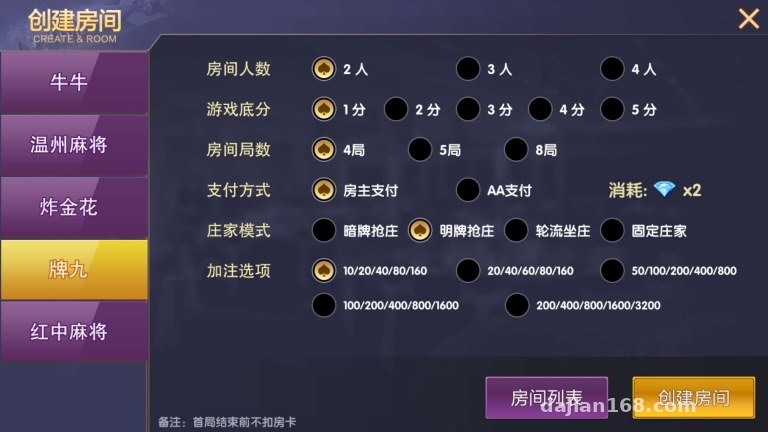
Highlight: The alliance demo mode in this source code supports custom room ticket denominations and room parameters, so when building demo environments of different scales you don’t need to repeatedly modify code — just configure it in the back end. Customization costs are very low.
Room for Secondary Development
The code structure is reasonably well layered, with controllers, models, and service layers clearly separated. I tried adding a new card simulation module by copying the skeleton of an existing module and modifying the logic — it was up and running within half a day. The front end is an H5 multi-device adaptation, so it works fine in mobile browsers, and if you want an APP you can just wrap it in a shell.
As for localization, the source code ships with Chinese and English language packs. For other languages you’ll need to add your own translation files — the structure is standard key-value pairs, so the workload isn’t heavy.
Who Is This For
– Developers who want to study H5 real-time multiplayer architecture for board games
– Teams that need to build product demos for clients — the alliance demo mode is ready to use out of the box
– Intermediate learners studying WebSocket + PHP real-time communication
I wouldn’t recommend it for complete beginners — you should at least know basic Linux operations and PHP project deployment, otherwise just setting up the environment will be a struggle.
FAQ
Q: What’s the minimum server configuration?
A: 2 cores, 4GB RAM, and 5M bandwidth is enough for a demo environment. If you expect more than 200 concurrent users, upgrade to 4 cores and 8GB, and deploy Redis on its own.
Q: Can room tickets and gold coins be exchanged for each other?
A: By default they are not interchangeable and are settled independently. There’s an exchange toggle in the back end, but for a demo environment I recommend keeping them isolated so the data stays clean.
Q: Does the source code support UI customization?
A: Yes. The front end is a standard H5 project with centrally managed style files, so changing the theme color and homepage layout is fairly easy, and swapping animation assets is convenient too.
Q: Rooms won’t open after deployment — what should I do?
A: Nine times out of ten the WebSocket isn’t running or the port isn’t open. Check the security group and Supervisor status first, then verify that the front-end connection URL points to the correct domain.
Disclaimer: This article is for technical education only. The system is intended solely for lawful technical learning and product demonstration. Users must comply with applicable laws and regulations, and any unlawful use is prohibited.
Disclaimer: This article is for technical education and demonstration only. It is not professional or financial advice. Any real-world deployment must comply with applicable laws and regulations.
#Source Code Setup #Deployment Notes #Board Game Simulation #H5 Games #PHP Development
-
 Alipay QR Code Scan
-
 WeChat Scan Pay